
Screenshots and major bug fixes
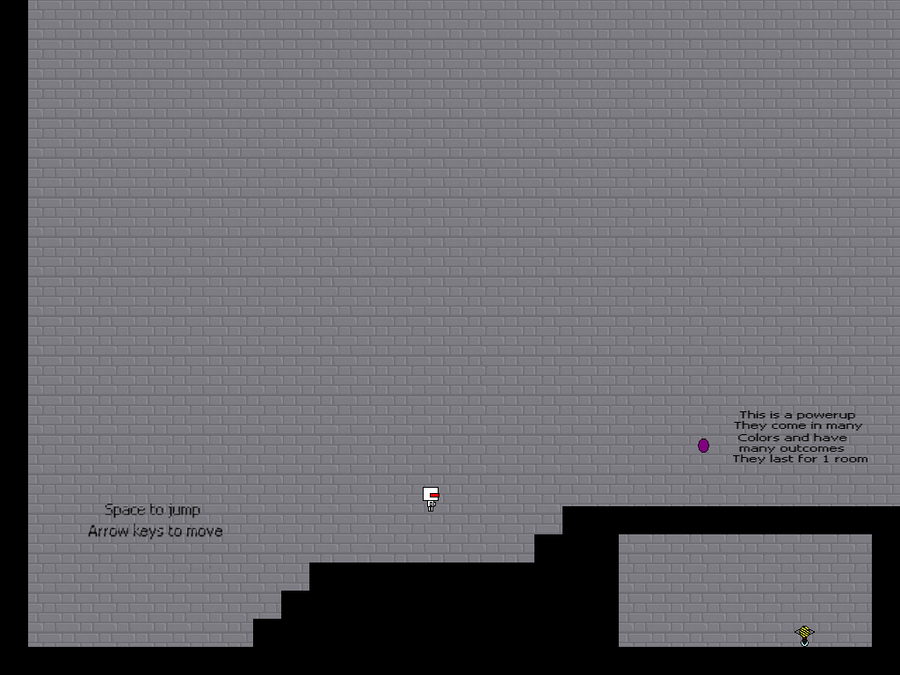
Yes that’s right you can now take screenshots in game
All you have to do is press the “Q” key on your keyboard
the screen shots will be saved in,
C:\Documents and Settings\User\Application Data\OneSitting\Screeens
Screenshots and major bug fixes
Yes that’s right you can now take screenshots in game
All you have to do is press the “Q” key on your keyboard
the screen shots will be saved in,
C:\Documents and Settings\User\Application Data\OneSitting\Screeens
Showing the screenshot function
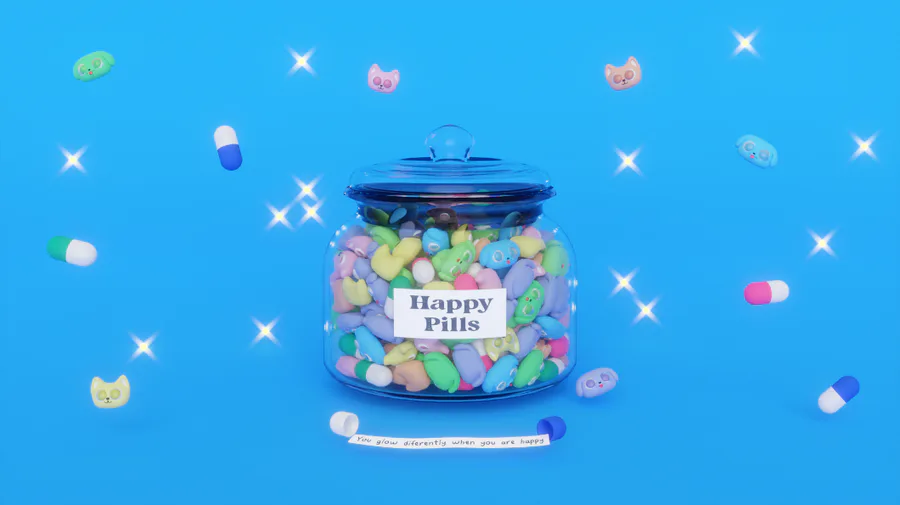
Smile! Here, take some happy pills! ✨💊 #Blender #3DModelling #3DArt Buy me a Ko-fi: https://ko-fi.com/barbarafb_
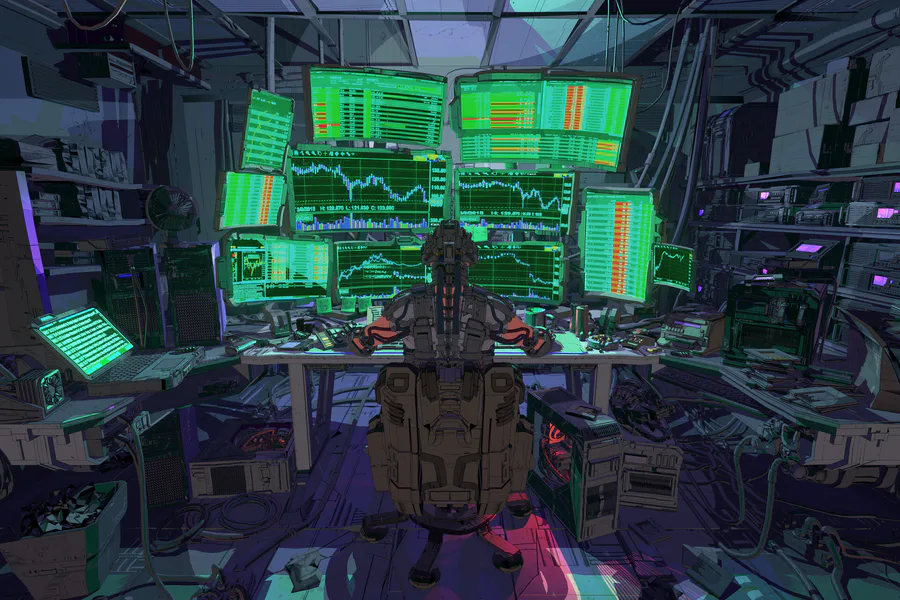
Check out this scifi scene by Jason Kwak!
https://www.artstation.com/artwork/681R05
#3dart #npbr #scifi #cyberpunk #environment #office #computers
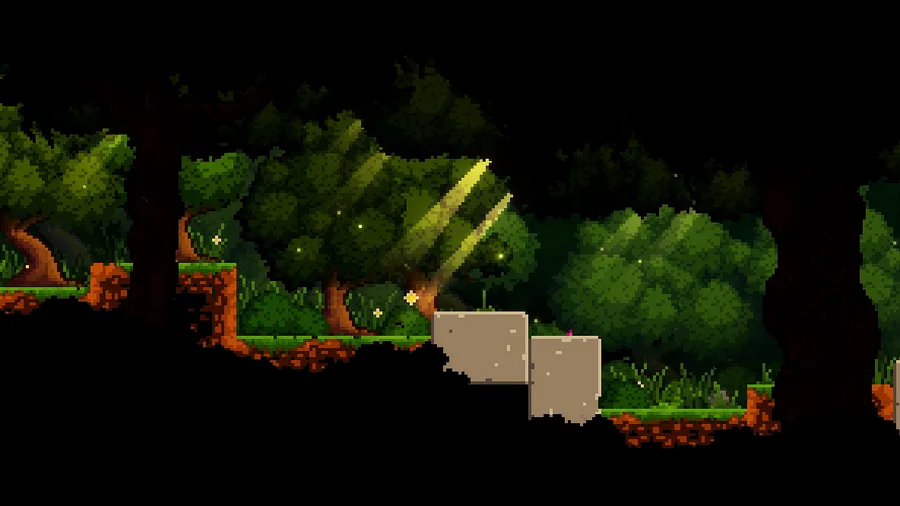
Here's a peaceful little forest scene for this #screenshotsaturday, from the beginning of the game.
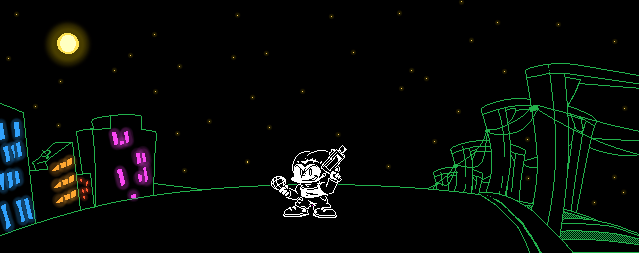
Just a Pico sprite
A Shiny Mega Gengar 🌟 For @ManutkArt 
 's #ThreeColorsChallenge!
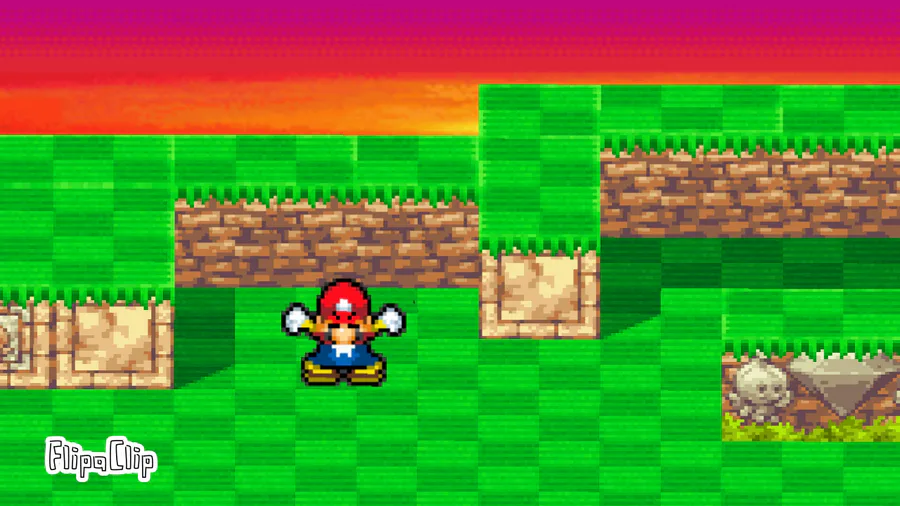
Animation test. Not an actaul conclusion to who wins sonic vs Mario. Just a test animation combo.
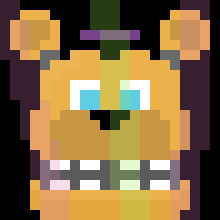
Here's a Fredbear sprite i made in Aseprite! I'm pretty proud of this!
(Btw, sorry for the double post! I'll try to post less)
ooh yes..









0 comments