

Here's a link to the playthrough for Pirate Jack.
https://www.youtube.com/playlist?list=PLsv-hvMkxurFWXd2-3ZHukuIjkHIO6Ouo
Now don't go telling everyone I didn't do anything for you.
Here's a link to the playthrough for Pirate Jack.
https://www.youtube.com/playlist?list=PLsv-hvMkxurFWXd2-3ZHukuIjkHIO6Ouo
Now don't go telling everyone I didn't do anything for you.
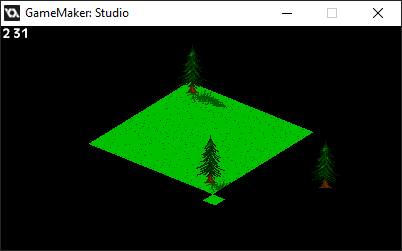
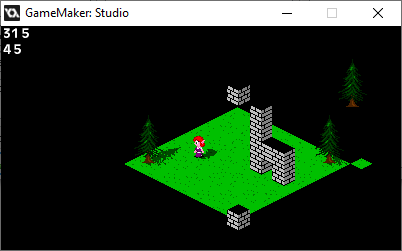
Okay, so I'm doing something either crafty or questionable: drawing the objects with Draw GUI.
It works, doesn't it?
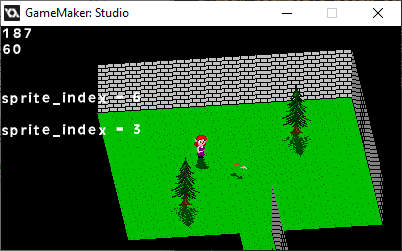
On the plus side, the tile layer ISN'T overlapping, and Draw draws objects.
On the other hand, NOW the tile layer lags during camera movement.
I guess I'd better let everything else lag for consistency (somehow), or fix the lag.
The floor's movement, being a view drawn onto a surface, is still one frame behind.
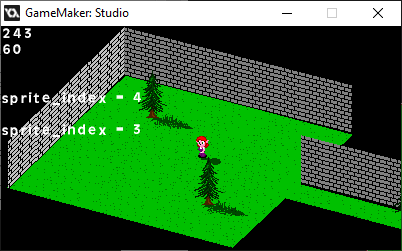
However, I figured it's more efficient to draw walls separately than to use blocks for indoor segments. They can stretch and keep doing the depth math accurately.
...huh.
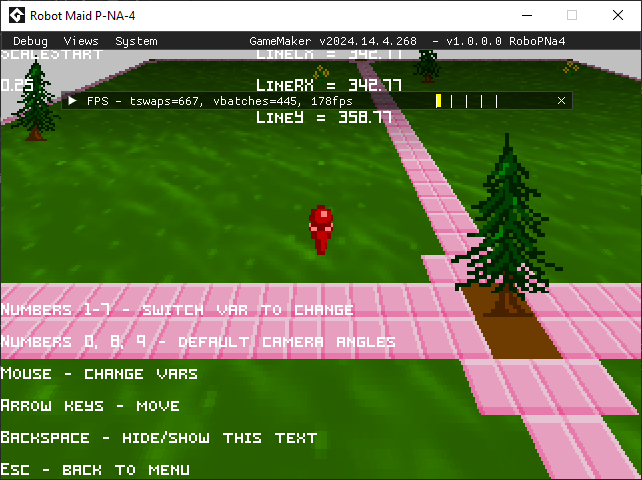
Didn't realize that debug mode was different on that version of Game Maker. Also shows WAY too much for players to use.
You can also click and drag some of those elements.
It took a while, but I got rotating flat sprites going.
Technically, it's a polygon, but it works.
If I were to do sprite-stacking, I have a basis, but my primary use for this is rotating attack animations.
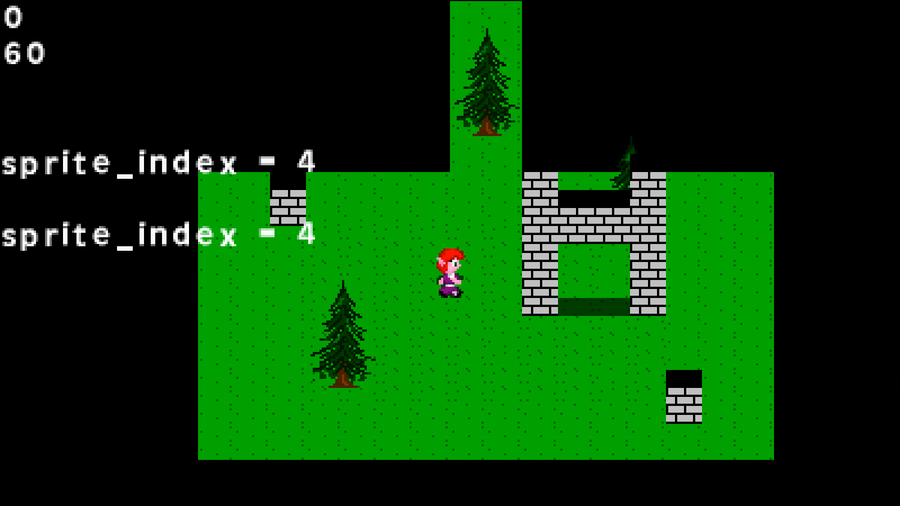
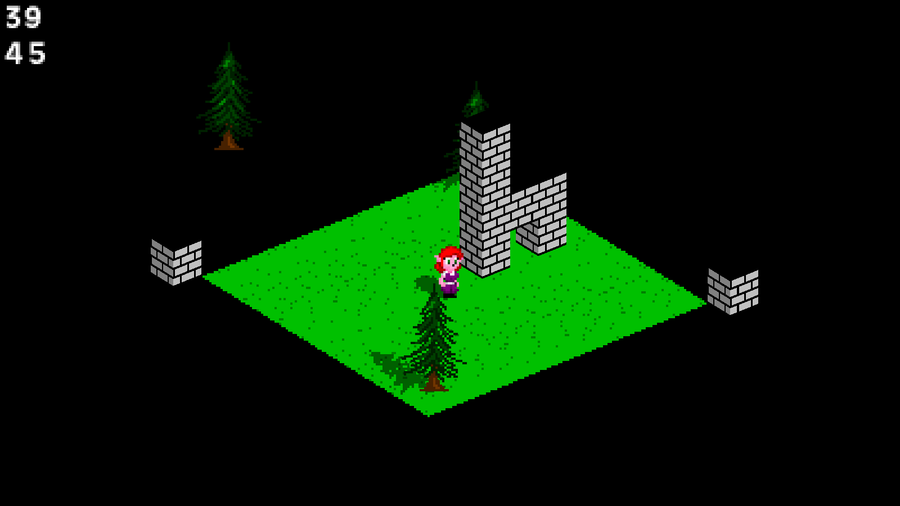
Here. Just to give you an idea as to what I'm going for.
The character and GFX are temporary, but they help me realize what I want to do with the engine.
For some reason, I wanted to experiment with a different thumbnail.
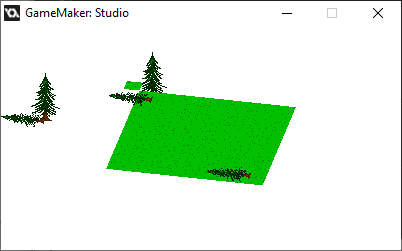
On one hand, I'm getting there. On another hand, "No, I'm not."
Then again, I probably forgot something important about layering the old-fashioned way, and something about using a view as a texture.
Dang it. I got the math right.
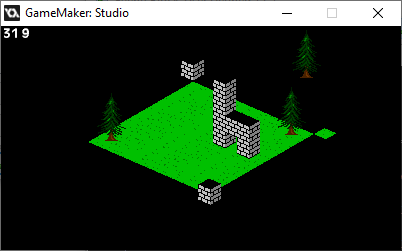
The real trick now is to optimize it. It's easier to do since it's technically all 2D.
The character and movement tests are going well, but...
OH. THAT's what Draw GUI does. It's not crunchy.
Then again, I thought that drawing a view to a surface would work the way I expected, but it ain't.

0 comments