Game
Insomniac Unicorn's Dream
12 years ago

Added Mouse Movement Controls


For those who prefer mouse controls, you can now steer the unicorn by holding down the left mouse button and dragging. The unicorn will follow your cursor.

The existing movement keys will continue to work as well. (Left/Right button or A/D buttons). They are better suited for advanced players who can take advantage of the versatility of the controls.

0 comments

Loading...

Next up

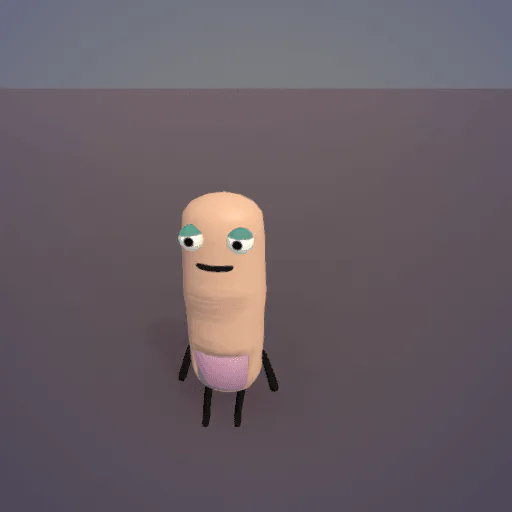
Just started on this jam today. Made a happy little anthropomorphic finger character, ready to do some typing.

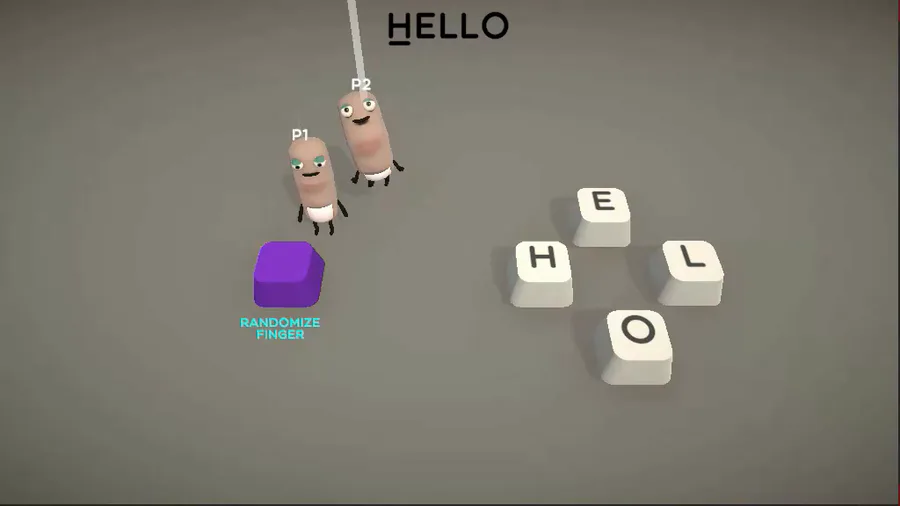
Here's how to type words with fingers. Now I can start making the real levels. There will be buzzsaws and lava floors.

Couch co-op for up to 10 players, who all control anthropomorphic fingers. Step on the special button to randomize the appearance of the finger and distinguish it from the other fingers.

So

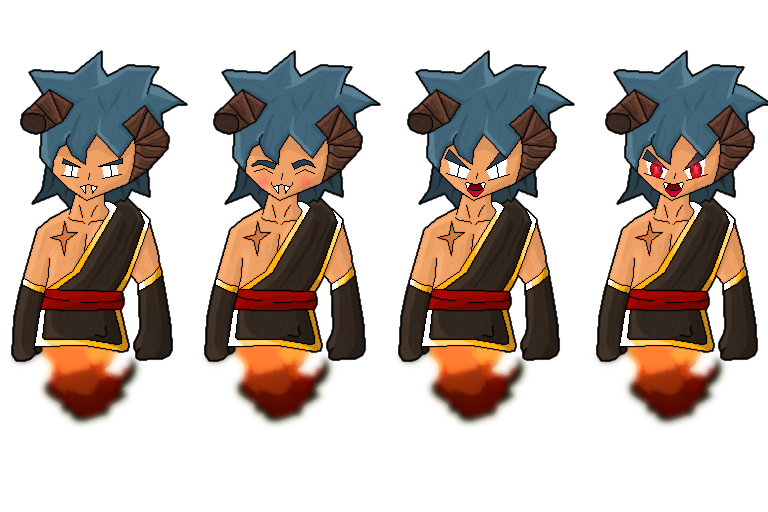
i may or may not make an full art of some person or i may just leave this like that-

Here's a peaceful little forest scene for this #screenshotsaturday, from the beginning of the game.

🍒Did you like the game? A demo is available for free on Steam.

✌️ Thanks for playing IndieGameiacs!

⚙️ Free Demo: http://bit.ly/UniDuni

📺 Full Video: https://youtu.be/5qEbVXg7GaQ

#steam #uniduni #clops #screenshotsaturday

So here's the first of the zodiac signs i will make for the next weeks.

Shuiro Haname. #Commission

Commission for @ShuHaname

Alone Together....

I mostly build 3D First Person Shooter game mechanics in Unity, and in this I'm just showing C4 mechanics I made for a little side project I am working on! :)