
Alright, it’s been awhile since I posted a Devlog and for a pretty good reason.
The Good News
I’m now working on the interaction mechanics! Whoo! The interaction aspect of things are abit, one could say, odd for a 2D game unless the game is a click and point game. In which this game is obviously not a point and click game.
The interaction is, you guessed it, mouse clicking stuff. That’s why the movement controls are A to go left and D to go right instead of the traditional Arrow keys.
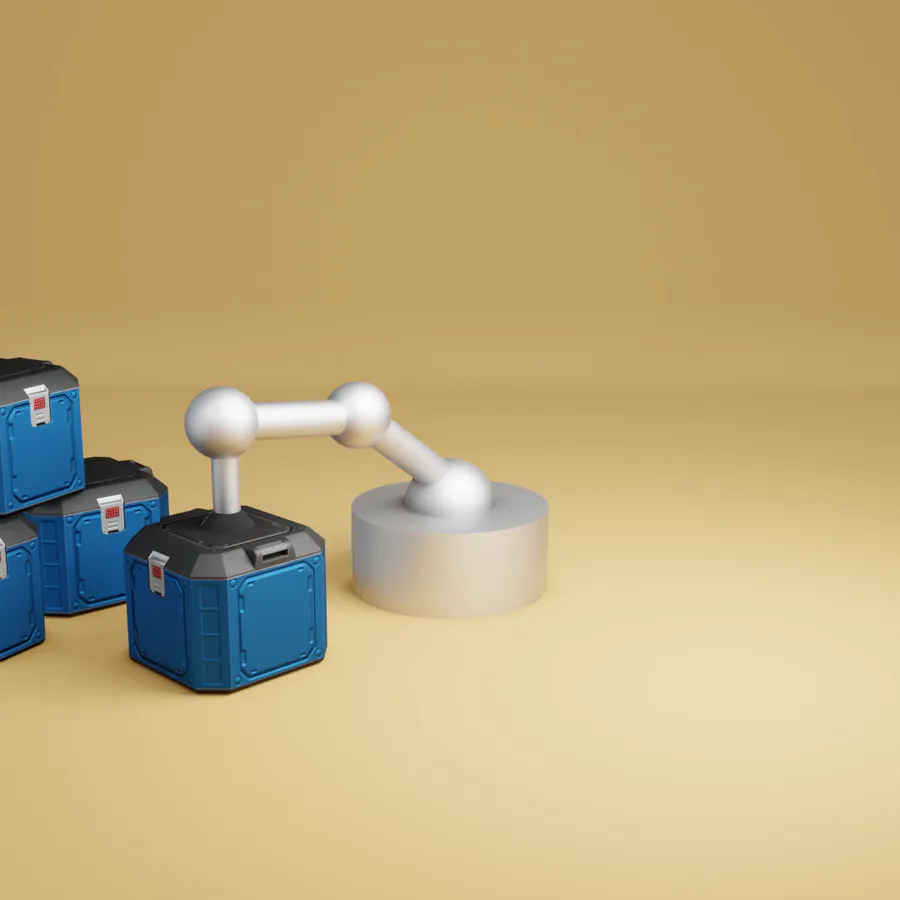
The way I’ll be testing this at the moment is by having you, the player(or in the words of the game’s lore, ” USER”), having the ability to drag a rigid-body box with the POWER OF CLICK AND DRAG.
Now the click and drag part of things works, when the mouse is being left clicked the box follows the mouse as long as the left mouse button is being pressed, like it should be.
Here’s the catch: “it will follow the mouse as long as the mouse is being left clicked” meaning that if you just click empty space, the box will teleport where the mouse cursor is located on the game’s window and follow it. This is a problem because since I’m planning this to be a form of interaction with the things in the game(draggable objects, interactable objects, npc conversations and interactions, UI, fighting mechanics, etc.) and if I, or just anyone who’s playing this game will have this mess of information and lag and chaos within the game.
That’s why it’s important when doing any form of coding you make sure that is specific to every single detail.
At least I figured out a solution to this and that is to have the interactables to be checking if the mouse is hovering over them so that once the mouse is being left clicked, the mouse will be interacting with the intractable that is being hovered.
The problem with that is that I have no idea of how to get the object to check for such thing so I thought that if a small, invisible object that follows the mouse infinitely entering an area, the interactable object will register, “Oh! The mouse is hovering me!” so that I can fix the mouse-hovering problem.
The problem with that is that I have no idea of how to get an object to check for an object(in the engine they’re called nodes btw) that isn’t a parent of.

Meaning that I’ll be waiting for the perfect answer to my question on the Godot QA site where I ask all of my questions and look for videos explaining this stuff(The docs aren’t fitting for me because it just gives you a bunch of stuff you can do and not actually explain anything).
The Bad News
Sadly, I haven’t figured out how to get the game to be exported for Mac and Linux OSs yet but that’s because I’m figuring out a mechanic that at the moment works half way. Sorry ‘bout that
; ^ ;

Yeah
At least it’s at the end of the school year so I have the summer to figure this out. Just one more week of school and then it’s SUMMER MOTHERF!CKERS!
And, as always,
Sayonara!












0 comments