5 months ago

Does anyone know how to do this?


I'm crowdsourcing this because I have tried everything I can think of and just cannot get it to work smoothly.

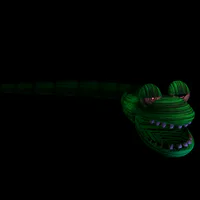
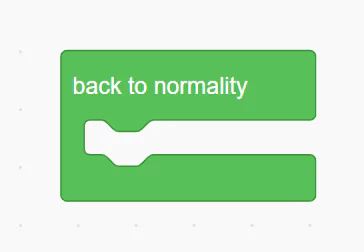
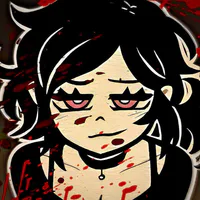
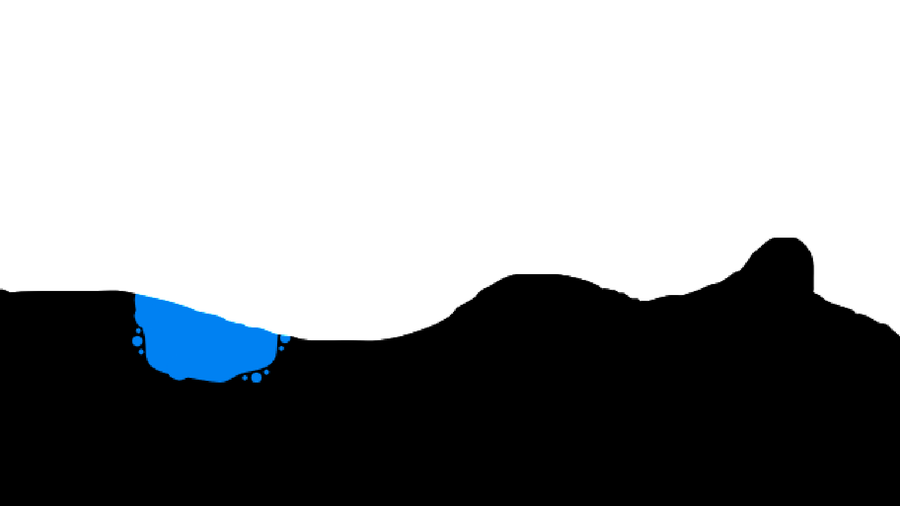
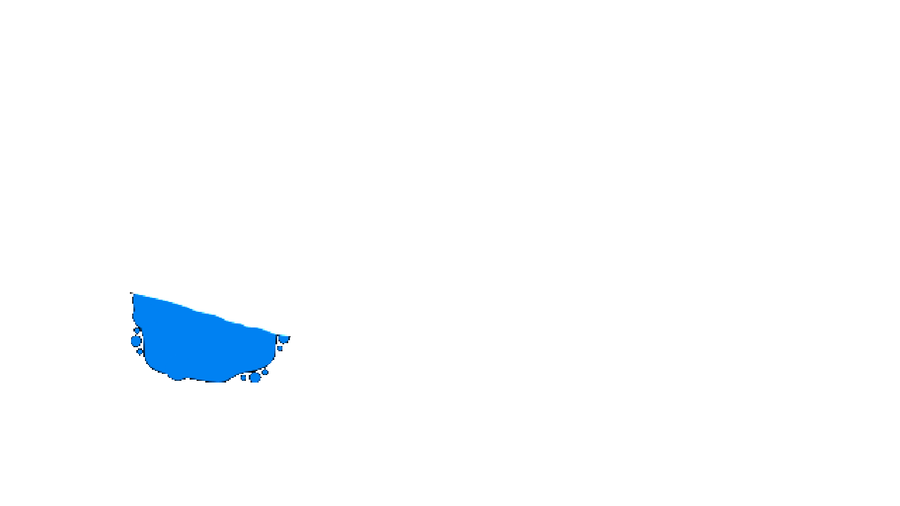
I need to be able to take a splat (Image 1) and mask it over a monochrome surface. The colour doesn't matter, just makes it easier if it's black.

I need it to be able to stamp the result so that the pen layer is just the result of that mask, with the rest of the sprite as removed (it doesn't show up at all when you change the backdrop).

The splats need to be able to overlap eachother without distorting one another.

Reach out if you have any questions. The process doesn't necessarily matter, it's the result that I care about.


1 comment

Loading...

Next up

A minor update has been released for Unsandboxed.

Full changelog is in the article.

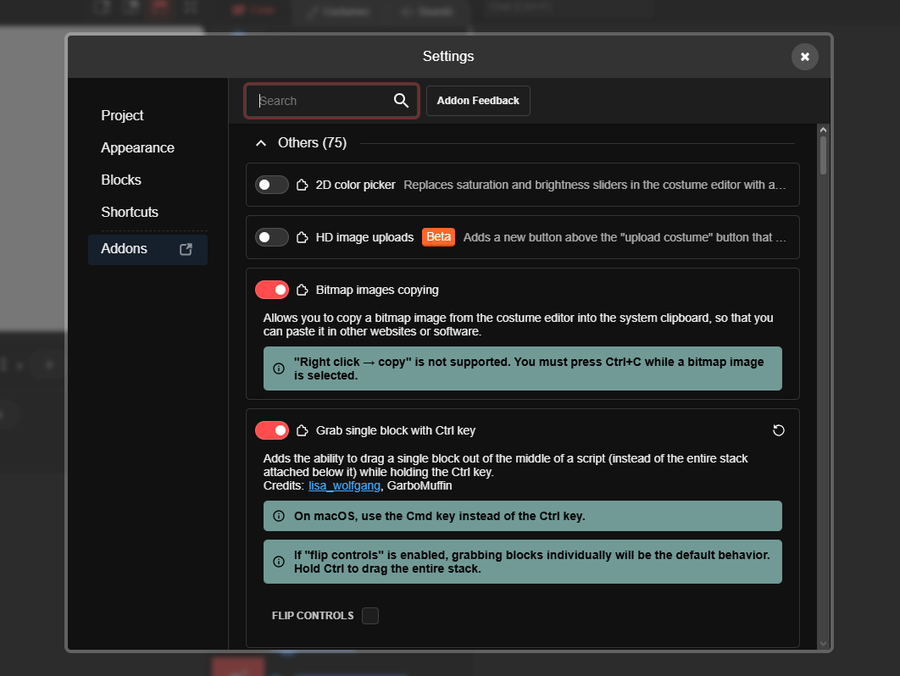
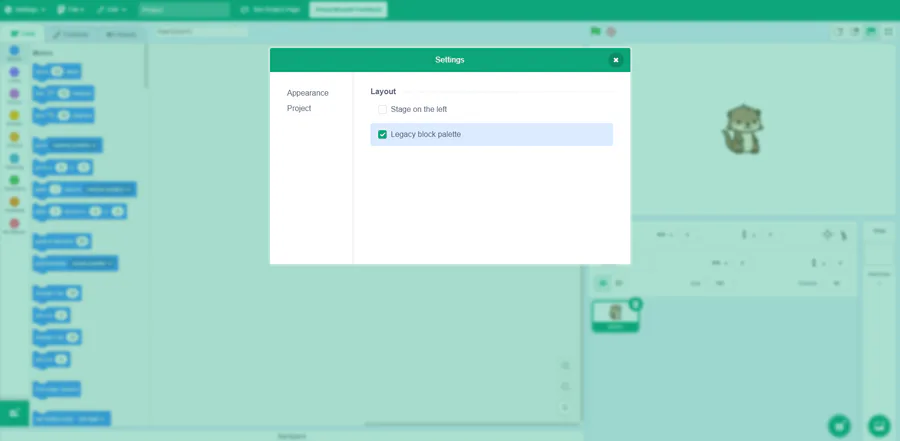
A "bug report" I received today reminded me that I had a plan a while ago that adding an internal settings menu makes a lot easier to add.

Welcome back, old friend.

I know I am just delaying the inevitable, cry about it

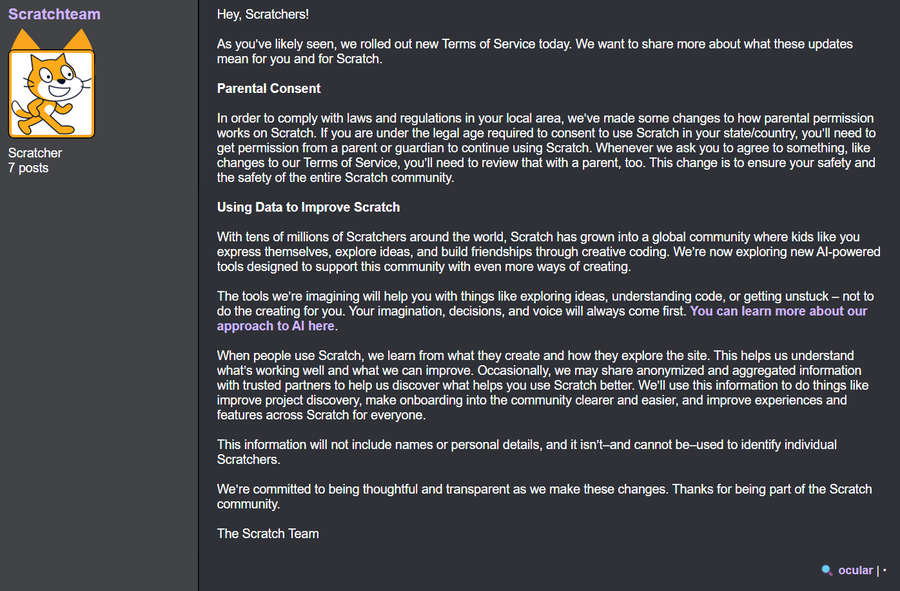
The Scratch Team has just recently updated their Terms of Service yesterday, letting you know they now have full permission to use your content to train AI models.

OUUUGHHHH I MGONNA BROWNNNNNN

ok i FINALLY finished dropsane teto

i think i still got it

Here's a KD ratio for the pseudo-spork renderer changes I just pushed.

A lot of this was just moving all of the constants and paths used by the renderer into a separate file.

Non-deprecated "addons" will be contained within the same menu as the other settings.

Reminder that some addons will be removed as they are reworked to be built-in additions to Unsandboxed.

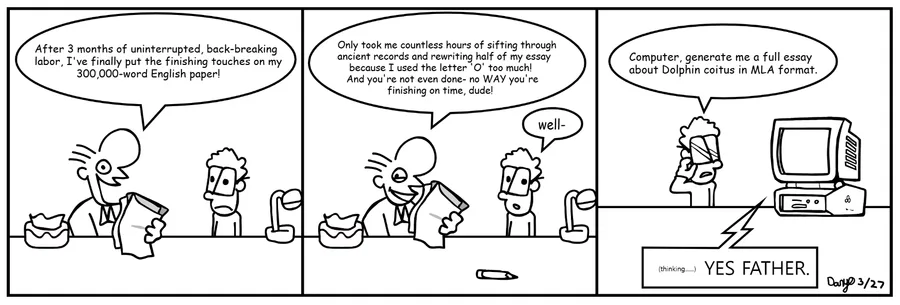
Jarvis, write a full essay in MLA-8 format indented to the left please

A patch was released for Unsandboxed.

Full changelog is in the article.