Game
DRTS
8 years ago

DRTS May Update - Touch Screen Support And Sound Effects


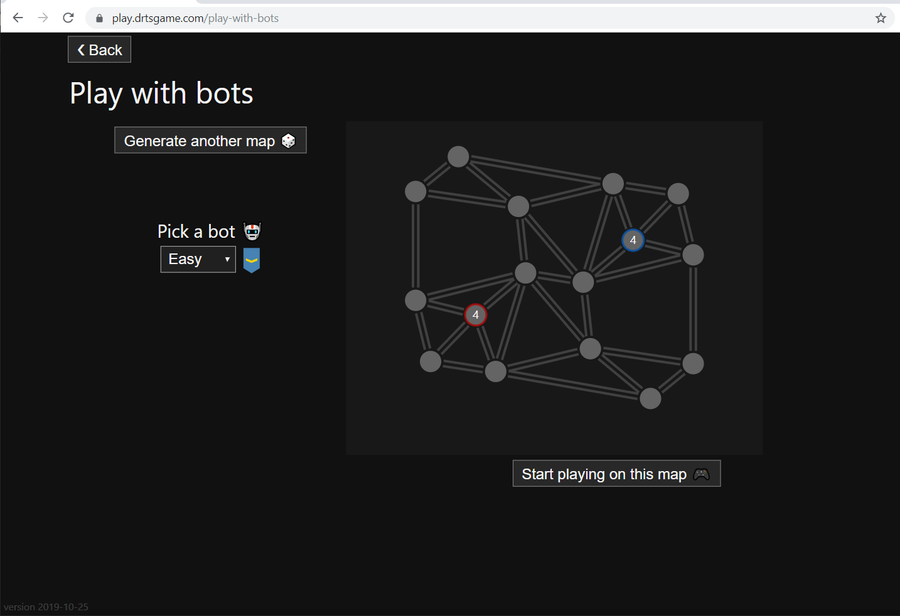
This update of DRTS brings several improvements to the in-game interface.

Simpler Controls And Touch Screen Support

Controlling the game using a mouse does not anymore require using different mouse buttons. You can select and send units, and scroll the camera using any mouse button. As before, zooming works with the mouse wheel and keyboard.
This update introduces support for touchscreens. You can zoom in and out using two fingers.

Sound Effects

I added sound effects to help keep track of in-game events. You can hear, for example, when you captured a node or a unit is defeated.

Rendering

To avoid choppy movements on the screen, I made some improvements to rendering. The units locations are animated using client-side prediction and easing. Easing is also applied to camera movements.
0 comments

Loading...

Next up

Todays release brings leaderboards and many UI improvements.

So

i may or may not make an full art of some person or i may just leave this like that-

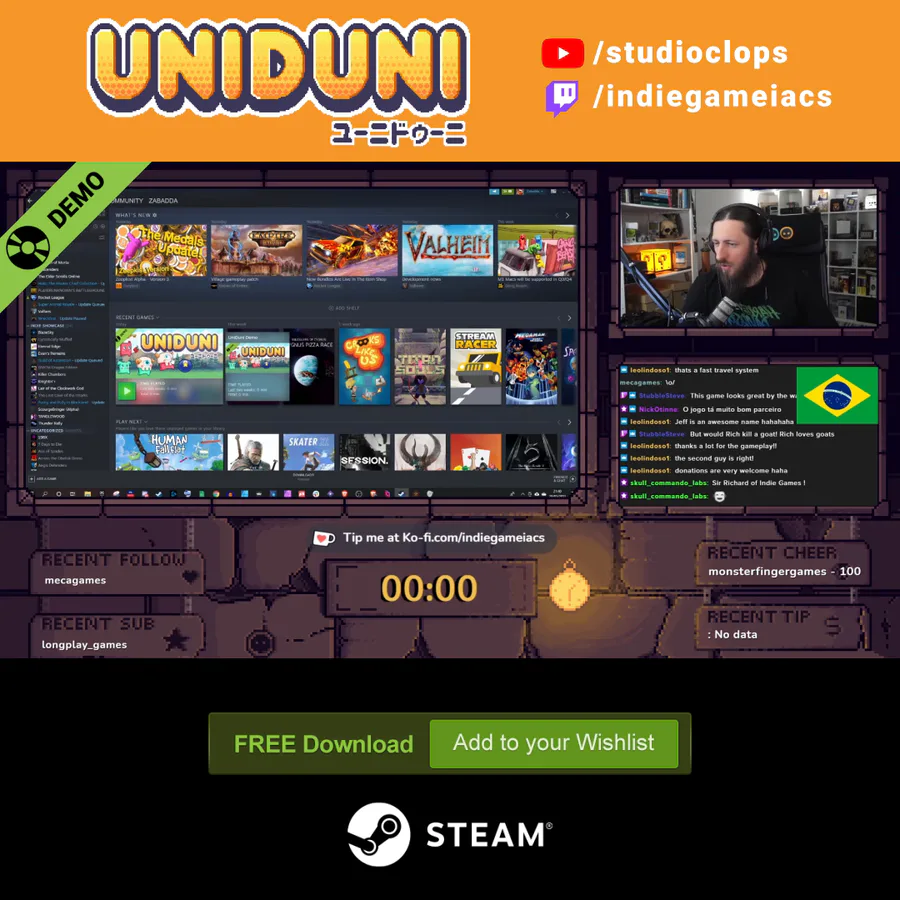
🍒Did you like the game? A demo is available for free on Steam.

✌️ Thanks for playing IndieGameiacs!

⚙️ Free Demo: http://bit.ly/UniDuni

📺 Full Video: https://youtu.be/5qEbVXg7GaQ

#steam #uniduni #clops #screenshotsaturday

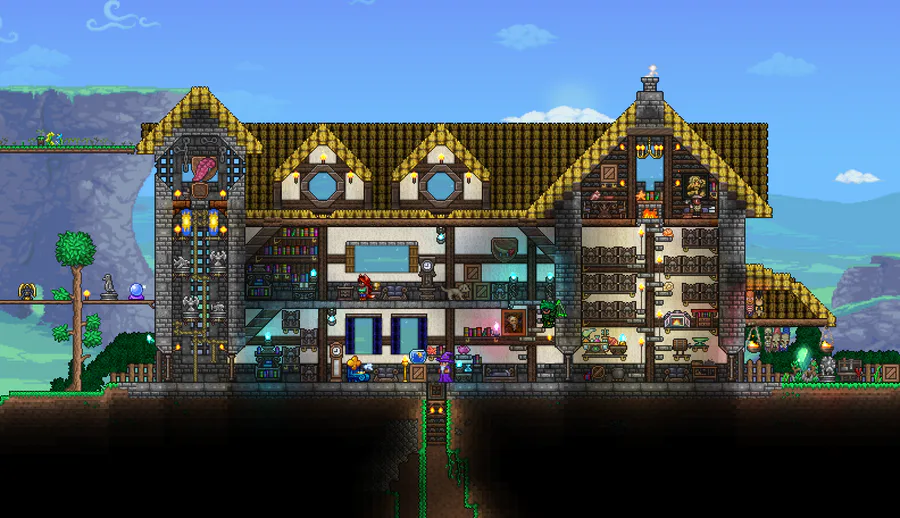
Another house i made long time ago.

Heya! I wanted to show some gameplay progress i made so far. I hope you like it ^^

In the quest for accessibility, I'm adding Resurrection Shrines for players on the 'novice' end of the platforming spectrum.

In order to unlock the power of a Shrine, you must collect 3 'Souls' from your dead corpses! (the floating blue orbs)

Showing off player 2 😎

What do you think?

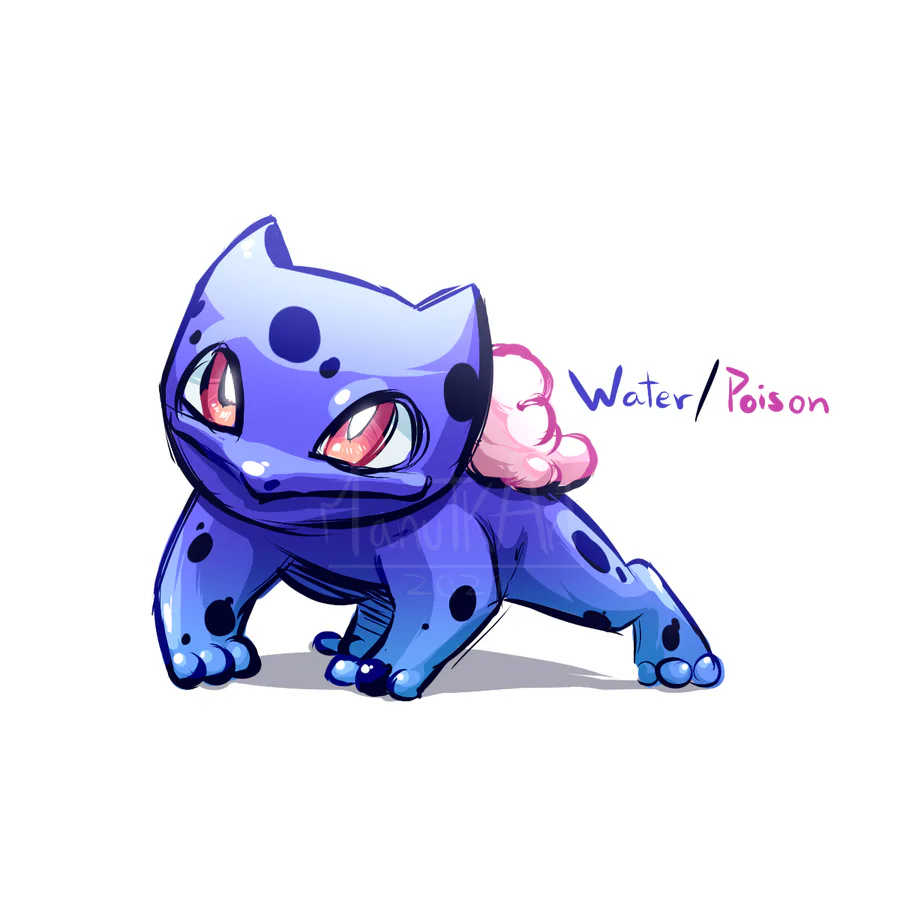
Regional Bulbasaur. #Pokemon

What Are You Doing In My Swamp!?

Now spruce forest monsters can vomit forest shields, but Brutal Castle will not stop!

#gamedev #pixelart #indie