

the red button at the bottom left is to put the cameras up and down
the blue bar at the bottom shows the cam name
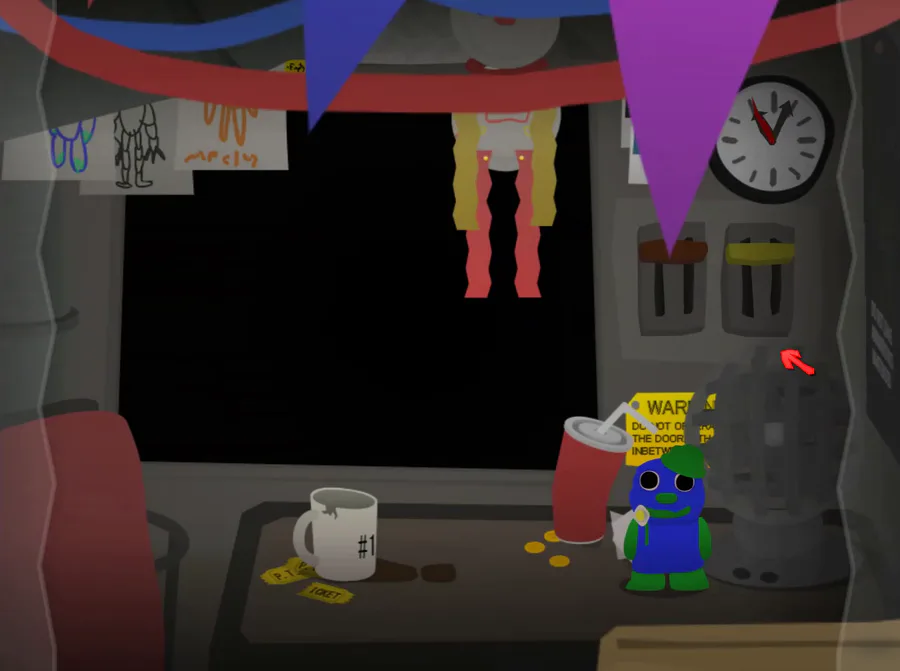
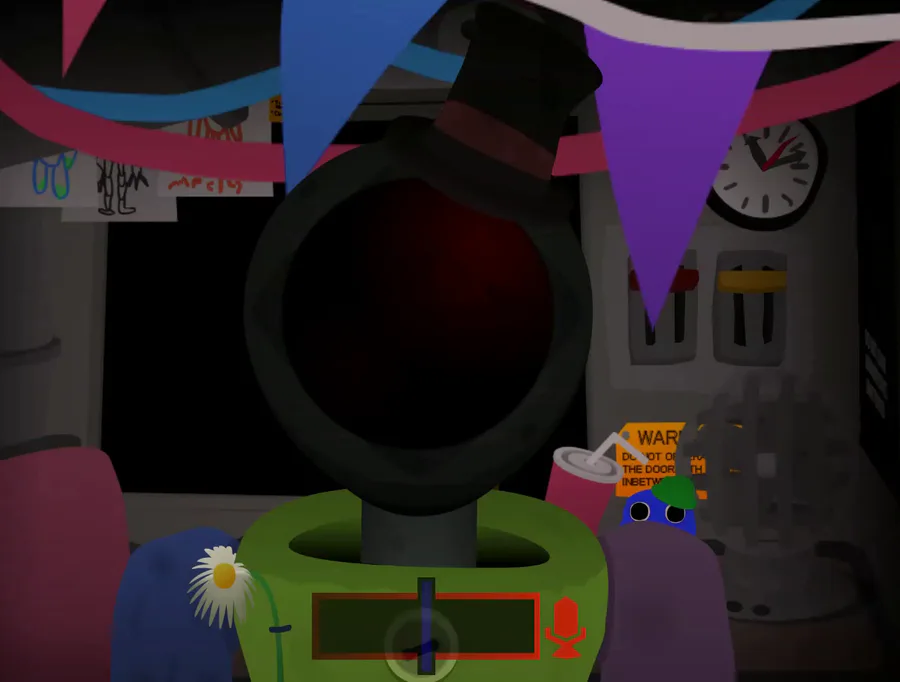
the paper to the left of the fuse box is the map
the left and right arrows are to go to the previous and next cams
the double left and right arrows are to skip 2 cams forward and back
the long arrows on the far left and far right of the screen are to move the camera around/to look around
the top right buttons are the essential options. the eye one is used to hide the UI, the arrow is used to reset the connection, which you can view above, and the fire one is used to get rid of methane leaks in the building by flushing them out.
the top left buttons are the auxillary options, extra things to use as a luxury. the moon one is used as night vision for when the building lights go out, or in dark spots, the HD button improves the camera quality, the leaf-plant button is an energy saver, uses a third of the energy used by lights, doors, vent snares, the auxillary systems and the cameras. the alarm one makes a beeping noise if someone is near your door. all of the auxillary options aren't necessary to beat the night, but are helpful. they all use one power source (the gear one). the more auxillary options you have on, the more power gets used. the essential options do not use power.
not a lot to keep track of.














4 comments