Game
Deltarune Yellow
1 day ago

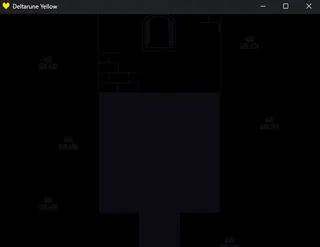
Fixing the rendering issues (read the article)


The rendering issues seem to be driver issues.

Download the drivers from the gpu manufacturers website. And then install it. (windows update can give gpu updates but that may not fix the rendering issues. If it doesnt fix it then use the download from the gpu manfacturer website method)

For example, this is the nvida website for nvida gpus.

https://www.nvidia.com/en-us/drivers/details/241091/

(intel and other gpu manufacturers have different drivers and websites)

tell me if the problems are fixed


2 comments

Loading...

Next up

So some of you have this issue where the battle doesn't load and instead gets stuck on this screen. If you have this issue, pls send me a friend request. I want to ask some specific info about it. Its very important

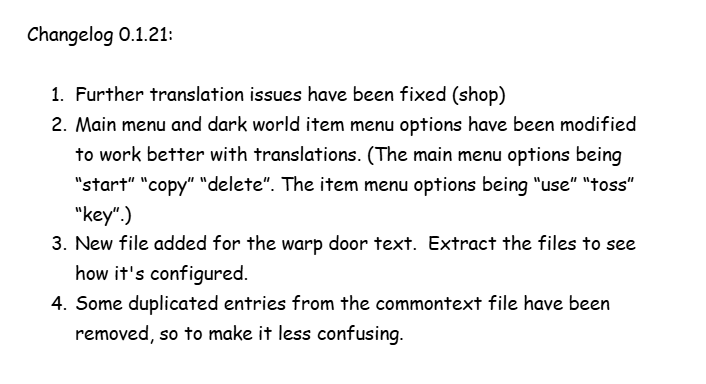
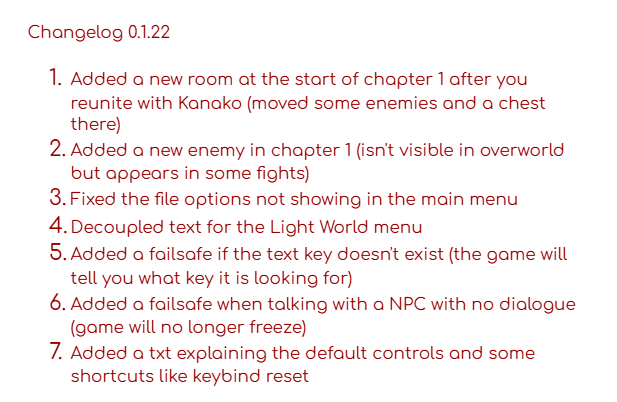
Deltarune Yellow update (0.1.22) has released. Check the image to see the changes.

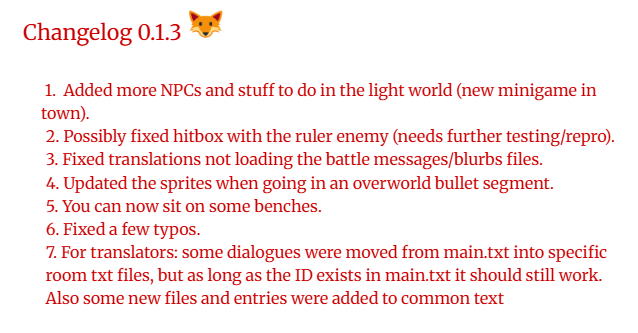
Deltarune yellow update (0.1.3) has released.

Check the image to see the changes.

Small update has released. Its a minor addition to the previous update:

Check the image to see the changes

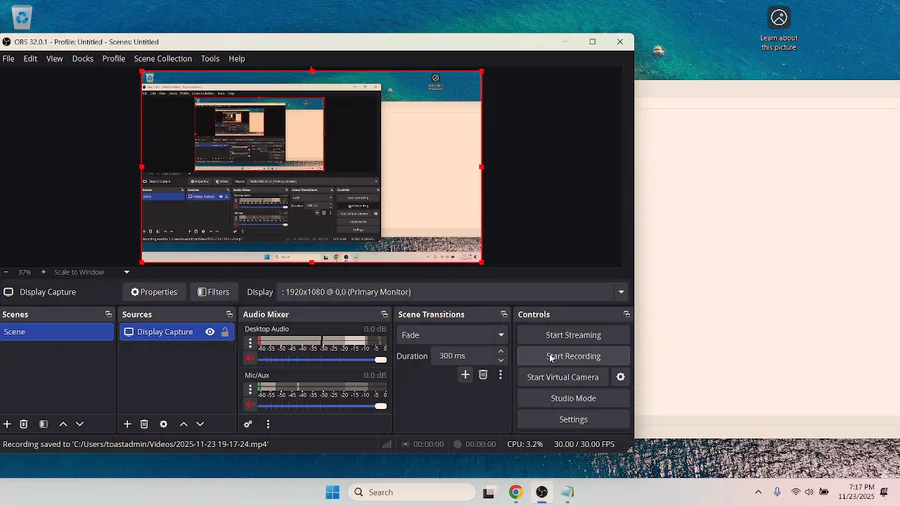
I made a post about the rendering issues before but I didnt upload a video on how to get the gpu info. If you have rendering issues, then watch this video. After that, post your gpu info, here

Deltarune Yellow Running animation

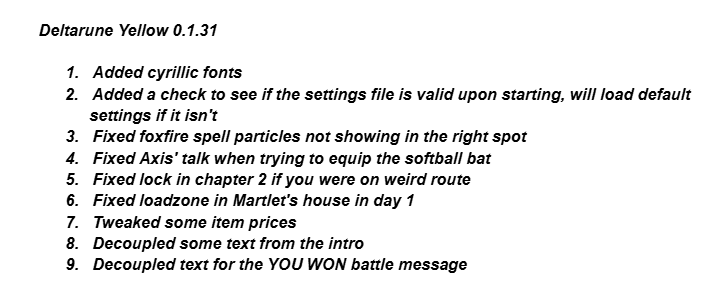
Deltarune yellow update 0.1.31

check the image to see the changes

Deltarune Yellow small update (0.1.2):

Check the image to see the changelog (changes)

(translating the game, probably works now)

changelog 0.1.50

https://gamejolt.com/p/deltarune-yellow-update-0-1-3-has-release…

I forgot to attach images and a video that show some of the added npcs and interactions.

here is the images

here is the video of the fish game:

https://www.youtube.com/watch?v=96n_oOYerq0

(also if you cant launch the game, send me a friend request)