Game
Segment
10 years ago

How to make your game look beautiful


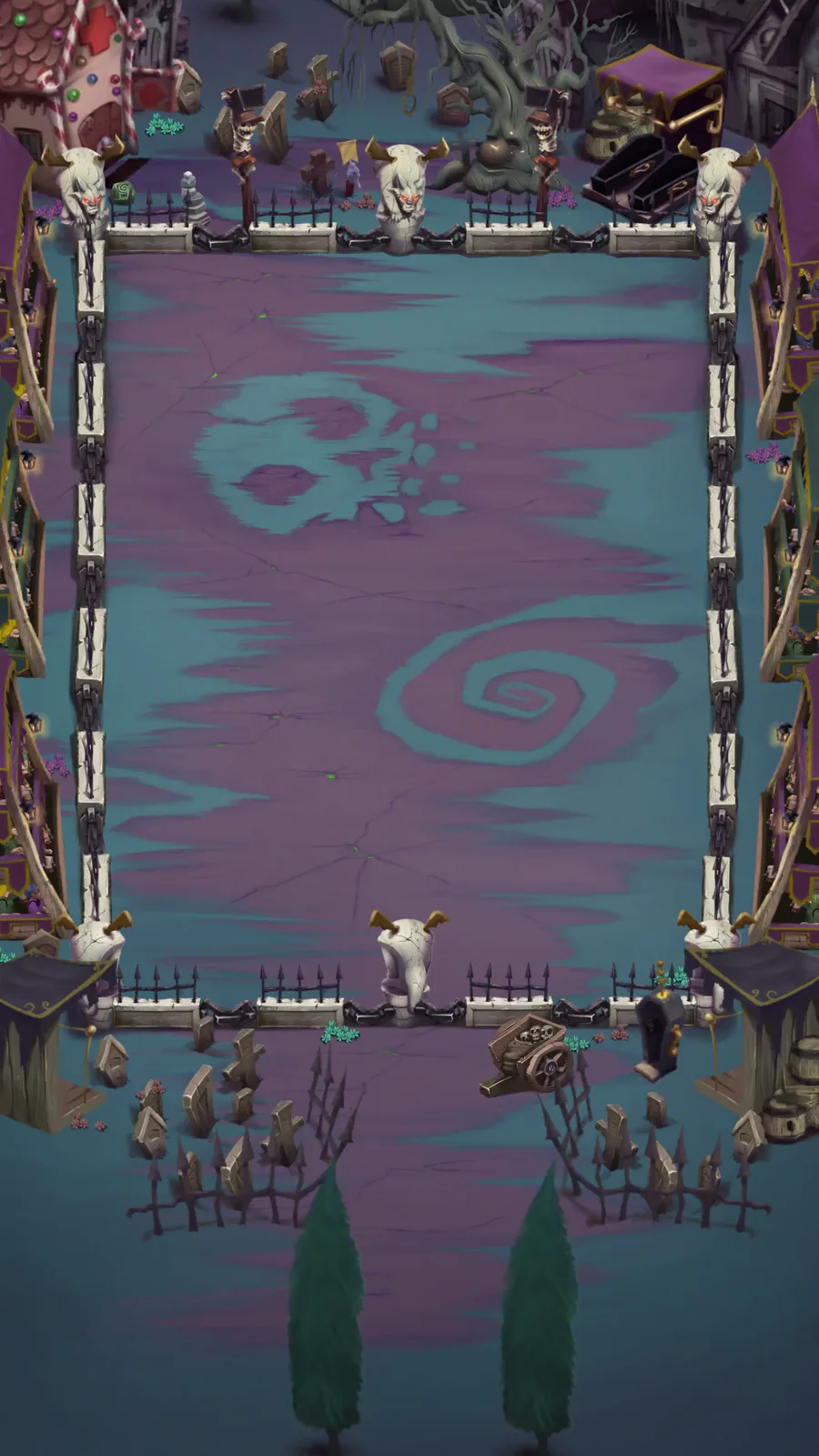
Step 1: Think of something new! A creative idea for either your gameplay or visual style and if both are unique, you’ll be half way there.

Step 2: Look and find current design trends, in Segment’s case we opted for the ever so popular isometric layout but there are many amazing styles to choose from. Look at Dribbble.com for inspiration ;)

Step 3: Create the designs through the only methods you know whether its pencil and paper, photoshop, Unity or any other methods as long as you have soemthing visual to take refernce from.

Step 4: Last but not least.. Pick the perfect colour palette, its easy to say and hard to do but Kuler.com has many ready made palettes to choose from if you get stuck.

Good luck

SEGMENT!!!!!!!



4 comments

Loading...

Next up

This Satuday we invite to watch another #speedpainting of our artist Daniel Faiad.

How great is this scene of #Pecaminosa?

#ScreenShotSaturday | #IndieDev | #DigitalArt

We are under attack!

Smile! Here, take some happy pills! ✨💊 #Blender #3DModelling #3DArt Buy me a Ko-fi: https://ko-fi.com/barbarafb_

"Thanks guys for endless hours of fun." 👍

(My first fan art. Read the article, please.)

#sonic #mario #photoshop

Sometimes the suction cup get sticky. Small animation I made in Blender after doing my tutorial on picking up/dropping objects in animations. Crate model by jQueary (https://sketchfab.com/3d-models/game-ready-sci-fi-crate-d98deca6…).

Hi everyone! I started to create some environment props for my new video game, here is a cozy house in the forest. I'm planning to switch from Unity to Unreal... Let's see what new challenges I have to face. Made in Blender and Substance Painter.

Levels' maps.

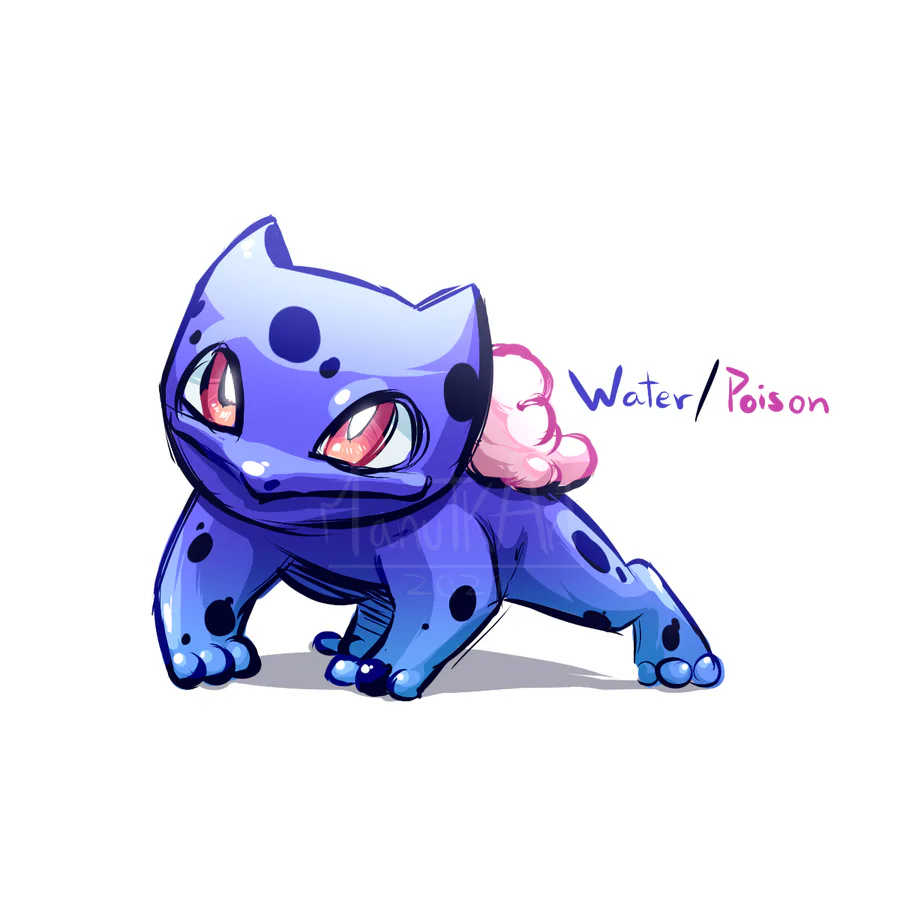
Regional Bulbasaur. #Pokemon

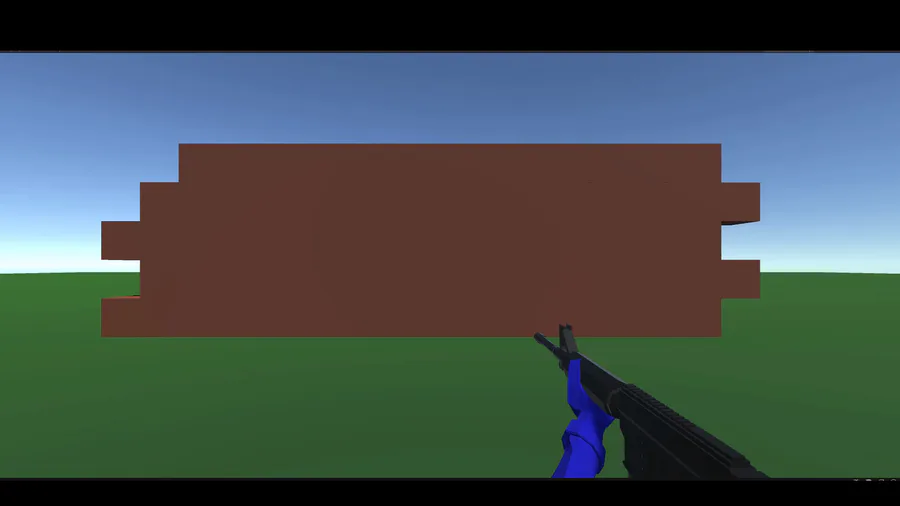
I mostly build 3D First Person Shooter game mechanics in Unity, and in this I'm just showing C4 mechanics I made for a little side project I am working on! :)