
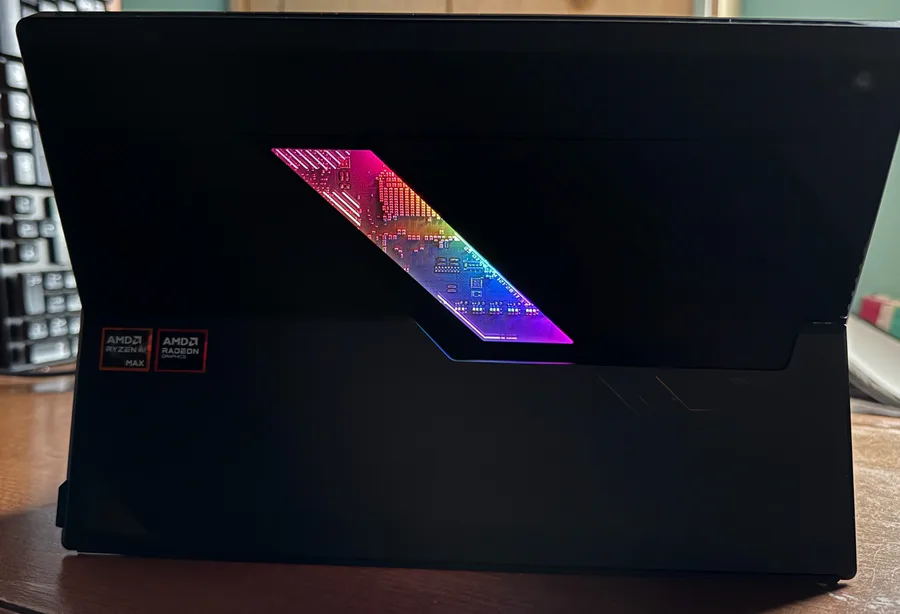
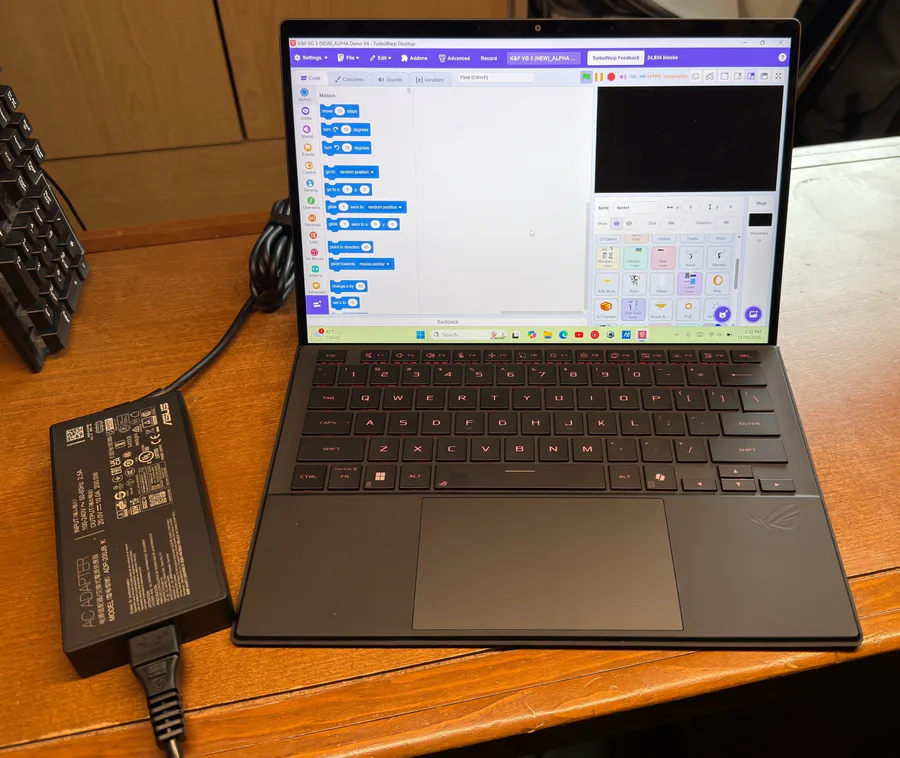
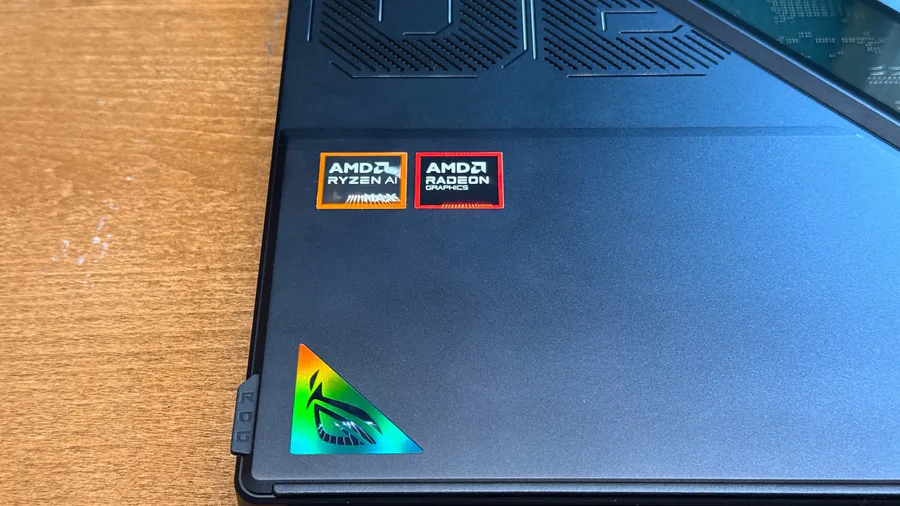
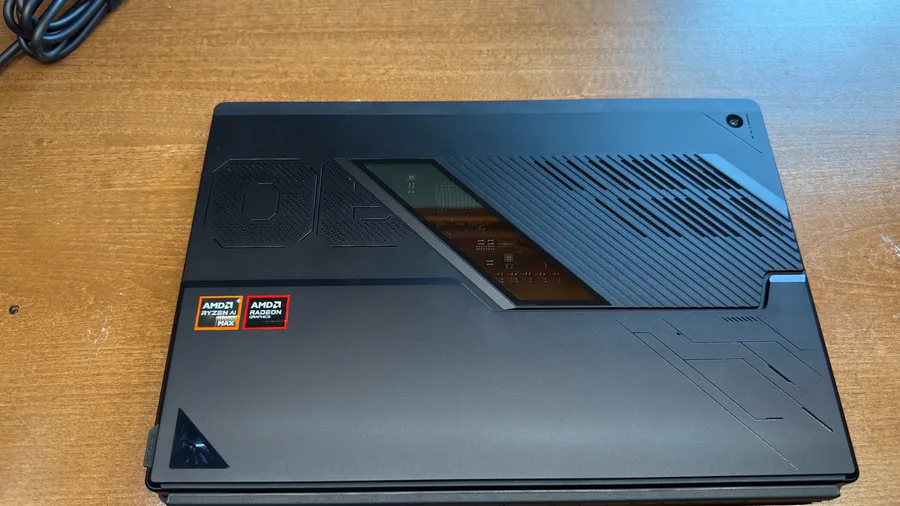
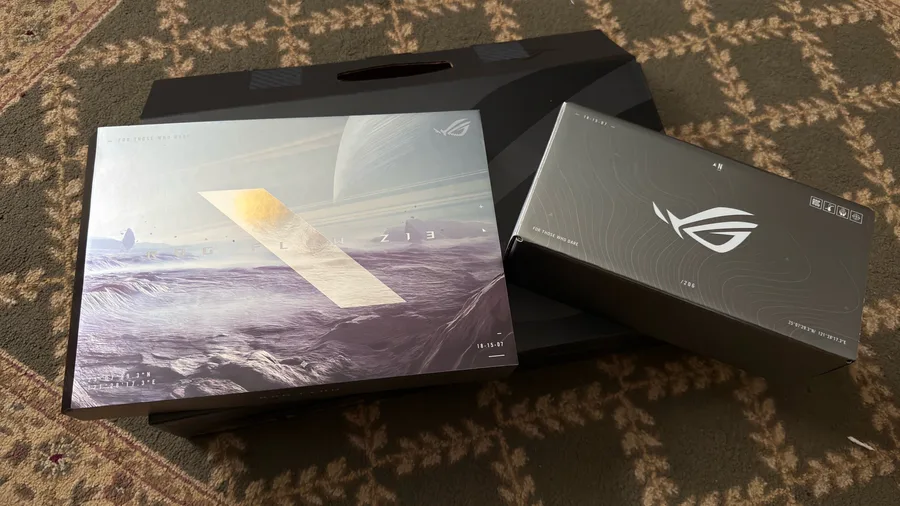
This one is a little smaller (13-inch), still a gaming PC, has a nice rainbow light waving all around the motherboard window, and it has a detachable keyboard, so it's basically a PC tablet. It's basically a gaming version of Surface Pro.
It's a Copilot+PC as well (understandable since this is a 2025 model), with its own dedicated NPU chip. I wanted one for a while just to feel what it was, but after 3 days of use, there wasn't much into it. I'll say more about this later below.
Now, more importantly, does feel like an upgrade over my Victus because of its more glossy and clearer screen and a cleaner and high-quality IPS screen (it looks like an OLED screen but still very clean and sharp), 500 nits of brightness, better battery, better color accuracy, up to 180 Hz refresh rate (more than my Victus!), and by far, from what I can see, it has decent performance.
This also is touchscreen, so maybe I could do some art with this.
Last time I posted my new PC reveal was like more than 2 years ago.
https://gamejolt.com/p/ayo-guys-i-bought-myself-a-new-gaming-laptop-with-intel-core-i7-pr-p7dwvzif
I was happy because of its Intel i7 and GeForce RTX card. It still works perfectly fine, but the battery is no good anymore. I charged it to 100% once and it went down all the way to 10% within 1 hour and a half. So, what do I do with it now? It's repurposed and treated as just a desktop PC that stays in the desk. I'll still use it, mainly for the GeForce RTX graphics, but I'm not gonna carry it around anymore.
The ASUS Z13 battery is better. Battery still drains so quickly if you do hardcore gaming with it, but if you do light stuff, it can last up to 4 or 6 or even 10 hours of life, but it is more dependent on what you do. Luckily, there is a pre-installed app that automatically switches modes between power and plugged in, plus a lot more.
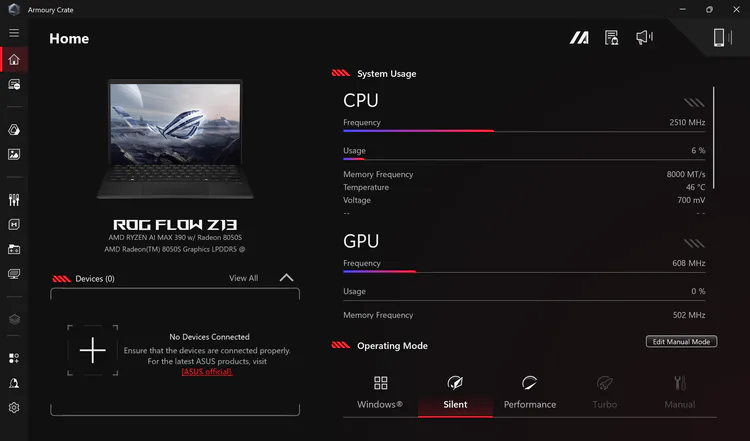
Oh yeah, the AMD chips are great. I initially didn't like AMD because of how it is easily utilized to 90% or 100% in the task manager and Intel doesn't, but that was roughly 5 years ago. I was a huge fan of Intel. But while I looked at this product, I decided to give AMD another try and after using it, I must say, it is a significant improvement over the 2020 HP one I had 5 years ago. CPU utilization doesn't spike as much anymore. But this Z13 does sacrifice the GeForce RTX graphics. The AMD GPU still has some power but not as much as GeForce.
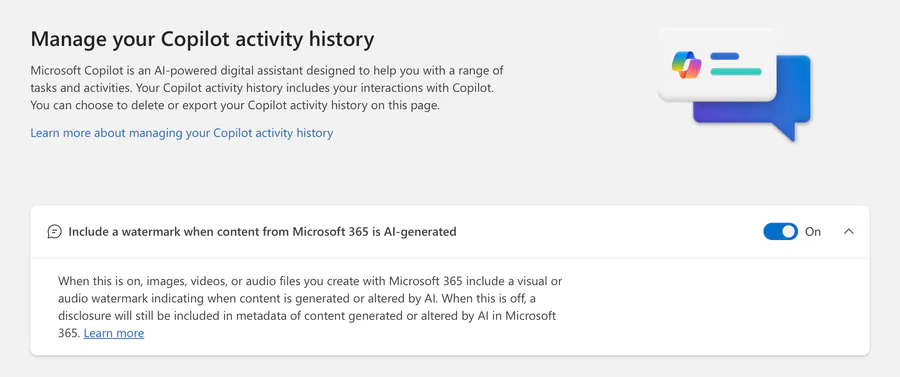
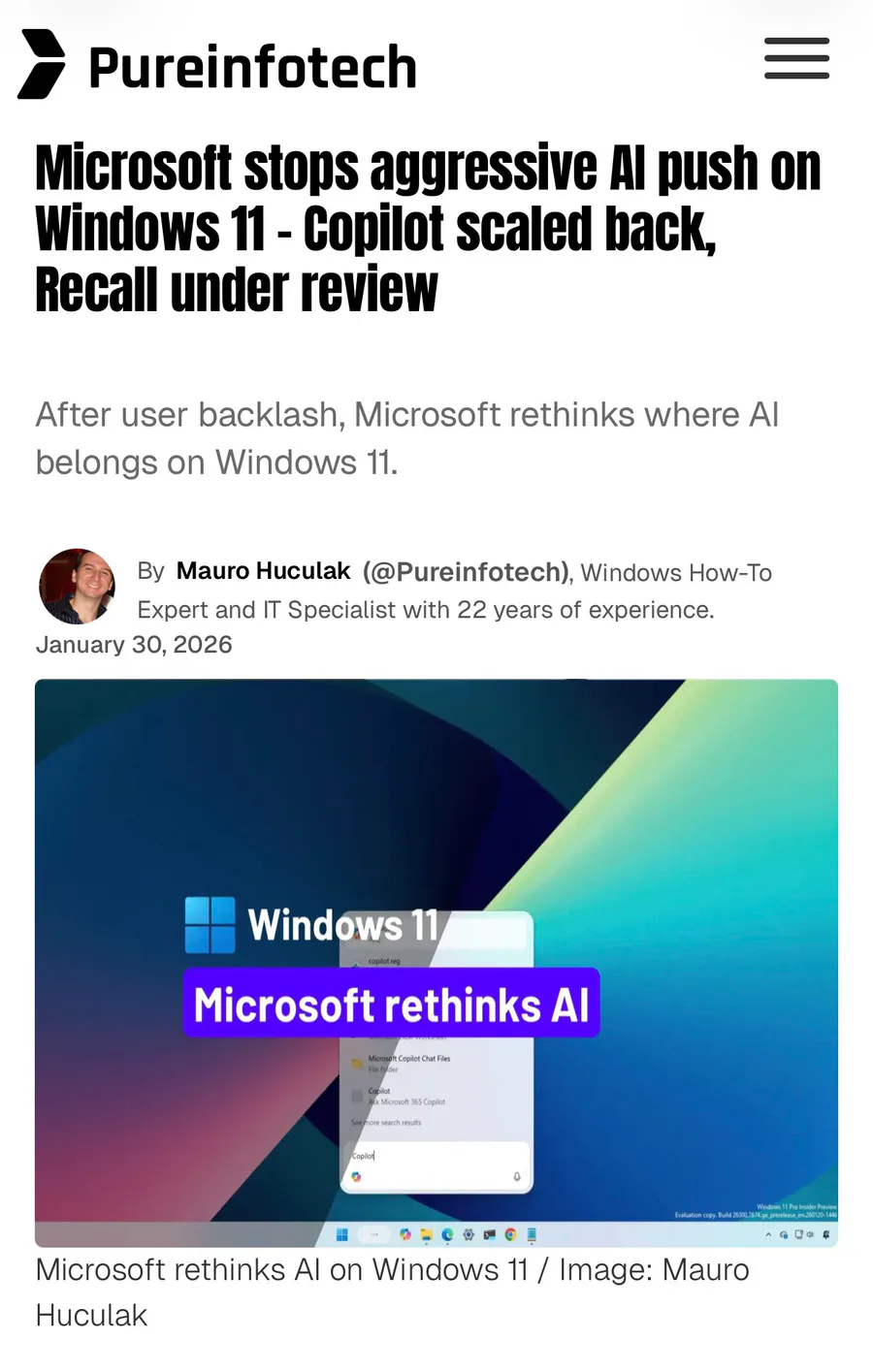
Now, for the Copilot+PC part, it's great that they tried to have models that runs locally on your device for offline functionality, however, half of its exclusive features aren't really useful nor do many people is gonna use them because of the obvious ethical issues for generative stuff. That also unfortunately means that I now have access to Recall, which after what experts has to say about that (it's basically a major security risk, so its universally hated), I will keep it disabled forever and will never use it. I think the only useful features are the live translation captions and the background blur when using the cameras, and maybe some writing assistance but that's pretty much all I can say about it.
But yeah, that's the ASUS ROG Flow Z13. I really liked the outside designed shell, especially the window that shows the motherboard with rainbow lights warping around it. It has more detail than my previous one, and I can use it in as a traditional laptop or as a tablet, with better battery life (though, it depends on what you actually do).
If you want to see the full unboxing, I recommend checking out this video. It showcases pretty much almost everything.
https://youtu.be/UUAjkIrE7U4?si=fPo8ynsiwl04EHlF
The Victus laptop now stays at home with the long monitor I have. The 2025 ASUS Z13 is my new to-go production, and its battery can hold up for a while when I'm building my games like K&F VG 3 or just writing documents.
That's about it, see ya. 







4 comments