
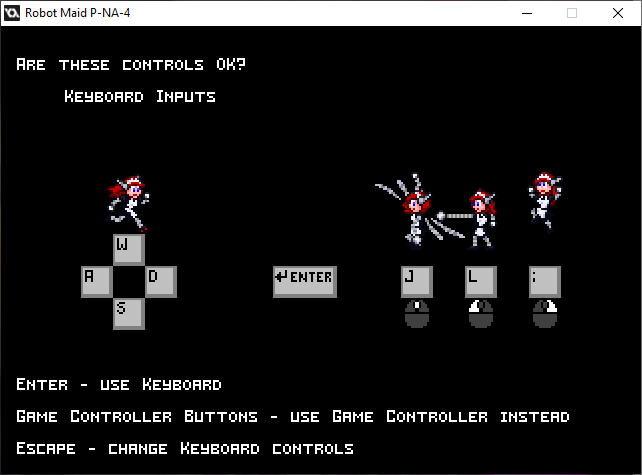
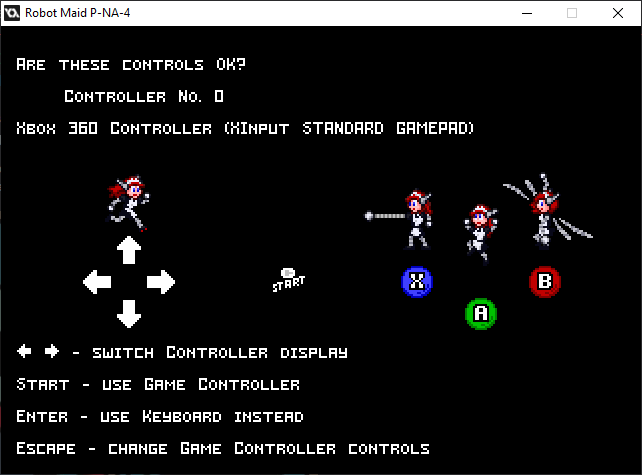
I got the keyboard and gamepad input-changing in here.
Try to keep track of the difference between using strings (for the labels on each key) and using actual variables (how the game interprets inputs).
Next up
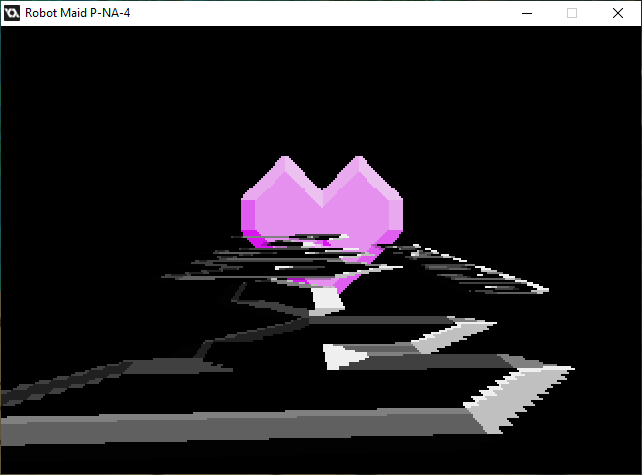
Playing around with the title is only the start of a title sequence.
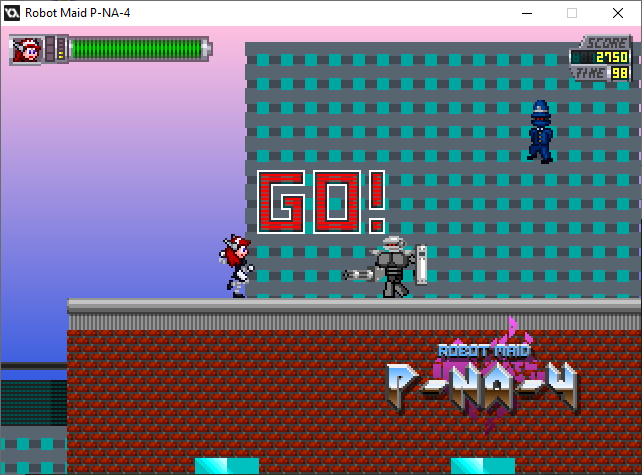
I did Attract Mode first.
She can pwn on her own for the first four mainline levels for 30 seconds each.

Importing again.
It may say there are 20 warnings, but 18 are about "__cam" and two are about "array_length_1d", related to ye olde depth system.
...well, I don't know if I should be worried about either at the moment.
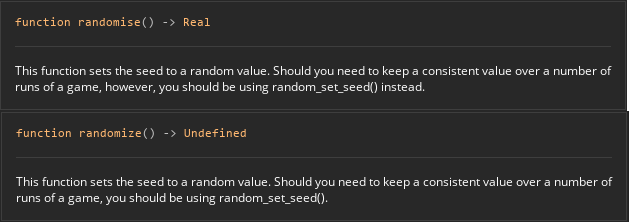
Yes, according to Game Maker, there IS a difference between randomise() and randomize(). randomize() gets you zero, guaranteed, with HTML5.
I would blame it on them, but I can adjust.
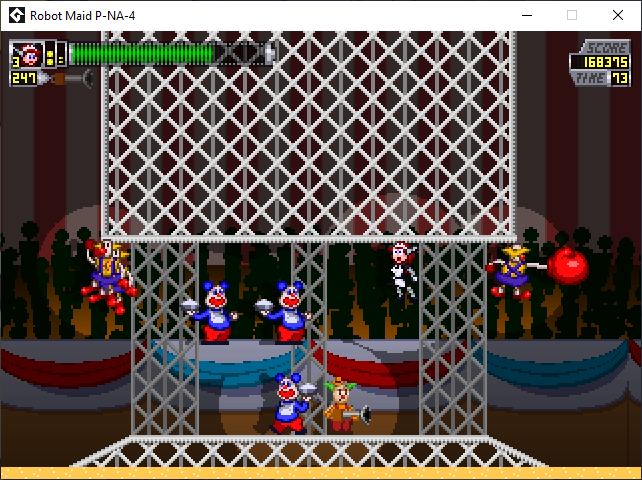
Oh, no. They're stuck. I'M stuck. The only thing that could be doing this within reason should be collision physics.
Pretty sure the GM Studio 1 build doesn't do this, but the current Game Maker build does.
How it started vs. How it's going.
The character-puppet thing ended up being the basis for the boss designs instead of the Robot Maid herself.
I could salvage it, but I'd think adding a mode where bosses fight each other is a bit too extra.
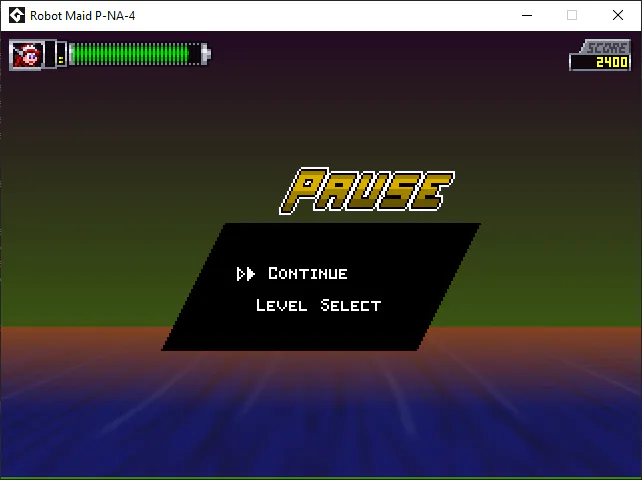
Can you tell what needs to be fixed on this screen?
...and if you noticed, is it worth fixing?
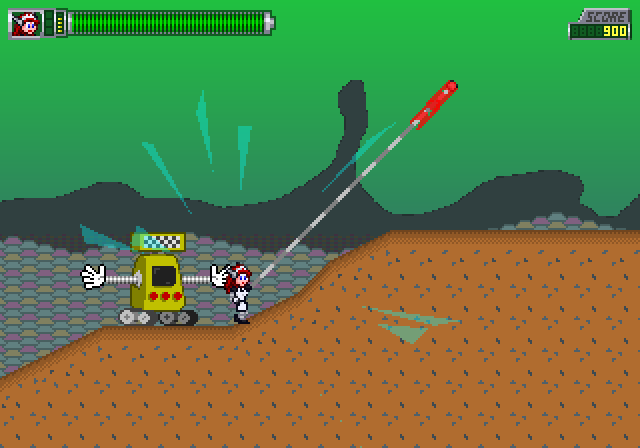
The HTML5 version was actually running buttery-smooth.
...and then it locked up on THIS screen for no apparent reason. 4th level. Even the music continued to play when I switched windows on this screen.
There may be limits to HTML5 I don't understand yet.
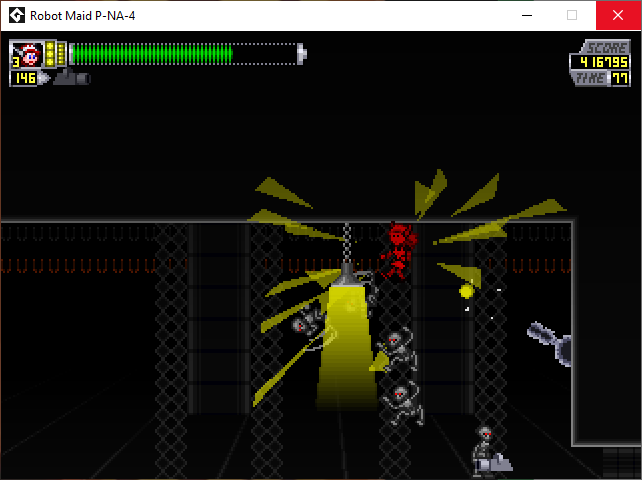
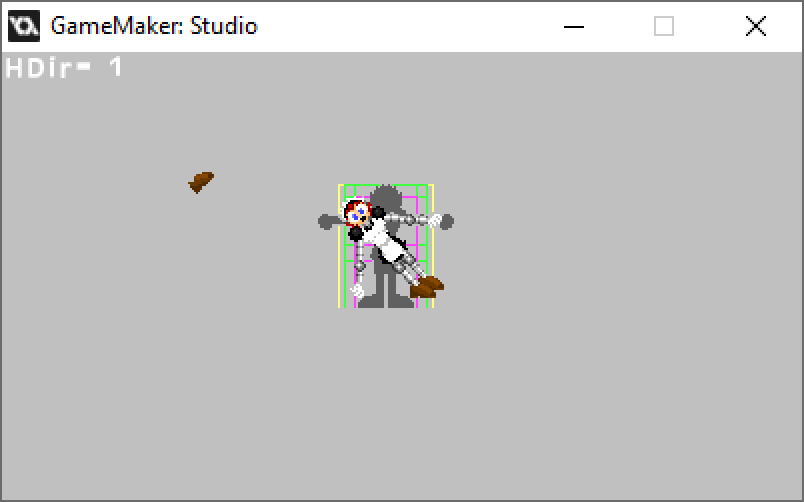
Oh, no, not again.
At least it's just the player character, but still...
EDIT: It's just her collision box being different for the Hurt frames. Easy to fix. Her sprites all have different collision boxes to keep her ability to duck.
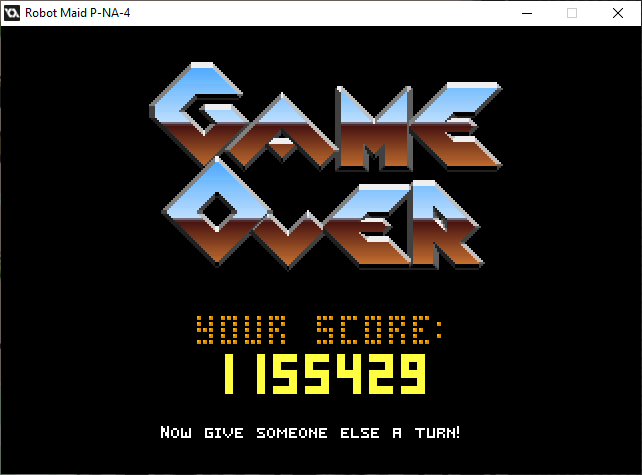
Since certain elements of GM Studio 1, including ye olde "score" and "lives" variables, were deprecated in later versions, I reworked the score system while making them global.Score and global.Lives instead.
Now getting a million points can be done.
0 comments