
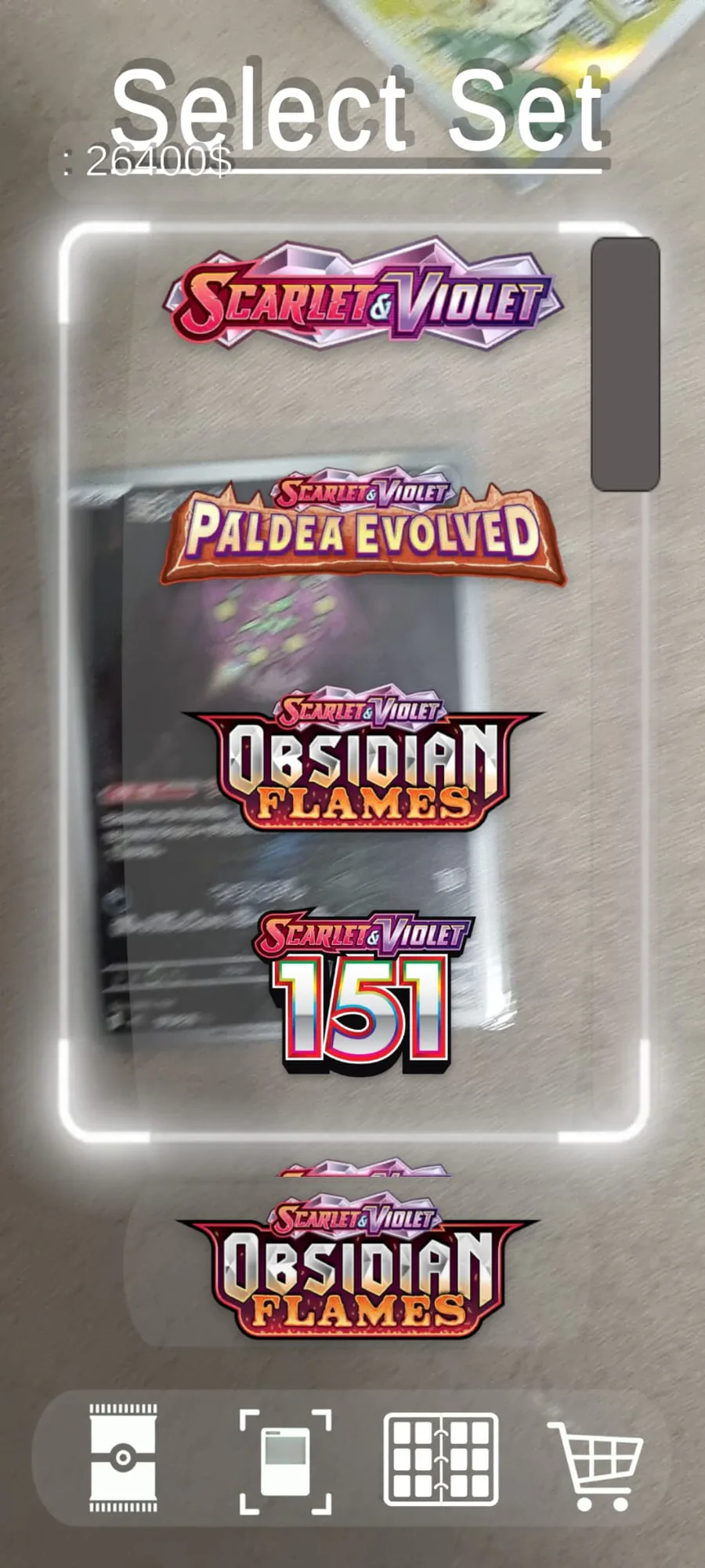
Hi, I just wanted to briefly explain how the AR scanning feature works in Pokémon CardForge.
Simply tap on the UI, and the "Select Set" option will appear. Choose the set that contains your card—*important note: only Secret Rares are included.* Next, tap on the corresponding logo, and you will be able to scan your card.
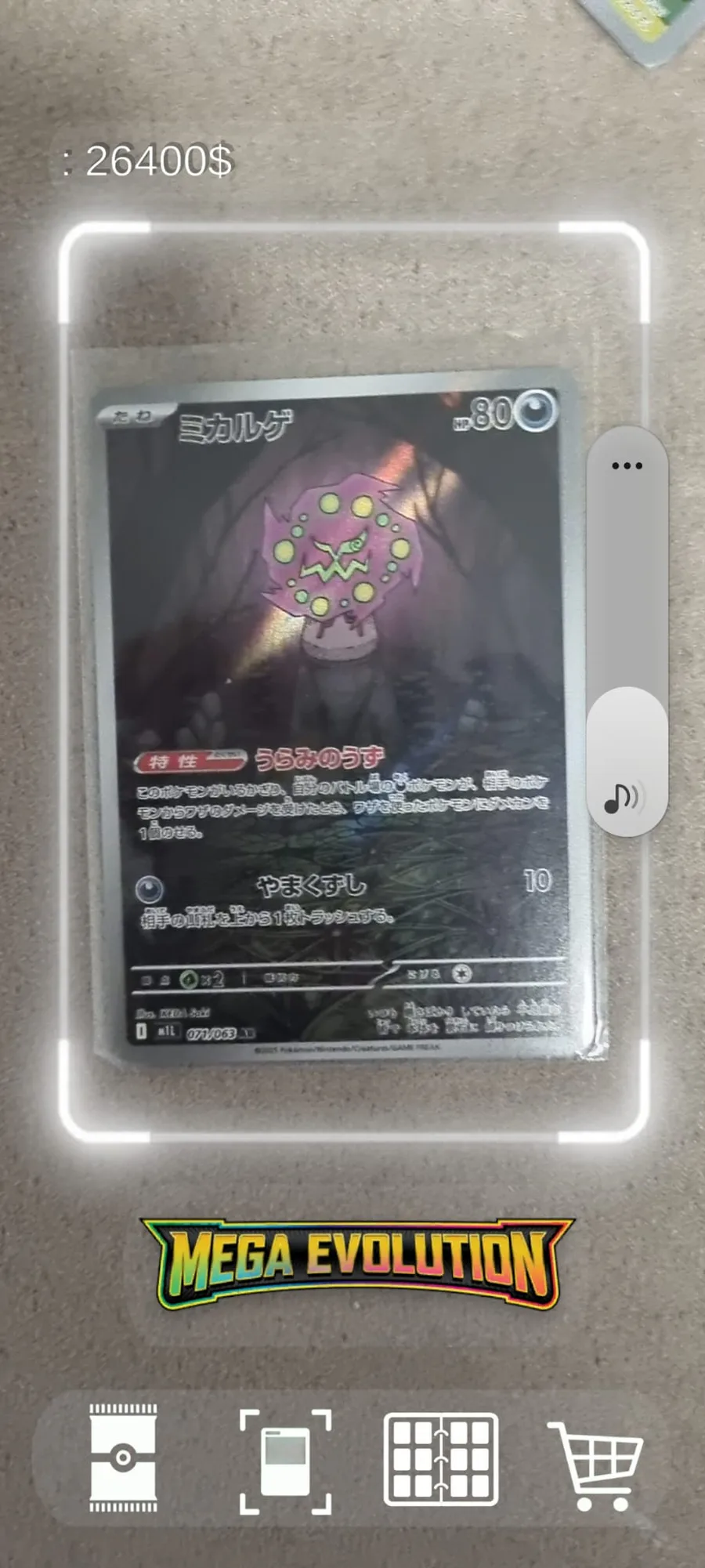
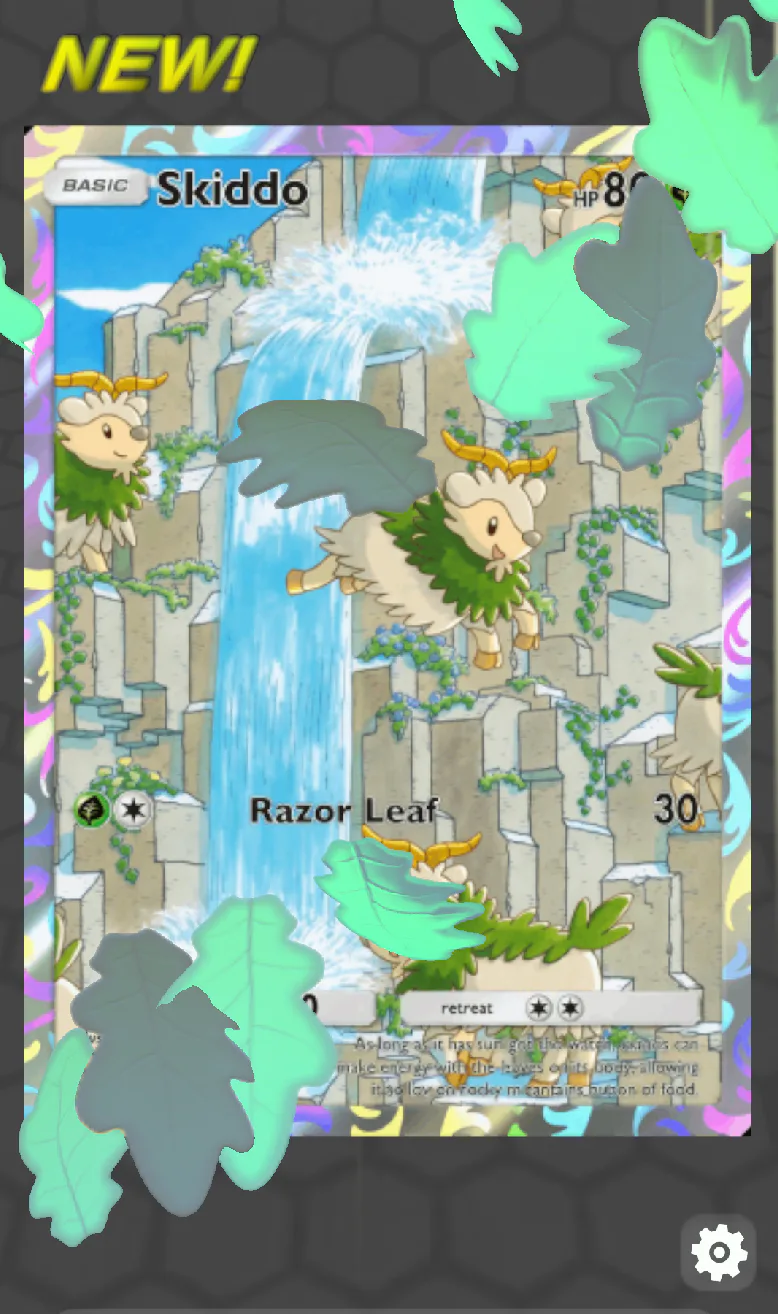
When scanning a card, it works best if you position it within the designated card grid. Once your card has been successfully scanned, you will hear a sound cue and receive an in-app notification. To receive these notifications, you will need to go into the settings and enable them.





















0 comments