

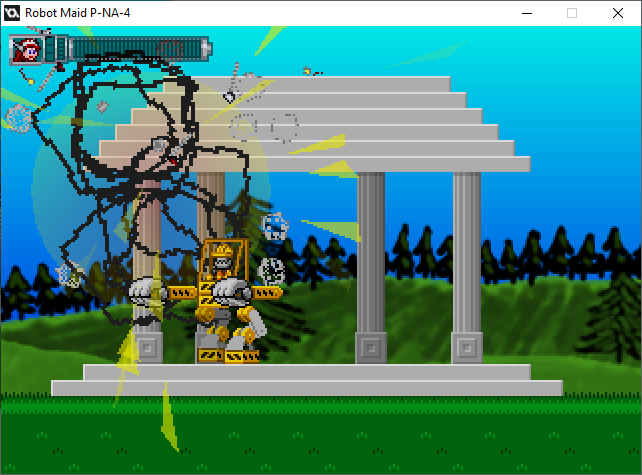
Next up
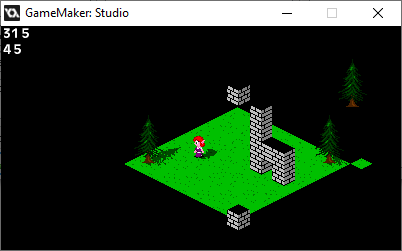
On the plus side, the tile layer ISN'T overlapping, and Draw draws objects.
On the other hand, NOW the tile layer lags during camera movement.
I guess I'd better let everything else lag for consistency (somehow), or fix the lag.
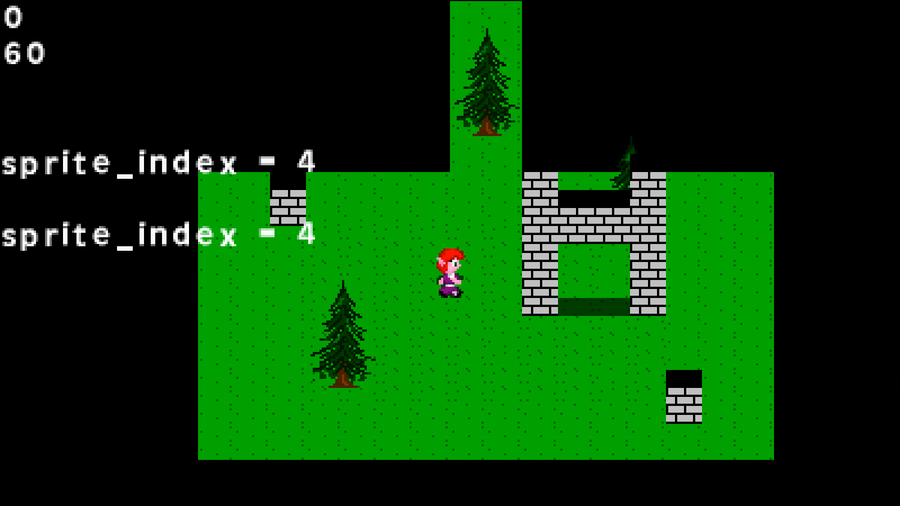
Here. Just to give you an idea as to what I'm going for.
The character and GFX are temporary, but they help me realize what I want to do with the engine.
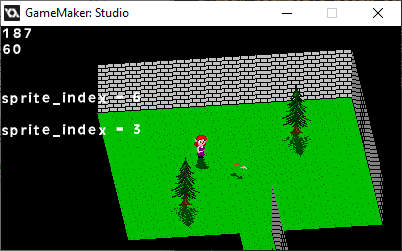
It took a while, but I got rotating flat sprites going.
Technically, it's a polygon, but it works.
If I were to do sprite-stacking, I have a basis, but my primary use for this is rotating attack animations.
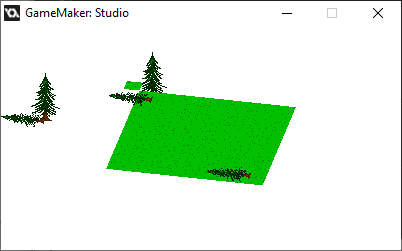
On one hand, I'm getting there. On another hand, "No, I'm not."
Then again, I probably forgot something important about layering the old-fashioned way, and something about using a view as a texture.
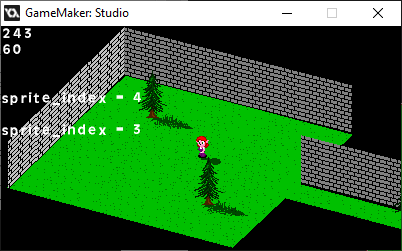
The floor's movement, being a view drawn onto a surface, is still one frame behind.
However, I figured it's more efficient to draw walls separately than to use blocks for indoor segments. They can stretch and keep doing the depth math accurately.
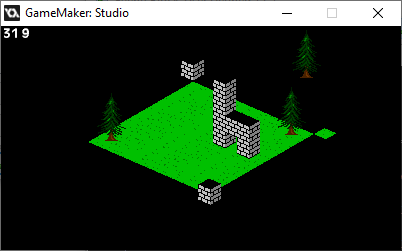
Dang it. I got the math right.
The real trick now is to optimize it. It's easier to do since it's technically all 2D.
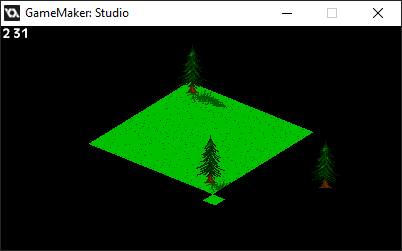
Okay, so I'm doing something either crafty or questionable: drawing the objects with Draw GUI.
It works, doesn't it?
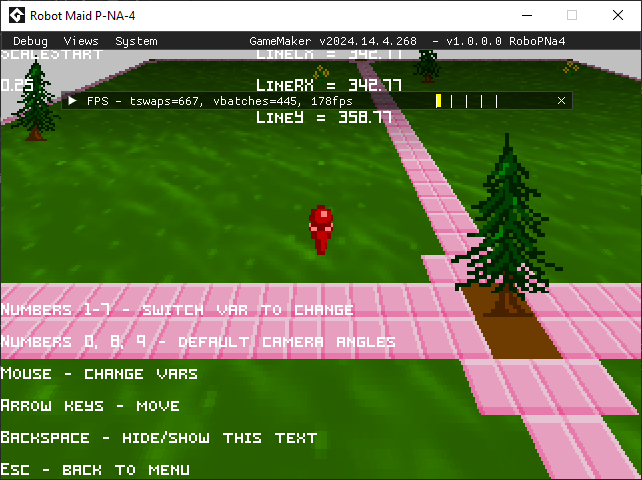
...huh.
Didn't realize that debug mode was different on that version of Game Maker. Also shows WAY too much for players to use.
You can also click and drag some of those elements.

For some reason, I wanted to experiment with a different thumbnail.
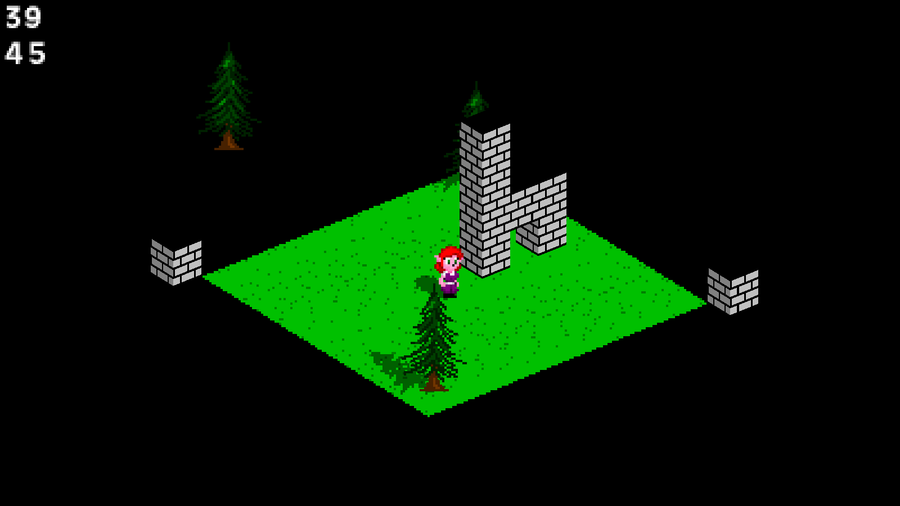
The character and movement tests are going well, but...
OH. THAT's what Draw GUI does. It's not crunchy.
Then again, I thought that drawing a view to a surface would work the way I expected, but it ain't.
0 comments