
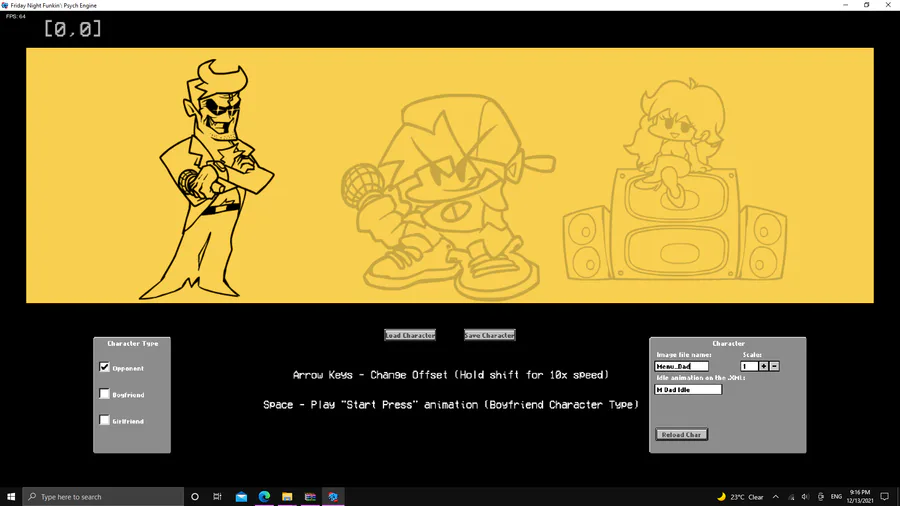
MENU CHARACTER EDITOR
put the name of the image file in this gray box
Next up
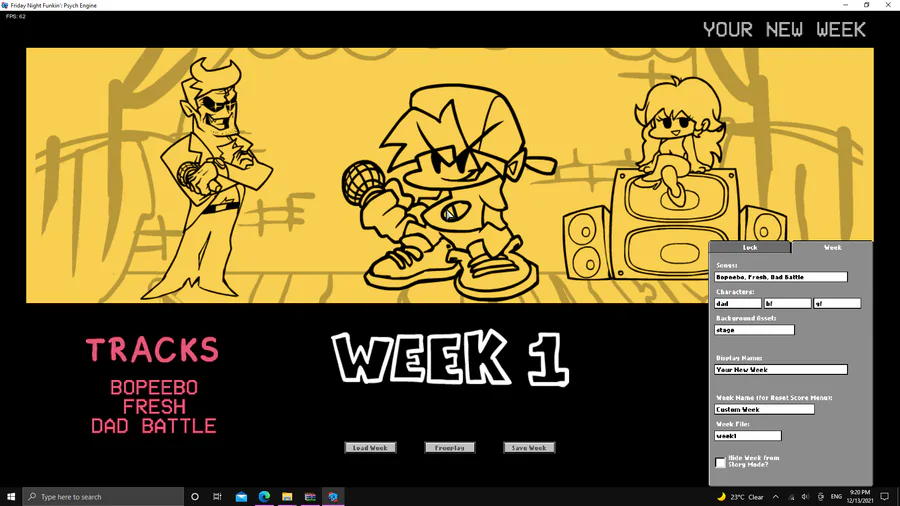
WEEK EDITOR
label the stuff you want and create a week look then paste it in the images/weeks
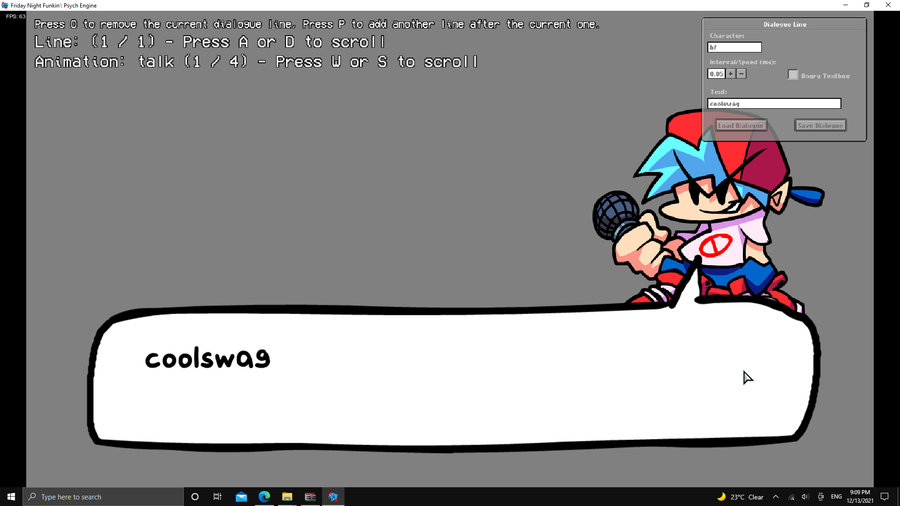
CUTSCENCES ENTER [2]
You should now be ready for your cutscence or whatever you call it, go to the Dialoge Editor
and set your dialoge now all what you gotta do is replace the dialoge.json in the files of the week folder
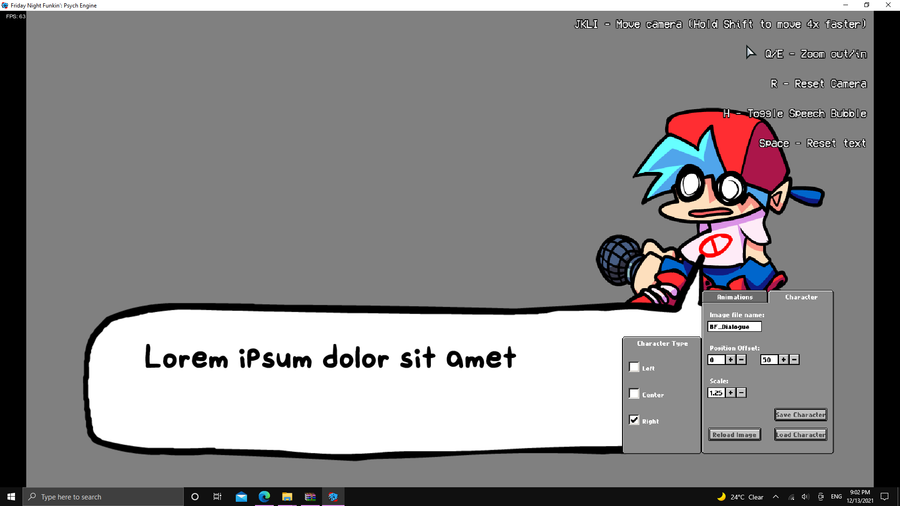
PORTAIT EDIT
Go to the Main Menu and press 7 incase you dont know whats the main menu its this menu with the yellow background
Now you should go to the Dialoge Portait Editor you can see it from the Images section to see what i mean select your animation
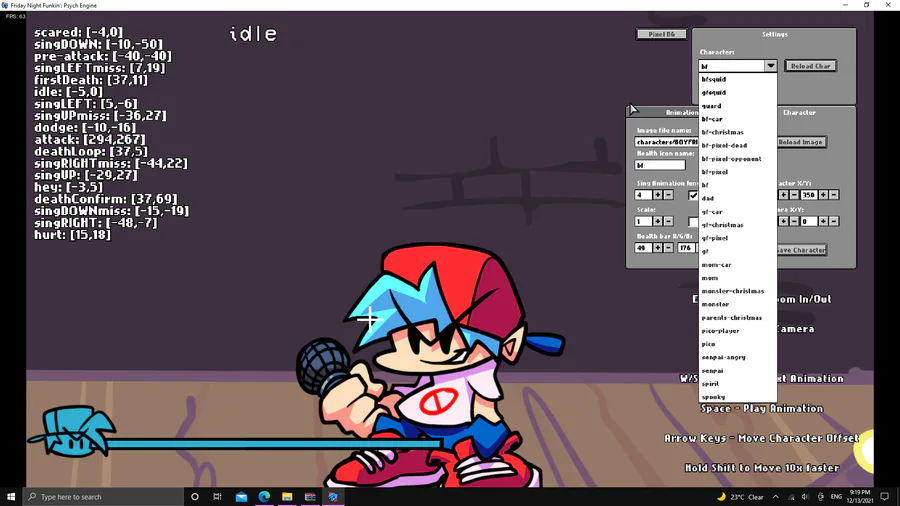
CHARACTER EDITOR
Select the player you want to use from this menu
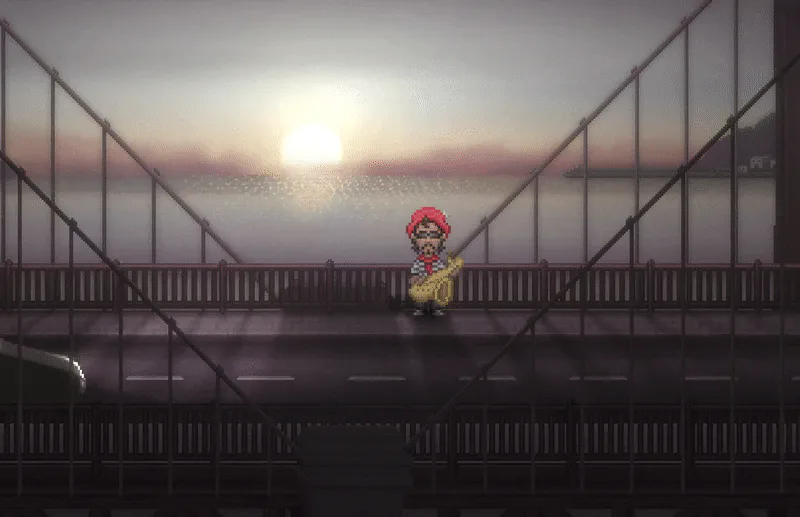
Been working lately on lots of 'behind-the-scenes' boring stuff that no one really cares about, so here’s a guy playing the sax for some reason.
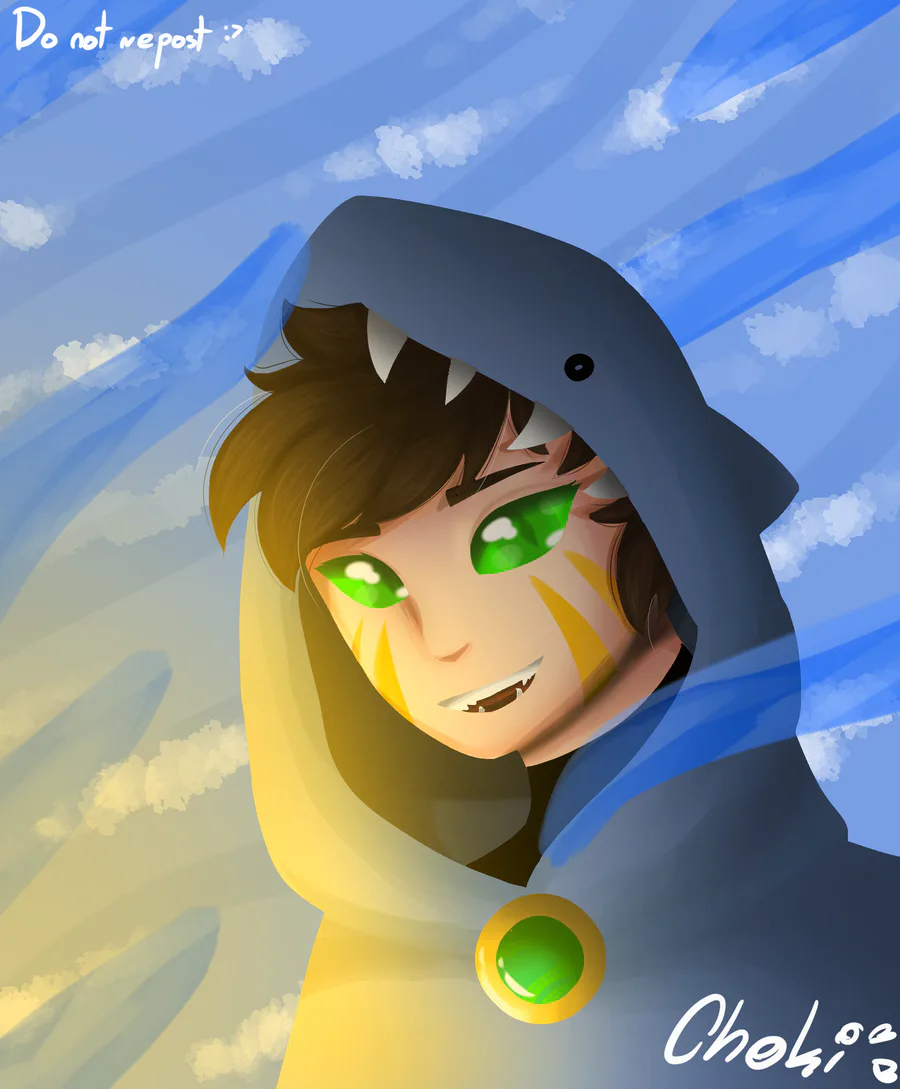

Fan art for Foolish I'm feeling kinda better so I drew this
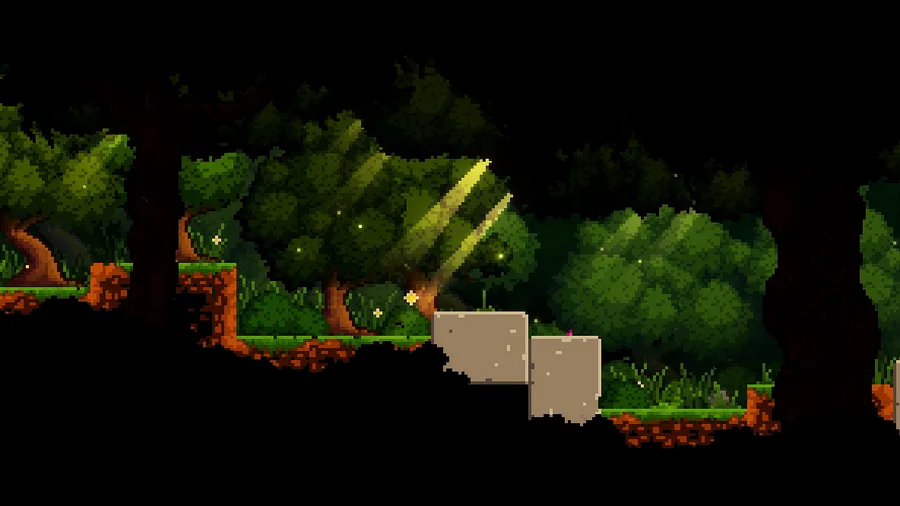
Here's a peaceful little forest scene for this #screenshotsaturday, from the beginning of the game.
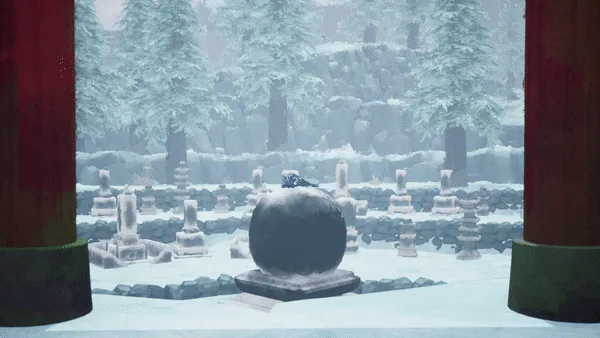

Path of Kami: The Evolution of the Lore
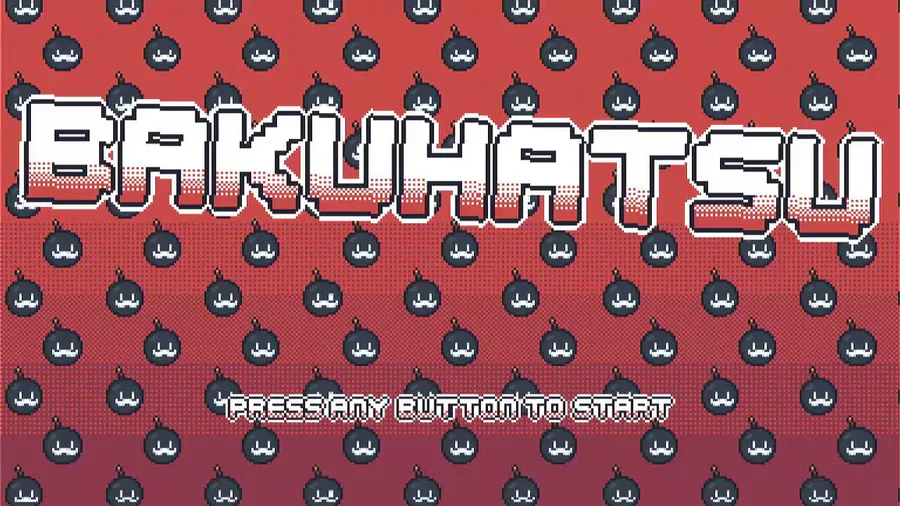

Heya! I wanted to show some gameplay progress i made so far. I hope you like it ^^
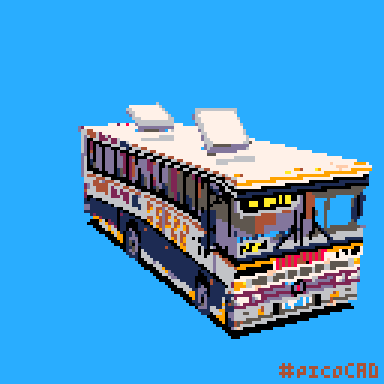
Back in my art school days I used to ride the 710 COPSA line from Parque Del Plata to Montevideo almost everyday. This is the Marcopolo Viaggio G4 Mercedes Benz model from the late 80s, one of the older bus models that was running on the line.
0 comments