
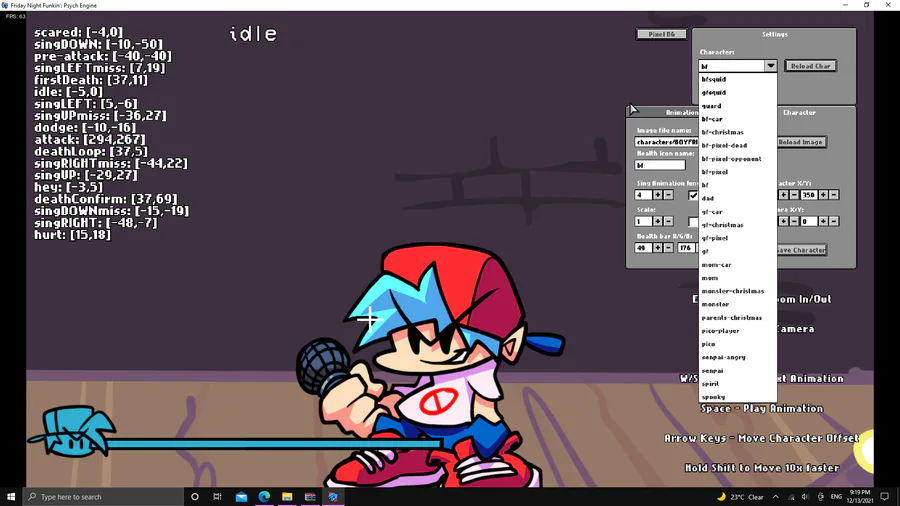
CHARACTER EDITOR
Select the player you want to use from this menu
Next up
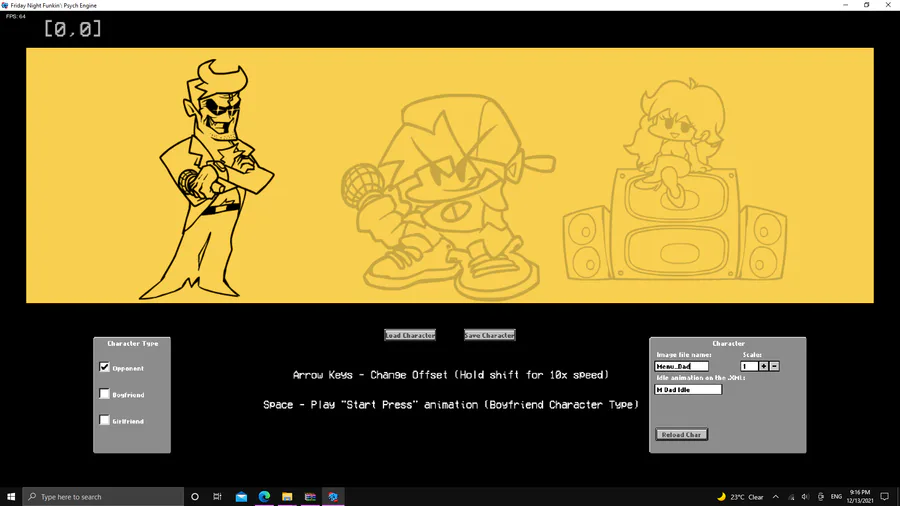
MENU CHARACTER EDITOR
put the name of the image file in this gray box
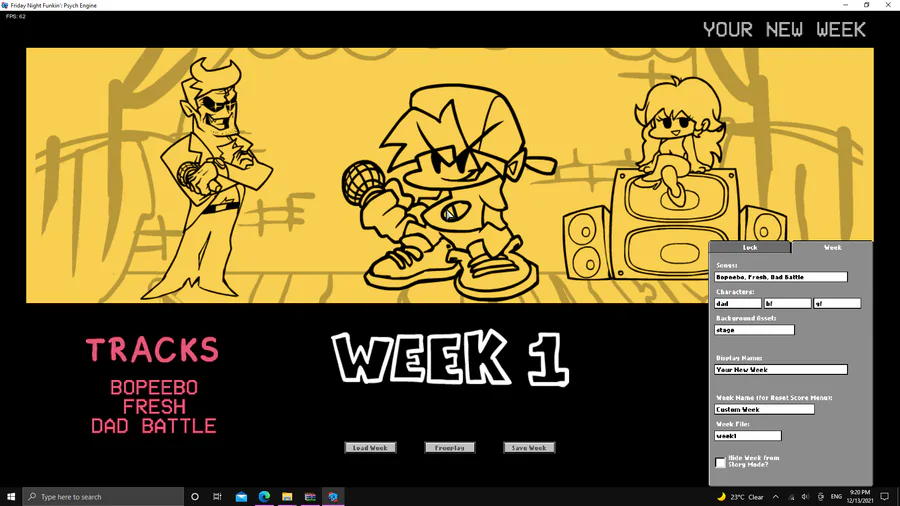
WEEK EDITOR
label the stuff you want and create a week look then paste it in the images/weeks
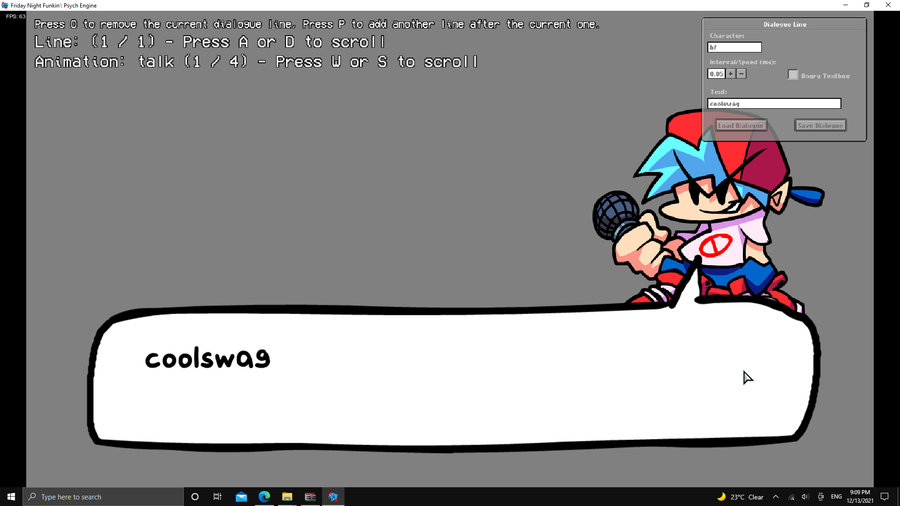
CUTSCENCES ENTER [2]
You should now be ready for your cutscence or whatever you call it, go to the Dialoge Editor
and set your dialoge now all what you gotta do is replace the dialoge.json in the files of the week folder
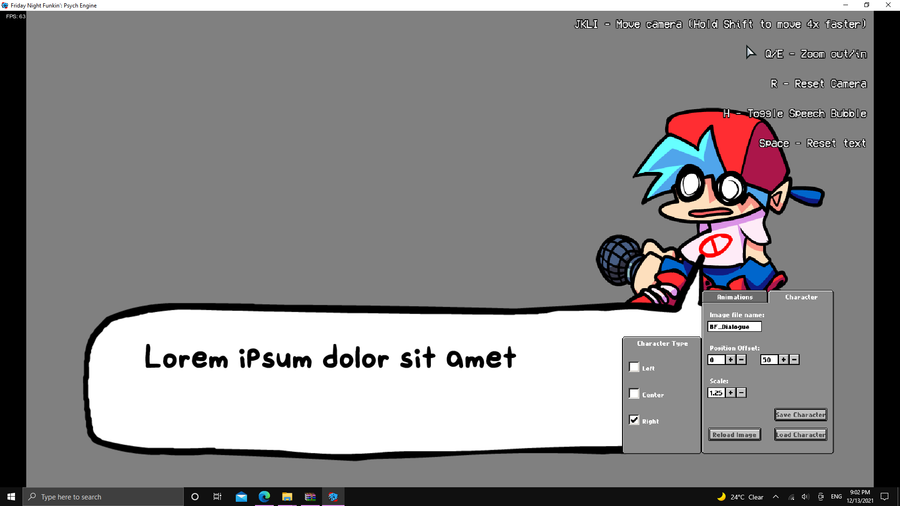
PORTAIT EDIT
Go to the Main Menu and press 7 incase you dont know whats the main menu its this menu with the yellow background
Now you should go to the Dialoge Portait Editor you can see it from the Images section to see what i mean select your animation
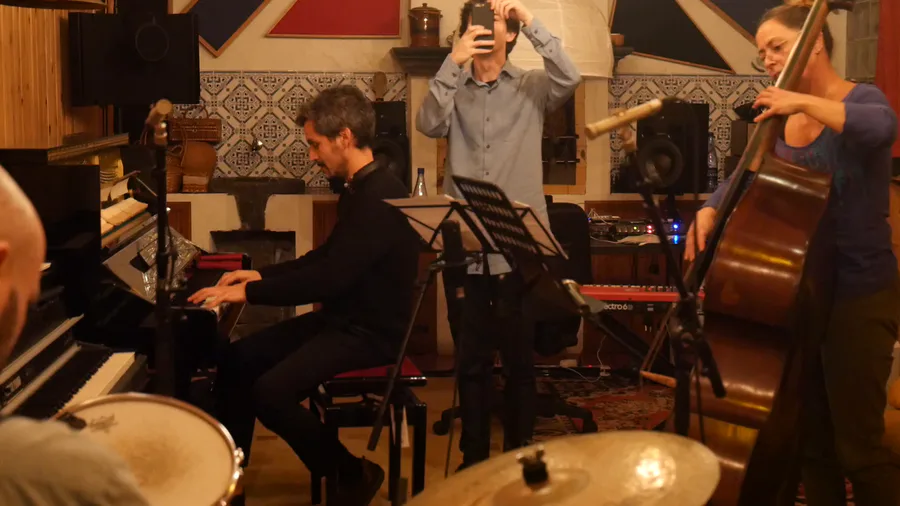

Just as Pecaminosa's musicians #improvise this rendition of #LittleSunflower 🌻, so do we improvise with this post you're reading. 😂
What's coming out of your own improvs? 🤔
#Pecaminosa | #IndieDev | #OST | #Jazz
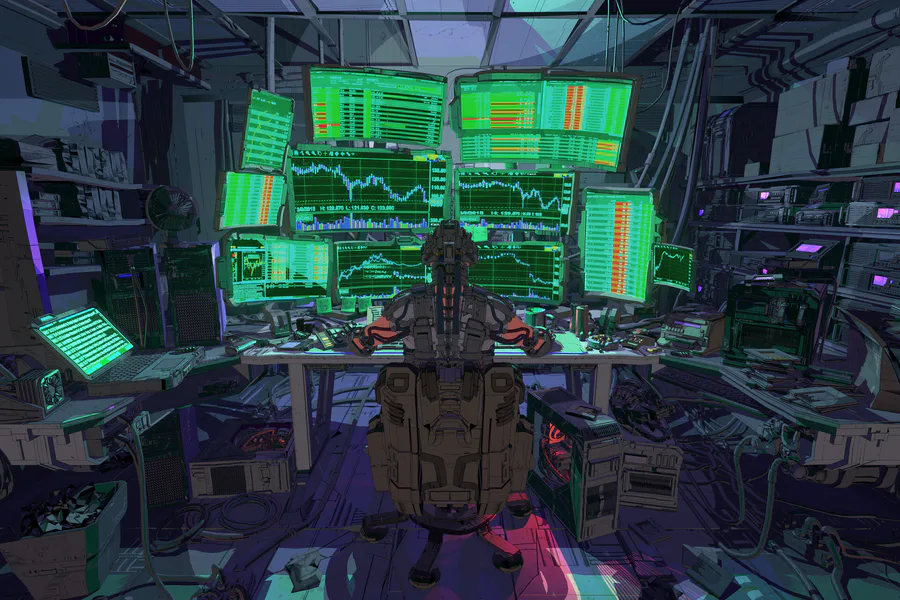
Check out this scifi scene by Jason Kwak!
https://www.artstation.com/artwork/681R05
#3dart #npbr #scifi #cyberpunk #environment #office #computers
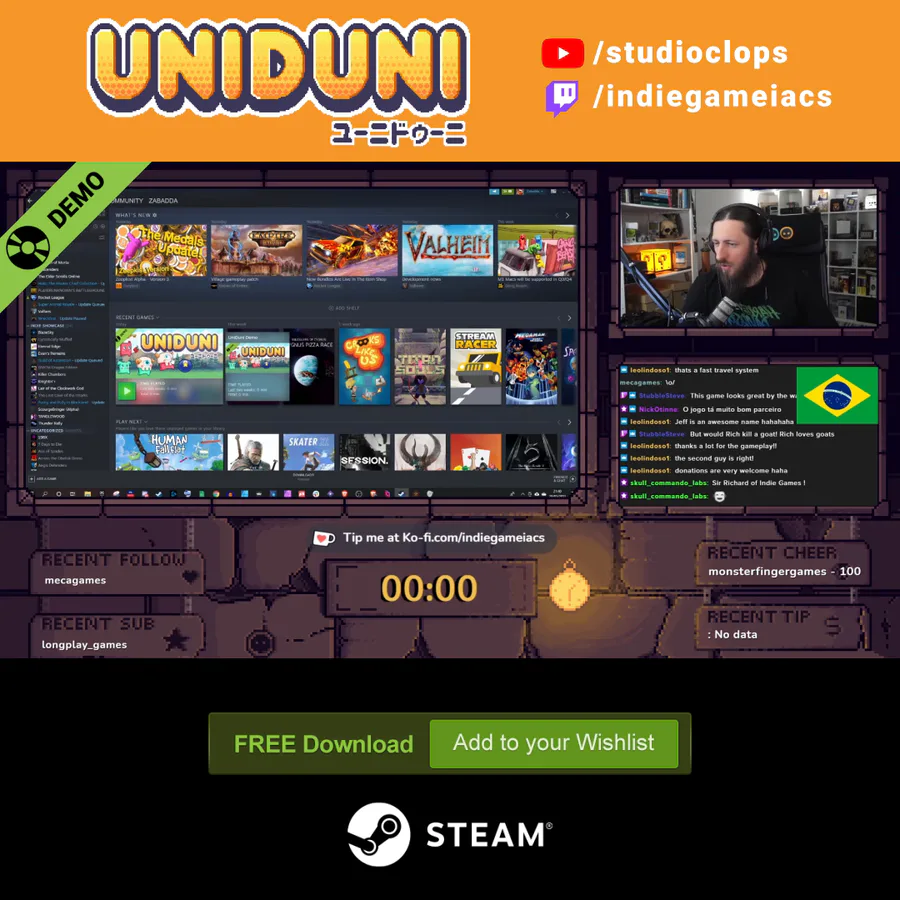
🍒Did you like the game? A demo is available for free on Steam.
✌️ Thanks for playing IndieGameiacs!
⚙️ Free Demo: http://bit.ly/UniDuni
📺 Full Video: https://youtu.be/5qEbVXg7GaQ


Heya there! I really wanted to show you all a little gameplay preview of the first boss fight i'm currently working on i hope you like it ^^
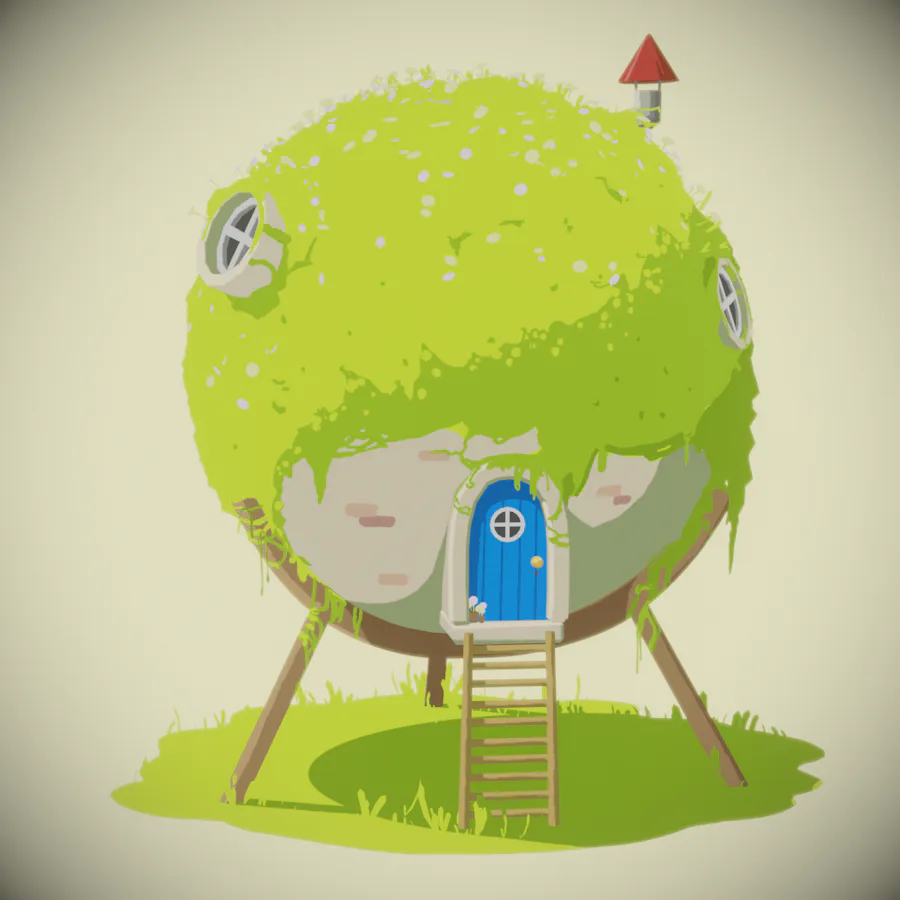
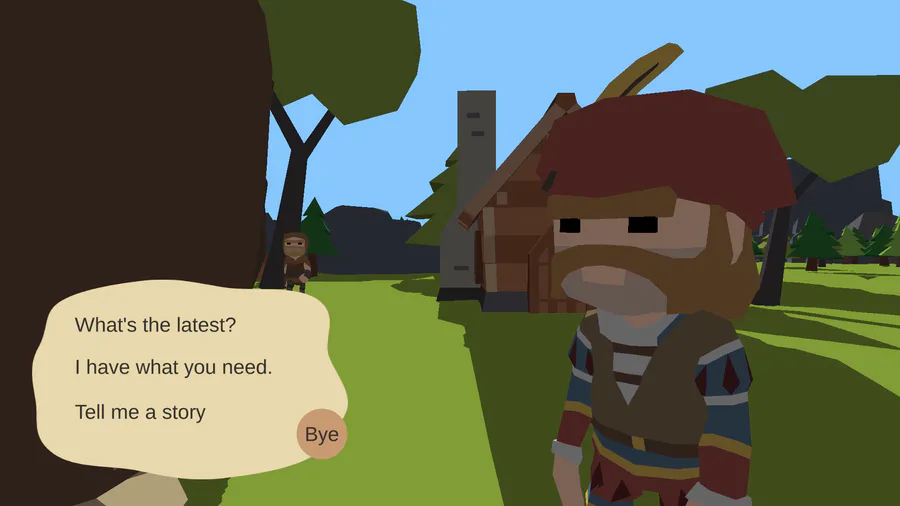
I have added rewards for quests so that villagers can give you something in return for your hard work helping them. 🥳
I want to know - what's your favourite quest reward?
0 comments