

Thank you very much to everyone who has shown interest in the project.
The project is not dead, it has simply gone through a very difficult period.
Our intention has always been for the game to have a strong focus on storytelling. Since the beginning of the project, two of our writers had to step away due to mental health–related issues, which significantly affected development. However, we will be returning to the project this year, and we will have new contributors joining us on the narrative side.
We have resumed development using Unreal Engine 5.5, and we are fully aware that one of our main challenges will be optimization and making the game run well on lower-end computers. This has been a common issue in Unreal Engine projects, although lack of optimization can occur in any engine.
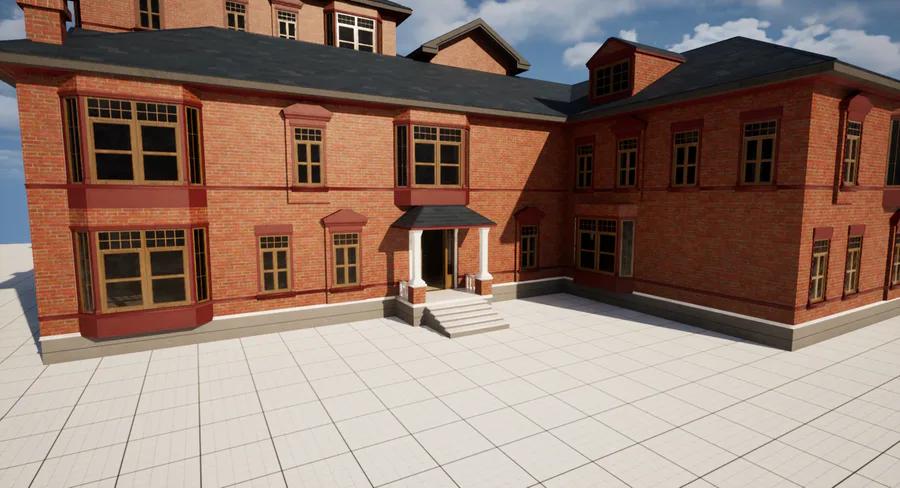
We are currently creating new models and environments for the game. The most recent environment we are working on is an abandoned church. The church models are nearly finished, but we still plan to replace several textures with higher-quality ones.
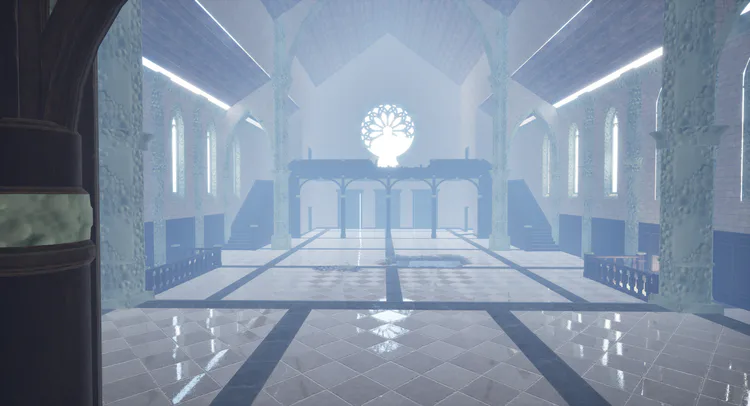
Unreal Engine Tips + Underwater Post-Processing Shaders
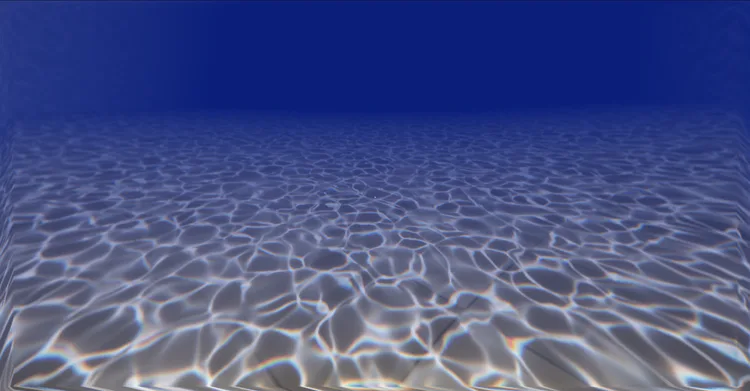
We are using this project to develop techniques and mechanics that will later be reused in several of our other projects. One particularly interesting feature we implemented is an underwater post-processing shader, combined with water caustics created using decals.
Our shader was based on a tutorial by Ben Cloward, and during the development process we ended up researching best practices for material creation in Unreal Engine. As a result, we developed a few guidelines to avoid confusion and make materials easier to maintain:
Avoid overlapping wires at all costs to prevent a “spaghetti” look. Instead of connecting a single Texture Coordinate node to multiple nodes, use separate Texture Coordinate nodes for each connection. They all reference the same data and receive the same input from the engine. The same applies to named parameters: if you copy and paste a named parameter in different parts of the Shader Graph, it will always refer to the same variable

Use Named Reroutes to separate the material into logical blocks. For example, you can isolate the part that handles UVs from the part that handles color data for a specific texture. Named Reroutes are excellent for preventing overlapping connections.
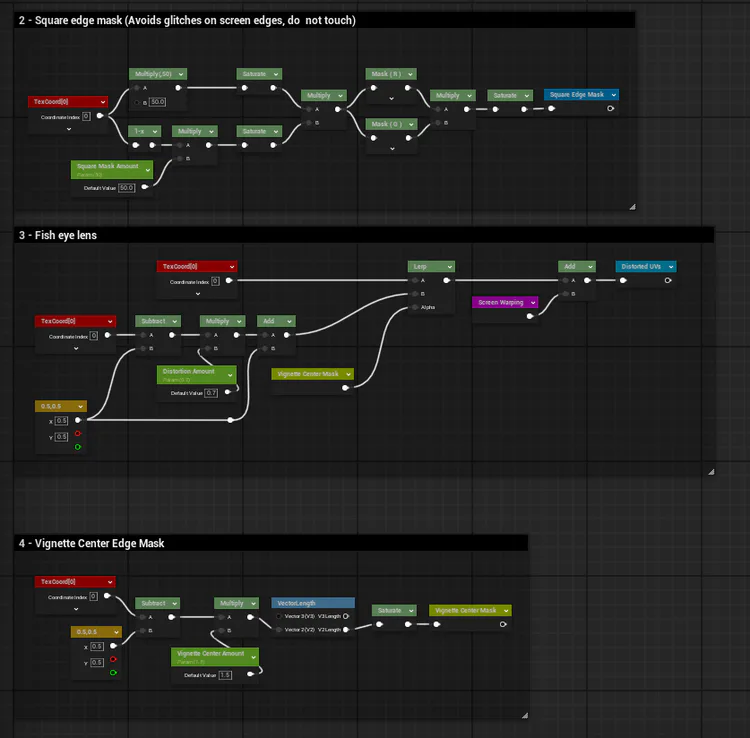
Organize your material into vertical blocks, separating logic clearly. This allows you to read and structure the material graph almost as if it were GLSL code, divided into functions from top to bottom
Once again, thank you all for your attention. We will leave links to Ben Cloward’s tutorials for anyone who is interested.
Underwater post-process shader: www.youtube.com/watch?v=BNldzmlSvCA
Water caustics shader: https://www.youtube.com/watch?v=9z6EMsoqLDY








0 comments