
1 month ago

Robot Maid P-NA-4, porting bug log 1


Since I'd like this game to be playable on as many platforms as possible, I've been making sure that the Robot Maid game is as easy to port to the current Game Maker as possible.

However, I can confirm the game is playable and beatable between builds.

So, for reference, here are some bugs between the original Game Maker Studio 1 build and the current Game Maker build:

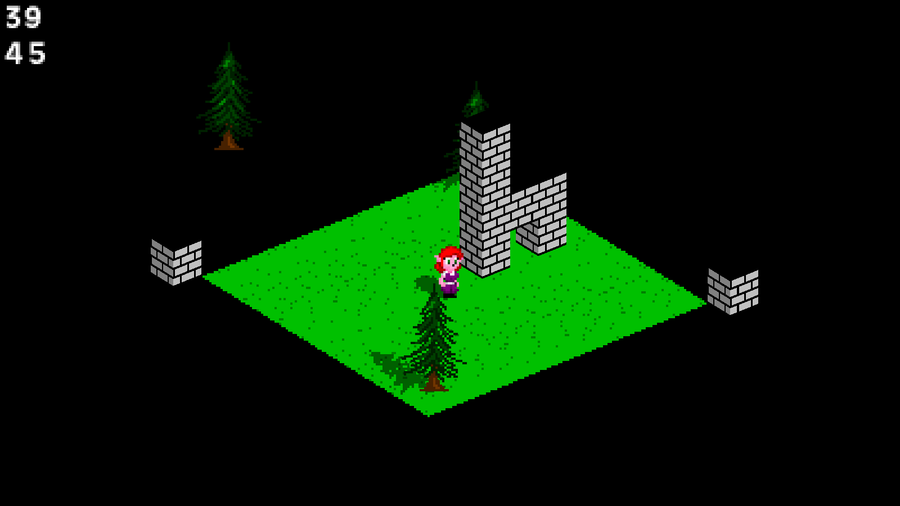
  1. The text stating the current version did not appear on the boot-up screen. If I had to guess why, it's because the font is sprite-based, and it wasn't loaded in. (FIXED)

  2. Collisions with solid objects are noticeably different. Pinafore's meant to bounce when getting hurt, but when she's on the ground, she barely moves when hurt. (Well, less so than usual.) Perhaps checking at y+1 isn't enough... maybe y+2? (FIXED Pinafore's interactions, but that's about it.)

  3. Outlined rectangles are drawn differently. Somehow, I think this could be inconsistent between platforms. (Fixed, not tested)

  4. Enemies getting stuck to the ceiling when hurt. They were supposed to check if there's something above them before getting stuck up there. Maybe adding vspeed did it? (Don't know)

  5. Addendum: Recorded inputs for the attract mode don't align with current physics. It's fixable, though. (Fixed, not tested)
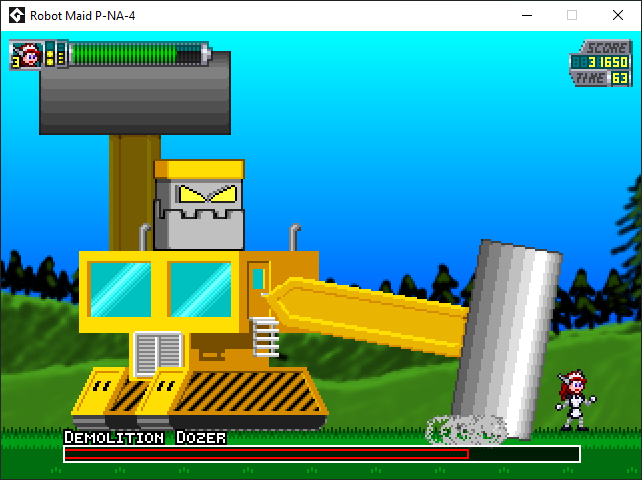
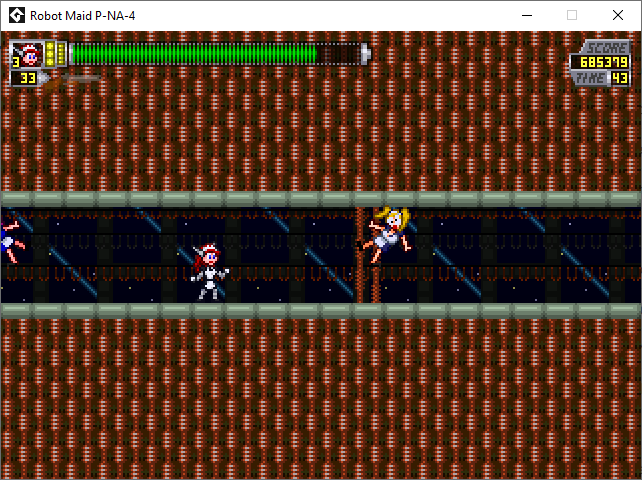
image.png
image.png

I'd better see what I can do about all that. It's only the new Game Maker build for Windows. If I'm aiming for an HTML5 version, I'd better make sure the basic version gets done first.
0 comments

Loading...

Next up

On one hand, I'm getting there. On another hand, "No, I'm not."

Then again, I probably forgot something important about layering the old-fashioned way, and something about using a view as a texture.

On the plus side, the tile layer ISN'T overlapping, and Draw draws objects.

On the other hand, NOW the tile layer lags during camera movement.

I guess I'd better let everything else lag for consistency (somehow), or fix the lag.

Dang it. I got the math right.

The real trick now is to optimize it. It's easier to do since it's technically all 2D.

Here. Just to give you an idea as to what I'm going for.

The character and GFX are temporary, but they help me realize what I want to do with the engine.

Okay, so I'm doing something either crafty or questionable: drawing the objects with Draw GUI.

It works, doesn't it?

...huh.

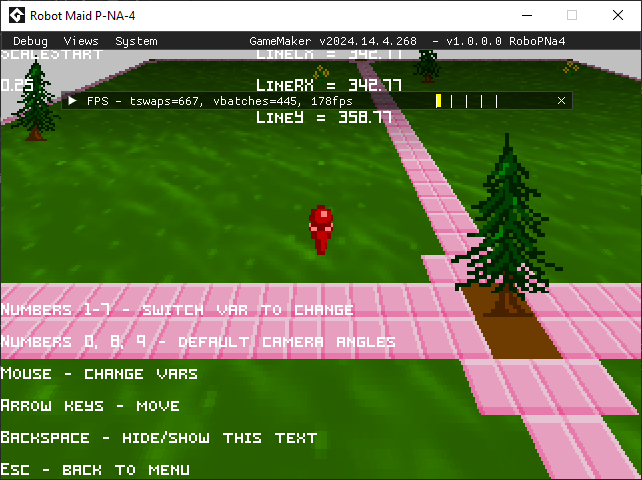
Didn't realize that debug mode was different on that version of Game Maker. Also shows WAY too much for players to use.

You can also click and drag some of those elements.

The character and movement tests are going well, but...

OH. THAT's what Draw GUI does. It's not crunchy.

Then again, I thought that drawing a view to a surface would work the way I expected, but it ain't.

The floor's movement, being a view drawn onto a surface, is still one frame behind.

However, I figured it's more efficient to draw walls separately than to use blocks for indoor segments. They can stretch and keep doing the depth math accurately.

It took a while, but I got rotating flat sprites going.

Technically, it's a polygon, but it works.

If I were to do sprite-stacking, I have a basis, but my primary use for this is rotating attack animations.

Part one of my zany scheme for a new project worked.

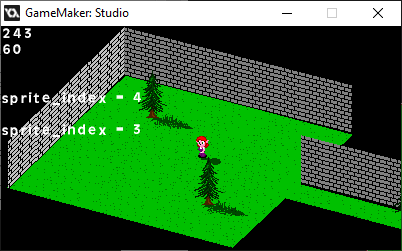
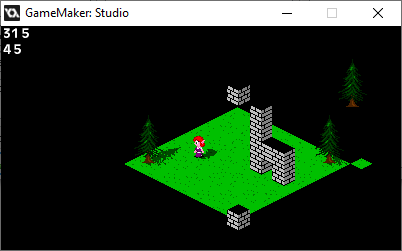
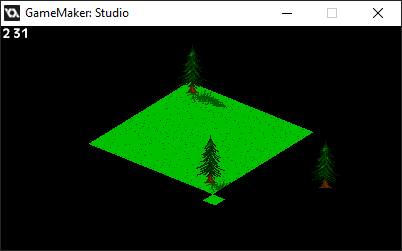
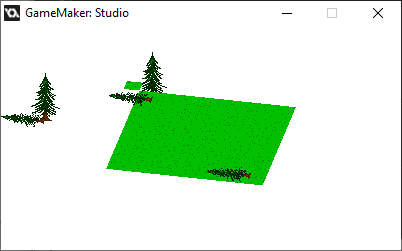
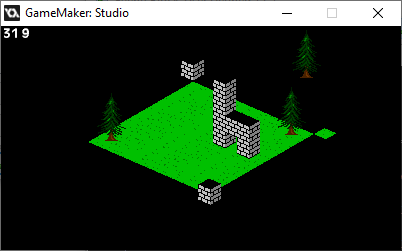
Using two Views, I can draw one squished, rotatable View as a texture, meaning I can use tiles for an isometric perspective.

Now, the tricky part is where everything looks like a pop-up book.