Something in the plan for this game will change. With any luck, it will be a change for the better.
Next up
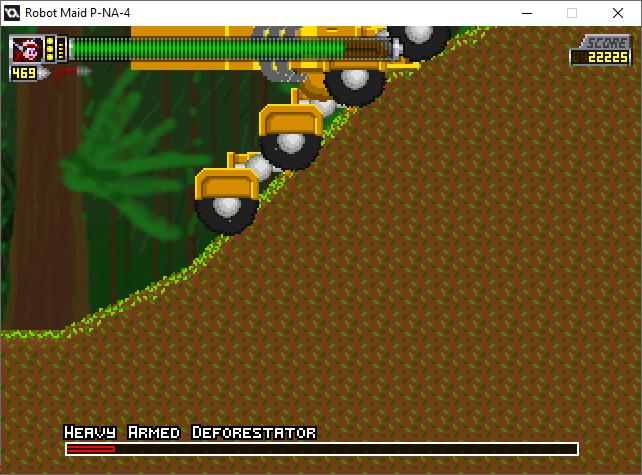
Well, finding glitches was bound to happen.
In this case, with a scrolling boss, the player's trapped on the left side of the screen until there's no solid block there.
I'd better fix that, THEN shrink the gap behind the boss.
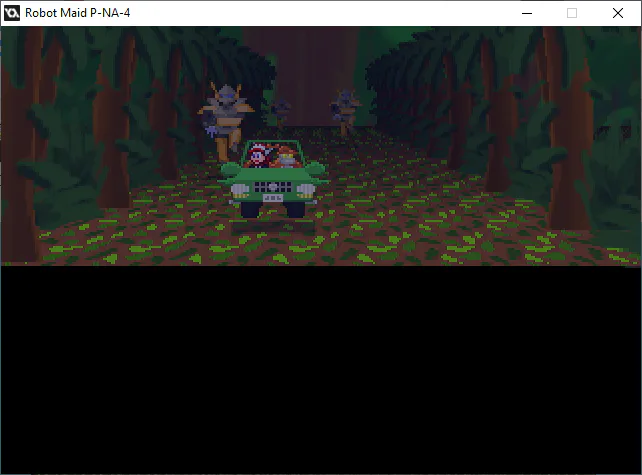
"Sir, is the Super Scaler effect really necessary for a cutscene like this?"
"I coded it, didn't I?"
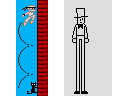
I guess I can show these things on April Fools day.
They are NOT going into the Robot Maid game, but they're still in the code.
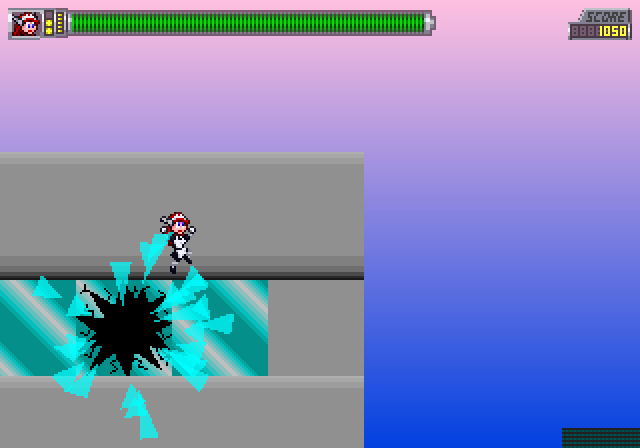
Do you know how hard it is to get THIS shot?
Like I said, I'm making level thumbnails for the Level Select screen. Also, this gives you a good idea how big the max health bar is.
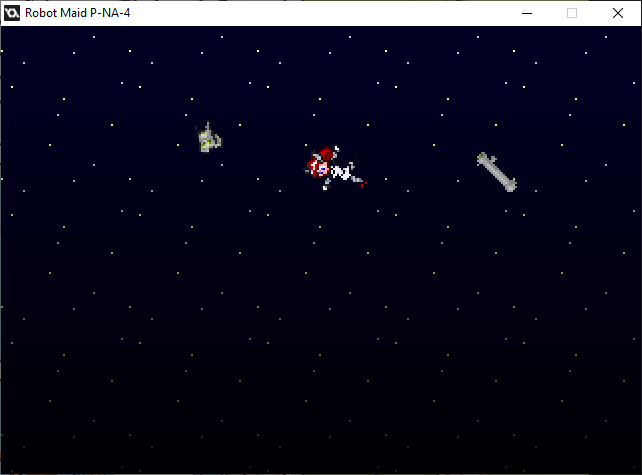
...another fine mess you got yourself into.
I'd better stop sharing these cutscene moments. I'm almost there.
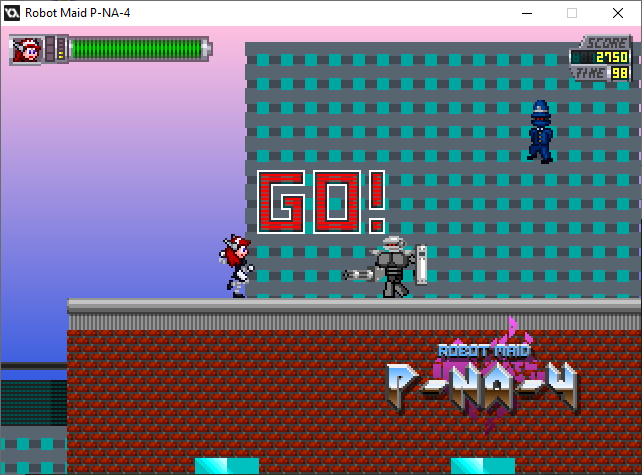
I did Attract Mode first.
She can pwn on her own for the first four mainline levels for 30 seconds each.
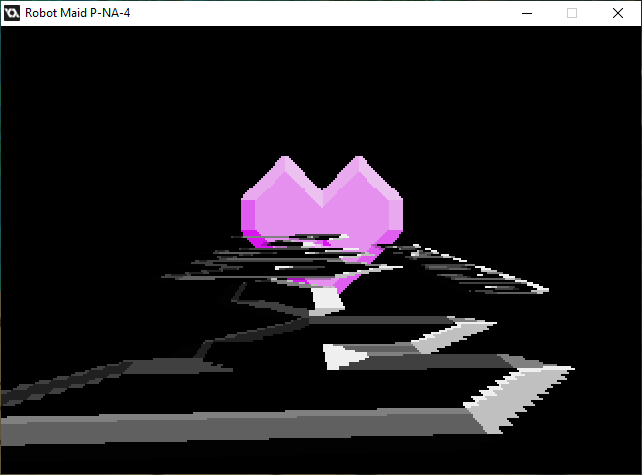
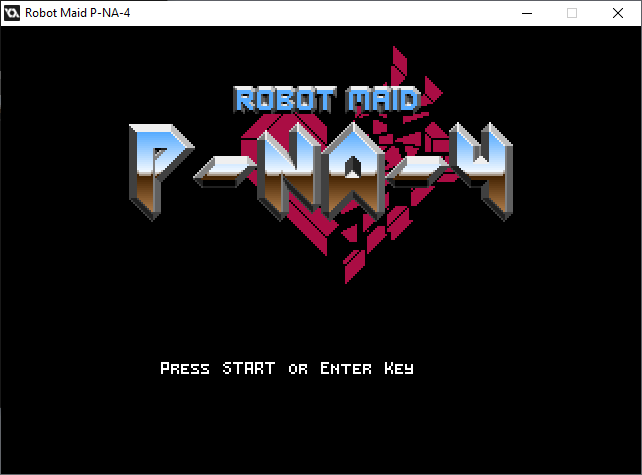
Playing around with the title is only the start of a title sequence.
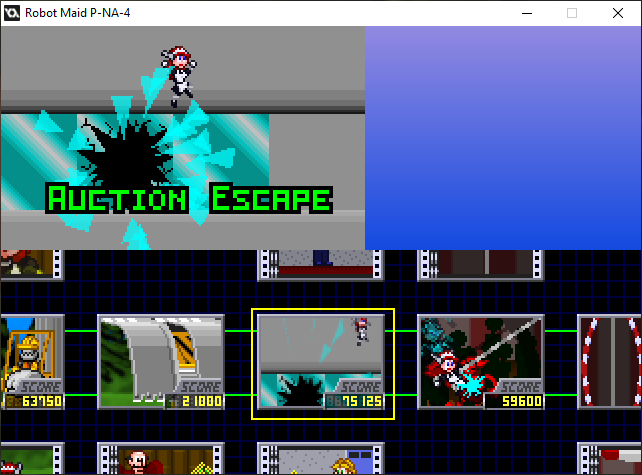
If you think YOU're asking "Is it done yet? Is it done yet? Is it done yet?" then just imagine how I feel every time I have to add little details and bug fixes.
...I'd better make a trailer or pitch reel.
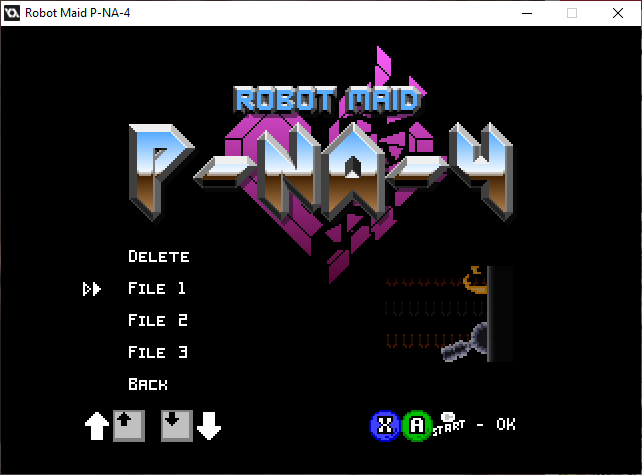
I'm pretty sure I got the save feature working, though I don't know if three save files is acceptable.
Then again, the save features are for Casual Play only. Arcade and Caravan Modes don't let you save your game, for hopefully obvious reasons.

Here. I've got a trailer ready. (...assuming it loads.)
Now I've gotta shop it around, and upload it onto YouTube.
0 comments