
Open the Gamejolt Page on the Steam Deck
https://gamejolt.com/games/bg3012/986885
Download the latest version (2.3.0 or higher is needed).
Switch to Desktop Mode
(Optional) move the file to another folder if desired.
Open Steam in Desktop Mode, click the plus (+) at the bottom left, and select "Add a Non-Steam Game to My Library" Browse to the directory where the game is located and add it to your Steam Library.
Press L2 on the game in the library and open "Properties". Select "Compatibility", check the box, and choose a Proton version (for me, Proton Experimental worked).
Updating the Game
If you want to update the game, you just need to download the newest file and replace the old one with the new one.
Connect Controller
Connect the controller via Steam and open the game. You need to activate the “Steam Deck Settings” setting to use the controller.
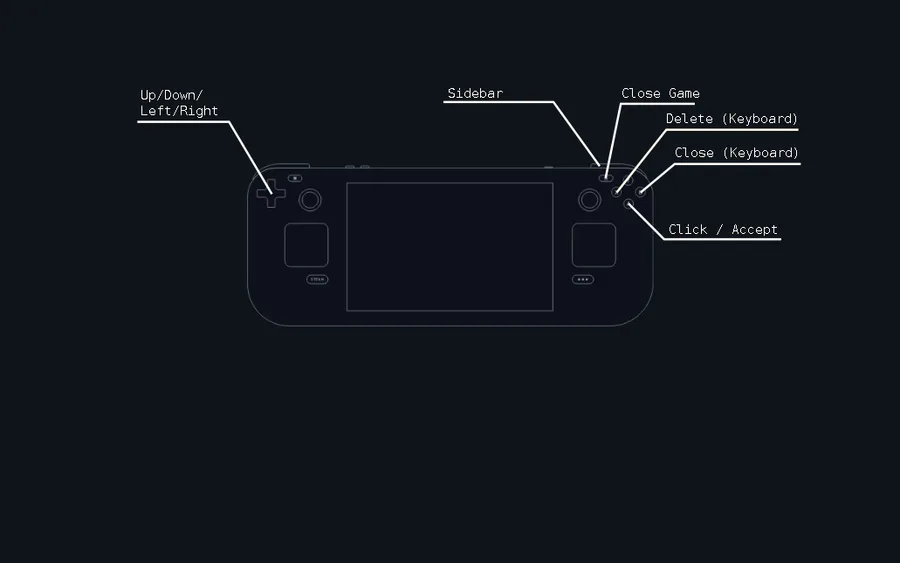
Controls (Steam Deck/Controller)
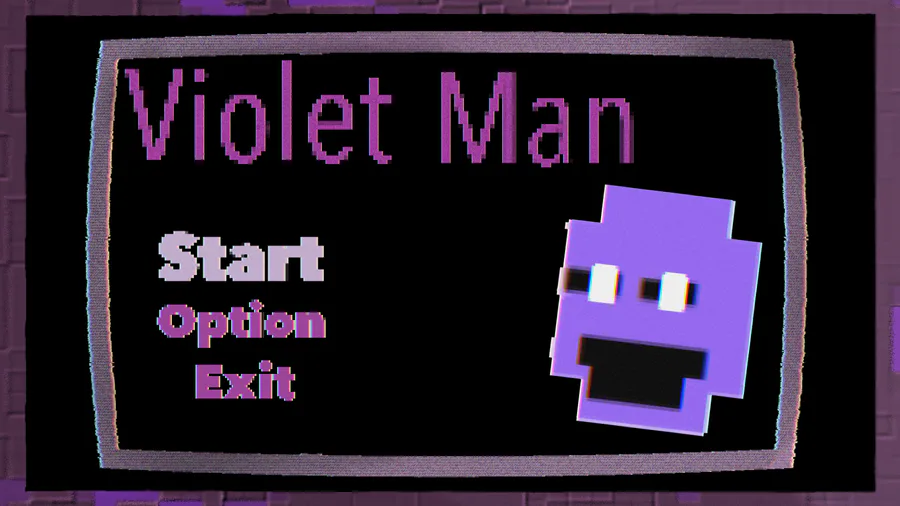
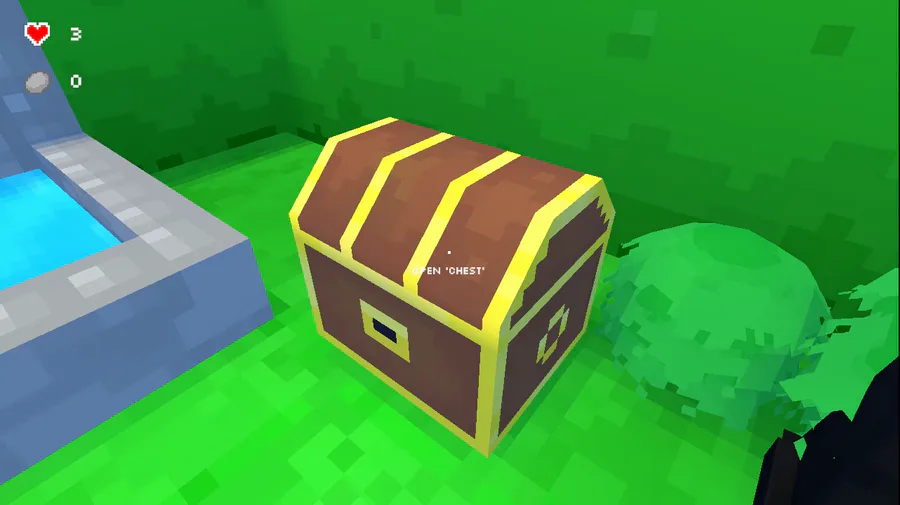
Image at the start









0 comments