
Next up
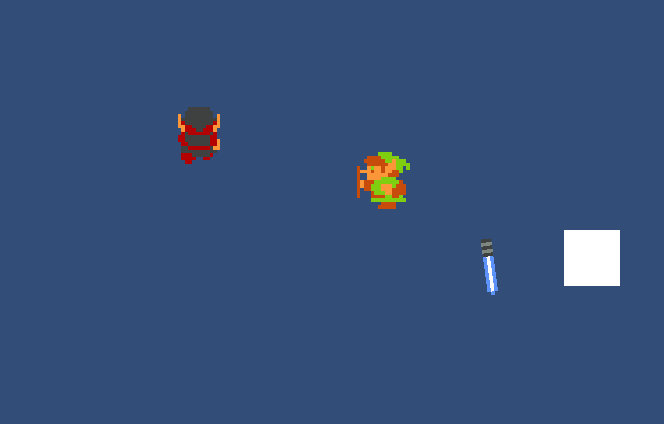
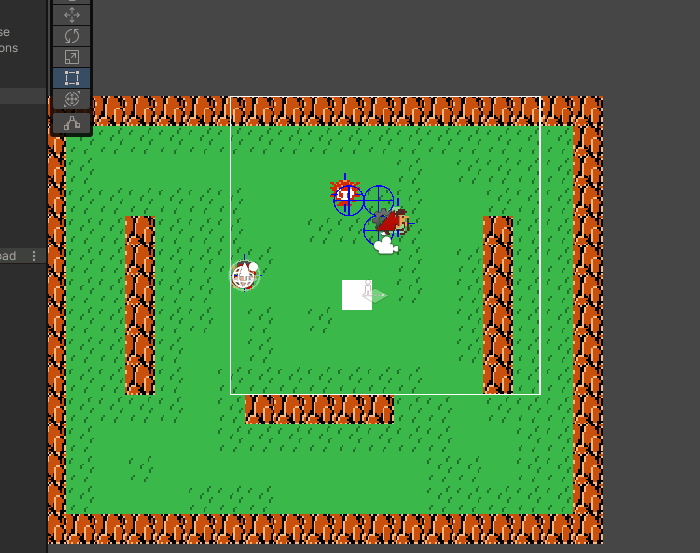
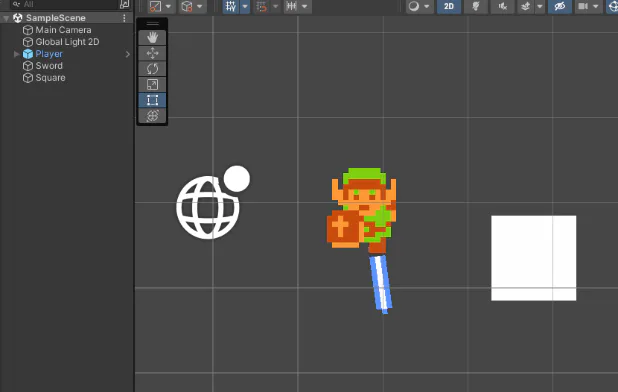
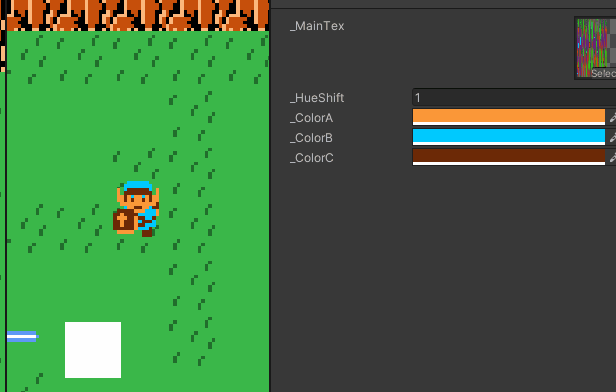
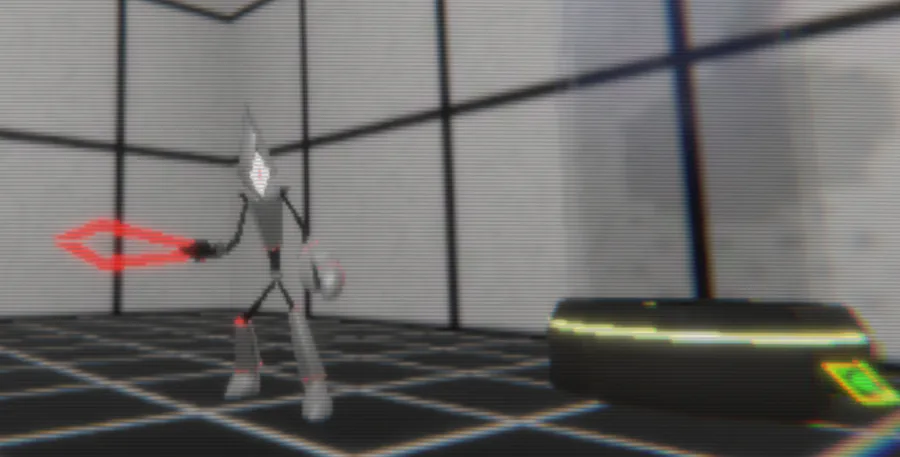
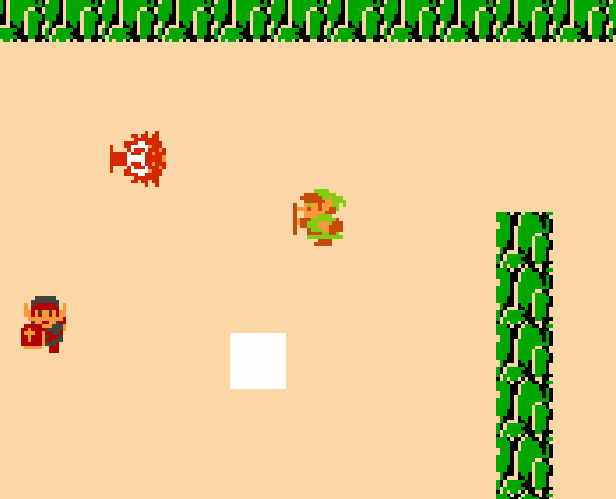
A cool thing about having all your entities work the same is that you can easily make anything playable and everything functions nicely. Gonna make a longer post about it later. I might also soon change the art to something original
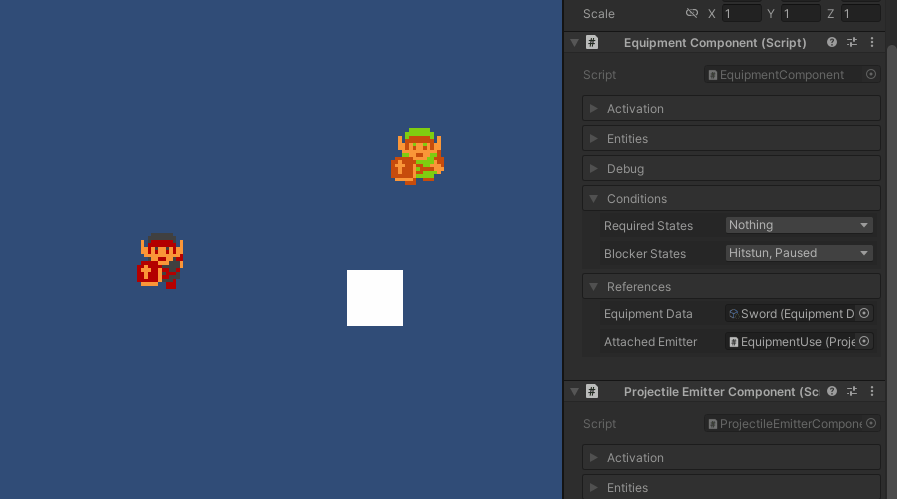
Generic component system is done... kinda. Activation is messy. You currently need to specifically setup the projectile separate from the equipment data. If I don't fix it it'll be a trap for myself later. Works fine though. No specific code required


Short intro of us 💕✌️
We're an eletro duo based in Seoul 🇰🇷 Heavily influenced by the 90s.
Our new album #Xennials is all about the nostalgia of that era 💽 CD listenin 📟 beeper beepin 💾 floppy disks floppin days 😎
Stream now! 🎧
https://open.spotify.com/album/3YwWhnHWVy5cA8XOpbaGRA?si=8E9awqU…
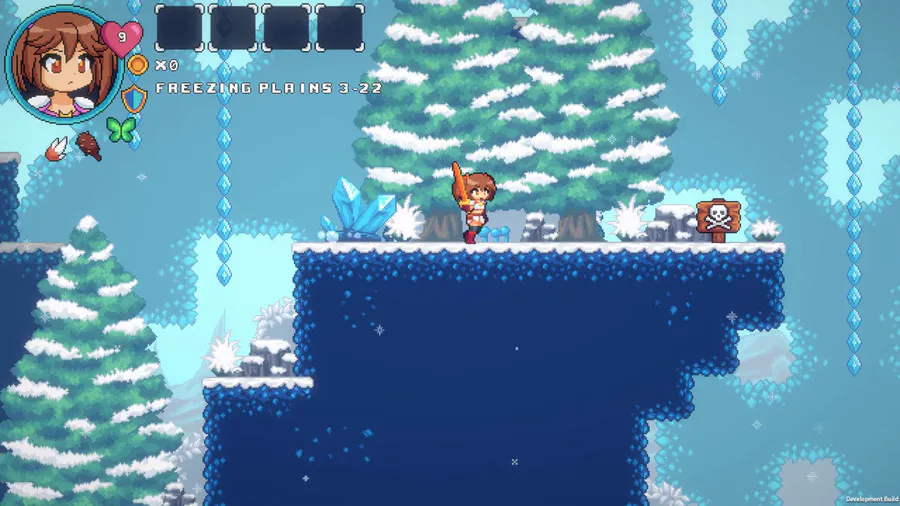

We made a lot of improvements on the Freezing Plains visual. Things like pine trees, tiny bushes, some rocks, and others game props!
#IndieGame | #IndieDev | #GameDev | #PixelArt | #WaifuQuest | #WifeQuest | #screenshotsaturday


0 comments