Game
Swidev's Side Projects

7 months ago

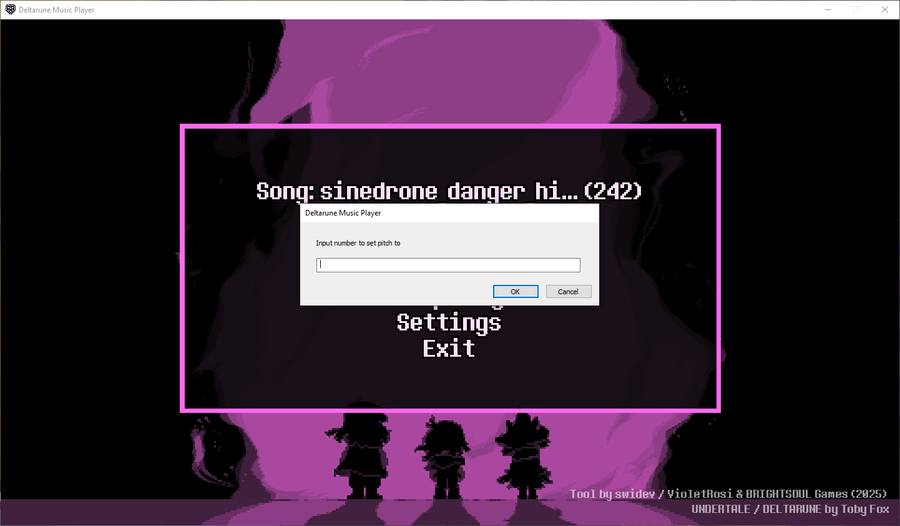
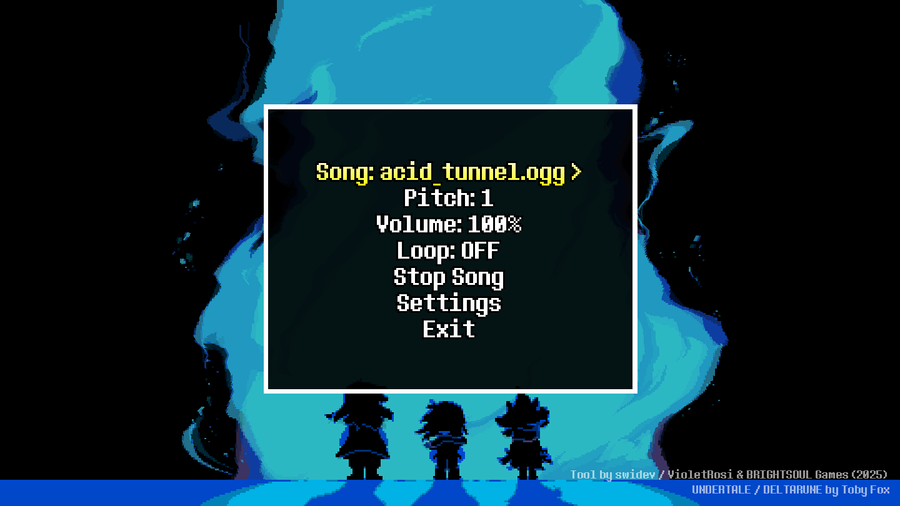
Tips for the DELTARUNE music player: You can press "E" on Pitch & Volume to set those two values to any value within the normal limits.


More tips:

  • You can also hold Left Shift or X on those two options and press the left and right arrow keys to move the values up or down by 0.01 per press.

  • Also, on the music option, you can press and hold X/Left Shift while pressing the arrow keys to switch songs faster.

  • You can press R on the song, pitch, volume, and loop options to reset them to their default values.

Hope that helps!


0 comments

Loading...

Next up

The game is back in development! (Read Article)

CUSTOM DELTARUNE WALLPAPER | V2 OUT NOW!

About DELTARUNE: Prophecy Retold. (Read Article)

No, this is not a cancellation announcement.

There's a new version of STRIFE BY STRIFE II that will be used on The Knight's encounter during a Snowgrave route. (Read article for the song link)

[PREVIEW] Vs. The Roaring Knight | DELTARUNE: Roaring Shadows (A Hard Mode Mod)

The place to find my side projects (Read Article)

Announcement - Anniversary Event

We're planning on doing something for the anniversary of the project! (Read the Article for more info)

New localization system for the game! (Read Article)

A drawing I did of my OC from my fangame. Not sure if I want to do shading yet. (Sketch + Black & White line art included)

I updated STRIFE BY STRIFE. (Read Article)