
2 years ago

Tutorial now finished.

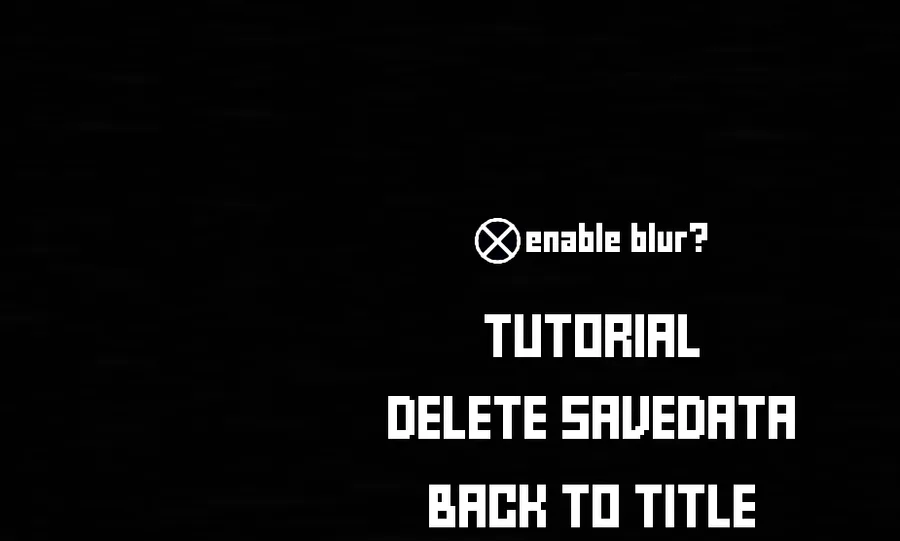
You'll find the Tutorial mode in the Options menu & it's hosted by KunoBot.


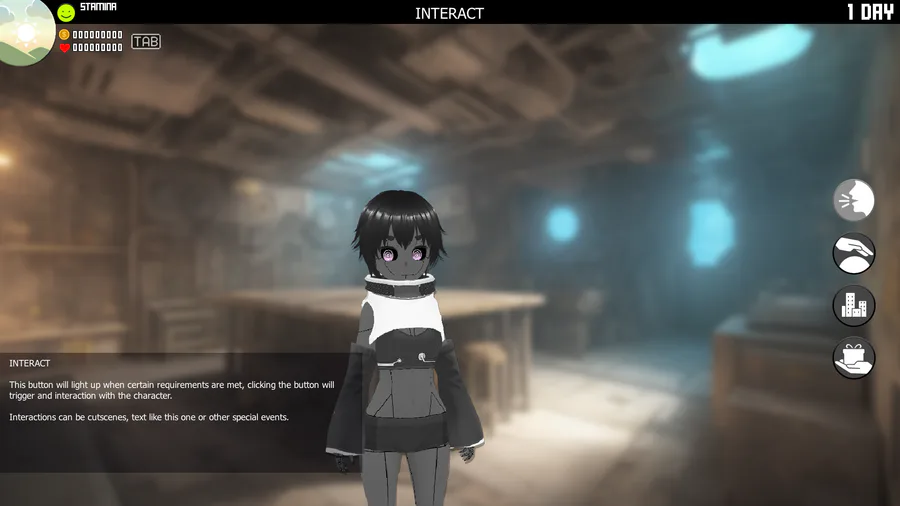
Hovering the cursor over the different buttons, texts etc.
Will make a short description appear telling you brief info on what it is or does.

If you click on any of the buttons KunoBot will also give you a brief description of what it is, for the lols.

I've also added a little bonus secret thing that you can unlock in teh gallery.

I'll soon publish the game page and see if I could get some testers to check out my game. The game still has some ways to go before it's finished, but the core features are almost ready!



1 comment

Loading...

Next up

Stop looking at me!

Mood, Headpats & Profiles

On the characters screen you'll be able to visit each character. where you'll be able to interact with them. (unless they're in a bad mood)

Regarding the encounter system/scene thing I've been working on for the Tall Hayami, I'm thinking of scraping it (or at least not use it fully).

I'll be honest and say the system I made for the scene/encounter is a mess to work with and that sucks

@Miles_Games is a Jolter to Watch, 3D modeler, 2D artist, Music composer, and Game developer!! Follow @Miles_Games before the quest ends on December 23 and you'll get Coins!

Rewards & Albums

Headpat characters, reach milestones and get rewards. Max out a character and get their Ace card.

Happy #WIPWednesday! Are you working on a game? Making some art? Practicing a song? Something else? Tell us in the comments!

wait a minute

Some spectral shots from our game #indiegame

look what time it is