
Random Encounters and a plethora of other additions.
Random Encounters allow enemies to appear during exploration of the Overworld.
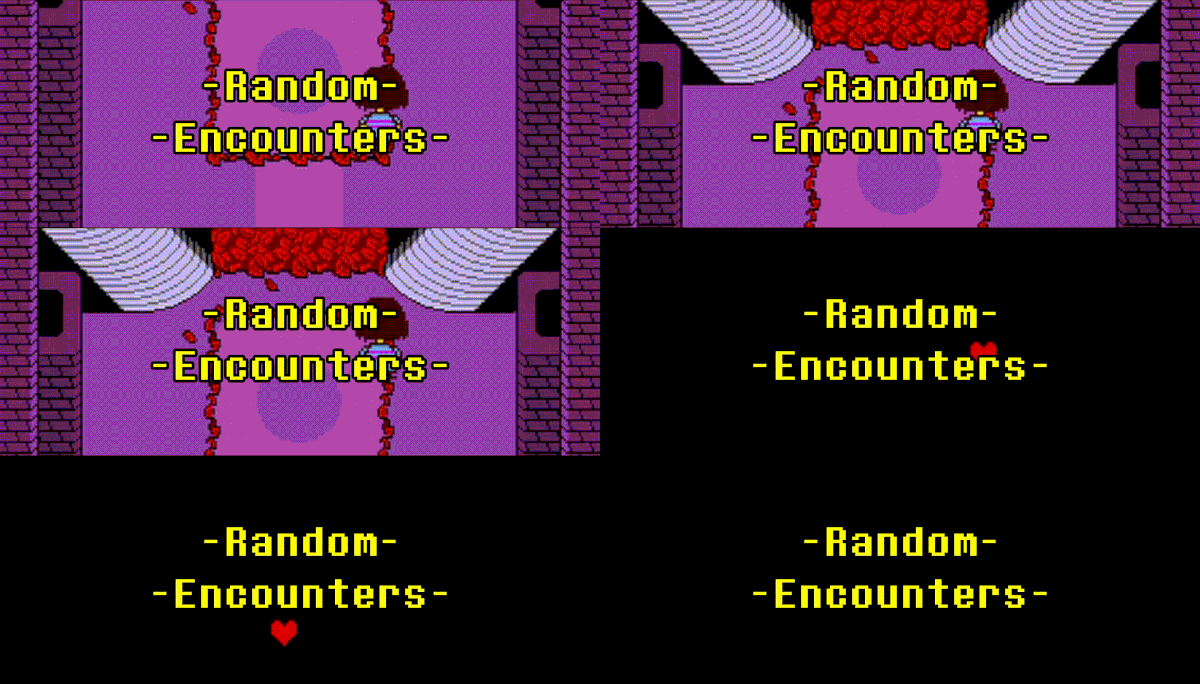
Random Encounters have been added, allowing you to suddenly start fights after a number of 'steps' have been achieved.
Random Encounters and room enemy lists are managed in the 'Room' Sprite. By default, all Random Encounters are turned off and need to be enabled per room you want them in.
All random encounters require a number to be achieved; this number is increased by 1 every 0.125 seconds when the player is moving.
The number of required 'steps' is chosen randomly between 25 and 30 'steps'. This is affected by the next topic in this update.
The Genocide Route is a set of features that work alongside and separately from other new and existing systems.
There is a new 'Kills' variable which works with several new systems; I will talk about how this variable impacts them in their sections.
Random Encounters without any 'Kills' chooses between 25 and 30 'steps'; this value increases with more 'kills'. The strength of this effect by default is 8, but that can be changed if you feel it's too strong or too weak. The actual formula for this is weird, but if anyone wants to know, it's: 'base number'+(Ceiling of((Sqrt of 'Kills')x8))
There is also a '* But nobody came.' encounter for when all available enemies were killed. This switches a variable with the same name to 1. It also sets all requirements for the track 'too much' to play.
The variable mentioned above is responsible for two things:
Allows the 'too much' track to play (Default track ID is 2)
Allows select rooms of your choosing to play or keep the track playing.
There is a new variable called 'Overworld Genocide Ongoing?'; it exists for two purposes:
Allowing you to set extra parameters in the overworld Music Section to allow you to pitch the music down.
Allows you to create exclusive genocide route content. (You can pair this with all the other various variables to get extra specific.)
(Disclaimer: There is a script that changes this value to 1 after a number of 'kills' have been achieved in the 'Battle Text' sprite under battle won text. This is purely to demonstrate it.)
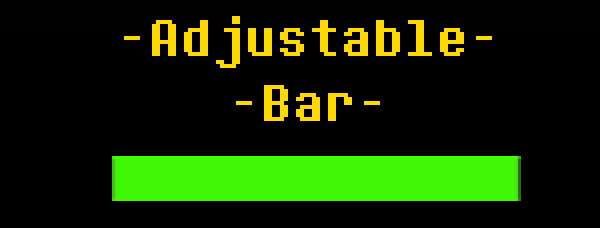
The Enemy HP Bar has received a large change in how it works.
The Bar now uses two variables you can set to change its appearance. These are the size and bar y variables.
The bar Size variable controls the width/length of the bar, allowing you to make a bar as small or large as you like.
The bar y Variable controls the y location of the bar on the screen.
The way the bar handles the green section has been changed to be a percentage-based fill.

These are miscellaneous changes that don't need or can't have any separate graphics to talk about or demonstrate them.
The first of these is a new Area System; this system has two purposes:
Contains a list with the maximum number of 'kills' an area allows you to have before triggering the 'But nobody came' encounters.
Contains a list of all completed areas; completed areas no longer spawn random encounters when they are walked through.
The Area number is set on a room-by-room basis.
You can also use the completed areas list to change room music; just make sure the IF conditions are set correctly.
The second addition is a new Room Misc Volumes sprite; this sprite contains volumes that don't stop the player in any way but instead flip variables on or off when inside them.
The only Misc Volume function right now is called "tRES"; this stands for "temporary Random Encounter Stop". The only reason it exists is to stop random encounters from breaking event triggers.
The third addition is a new variable called "Overworld Battle Music"; this variable stops encounter music and keeps playing the Overworld music in a battle.
There is only one tweaked thing, that being the green soul shield rotation speed.
This Update also has another file in the package, that being an extra TurboWarp-specific file.
From now on, all future updates will also have an extra TurboWarp file that is configured to:
Be scaled to a resolution of 640x480 (Undertale's standard resolution size), along with changing all sprite sizes and size-changing code to reflect this higher resolution.
Remove all unnecessary Scratch limitations and turn on some TurboWarp settings by default: Infinite Clones, Remove Fencing, Remove Miscellaneous Limits and Warp Timer.
Bug Fixes: There are 3 bug fixes.
Damage Numbers not being correctly aligned to the centre. (Reworked how the damage number positions were calculated.)
Enemies not dying when the damage dealt was exactly their HP Value. (Added a few checks to see if that's the case.)
HP being fully restored when starting an encounter. (Was an oversight to accommodate returning to battle after dying. It's fixed now.)
Probably the Largest Update to the engine so far.







0 comments