
Comments
Conway's Game of Life Editor
A 1-bit pixel art editor with a built in Conway’s Game of Life simulation.
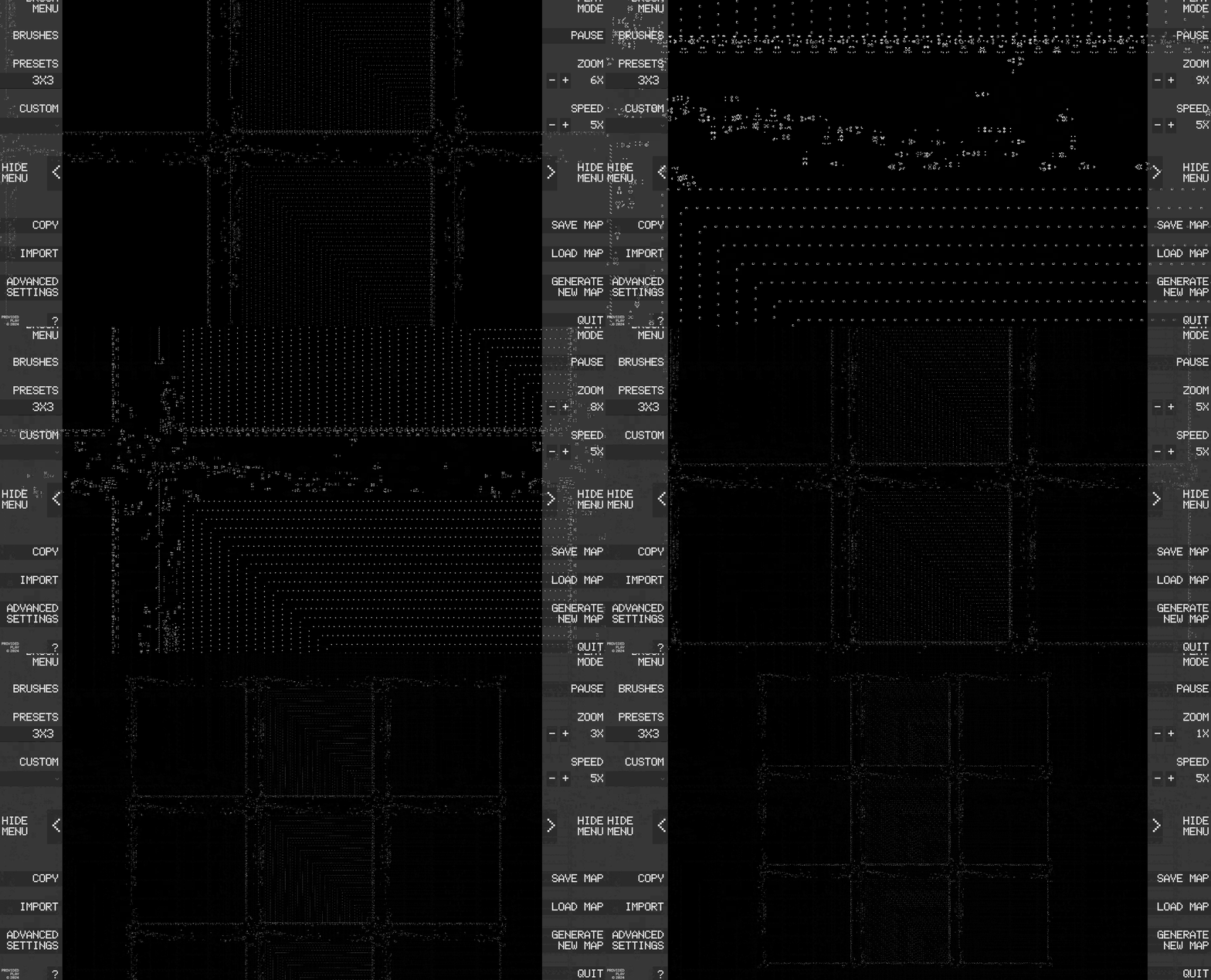
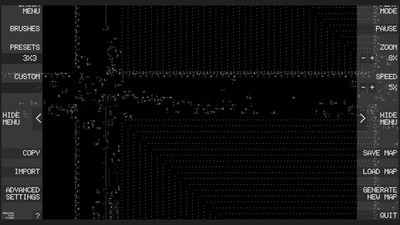
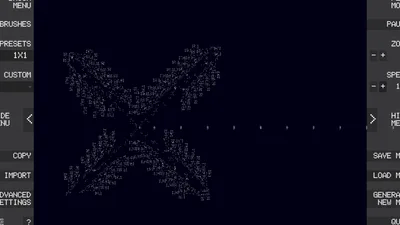
Ever wanted to run a 160-million cell simulation of Conway's Game of Life at 240 frames per second?
That's alright, I'll be here if you change your mind.
But wait! What if you could:
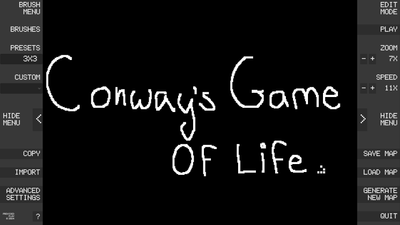
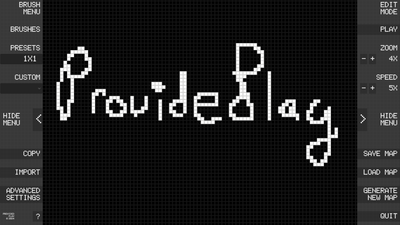
- Make digital pixel art with customizable brushes.
- Save, load, import, and export those brushes with just one click.
- Save your art, import and export those too.
And when you're done...
Click the play button, and watch your art turn into Conway's Game of Life at 240 frames per second!
Now we're talking!
Other features include:
- Customizable colours (specify your RGB values manually, hex coming soon!)
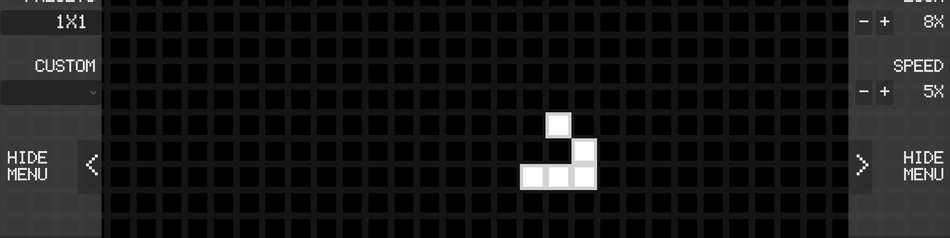
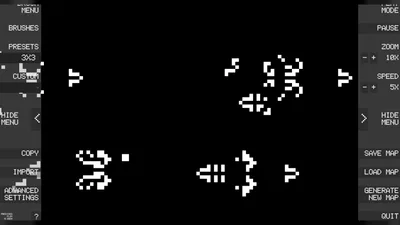
- Preset brushes and maps, varying from the basic Gosper Glider to the massive 4-million cell OCTA Metapixel.
- Import structures of any size as an RLE or JSON file (can import from golly or this database )
-Full Keyboard and mouse support (with hotkeys), so you can play it on your brand new Xerox Star 8010.
----
What's that? What's Conway's Game of Life?
Conway's Game of Life (invented in 1970 by mathematician John Conway) is a grid-based simulation where cells live, die, and are born based on basic rules. Each life cycle (tick) occurs simultaneously across the entire simulation.
It is a form of 'Cellular Automata', where a small set of rules can cause complex, emergent, even life-like behaviour on a large scale.
How does it work?
Conway's Game of Life follows only 4 rules:
- Living cells with >3 neighbors die (overpopulation)
- Living cells with <2 neighbors die (starvation)
- Living cells with 2/3 neighbors survive
- A dead cell with exactly 3 neighbors comes to life the next cycle.
There's an in-game 'Help' menu that covers these rules.
----
You can also check out this video to learn more:
https://www.youtube.com/watch?v=Kk2MH9O4pXY
The scale of the app can support large constructs, so you can create your own version of some of the monstrosities featured here:
https://www.youtube.com/watch?v=C2vgICfQawE
IMPORTANT NOTES:
- Currently, the game runs locked to your framerate by default. To unlock your frame rate (in windows > nvidia control panel):
- Go to Nvidia Control Panel > Manage 3D Settings > Program Settings >Conway's Game of Life
- Turn Max Framerate off
- Turn Vsync off
- Please be careful when running larger maps. This program does most of its work on your GPU, if you are worried your GPU will overheat, cap your frame rate.
Future plans:
- A feature where dead cell colours can be differentiated from cells that were never alive (creates a cool visual effect)
- Support for grids on boards of all sizes (currently grid is only visible on smaller board sizes).
- A snap-to-grid system for brushes
- Multiple colour palettes per board