



Comments

Poppy Playtime 1 Low PC Config
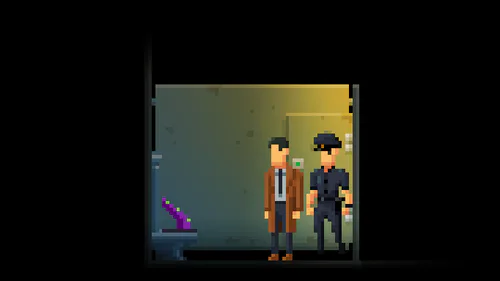
Are you tired of seeing a slideshow instead of Huggy Wuggy? If your old laptop (like my GT 520M) struggles to reach even 15 FPS, this config is for you!
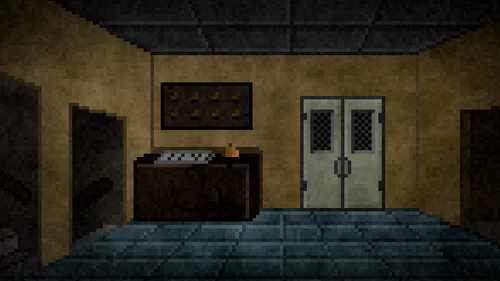
I optimized the game to run as smoothly as possible, especially in heavy areas like the "Make-A-Friend" room.
FEATURES:
Extreme FPS Boost: Optimized for low-end GPUs and 4GB RAM.
Pixel Style: Lower resolution scale to save your video memory.
No Laggy Shadows: Heavy shadows are disabled.
Clean View: No Motion Blur or Bloom to keep the CPU happy.
HOW TO INSTALL (Easy Steps):
Step 1: Steam Launch Options
Open your Steam Library.
Right-click on Poppy Playtime -> Properties.
In the "Launch Options" field, paste this:
-lowmed -nomotionblur -windowed -w 800 -h 600
Step 2: Replace Config Files
Press Win + R on your keyboard.
Paste this path and hit Enter:
%LOCALAPPDATA%\Poppy_Playtime\Saved\Config\WindowsNoEditorCopy and paste my GameUserSettings.ini and Scalability.ini into that folder (Replace them).
Step 3: The "Lock" (Crucial!)
Right-click on both files you just pasted.
Select Properties.
Check the "Read-only" box and click OK. (This prevents the game from resetting your settings back to high!)
IMPORTANT NOTE:
The game will look pixelated (retro style), but it will be MUCH faster. Make sure to close your browser and other apps before playing!
Created by Pitt Team (Not by pitt) - Enjoy the factory without lags! #other #horror #fangame