
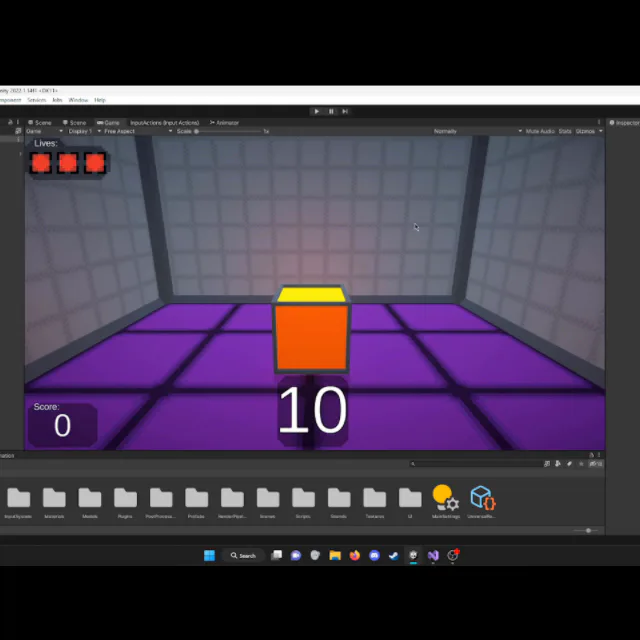
Version 1.2 adds a texture to the walls and fixes a bug where the floor would never turn blue. Version 1.2.1 fixes a bug in 1.2 where the Development Environment text (which I have in case I forget to disable dev commands when making a build) would reappear after returning to the menu from the game over screen.
3 years ago
A few days ago I released version 1.2 and then 1.2.1 to fix a bug in 1.2. See the article below or changelog.txt included in the download for more details.

Next up

This is a short video showing off the new procedurally generated enemy waves in Hensen! In theory, the game will become more and more unpredictable as I continue to build and implement new enemies!!!
Today I added a glimmer effect on the ground that plays when you score! I think it looks really nice and I wanted to share!
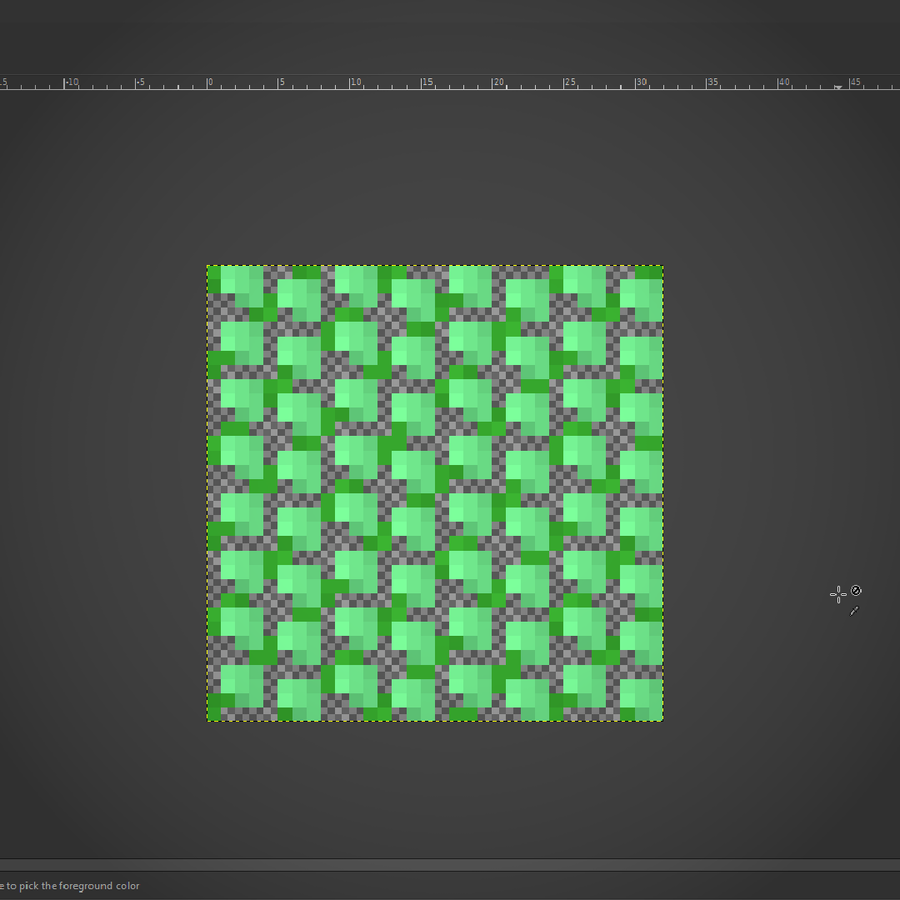
I've worked out a process for drawing bushes that I'm using for the backdrop! First I draw the branches, then "paint" where the bush texture will be, copy it's alpha to a new layer in white, then draw it's shadows in a layer over the bush layer.
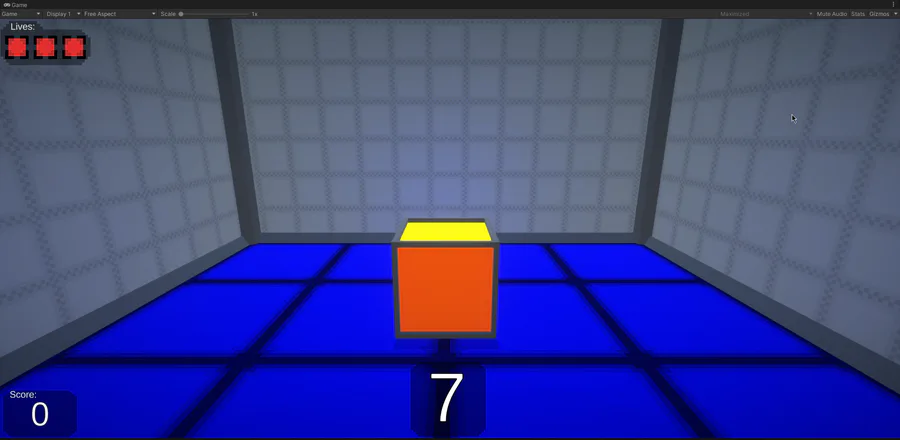
I've updated the UI and HUD in It's a Cube! I think the HUD especially looks a lot nicer now, and I'm especially proud of that, but I've also made changes to the main menu. I've also finished the statistics screen I was working on last weekend.
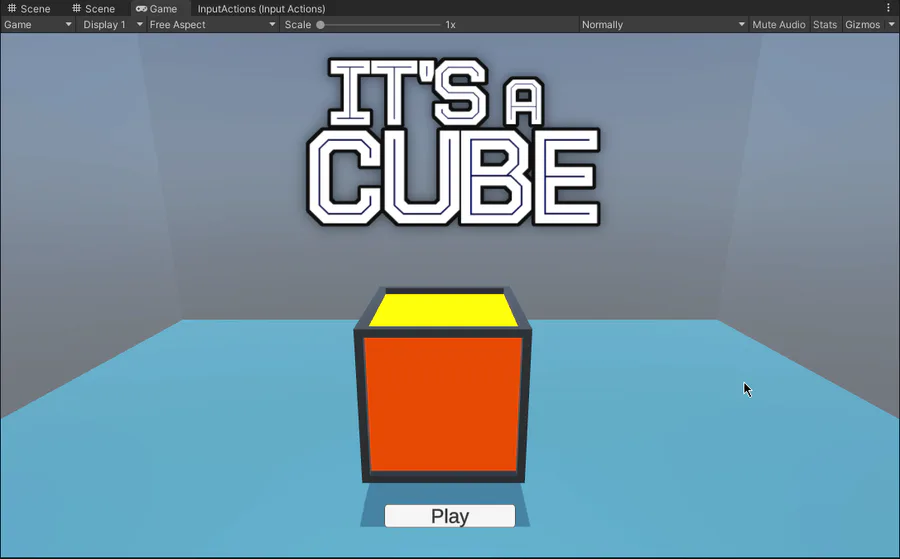
I'm working on a main menu now! I think it's coming along quite nicely so far. Oh and I've also improved the model for the cube as well.

Here's a short video showing off the improved gameplay loop and "stage complete" screen. The updated artwork for Hensen and his gun and the honey bullets can also be seen.

I updated the algorithm that handles the timer gradually decreasing as the game progresses! Before, it would decrease by 1 second when the player scored certain amounts, but now it gradually decreases according to a multiplier each round.

I'm working on an update for It's a Cube! I've implmemented Game Jolt's API and added 4 trophies and score saving.
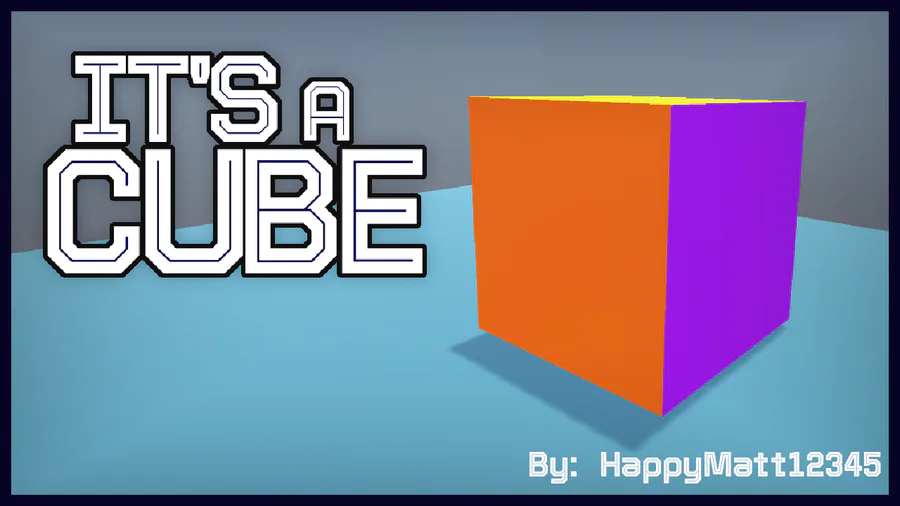
My next project! It's still in the early stages of development, but I have a tech demo available for download.
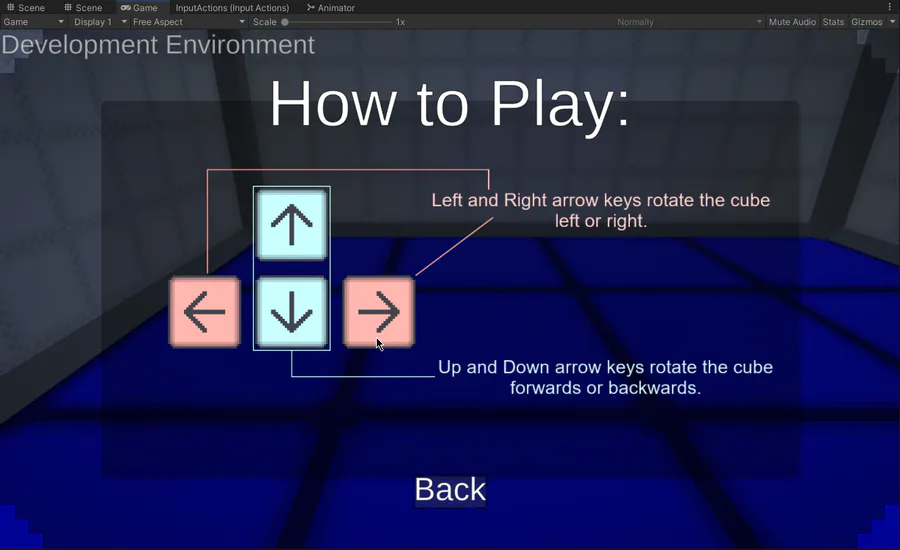
I'm working on adding full controller support to It's a Cube! I'm also taking the time to update the art for the in-game tutorial page, I'm planning to add a tab for controller too. In the meantime, how does the keyboard tutorial look?
0 comments