 Loading...



Next up

Demo update ver. 0.2.0 is up!
Now, you can try out the new aiming system! There are also some new sound effects.
Download demo here: https://gamejolt.com/games/ballsnstars2/721902
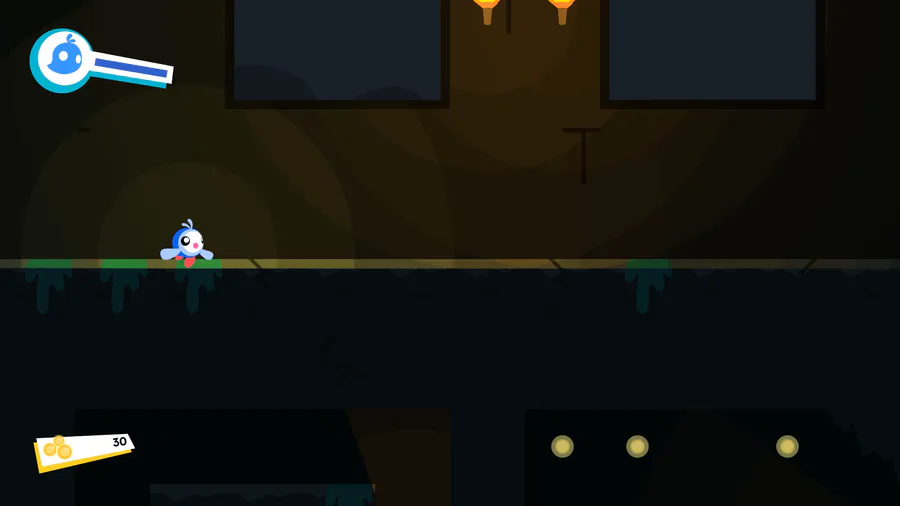
It has been a while, doesn't it? I'm still working on the game, but very slowly to keep myself from creative burnout (this recording was from Saturday)
Anyway, cinematic sequences and some more lighting effects

Almost forgot to show y'all the new loading screen animation, initially to add a white panel behind the icons since they might blend with the background which changes with each island.
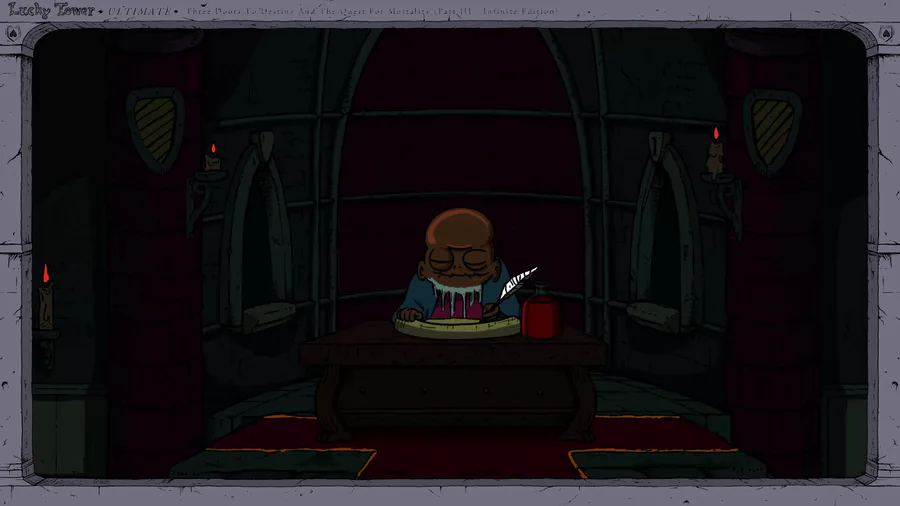

Lucky Tower Ultimate is a chaotic, comedy roguelite. Escape from an incredibly dangerous, randomly generated tower in a slapstick adventure that looks like a cartoon and feels like a joke. Slashy slashy!
Wishlist the game now: https://bit.ly/LuckyTowerUltimate
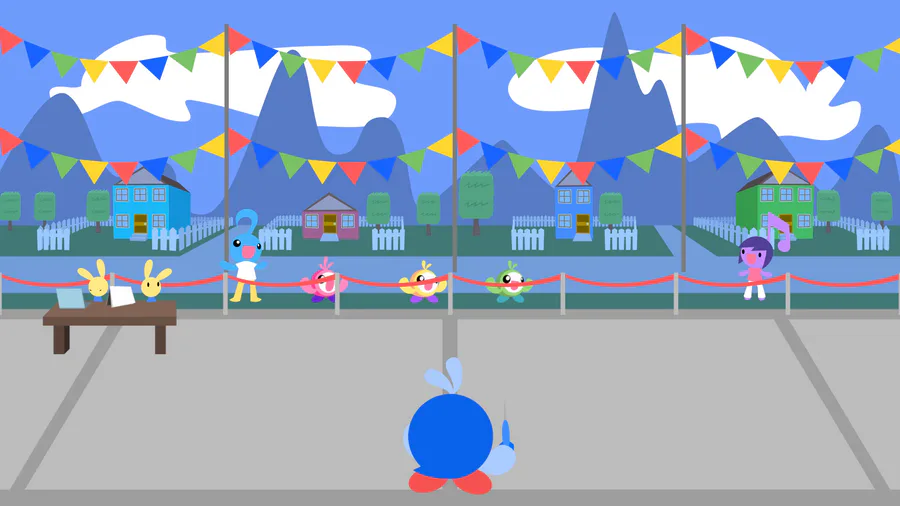
Some changes today: - Balloons now appear in groups of color - The Fever bar got a new look - 80-point and 100-point balloons now appear only in Fever mode
Happy #WIPWednesday! Are you working on a game? Making some art? Practicing a song? Something else? Tell us in the comments!

Before I go on to work on Penumbra Forest, thought I'll show the progress on the Dripsdale Dex, one of the new features in Smitty 2
This is where you can learn more about many stuff you found throughout the game
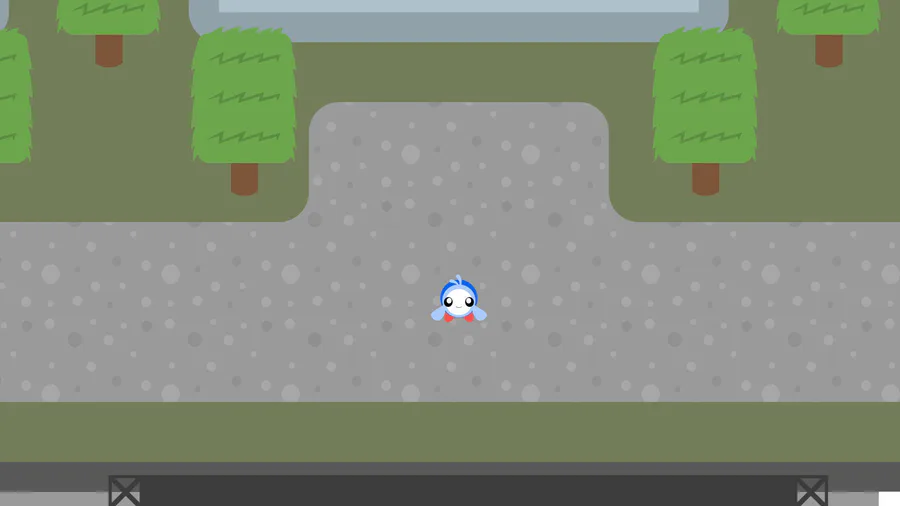
Once you enter the Town Square for the first time, this cutscene will play once.
Also, these construction sites will take place of buildings I couldn't complete in time before the SAGE 2025 submission deadline. :\
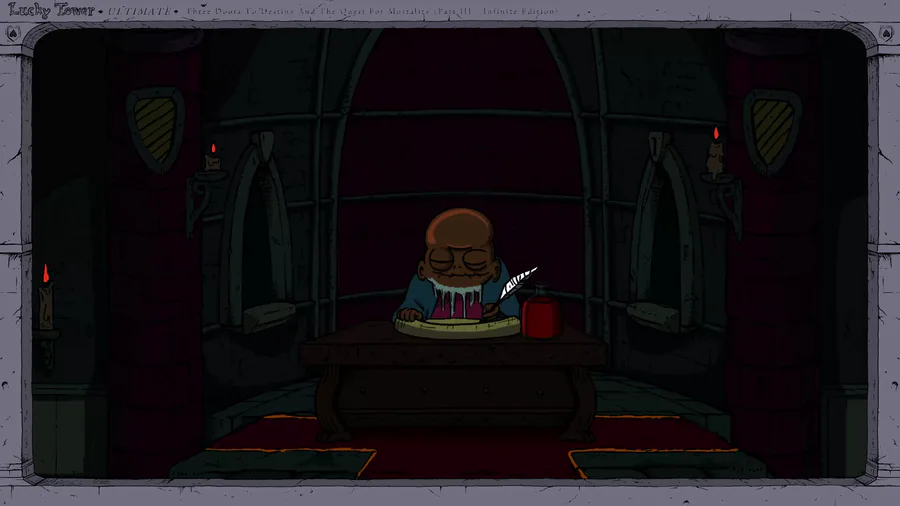

#LuckyTowerUltimate is OUT NOW on Steam and Nintendo Switch! It's your turn to become the Chosen One and rid the land of Evelius’s tower for good! https://store.steampowered.com/app/1700270/Lucky_Tower_Ultimate/
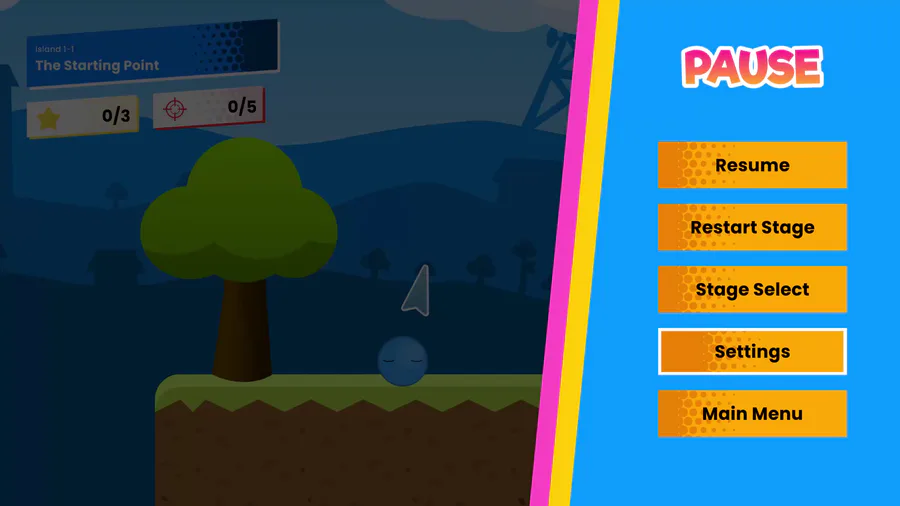
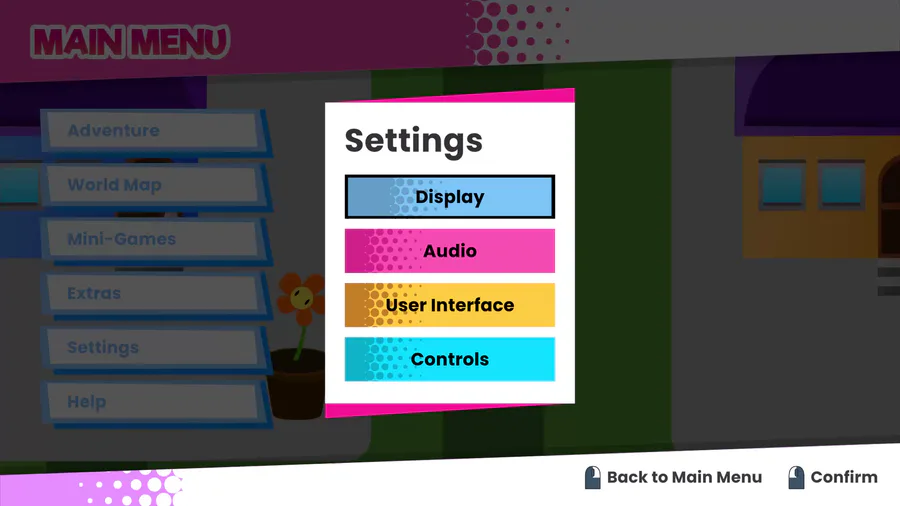
Now working on some more modification to the Settings screen, including giving each sub-screen a consistent color scheme (the Apply button being green is intentional) and adding more component to each sub-screen.
I'll work on the Controls screen later on.
2 comments