
Hello everyone! This is the 14th devlog. Over the past 25 days, a lot of work has been done — I’m happy to present the first Major Update (game version 260327), which focuses on game progression and greatly improves it. In total, I made about 100 changes of various scales, but I’ll only describe the most important ones.
Progression is what will make you not only descend into the dungeon but also rise back up. It adds basic RPG mechanics. With each new update, this will become even more noticeable: you’ll need to manage resources, follow the world’s mechanics, and explore. In other words, it’s a real journey into the dungeon and back — a story that will be unique for everyone.
Overall, there are quite a few things I didn’t manage to implement — roughly another ~100 changes. I mean that the size of this update could have been even bigger than it actually turned out. But I covered all the core aspects related to the theme of this update. Though for many, it might seem: how could it be even bigger? You’ll understand when you read the changelog below.
The next major updates I’m planning are:
April: Combat System
May: World Exploration
That’s why I didn’t add a save system in this update — because there aren’t that many things to save yet, even though you can play for quite a while. But the system itself is conceptually ready, and everything needed to implement it is in place — it’s planned for the May update. By then, there will already be enough systems for deep gameplay, and saves will become necessary.
Also, I didn’t implement a leveling system — because there are few mobs and no boss. This part is currently planned for April, as that’s when I’ll be working on effects, damage types, weapons, and new mobs.
Now, let’s move on to the update itself — I’ve divided it into sections for easier reading.
Inventory
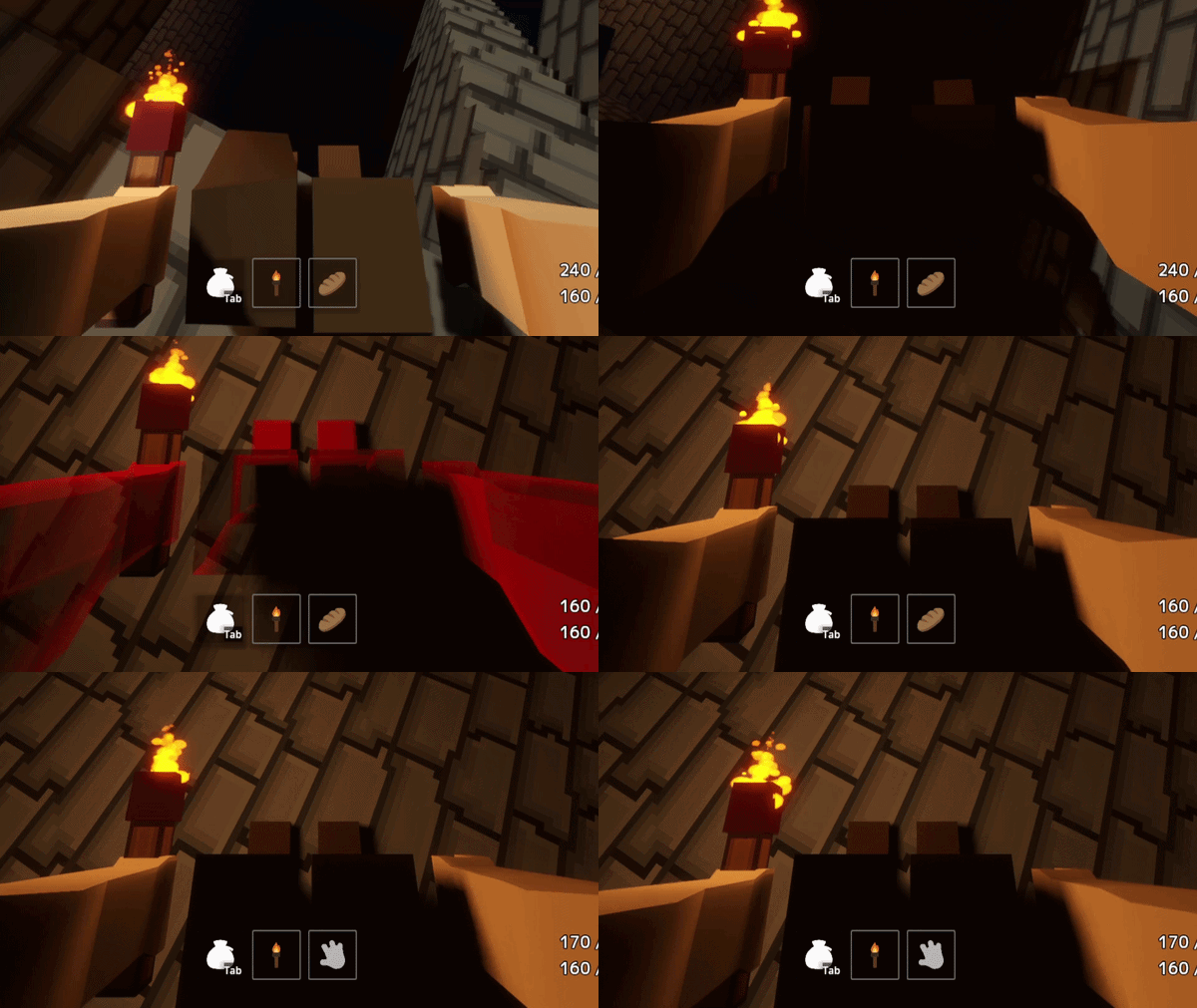
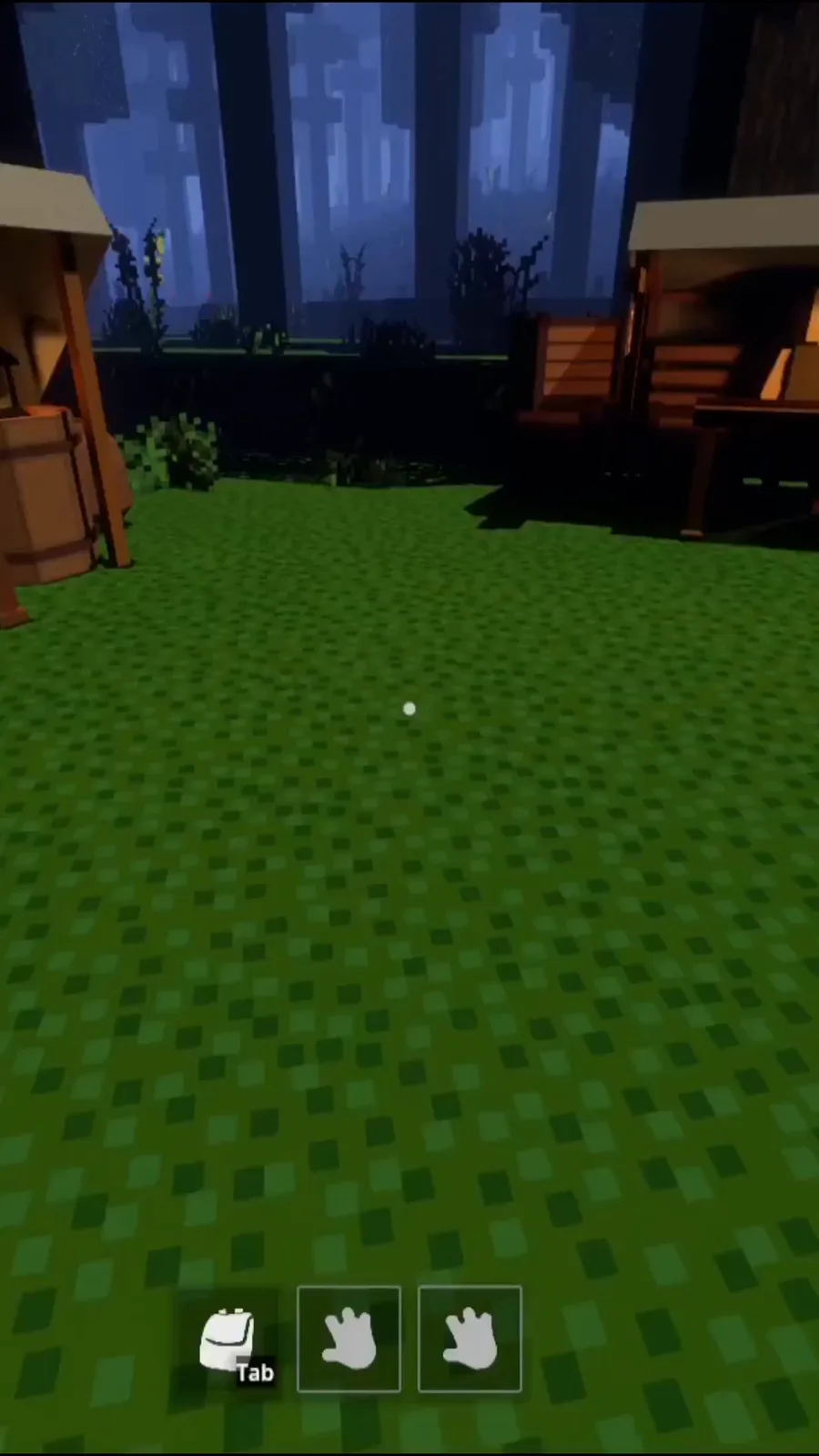
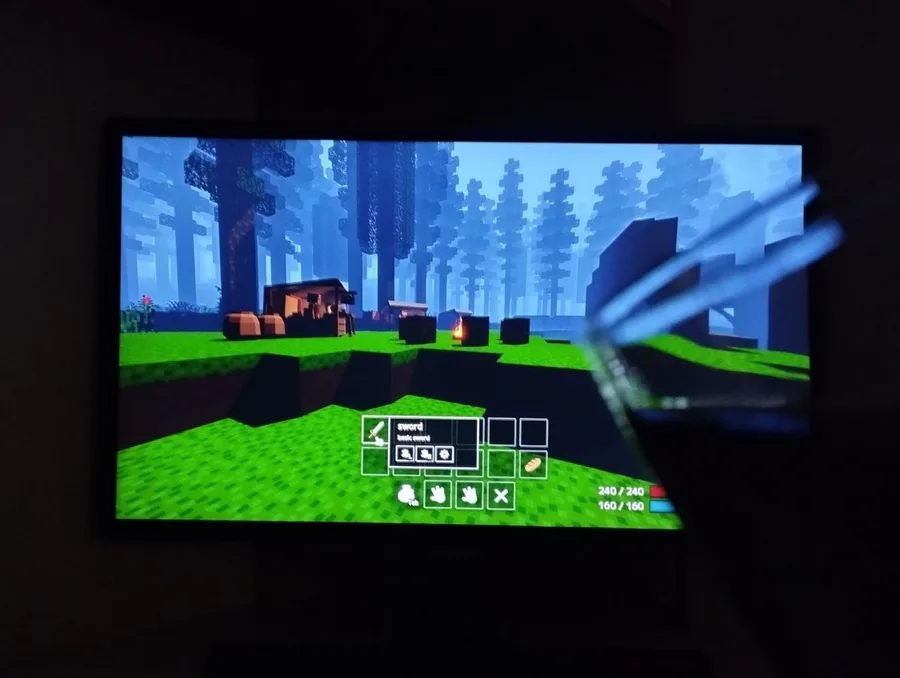
The inventory system is a bag that opens with the Tab key, along with two hands for active items. All of this is located at the bottom center of the screen — so it doesn’t get in the way, as it’s more comfortable for gameplay and looks clean.
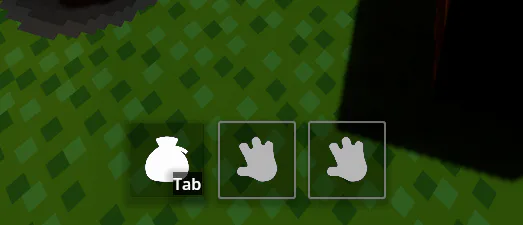
So, you have a small backpack, which means you can’t carry too many items, putting you in situations where you have to make choices. In the future, there will be a weight system, adding more depth to this mechanic.
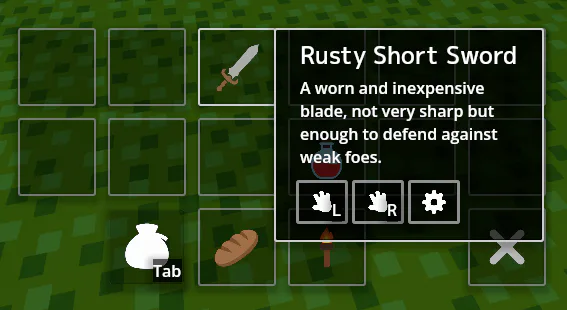
In the backpack, you can hover over items to view their stats. In the future, there will be more information and effects. It’s also intended that the player will discover effects as they play, and be able to review them for items they’ve already used.
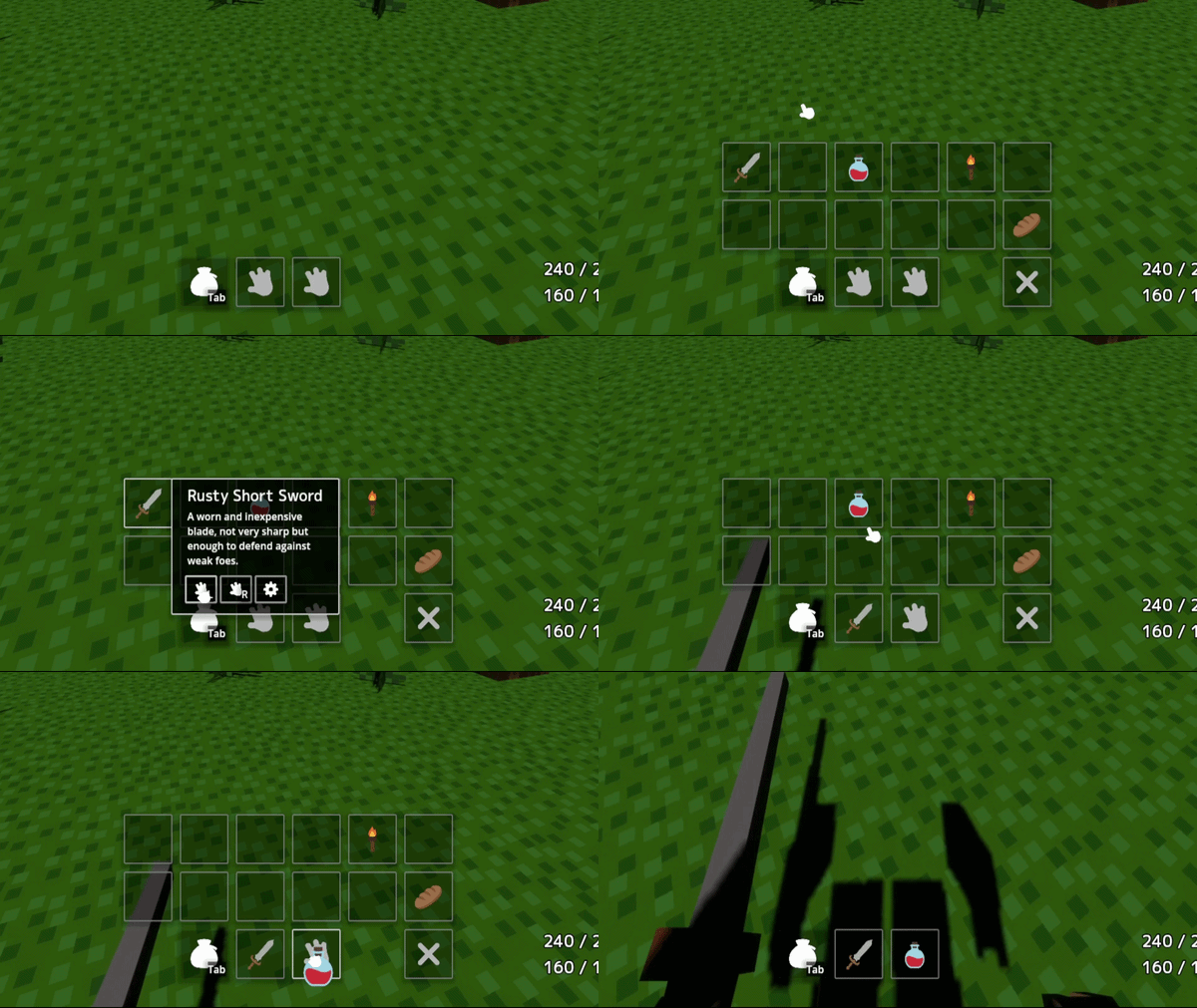
You can equip an item in one of your hands by clicking the buttons in the item info menu, or use it immediately via the button with the gear icon.
You can also simply drag the item by holding the left mouse button.
You can also delete an item by dragging it onto the cross icon.
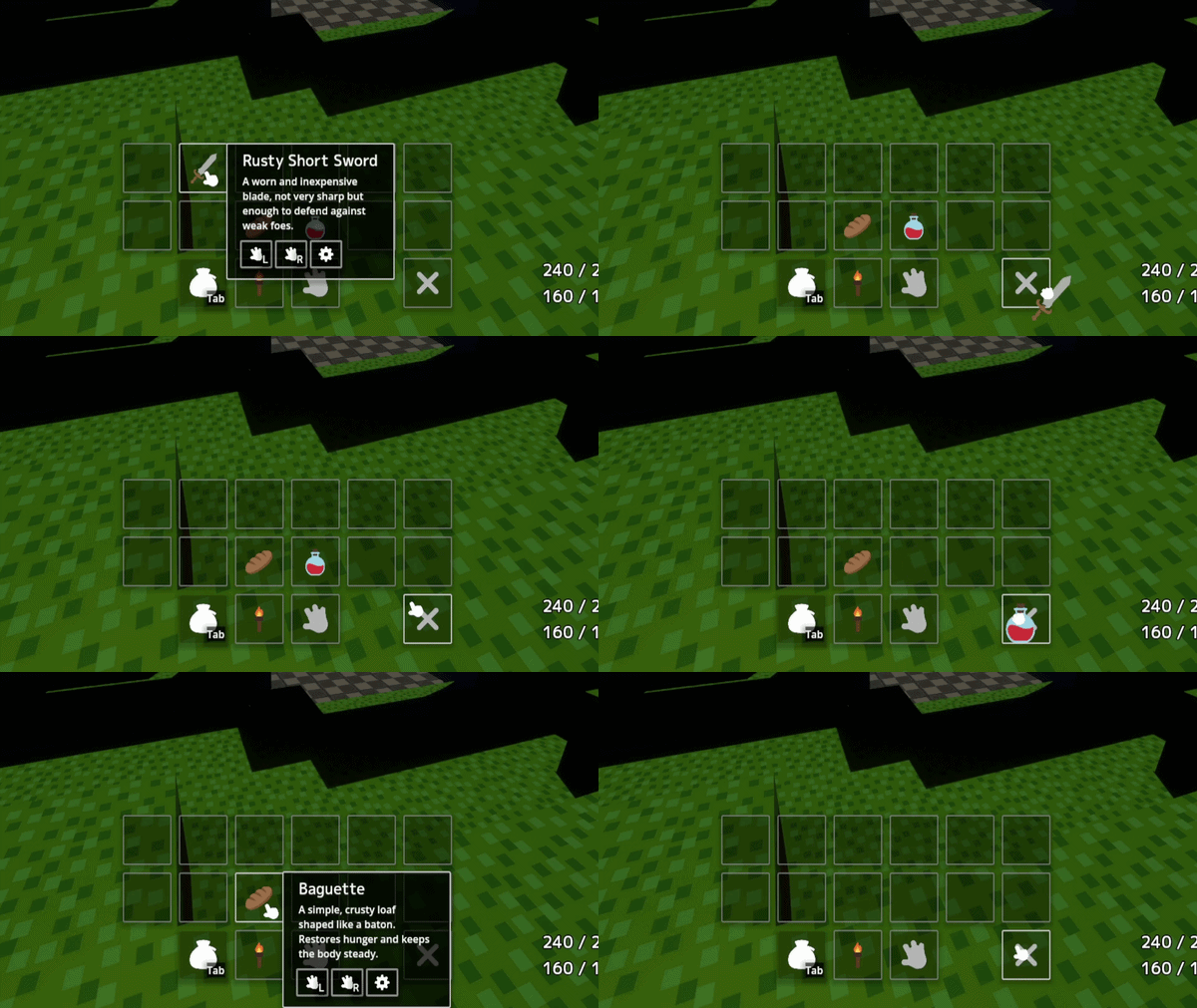
To use an item, you need to click it with the mouse button it’s assigned to. This way, you can use consumables like potions or food. Good news: we have super popular baguettes for HP regeneration. 😅
If there is a weapon in hand, it will be used. If the hand is empty, the attack will be made with an empty hand. Mainly, it’s important to remember that ordinary items deal little damage, but they can be used for minor attacks. Generally, you should use the weapon in hand to deal its full damage, which requires a fair amount of stamina.
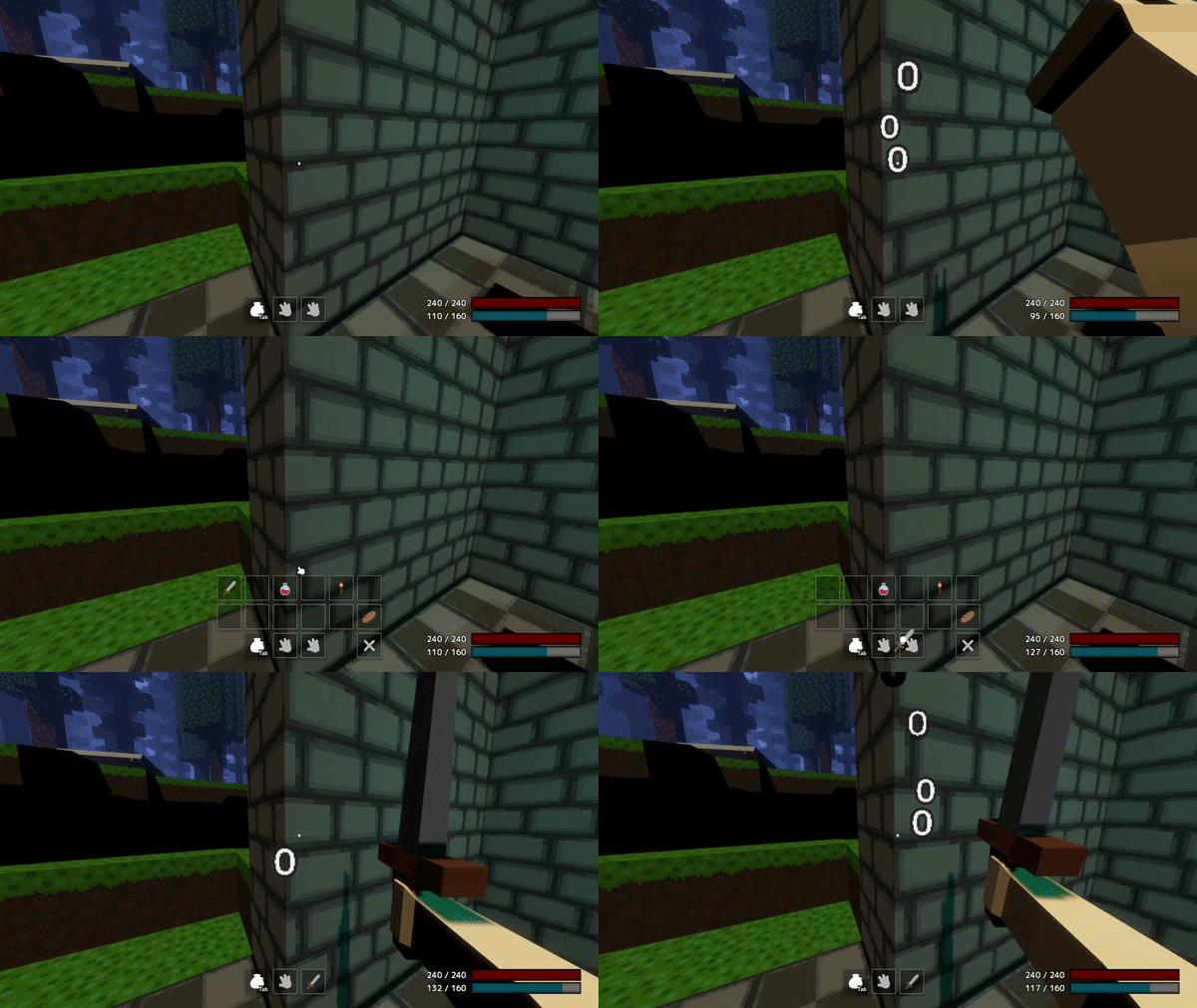
Again, weapon and consumable stats will be updated over time. For example, different weapons will require different amounts of stamina, and will have attributes like length, strike power, and knockback strength — which are planned to be added in the April update.
Merchants
Merchants are NPCs added to the surface of the dungeon. There are plans to add other NPCs as well, and possibly even a system of other parties in the dungeons — but for now, this is just a concept.
Overall, each merchant has their own specialization, and together they cover all the main needs. At the moment, only a portion of the merchants has been implemented:
Food Merchant
General Goods Merchant
Weapon Merchant
Potion Merchant
In the future, the following merchants will also be added:
Resting Spot
Monster Merchant
Guild Master
Crystal Merchant
Rare Items Merchant
All new merchants will appear gradually as mechanics are added in upcoming themed devlogs.
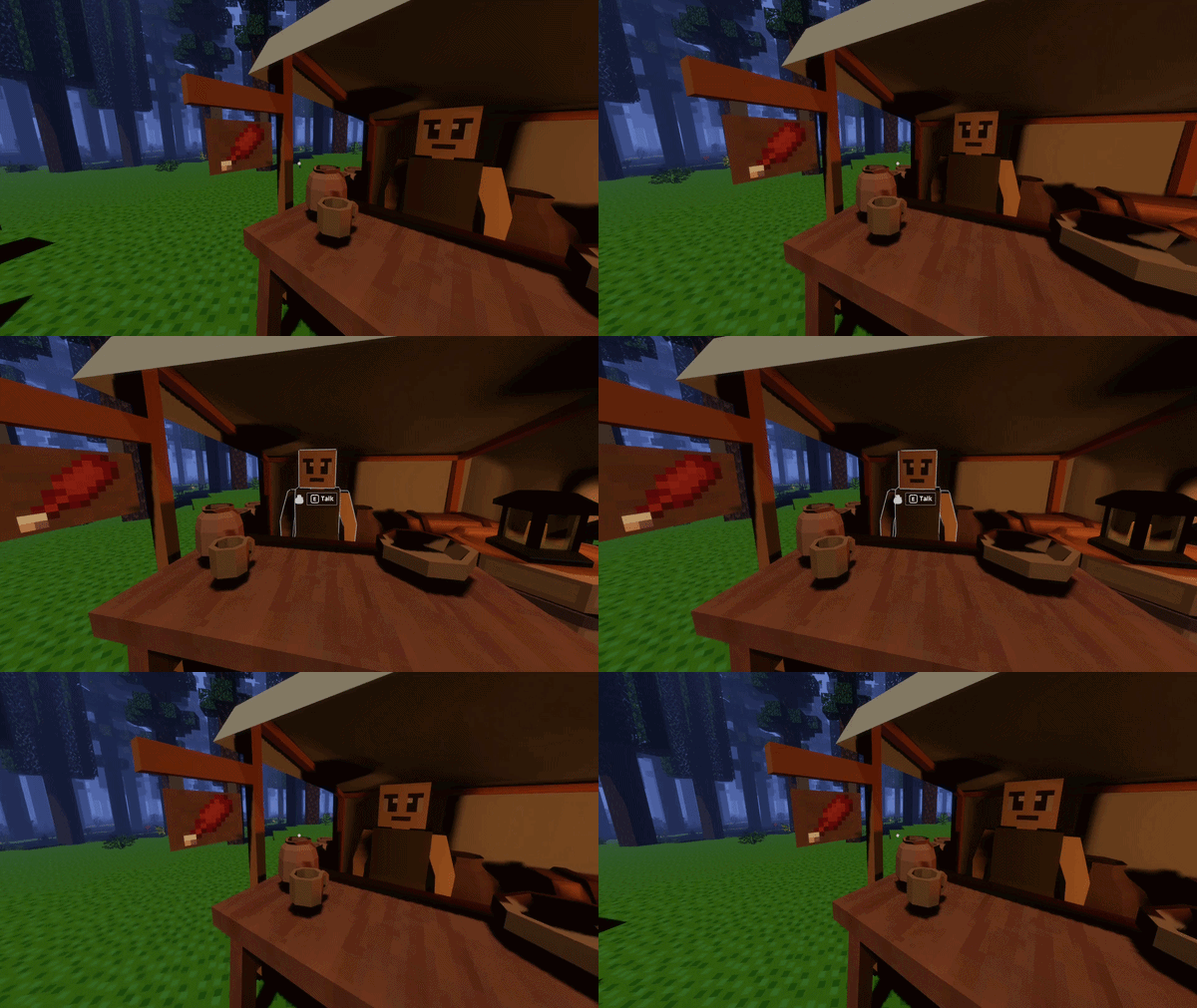
To start trading, you need to hover over the merchant and press the E key, just like when using an item. Your camera will automatically face the merchant, just like at the start of a dialogue.
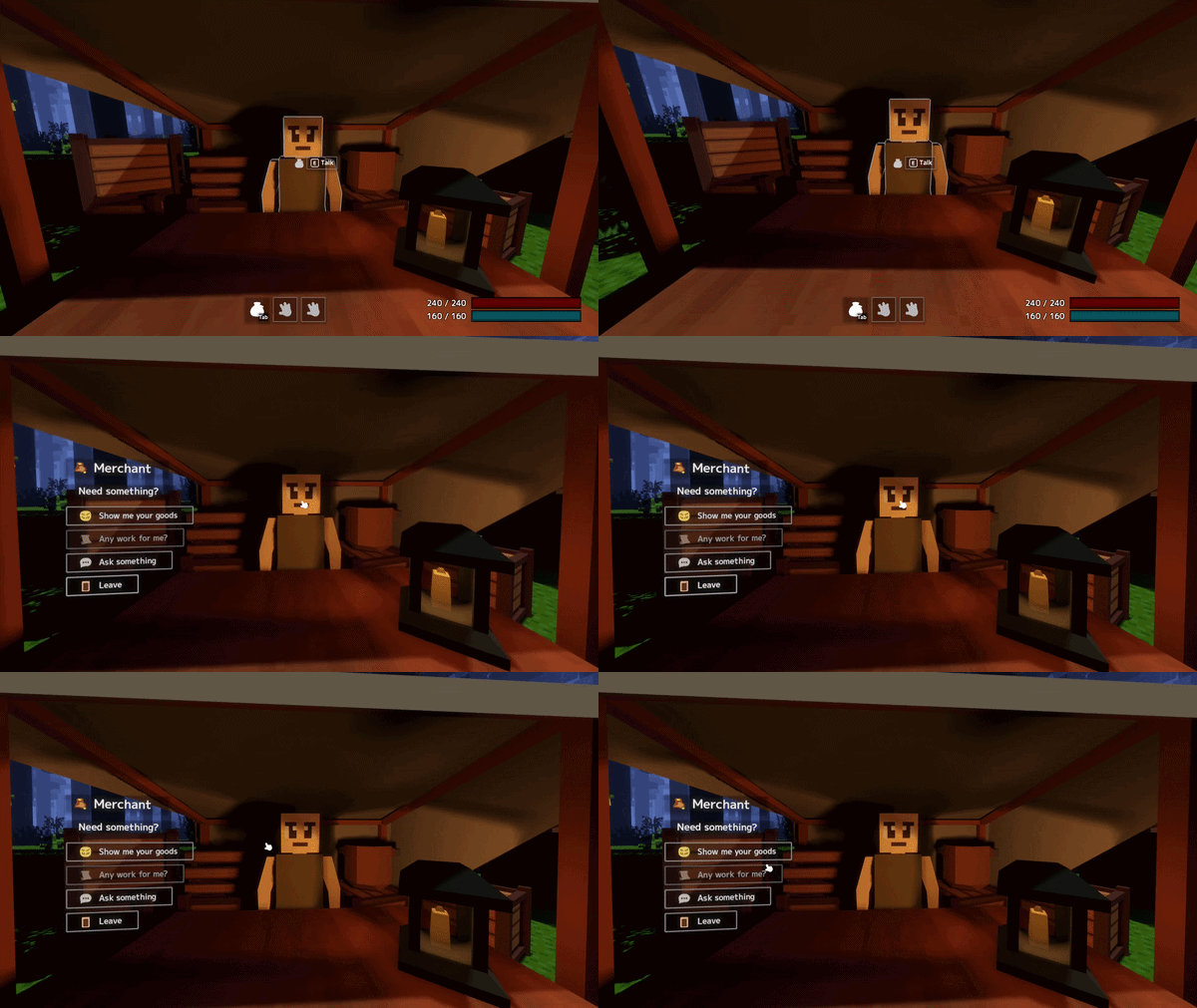
After that, the trading menu will open. It will display the name and icon of the trader’s profession. The profession icon can also be seen on each trader’s stall.
The menu itself is designed in a 3D GUI style so that you can see the trader, and overall it looks clean and visually appealing.
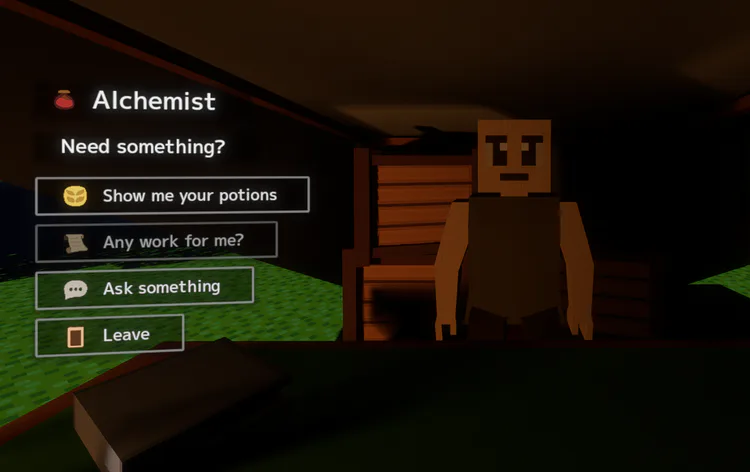
There is no quest system yet. The plan is for each merchant to give their own specific tasks.
For now, you can ask something or simply trade. There aren’t many dialogue lines at the moment. In the future, I plan to add more information and lore to them, as well as tie them to certain in-game events.
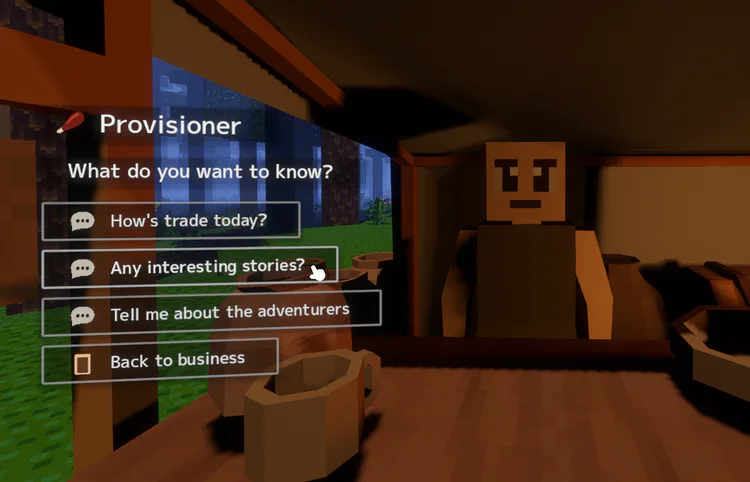
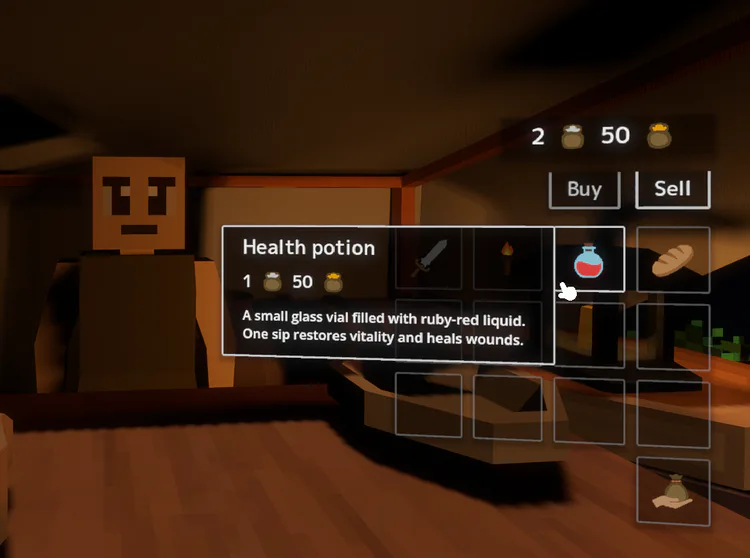
As for the trading window — it now appears on the other side. There, you can either buy or sell. Currently, all merchants have the same selling prices, but a system is planned where merchants will only buy what they need and when they need it. In other words, a full system of floating prices for merchants is planned. In general, they only sell items within their specialization.
To buy or sell, you just need to drag the item you’re interested in into the interaction slot at the bottom. You can view item information just like in your inventory — simply hover the cursor over the item.
I also implemented the same currency system as in Kingso, because it’s the same game universe. The idea is that every 100 coins automatically convert into 1 coin of a higher tier. There are four types in total: copper, silver, gold, and platinum. This makes it very easy to gauge your wealth and, overall, makes prices easier to understand. For example, a simple loaf of bread costs a few copper coins, while a sword or expensive armor would be silver or gold. The system also automatically converts all types of coins, so you don’t need to do much calculation yourself.
Level Icons
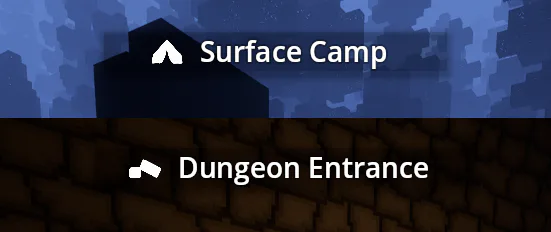
A small but important improvement to make it easier to see which section of the dungeon you’re in. You can see an icon for each biome. I’m also still considering whether to label them with numbers, since there are only 100 levels planned, and it might be useful. 🤔
Mobs
The mob system has become significantly more stable:
Fixed the mob spawn distance.
Fixed a bug where mobs might not spawn immediately.
Other players now see mobs correctly (except at very long distances from each other).
If one player attacks a mob, others will see it.
If a mob hits another player, it will be visible (though currently without red hit indicators).
All players can see mob deaths.
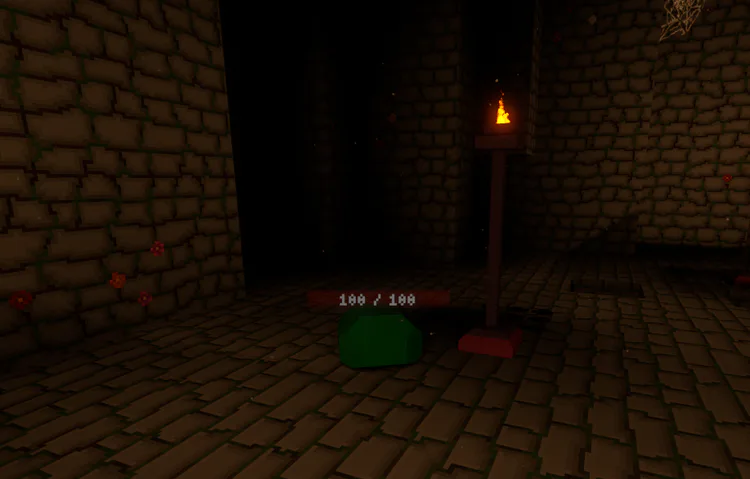
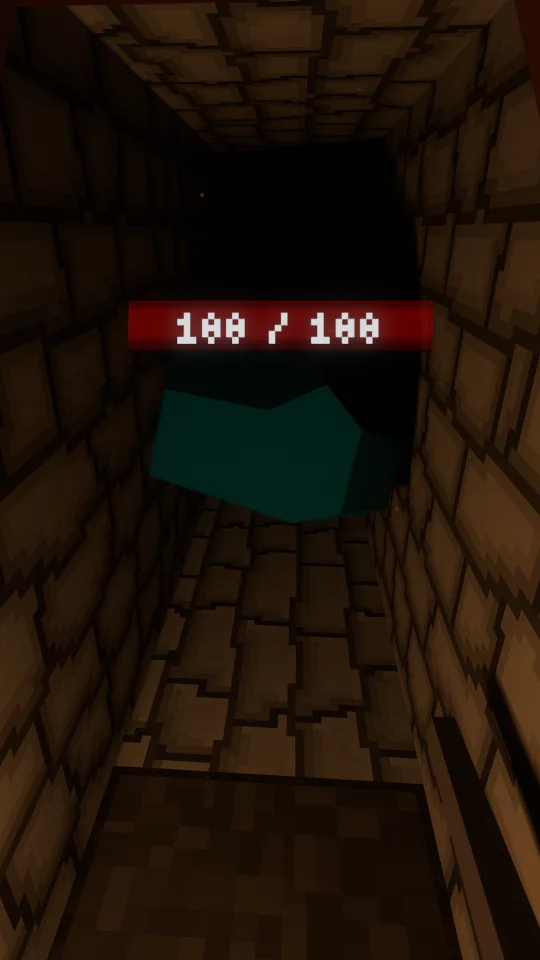
A new mob has been added — the green slime. It has some differences and inhabits the overgrown biome.
A large number of internal fixes and improvements have been made.
Player
Added item synchronization for held items.
Added checks for player state changes — to avoid applying unnecessary actions to players.
Added animation speed synchronization.
Interface
SVG images were slightly updated without noticeable visual changes, but now they weigh less.
Added IconsManager — a storage for images as they are used, allowing caching and reuse of graphics.
Some GUI panels were updated, with minor changes like separators and styles, though there are many adjustments overall.
Fixed a focus bug for buttons — previously, pressing space would trigger an action unintentionally.
Fixed cursor support: previously, system cursors could appear in some GUI areas.
Fixed a bug where the mouse cursor wouldn’t shrink during dialog windows and in some panels behind the main menu.
Graphics
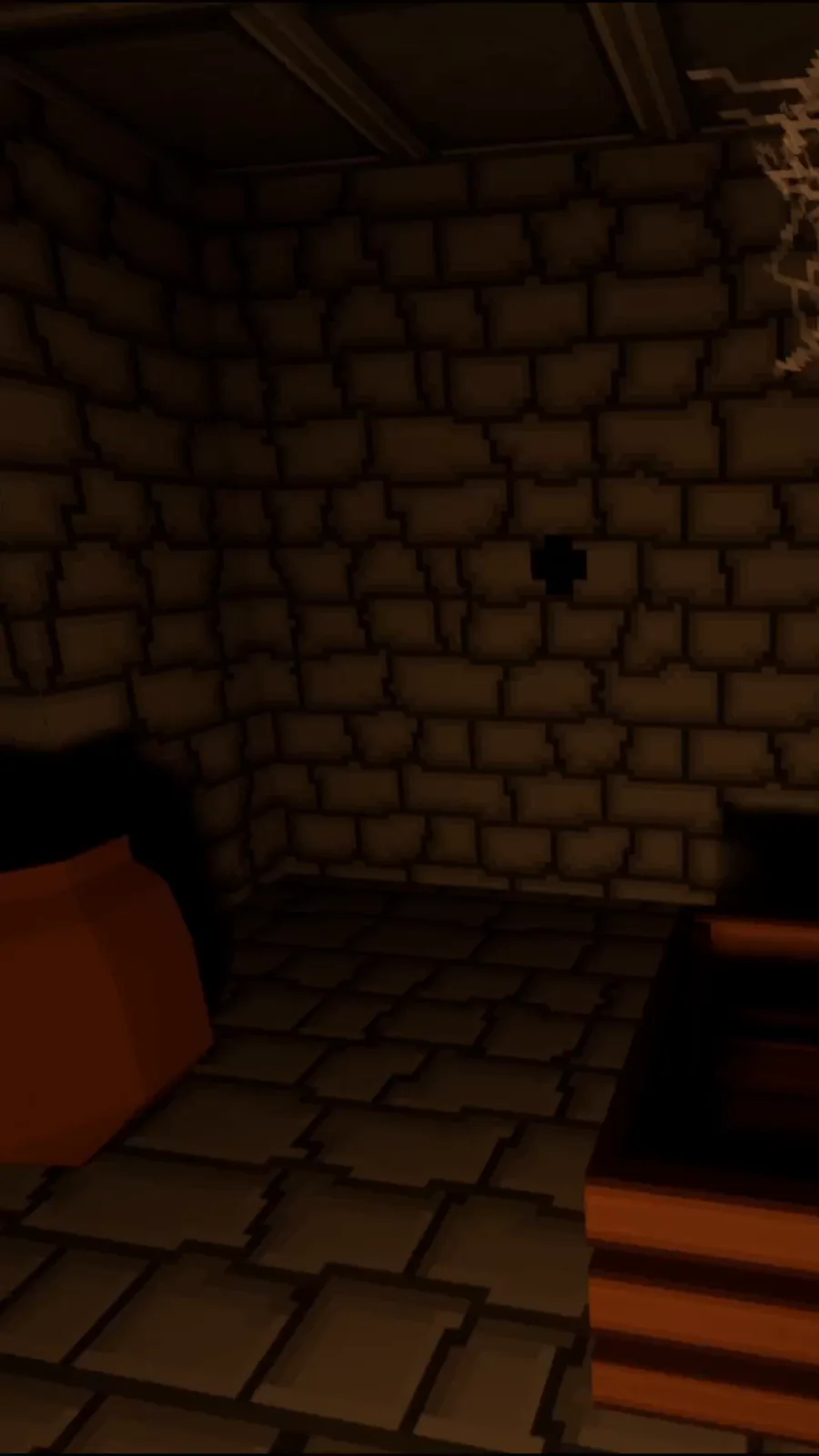
Added web movement, improved visibility in the dark.
Minor Changes
The networking system has been split into parts and improved.
The debug panel has been moved on top of the player UI and now works only with F3. This is convenient since these are separate interface elements.
The debug panel has been completely rewritten, which significantly sped up its performance.
The console output system has been improved — it now shows the PID and which part of the game the output belongs to.
Bugs
The issue with launching on different processors in Windows has been fully fixed. The problem was how the ring library was being compiled, using incorrect commands for the CPU. I replaced the temporary workaround with a proper solution and also notified the developer. I did the same for all Rust builds to ensure full compatibility on x86-64 processors in the future.
Mouse pickable has been removed from chunks and all items — this was an unnecessary default operation in Godot, which also interfered with the new 3D GUI, as it was blocking its raycast.
Collision reactions on some unnecessary interactions at dungeon surface boundaries have been fixed.
It was possible to go to the main menu and perform some movement actions without the player.
For entities, using hit during rapid clicking could fail to show damage on them.
At the start of the game, an empty animation was triggered and an error was displayed.
Some GUI parts could be drawn multiple times when two or more people were present — their unnecessary logic has been completely disabled.
Checks for Godot Instances have been added, making the game more stable when entities are missing.
SFX
3D sound performance has been slightly improved.
A 2D SFX system has been added with an intelligent setup that keeps a couple of sources ready and can dynamically add new ones when overloaded, which is useful for various soundscapes.
Sounds for GUI button clicks have been added (except for Tab and Option buttons).
Inventory and trading sounds have been added.
All SFX sounds have been completely remastered to a unified LUFS level (so everything now sounds harmonious).
Debug
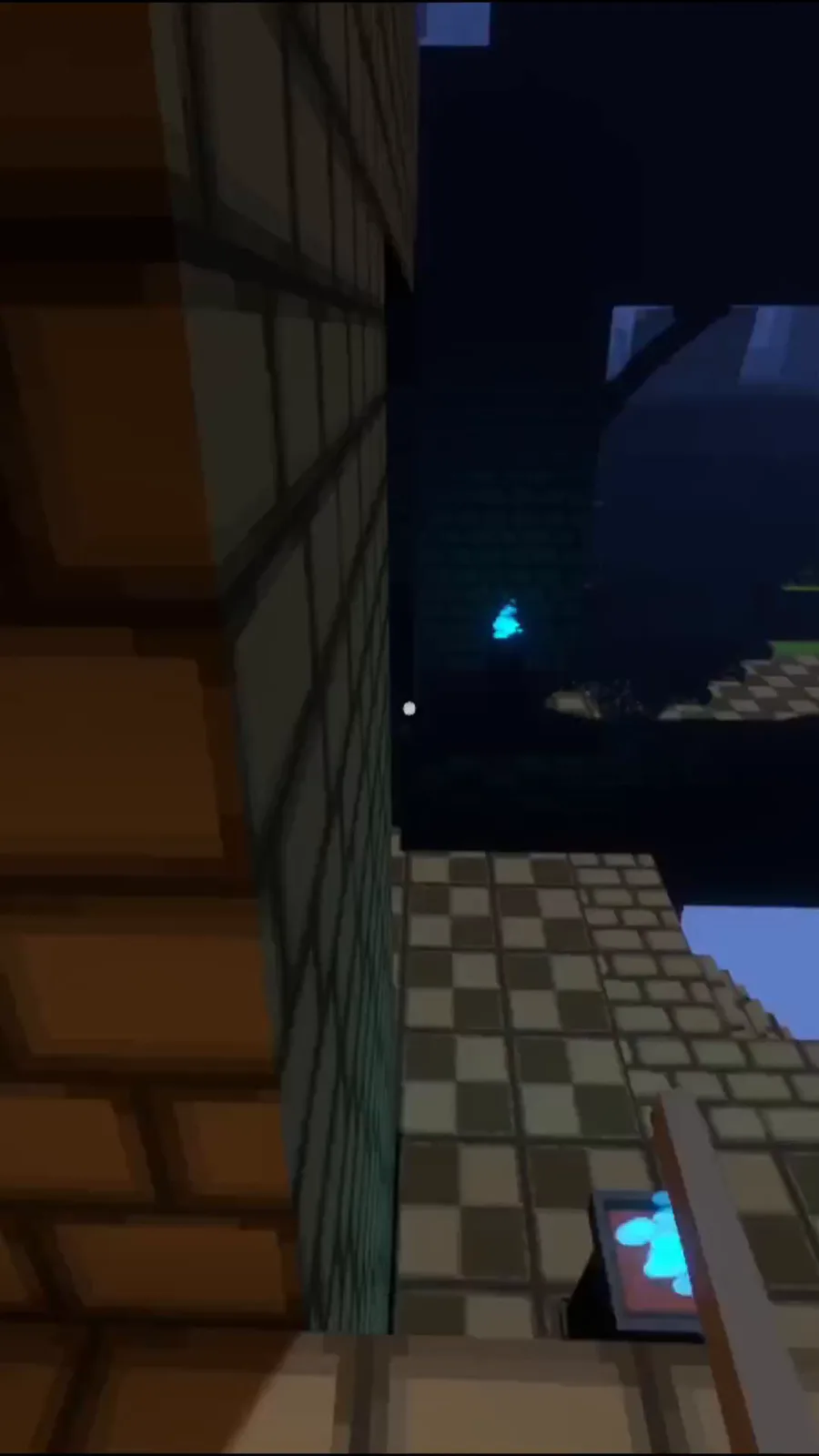
I would also like to note that you can use the --freecam command in the game’s launch parameters to fly around the game world at the start of the game. This allows you to capture beautiful views beyond the first-person gameplay and hidden UI. This command is intended exclusively for scenic views and single-player use.
Conclusion
Thank you for reading this devlog. If you haven’t tried the game yet, I hope you will, share your thoughts about it, and tell your friends!





0 comments