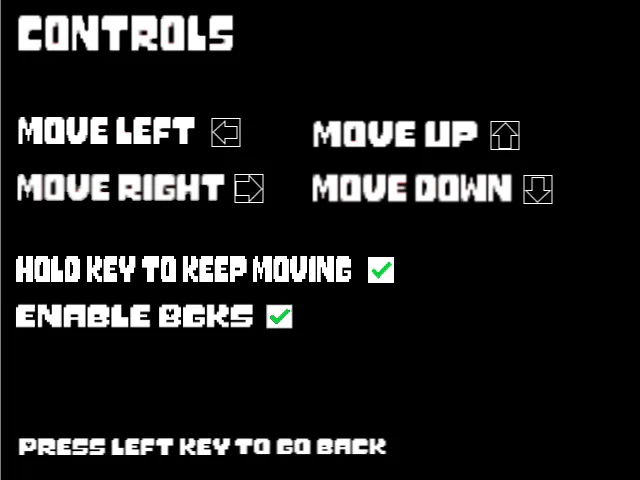
Here's the controls!
You can click the boxes that say move left, right, etc to choose a key for those movements. It can be anything!
Hold key - You can check this so that you can hold a direction to keep moving, or if you'd rather press it for each move
Next up
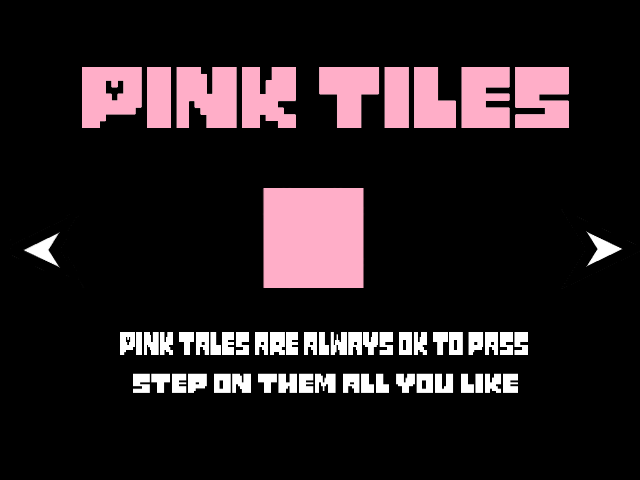
Here's the first 3 slides for the tutorial. This is probably gonna take the longest, including tile properties, online mode tutorial, and whatnot, so expect this to take a while lol.
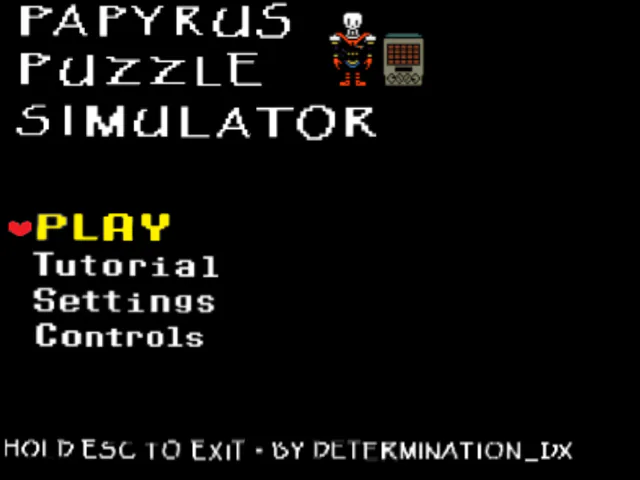
Main menu for PPS. Took me like 30 mins lol.
Why did it take me this long? Because my dumb self put together the letters individually to make words. There's prolly a better way to do this, but I think I was just in a time-wasting mood lol.
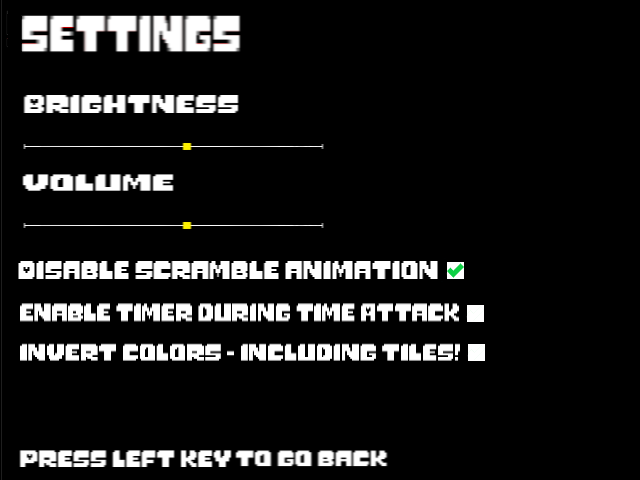
Scramble animation - The scramble animation at the start is really, REALLY flashy, so you can turn this off if it's uncomfortable of if you want to play a puzzle faster ;)
(read comments for rest of the info)
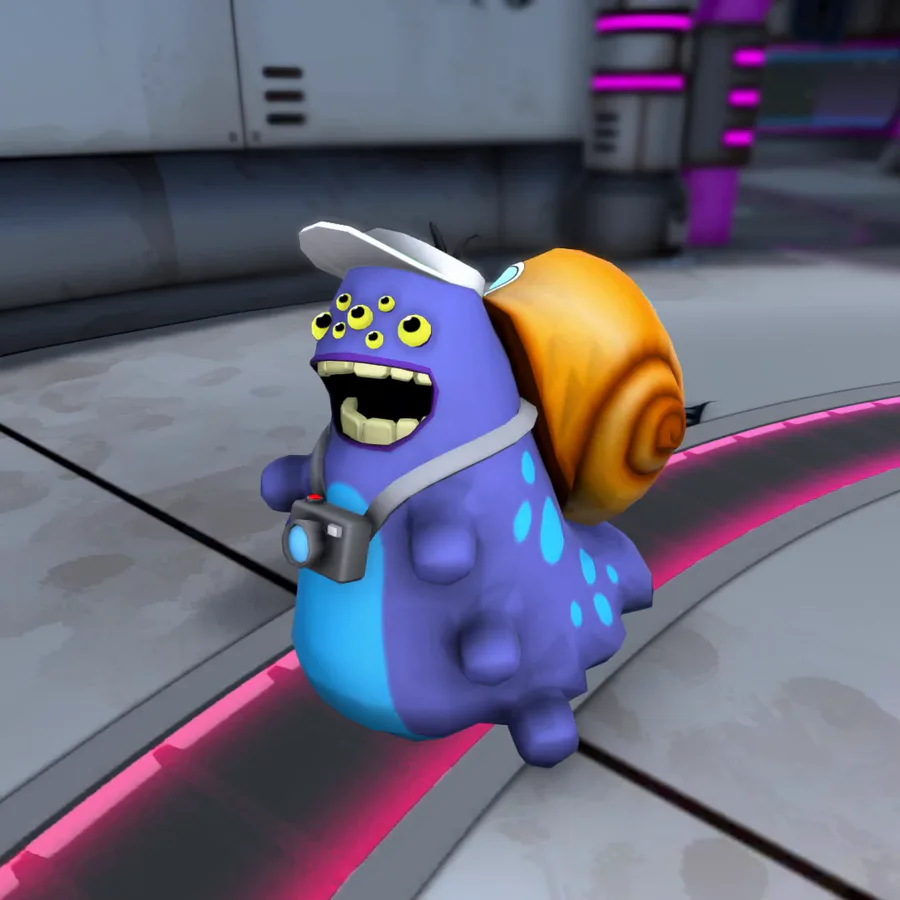
Shoobies leave a sticky trail of mucus in their wake, which can impede movement for any creature that steps in it.
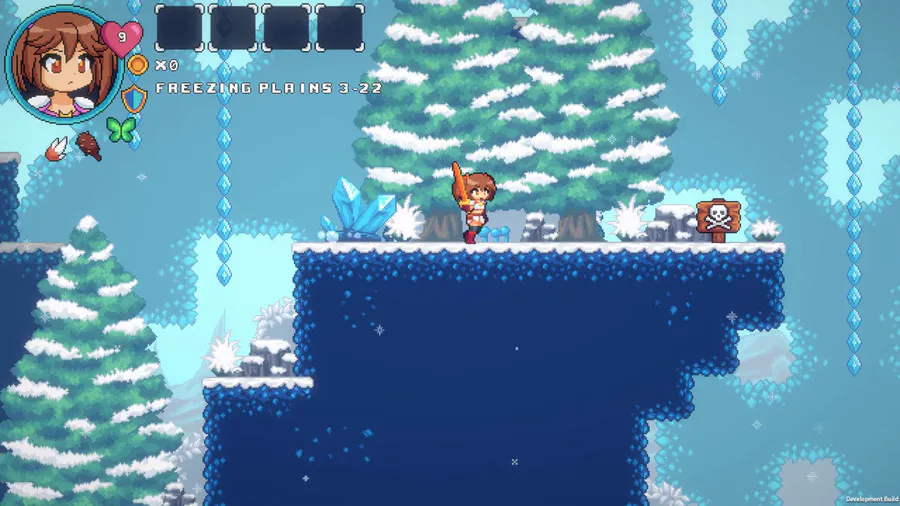

We made a lot of improvements on the Freezing Plains visual. Things like pine trees, tiny bushes, some rocks, and others game props!
#IndieGame | #IndieDev | #GameDev | #PixelArt | #WaifuQuest | #WifeQuest | #screenshotsaturday


Heya there! I really wanted to show you all a little gameplay preview of the first boss fight i'm currently working on i hope you like it ^^
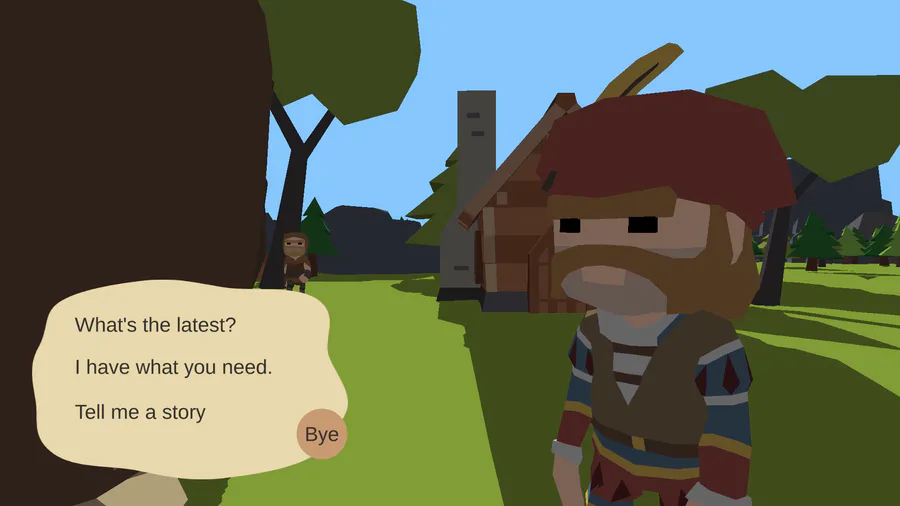
I have added rewards for quests so that villagers can give you something in return for your hard work helping them. 🥳
I want to know - what's your favourite quest reward?
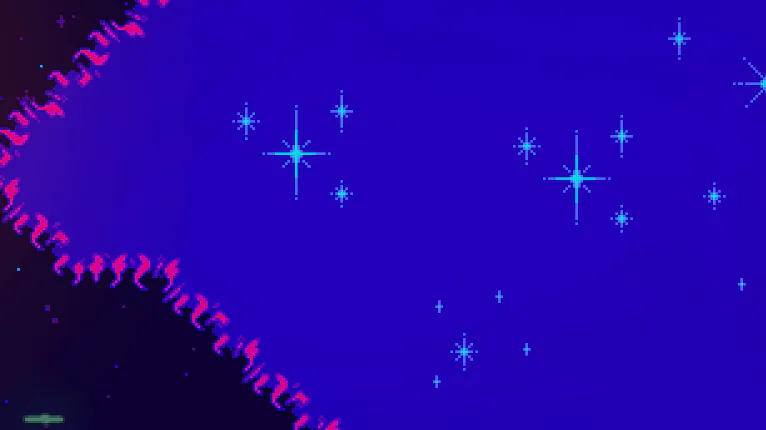
Update 2.627
New challenges & new effects!


Why walk when you can jump?
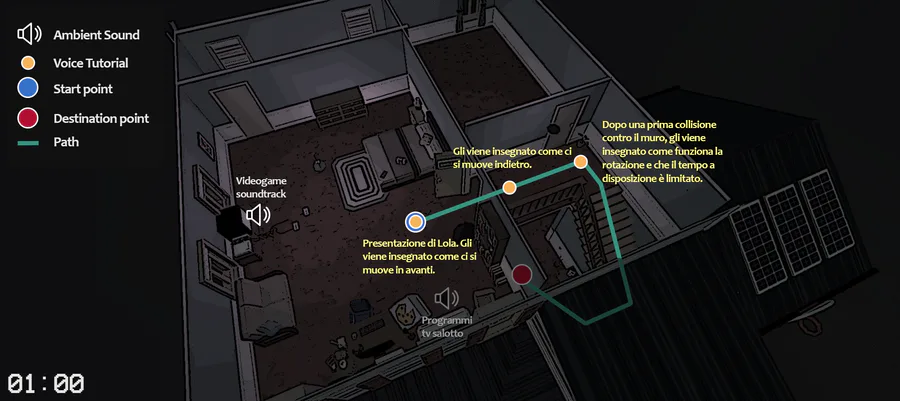
Levels' maps.
1 comment