Hey, so recently I made another user account on my windows pc, and then deleted my older one because it had some small problems, ofc the client was uninstalled because the defaut installation location was in AppData which is a user specific folder
So when I installed it back I can't see any of my installed game, my games are still there and I can play them but can't launch them from the client it self, I changed the installation location to where my gamejolt games are located but still nothing
So is it possible to make Gamejolt client check for games already installed?
Next up
((APRIL FOOLS 2022)) Fusion 3 news round-up! Clickteam shared new info about the long awaited Fusion 3 engine Check out there blog post, a lot of awesome features announced: https://is.gd/oZYAcc
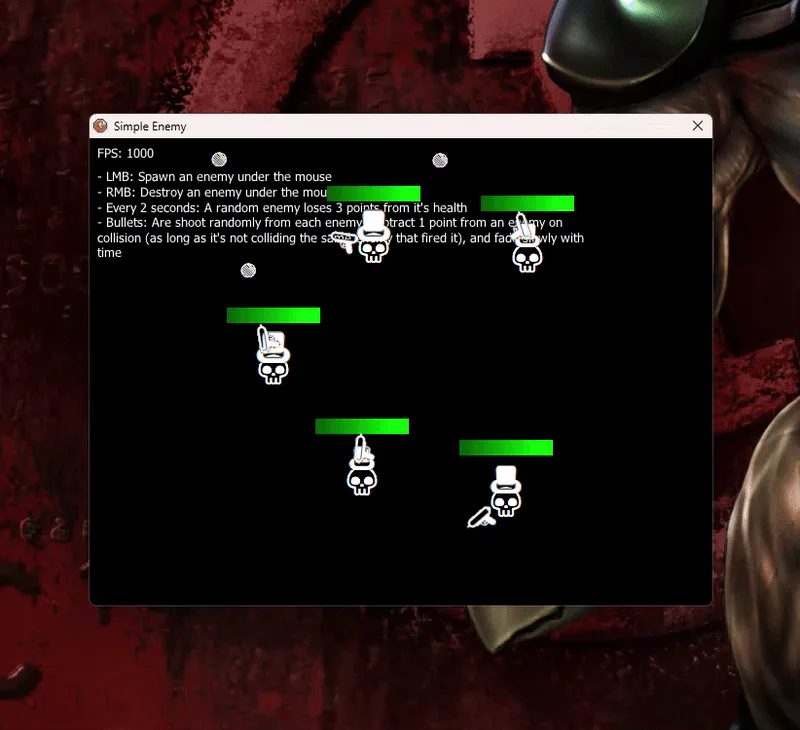
Happy new year! Here are 16 free examples :P (Check Article)

(APRIL FOOLS 24) The Clickstore and Passport are finally back again! New look and features (some still in testing phase) +more:
- Wishlist - Discounts - Better author editing tools - New UI (mobile friendly)
https://clickstore.clickteam.com/ https://community.clickteam.com/passport/
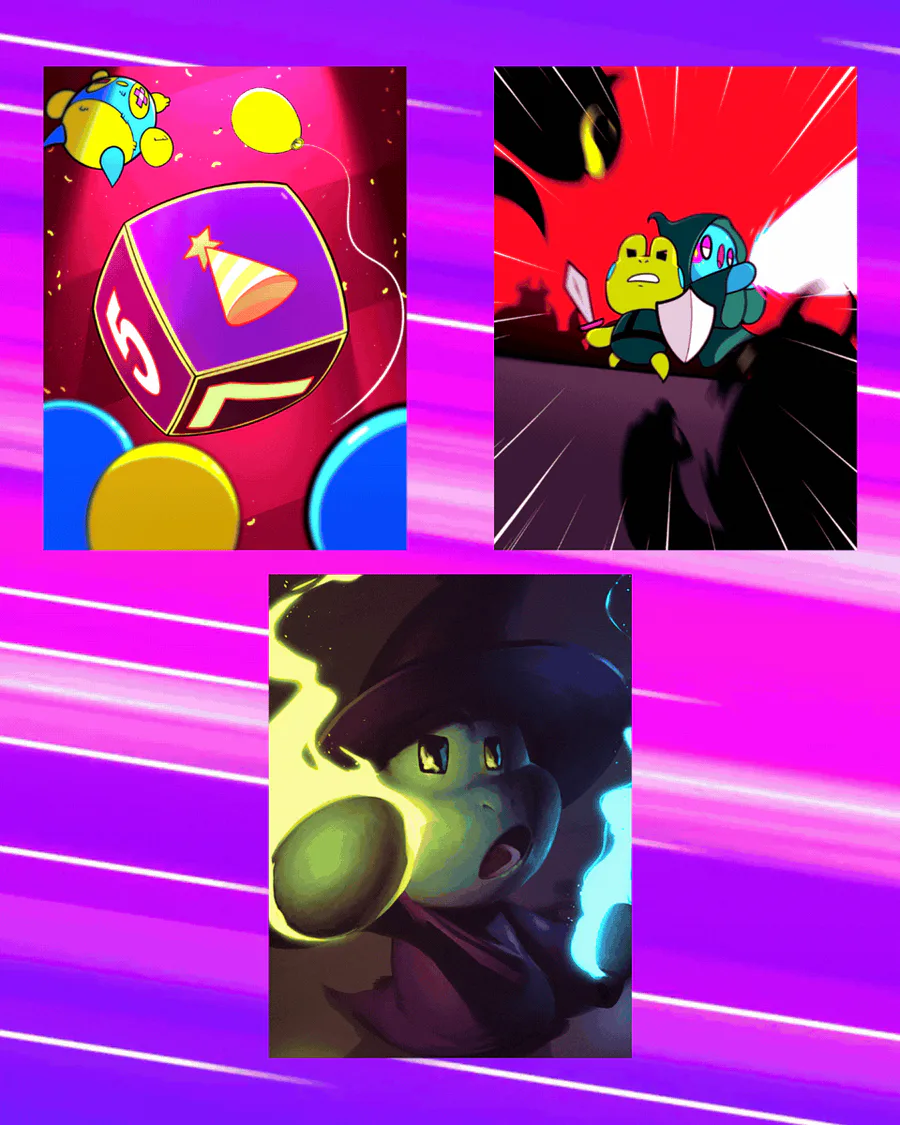

Three new realms have dropped!
Fantasy: https://gamejolt.com/realm/fantasy
Party games: https://gamejolt.com/realm/party-games
Roguelike / Roguelite: https://gamejolt.com/realm/roguelike
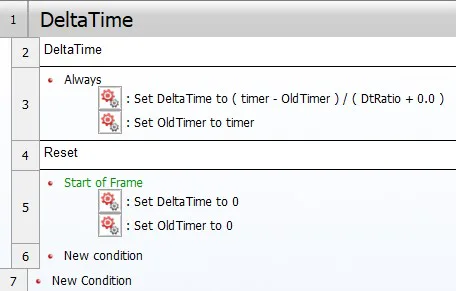
Guide: DeltaTime
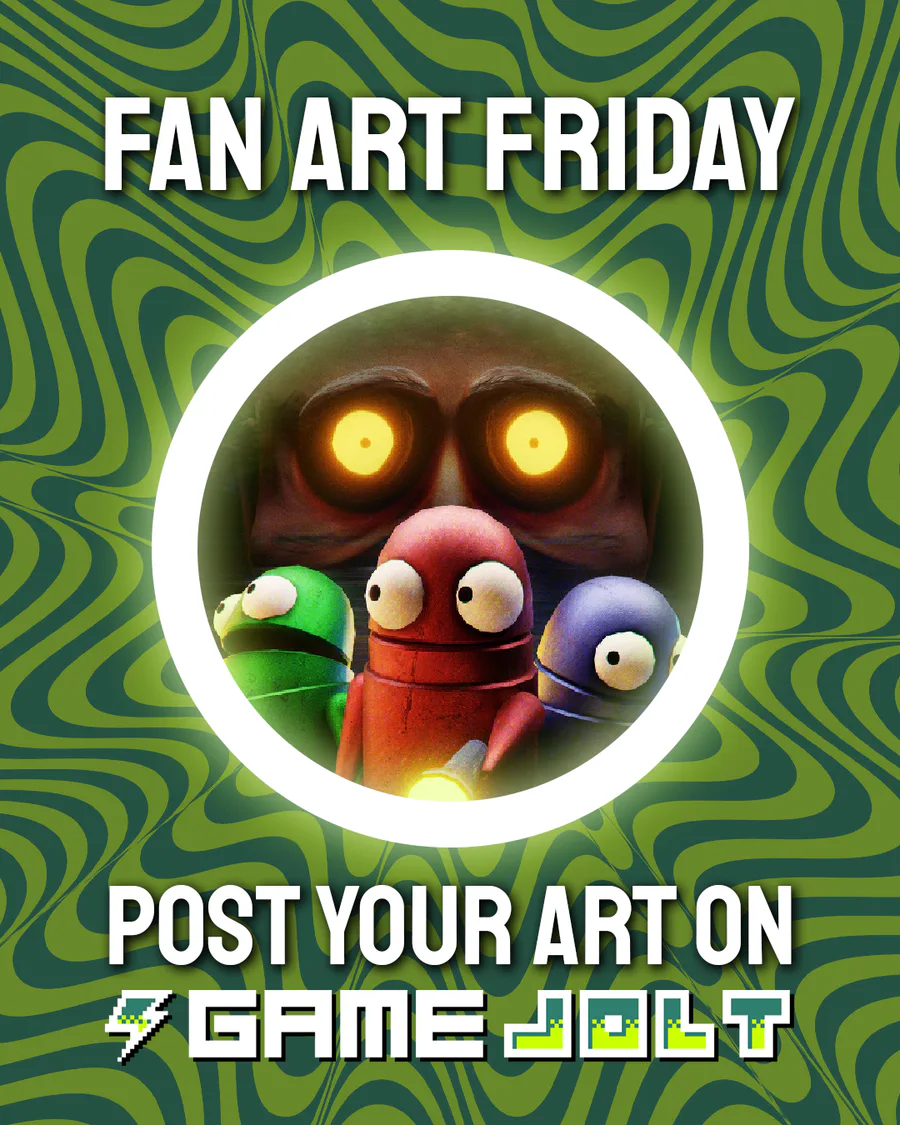
This week's Fan Art Friday celebrates R.E.P.O.! Accept the quest in your quest log to get started.
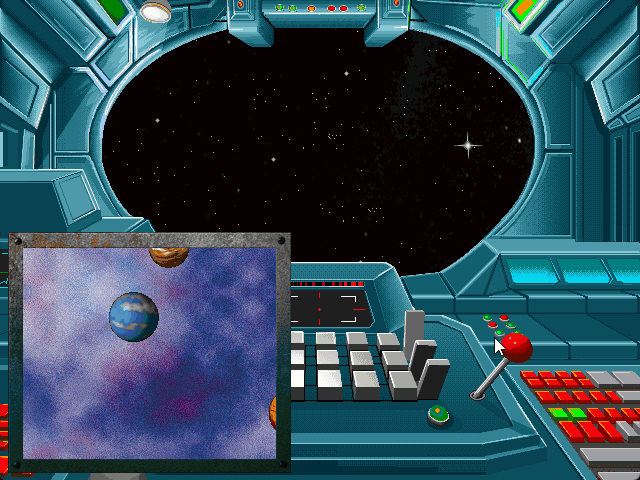
Two Open-Source Minimap Examples! 🗺️ (Check Below)
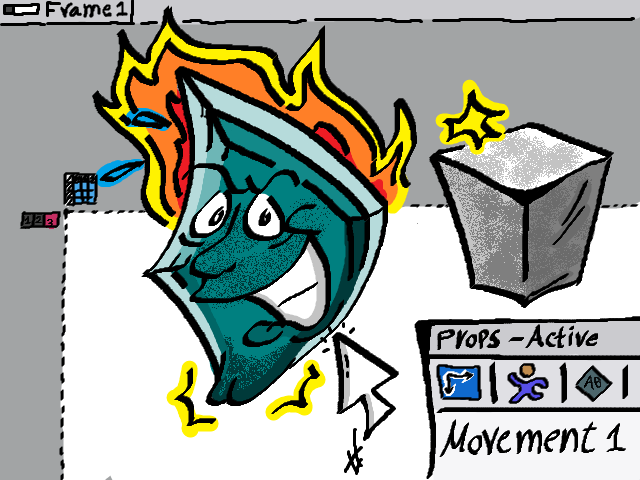
"Create a New Active" 640x480 Drawing in MS Paint. No drawing Tablet used (All via Mice). You can classify this as Fusion Fan-art :P
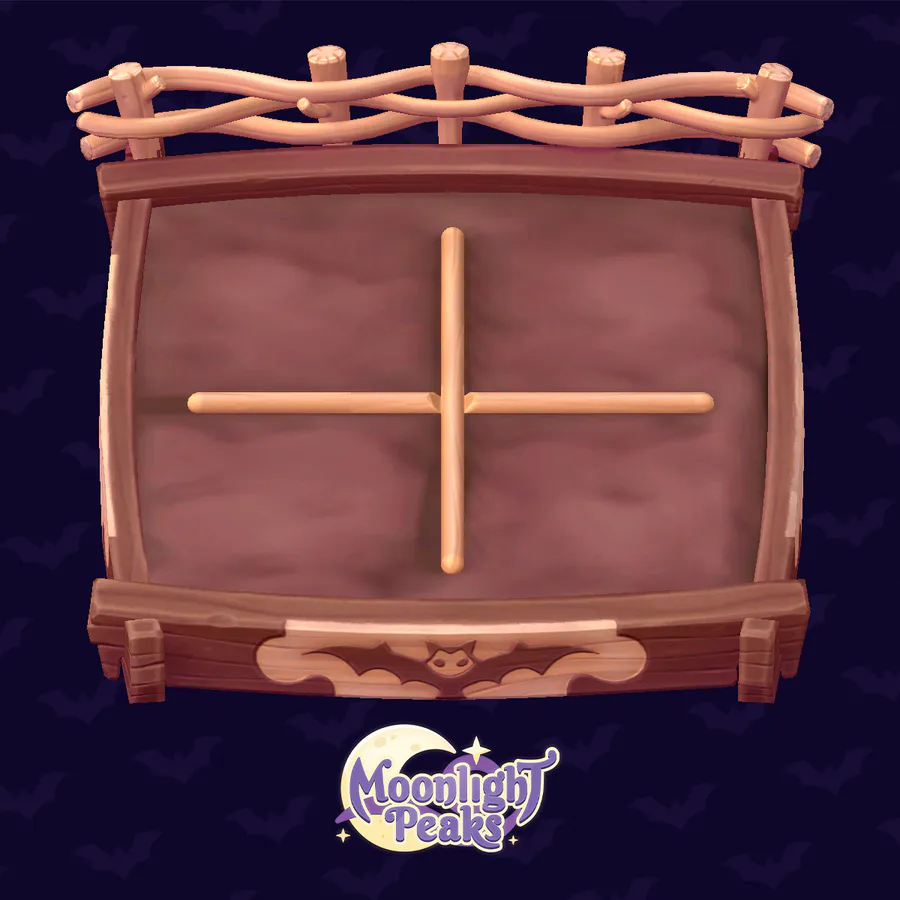
Moonlight Peaks is a life-sim where you can live your magical farm life!
In the game, herb gardens are a great place to grow crops. Use this one to complete the quest "Grow Supernatural Crops!" before it expires.
✨ Play the demo: https://bit.ly/MoonlightPeaks ✨
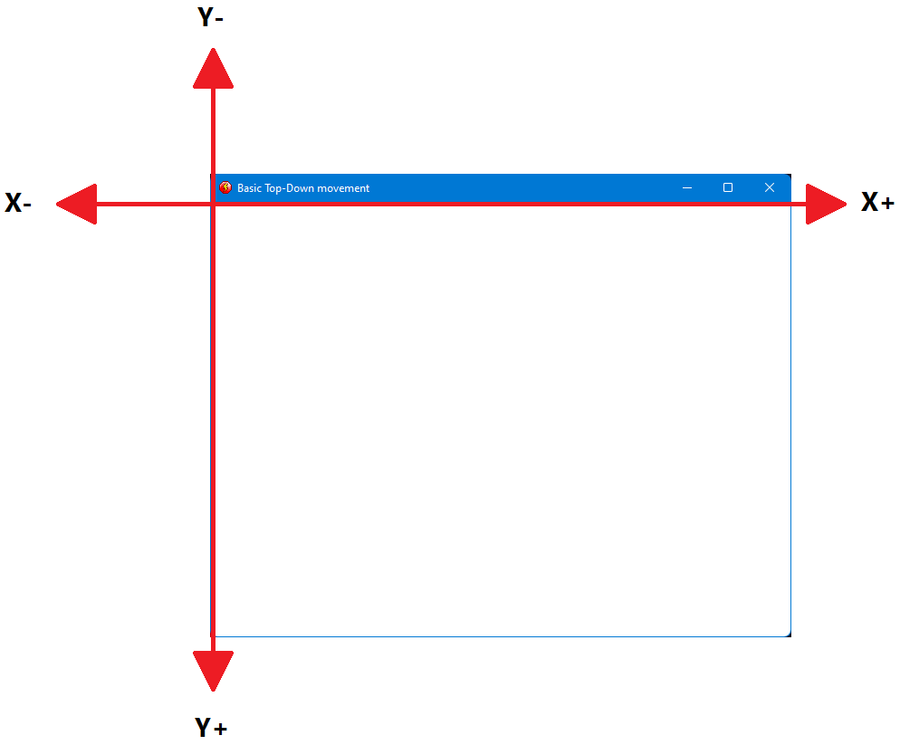
Guide: Custom basic Top-Down movement
1 comment