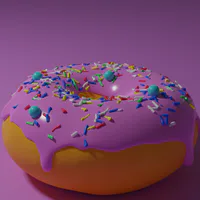
I have a problem first off how do you get 3-D image to look clear in scratch Second when I resize the image the pixels get all low quality how to fix that

Next up
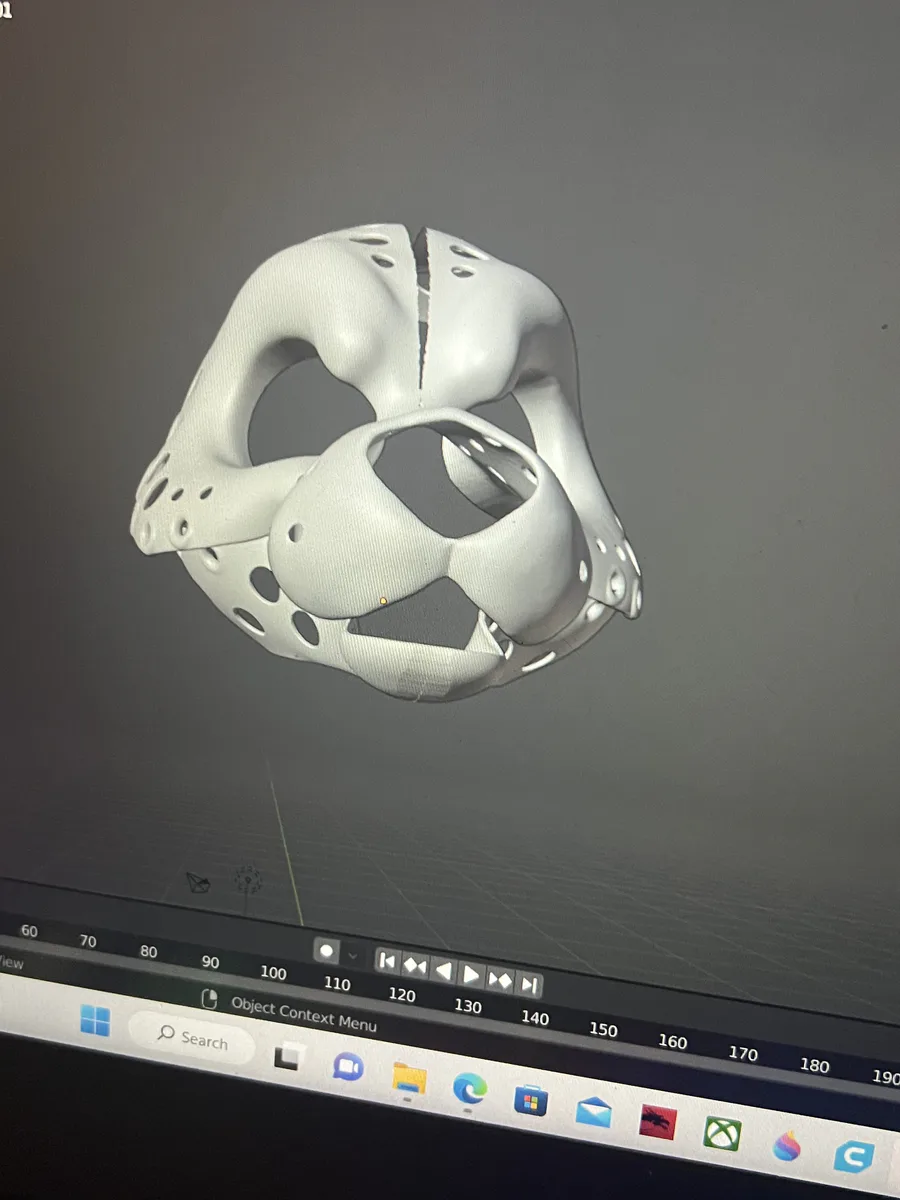
I edited this model and I imported it to cura and it will not work like where I edited it was just gone missing like a giant hole the little holes are supposed to be there how do I fix it
All I did is sculpt a little bit
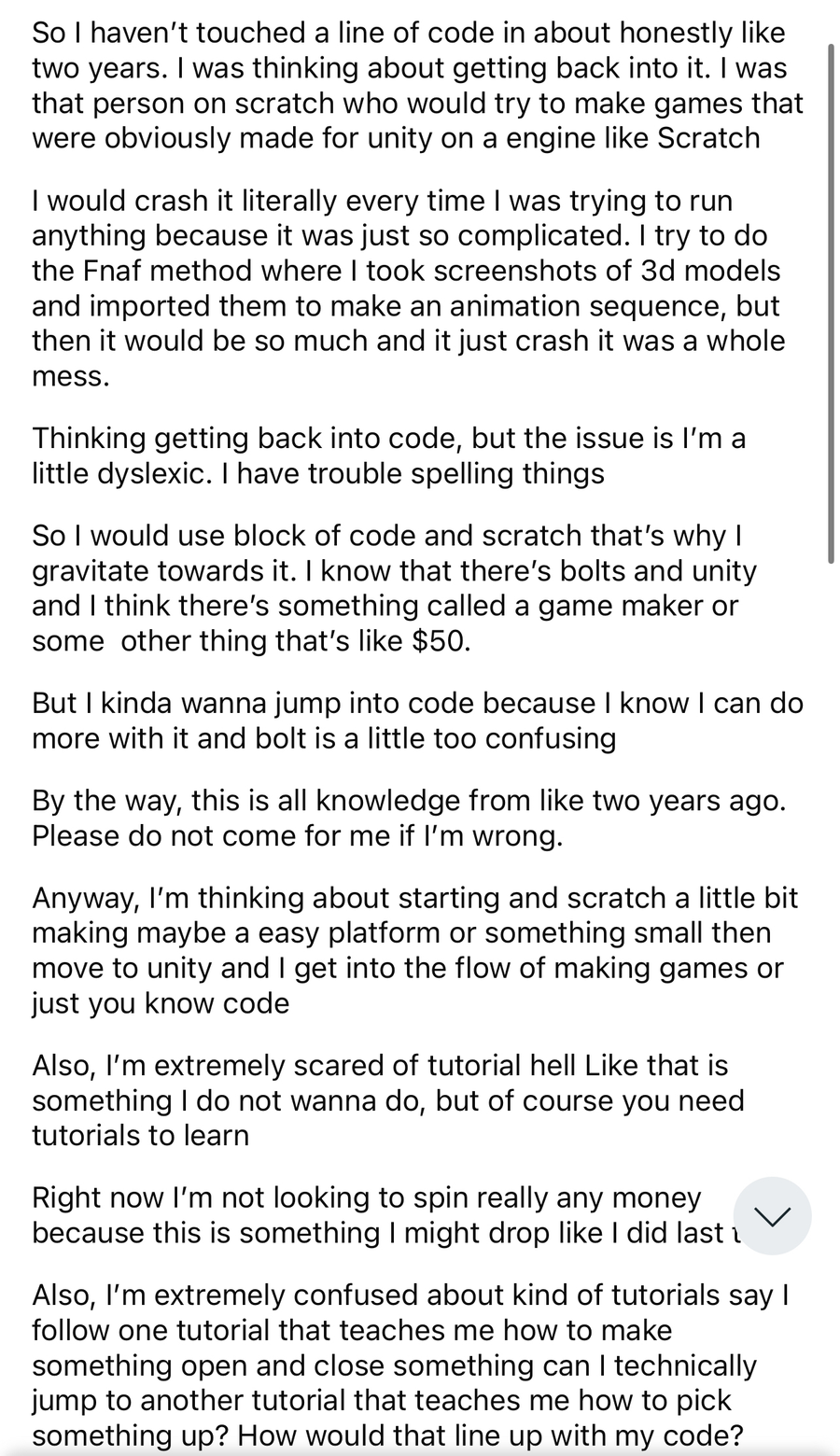
so I’m planning on getting back into coding
I used to be on scratch, but I haven’t touched any code in about two years. I don’t want to get in tutorial hell I would like to start on unity. Below is basically a better in-depth or what I’m trying to do.
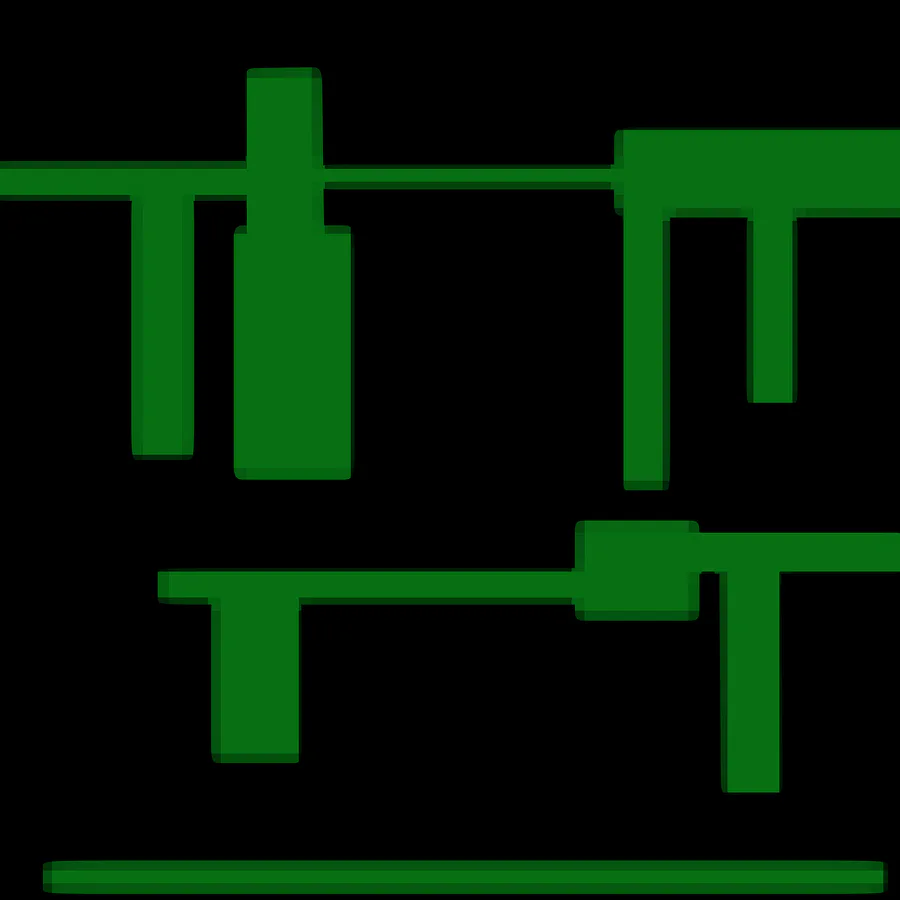
Hey i need some art for my game i need some furniture and walls thats what it looks like now and pls dm if interested or my insta is fnaf_master_and_max pls i need help
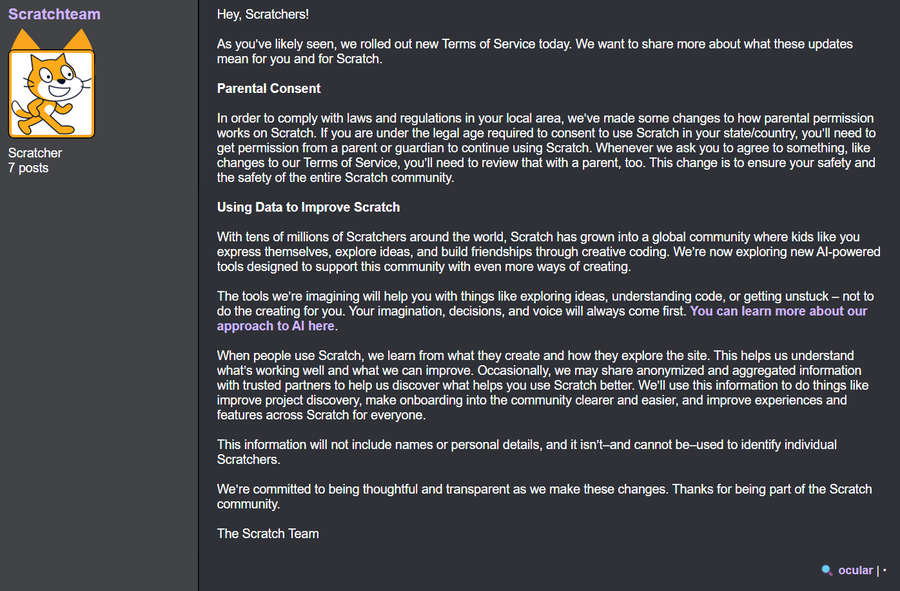

The Scratch Team has just recently updated their Terms of Service yesterday, letting you know they now have full permission to use your content to train AI models.
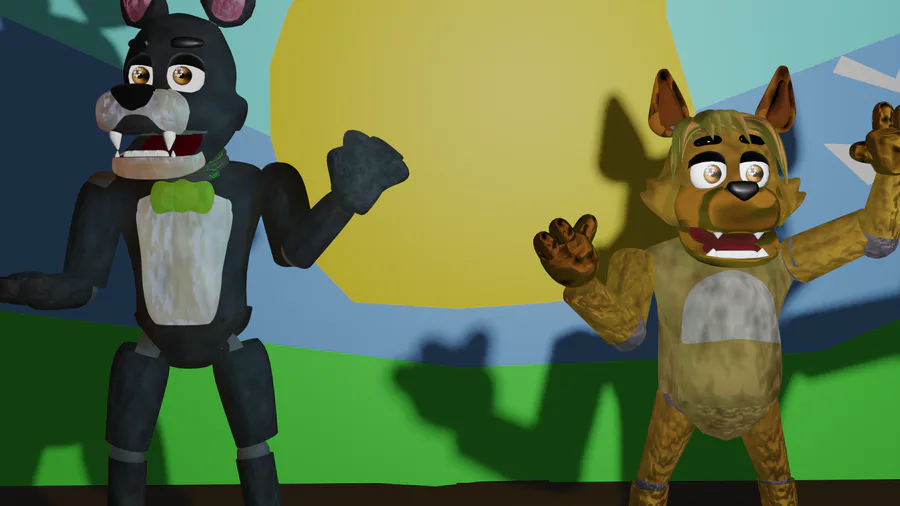
commissions are opened prices here https://www.fiverr.com/share/jgV9pG
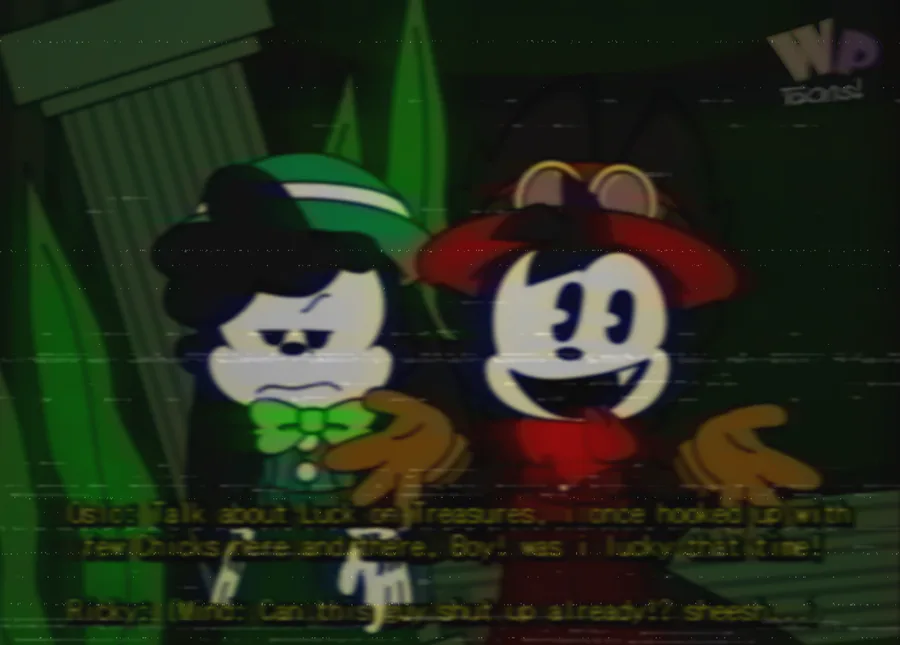
Ricky Rabbit's Seasonal Flavoritiez! Season 3 Episode 13 (Wet Dry roundabout)

So I spent three hours on this and I can’t figure something out
For the brush how do you set it back to default settings now it’s all Pixley I followed this tutorial but now I wanna go back how do I fix it
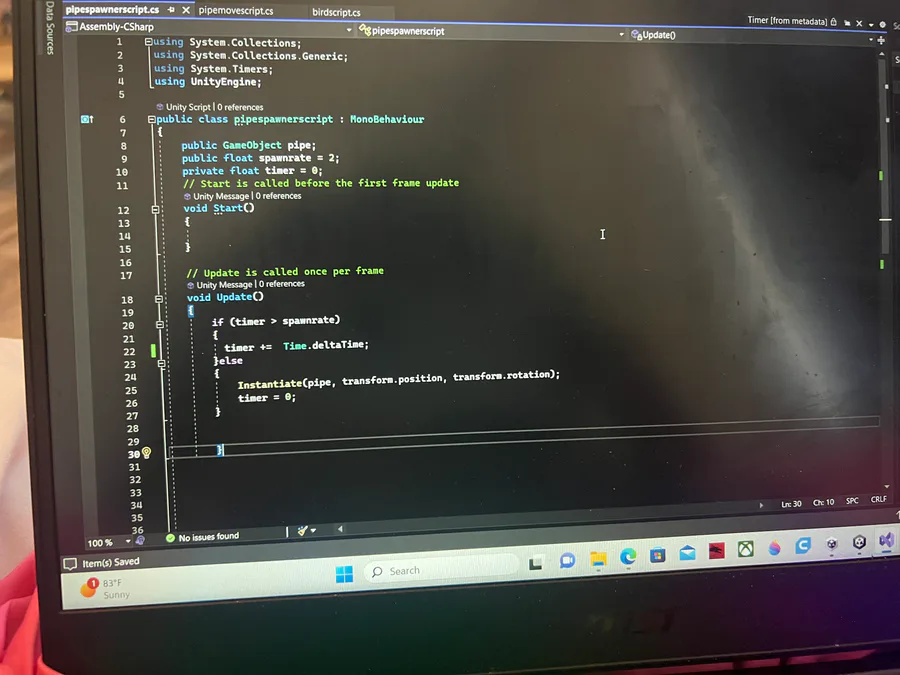
I cannot get this to work please help I’m doing this tutorial https://youtu.be/XtQMytORBmM I am at the part where the pipes duplicate and it keeps making too many clones too fast please help me I’m begging of you
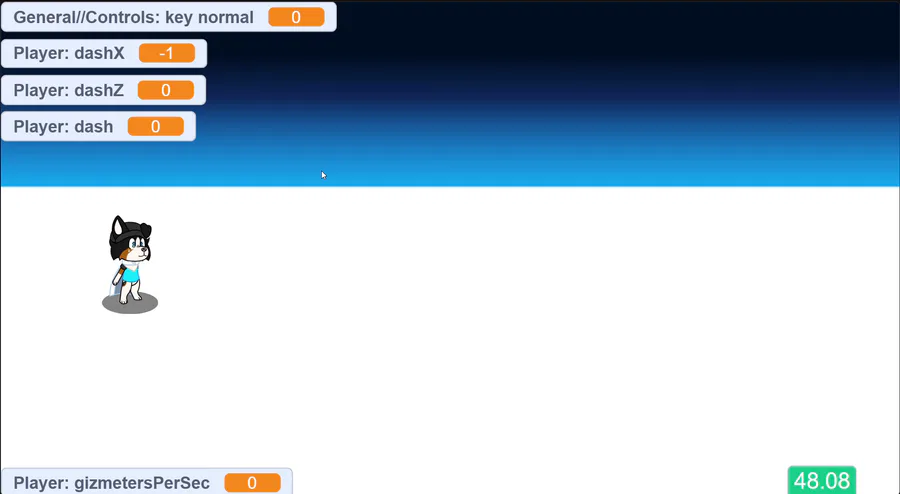
Testing out a new move! This move is for all characters
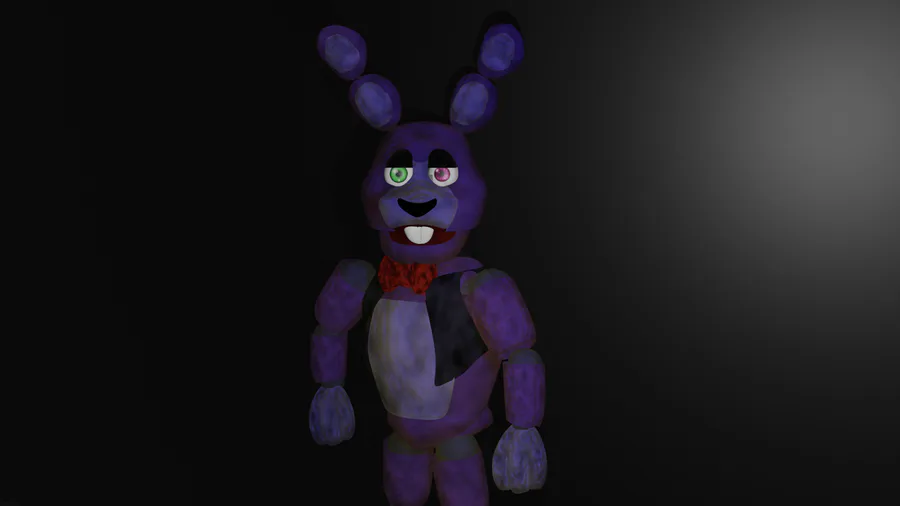
So I finish my bonnie model I have one problem I don’t not know how to import him to SFM because I animate on there Let’s just say that everything was breaking when I tried to render him his arm was originally up but in Rinder image it put it down
0 comments