
Additions:
Added a door, window, and floor options in build mode. (press 2, 3, or 4 to be able to place the build items respectively)
Updated the old furniture models and added the fridge, small plant decor, couch, and toilet
Pressing the “f” key will activate “grid-lock” mode which is a setting used to rotate furniture at 45 degree angles and move objects every .25 of a unit.
Changes:
Instead of using the arrow keys, keys Q and E will rotate the object and scrolling your scroll wheel
Pressing the middle mouse button will deselect your current item
Next up
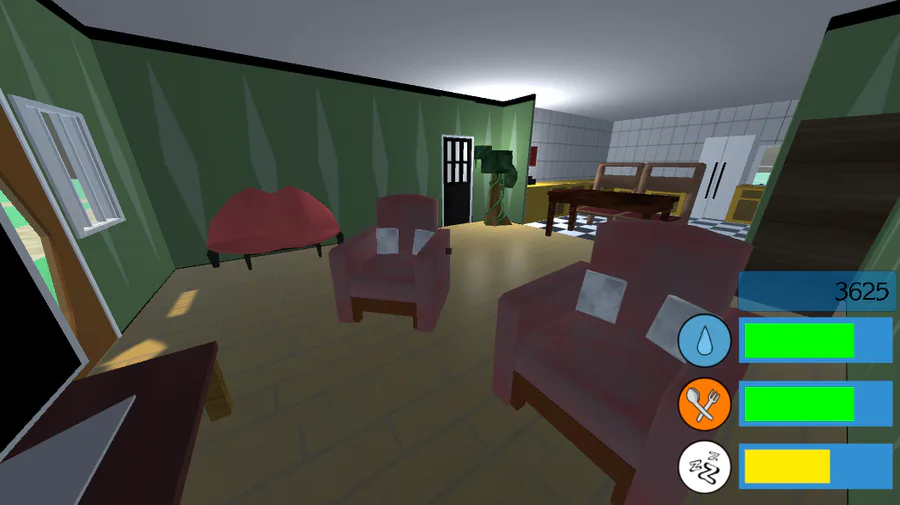
HomeTown V1.1.0
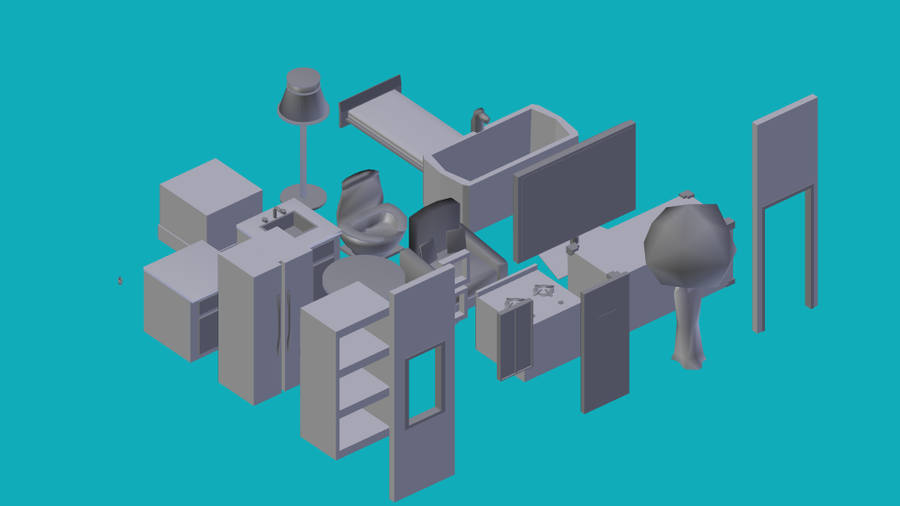
Furniture Teaser


Shadow The Hedgehog X pixel art


"Our work is never over" they said.

What you all think


The Darkside Detective: A Fumble in the Dark is out TODAY! 🖱️Advanced pointing, clicking action 🖨️Very funny words! Loads of them! 👻6 sarcastic, spectral cases to solve


Why walk when you can jump?
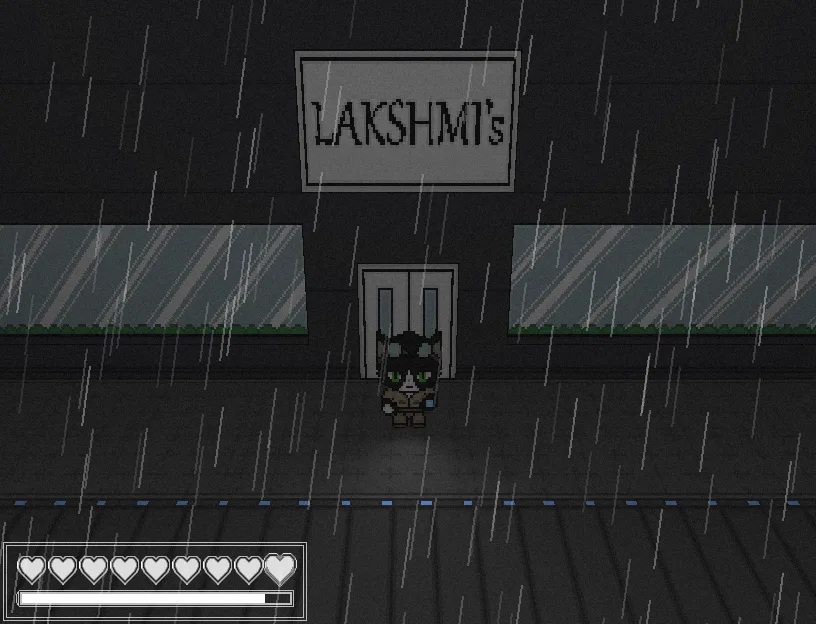

If you have more of an acquired taste, the restaurants in Niravasi have you covered! Maybe skip the salad bar, though.
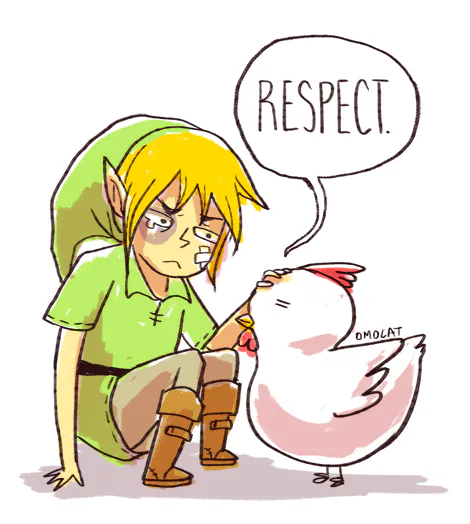

Respect (Only TLOZ Players Will Understand)

ooh yes..
0 comments