

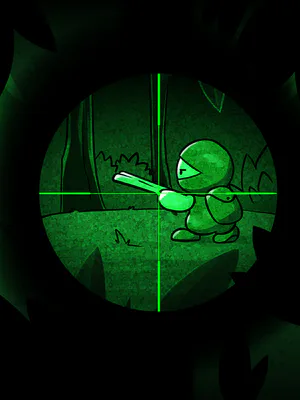

Next up
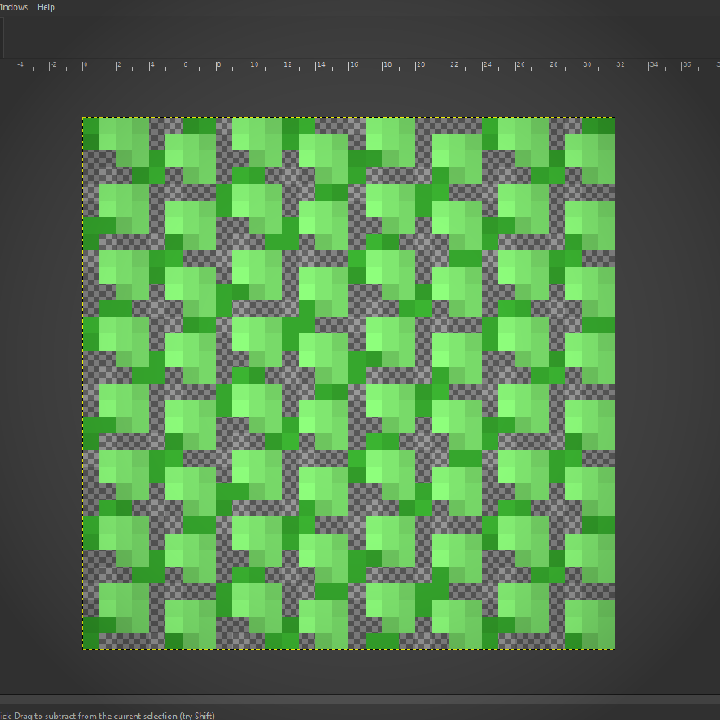
I've been working on the backdrop today! Among other things I've done, I made a bush! I know, SOOOO impressive lol.

Very unfinished but the backdrop image, as it is in this video, is already leagues better than what I had last weekend! I'm going to work on it incrementally over the coming weeks as I work on implementing the stages idea I talked about before!

Here's a short video showing off the improved gameplay loop and "stage complete" screen. The updated artwork for Hensen and his gun and the honey bullets can also be seen.


Happy #WIPWednesday! Are you working on a game? Making some art? Practicing a song? Something else? Tell us in the comments!
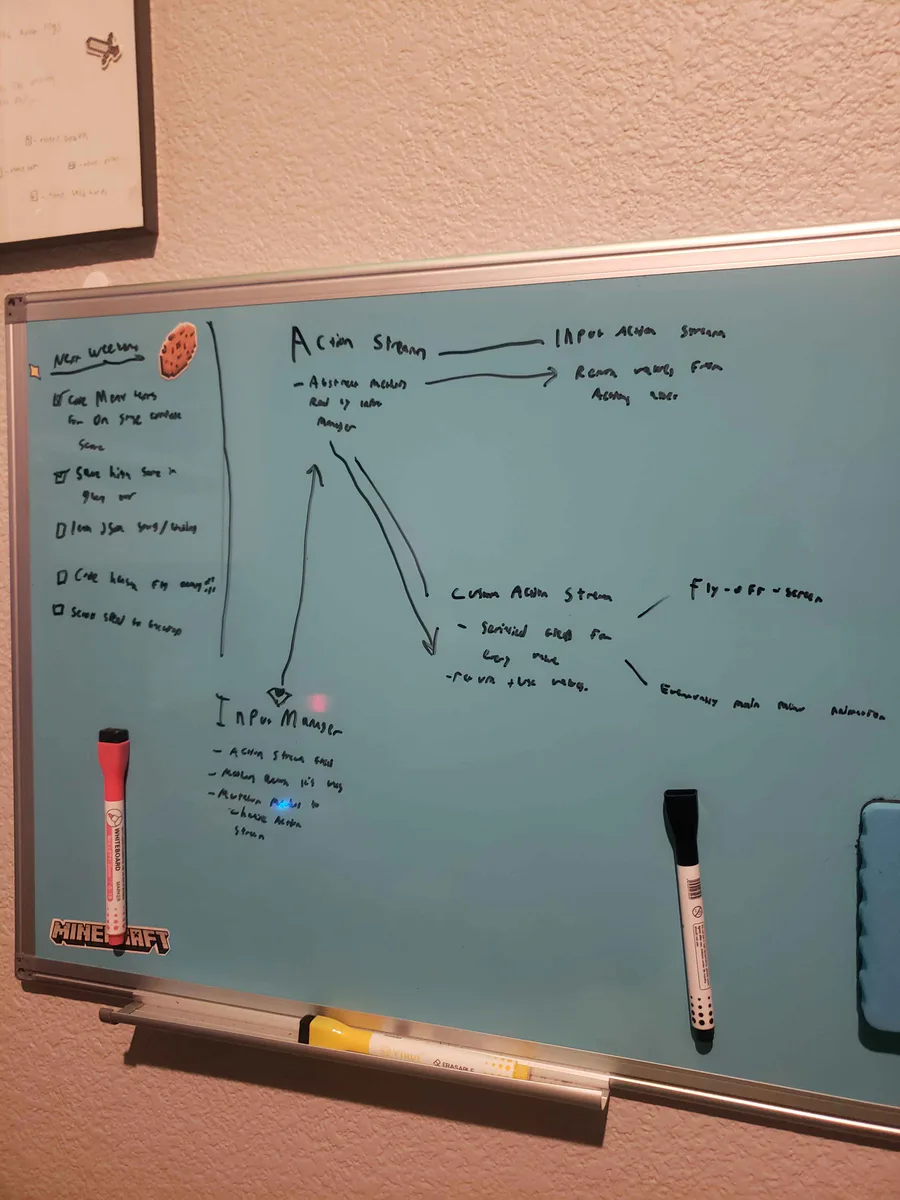
Alright, I've been thinking... I wanna do a fly-off-screen when you complete a stage in Hensen Hopper (classic shmup stuff) and I COULD just hardcode it into the character controller script but I came up with a more nuanced solution.
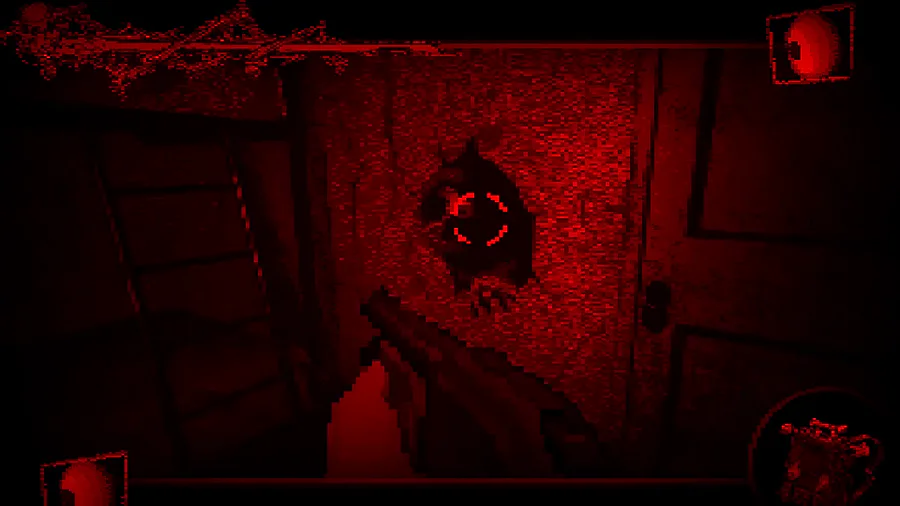

Your worst nightmare is alive ... Coming soon !

This is just about the only situation in which I'll ever do this. I almost never put multiple calls to methods on the same line but here I've logged a warning to remind furure me to do something I didn't have time to do today in a glaringly obvious way.
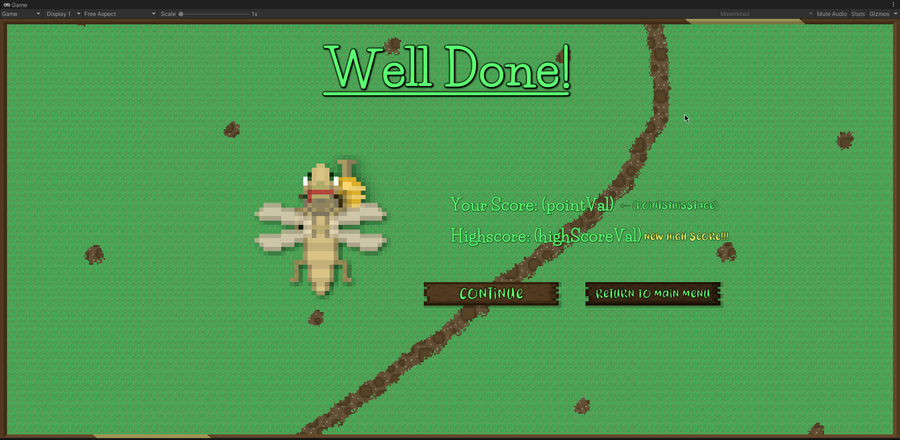
Been working on the artwork for the "stage complete" screen all morning! Right now I'm improving the shadows/shading for Hensen because he is a part of that screen. I do need to work out the contrast between the text and the backdrop image, I know.
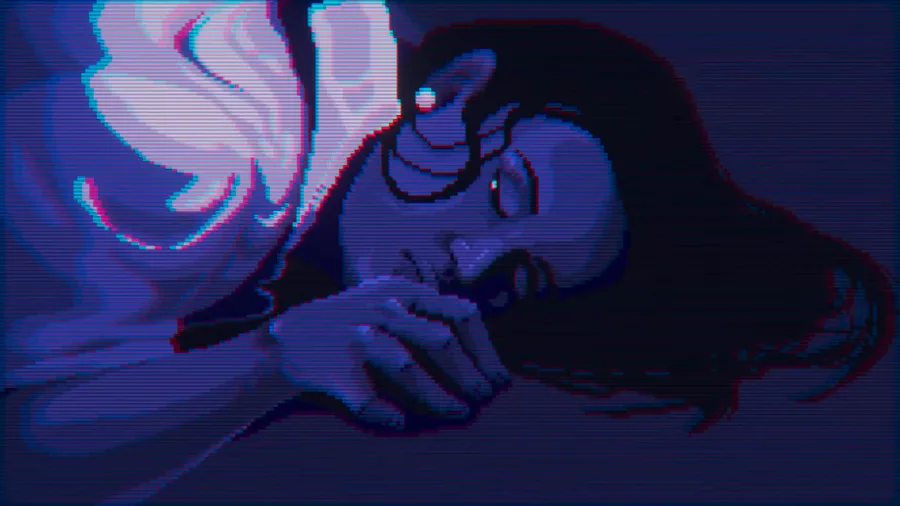

Midnight Special is part of Lovecraftian Days 2026, hosted by Fulqrum Publishing, running from April 9 to April 16 (PT).
Get it at 20% off during the event and explore a selection of strange, dark, and memorable indie games.
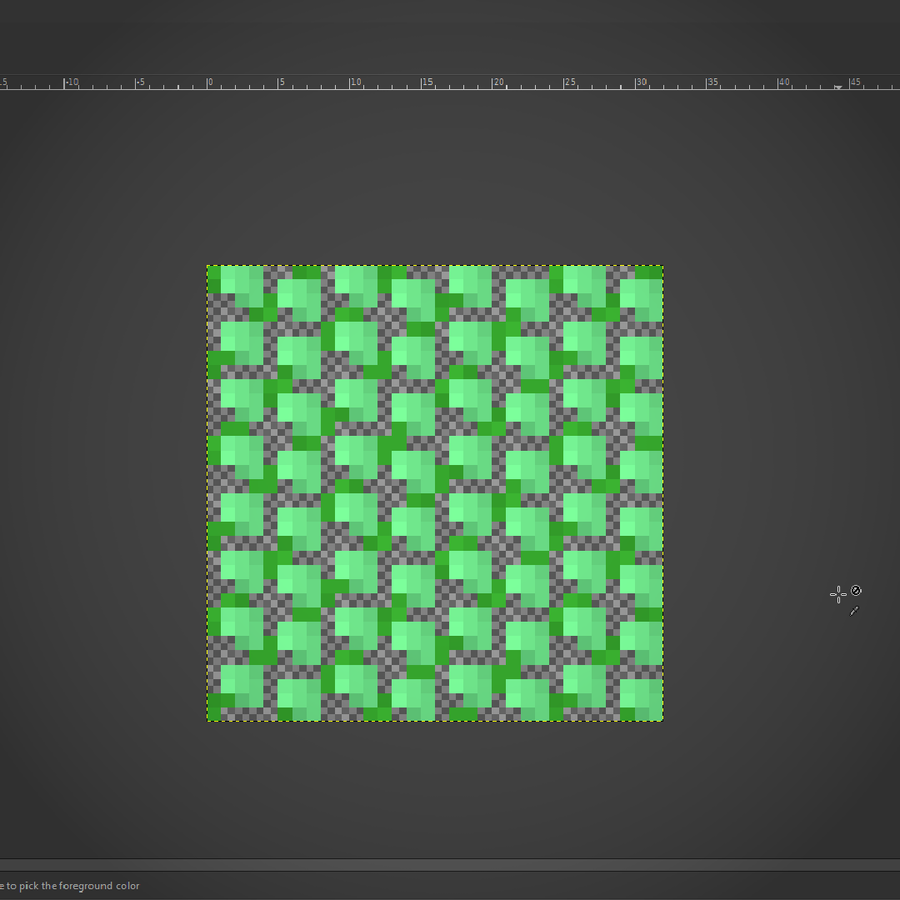
I've worked out a process for drawing bushes that I'm using for the backdrop! First I draw the branches, then "paint" where the bush texture will be, copy it's alpha to a new layer in white, then draw it's shadows in a layer over the bush layer.
0 comments