

Part of the expansion involves a cute little fight right here.
...in space for no apparent reason.
...too bad it won't be as epic as the final boss, but still...
Next up

Here. I've got a trailer ready. (...assuming it loads.)
Now I've gotta shop it around, and upload it onto YouTube.
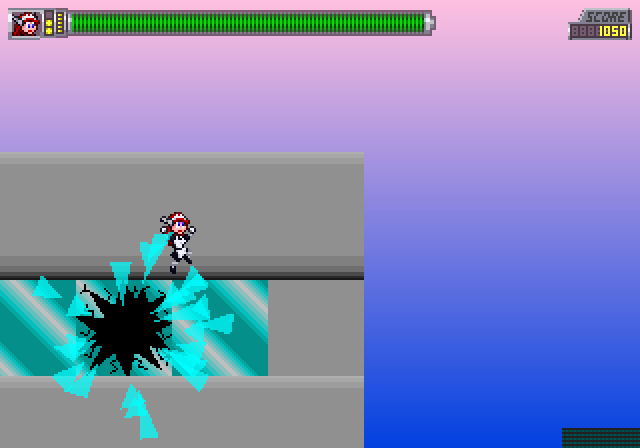
Do you know how hard it is to get THIS shot?
Like I said, I'm making level thumbnails for the Level Select screen. Also, this gives you a good idea how big the max health bar is.
I guess I can show these things on April Fools day.
They are NOT going into the Robot Maid game, but they're still in the code.

I was considering releasing the expansion today, but then I found a lot of bugs I should've spotted in the original build, and I made the minimap do extra stuff for said expansion.
Don't worry, it'll be out by tomorrow night.

Back in the old days, you could just flash between these two frames to make dynamic lighting, to show something's flashing in front of her.
I'm just gonna use the other frame to indicate the lights are on. No flashing required.
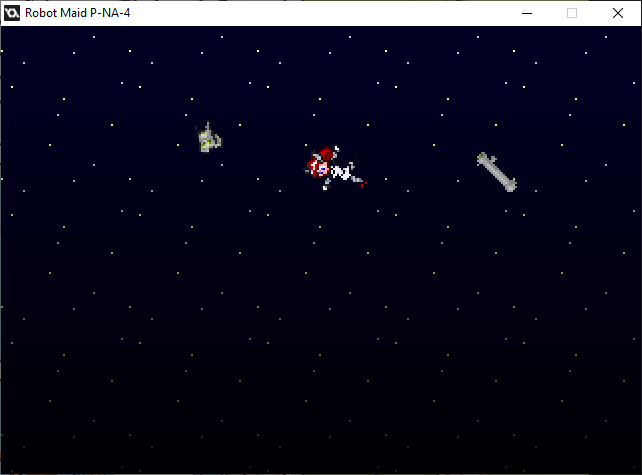
...another fine mess you got yourself into.
I'd better stop sharing these cutscene moments. I'm almost there.
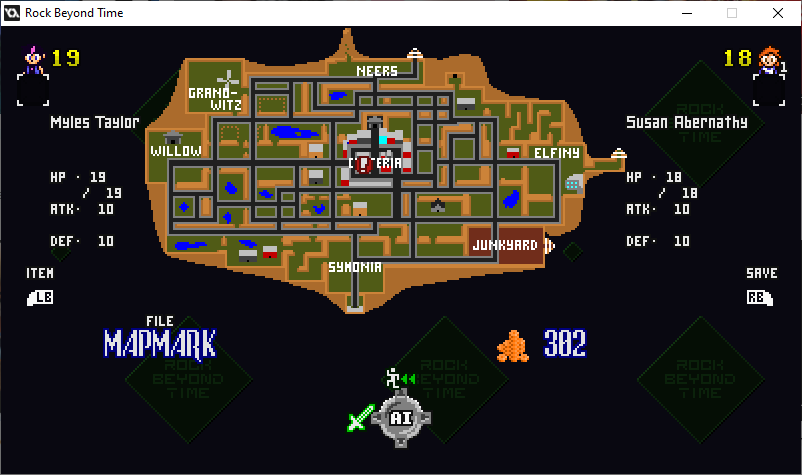
Coming soon to another update.
Lemme get some work done with it first, then we'll talk.

The next update may be full of bugs.
...moths, mostly.
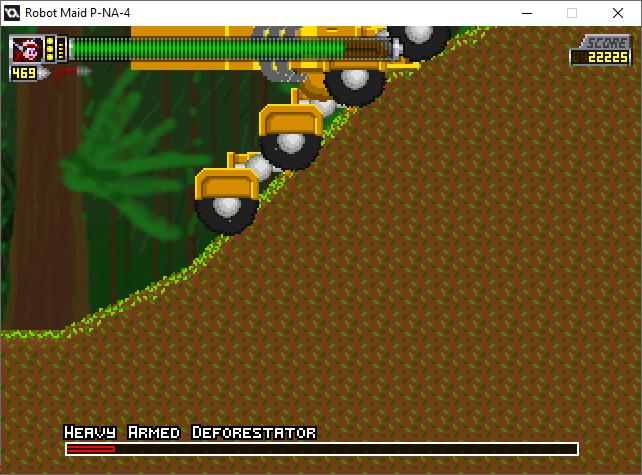
Well, finding glitches was bound to happen.
In this case, with a scrolling boss, the player's trapped on the left side of the screen until there's no solid block there.
I'd better fix that, THEN shrink the gap behind the boss.
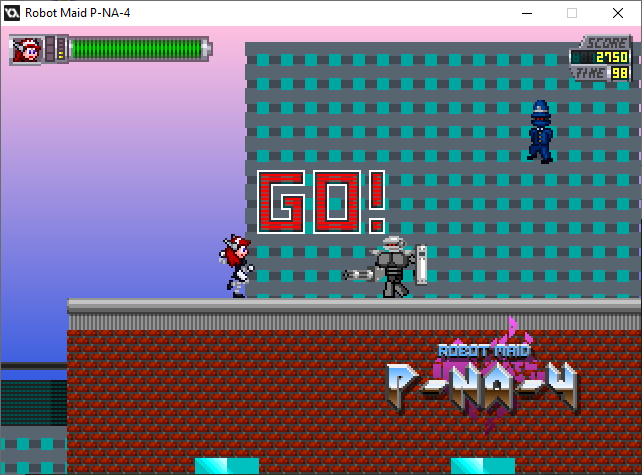
I did Attract Mode first.
She can pwn on her own for the first four mainline levels for 30 seconds each.
0 comments