Game
Windows 12.21
4 months ago

Read arcticle


Windows 12.2 → Windows 12.21

Windows 12.2 has officially been updated to Windows 12.21.

✨New Features & Improvements

📨Send Test Messages

Description: The "Send Test Messages" feature has been relocated from the panel to the desktop.

Availability: Standalone desktop application.

🌥️Weather Widget

Description: The panel slot for "Send Test Messages" has been replaced with a Weather widget.

Functionality: Users can set their region for localized weather updates.

⚙ Settings App Enhancements

Bug Fixes: Multiple bugs in the Settings application fixed.

Improvements: Enhanced stability and smoother navigation.

🪄Magic Taskbar

Behavior:

  • Hover: Weather, Volume control, and Brightness control hide on hover.

  • Visibility: Start menu and pinned apps remain visible.

⚪Physical Ball

Description: Interactive feature with real-world physics.

How to Spawn:

  • Right-click on the desktop.

  • Select "Spawn Physical Ball".

Functionality: Dynamic reactions to gravity and collisions.

📖Tall Man Dictionary

Integration: Added to Microsoft Edge.

Usage:

  • Open Microsoft Edge.

  • Switch to the Operator tab.

🖼 Gallery App

Description: New application for viewing images and media.

📷Camera Upgrade: Face Sensors

Features:

  • Advanced face detection sensors.

  • Real-time face masks similar to Snapchat.

Purpose: Modernizes the Camera app for an engaging experience.


🚀Summary

Windows 12.21 enhances usability, introduces visually engaging features, adds physics-based interactivity, and modernizes key apps for a next-generation OS experience.

0 comments

Loading...

Next up

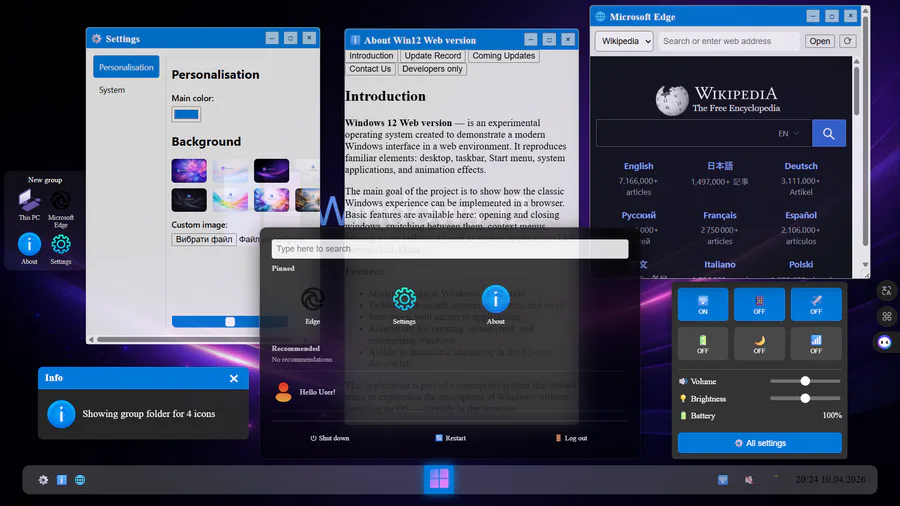
A NEW WINDOWS 12 WEB V0.4.0 IS OUT NOW! Settings updated with new System section. New app: Edge. Desktop selecting and desktop folders. More animations, New welcome messange, Other... What to add next? Write in comments!

Windows 12 Website Updated to V0.2.0!

• Added 8 new wallpapers and fixed the About app.

• Introduced a Coming Updates tab in the About window.

• Improved taskbar layout: System icons on the right, Start button centered, Active programs on the left.

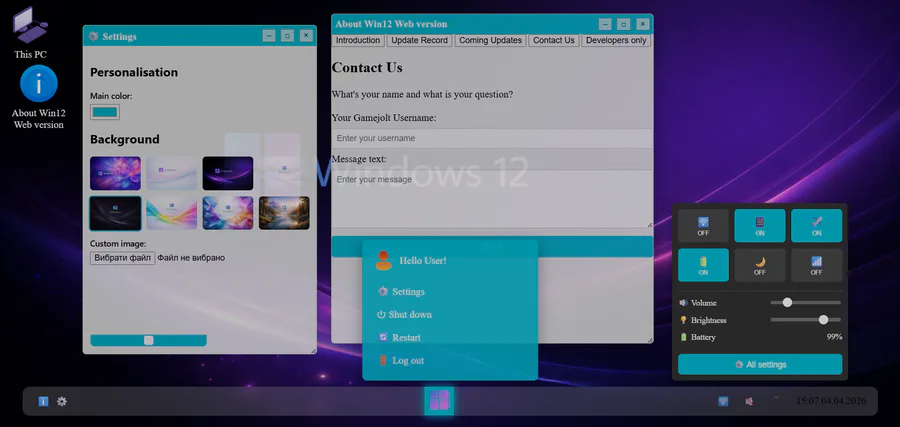
A new update V0.3.0 is out now! Added Scale animation for window opening (combined with Fade), Hover effects to system tray icons, System tray menu, Snap fixed, New Contact us and Developers only category in About app.

Write in comments what add next

Experience the night city, drive cars with Xtreme powers, take part in the festive in Super-X cars!

https://gamejolt.com/games/SuperXCars-NightCityDrivingwithXtreme…

Short intro of us 💕✌️

We're an eletro duo based in Seoul 🇰🇷 Heavily influenced by the 90s.

Our new album #Xennials is all about the nostalgia of that era 💽 CD listenin 📟 beeper beepin 💾 floppy disks floppin days 😎

Stream now! 🎧

https://open.spotify.com/album/3YwWhnHWVy5cA8XOpbaGRA?si=8E9awqU…

Just as Pecaminosa's musicians #improvise this rendition of #LittleSunflower 🌻, so do we improvise with this post you're reading. 😂

What's coming out of your own improvs? 🤔

#Pecaminosa | #IndieDev | #OST | #Jazz

This Satuday we invite to watch another #speedpainting of our artist Daniel Faiad.

How great is this scene of #Pecaminosa?

#ScreenShotSaturday | #IndieDev | #DigitalArt

Did you know that today is #InternationalJazzDay? 🎷😎

No? 😯 Well, we couldn't pass up this date!

And what better to celebrate this day than #Pecaminosa #OST? 🎷

Let us know what you think about it and have a great weekend!

So

i may or may not make an full art of some person or i may just leave this like that-