
[edit: https://gamejolt.com/p/continuation-to-this-post-https-gamejolt-com-p-something-intere-ktmg3w8r]
Of course, I'm preparing the final beta branch for the beta testers. Things go well with fixing bugs, rebalancing some things, touching things up.
I get to the "save file encryption" stage. I enable it. Of course, once encryption is enabled, any prior save data is irrelevant and gets erased. Simple, understandable stuff. I relaunch the game, get one or two achievements, and exit the game.
Once that was done, I simply relaunched the game again, to make sure the Ini is being called properly. Upon loading into the Save Slots menu, I notice that the save file had been mysteriously erased. I check the game files, and I notice that the Ini has been wiped clean, with zero warning or input.
I start troubleshooting, and every single test I notice that the save file is not encrypted (even though I have encryption on), and it keeps erasing itself no matter what I do.
After an hour, I decided "Maybe it is a filepath name issue?", so I change the Ini filepath name and test again. And the save file... finally worked. No more clearing, no more confusion; it worked well once more, and it was finally encrypted.
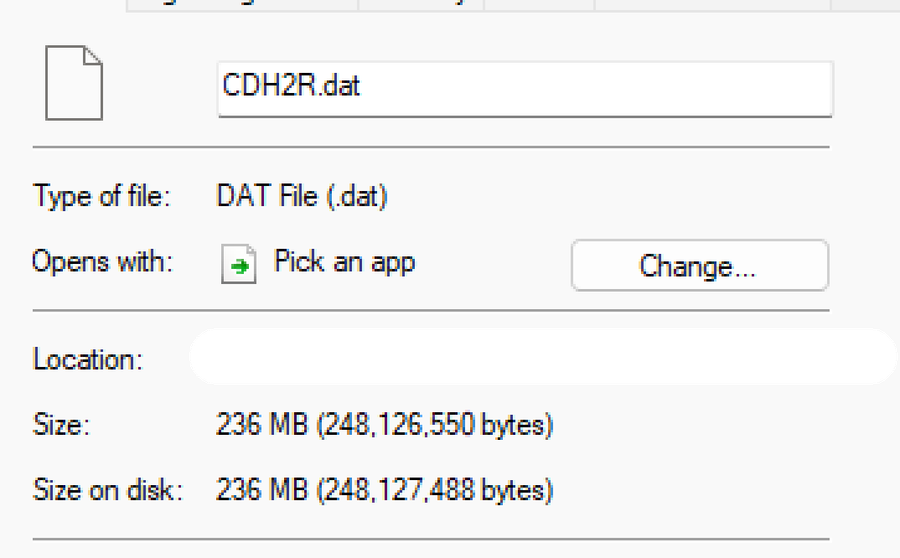
Just for safety, I decided to check the Ini save path, only to notice the Ini had made two files; one was the old "broken" one (now containing the encrypted data), and another one that was supposed to be the new one in use. Turns out, the object made a dummy file.
I won't bore you with technical details, but basically:
the dummy Ini save file isn’t permanent “extra storage”; it’s just a self-healing placeholder to prevent the saves from breaking. It can safely be ignored, or even deleted, because the game will just regenerate it when needed (which seems to oddly be in the Warning Screen frame for some reason). From what I've gathered, it doesn't take up any space.
I have never experienced something like this, but I'm glad I got it fixed. Praise God.
Anyways, I'll get back to coding, I need to finish up that final beta branch. For now: take care, God bless!
















0 comments