RubyGold @RubyGold
Joined about 6 years ago
GMR





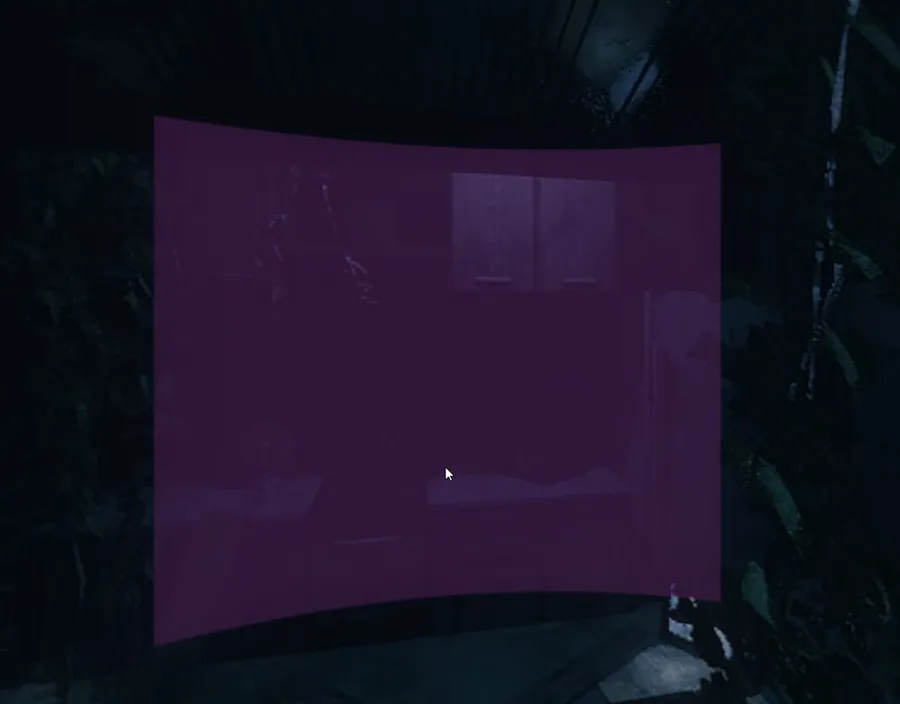
uhmm there is a bug in the kitchen room but i'm fixing it rn

urgh, you know what...easiest way to do this is just to make a new array for selling items, so I can have both buy and sell lists on screen at once 
lol, I probably should have just made this menu from scratch, I've slowly turned off most of this chest code trying to make it compatible


 1
1 1
1 1
1 1
1Edit; OK!
Hmm, getting there. The Sell list is correct, but I'm pretty sure they aren't meant to buy Banana's...



 1
1 1
1 1
1 1
1Hmm, I'm setting up the Merchant UI so it doesn't show items that are no longer in stock, and ones they no longer want to buy. But I've hit a snag.
If they don't want to buy anything, you wont know what they could buy 
 1
1
Guys please watch out for the @EVILGNOME  hes out to get me dont listen to him








 16
16 11
11 6
6 6
6 5
5 3
3 2
2 1
1 1
1 1
1 1
1
be on the lookout for @EVILGNOME i hate this guy

Brain1: Urgh, I hate having to mix arrays to make sure I don't go out of range
Brain2: ...why aren't you just checking the value is greater than BLANK (0), the empty slots are always -1.
Brain1: because shut up

6 5
5 4322
4322 2
2












Ok, here's the new Merchant menu so far!
Scrapped the old Buy array that only displayed Items if they still wanted to buy them, instead I'm going to have a sold out notice.
Will keep the Sell Array for now, since you always start on the left side.






 22
22 2
2 22
22 2
2 1
1 1
1 1
1 1
1 11
11 1
1 1
1 1
1 1
1 1
1 11
11 1
1