Comments

Rhythm Pop Maker
Hello, world! This is Pizberry.
What is it?
Rhythm Pop Maker is a software tool built using the GDevelop engine that works with the rhythm of your audio files. It helps developers create rhythm-based games by generating a JSON file containing the timing of the music. It was originally developed for The Tringle Show 3D, specifically for the Hexagonel level, where players had to press the correct keys in sync with the music
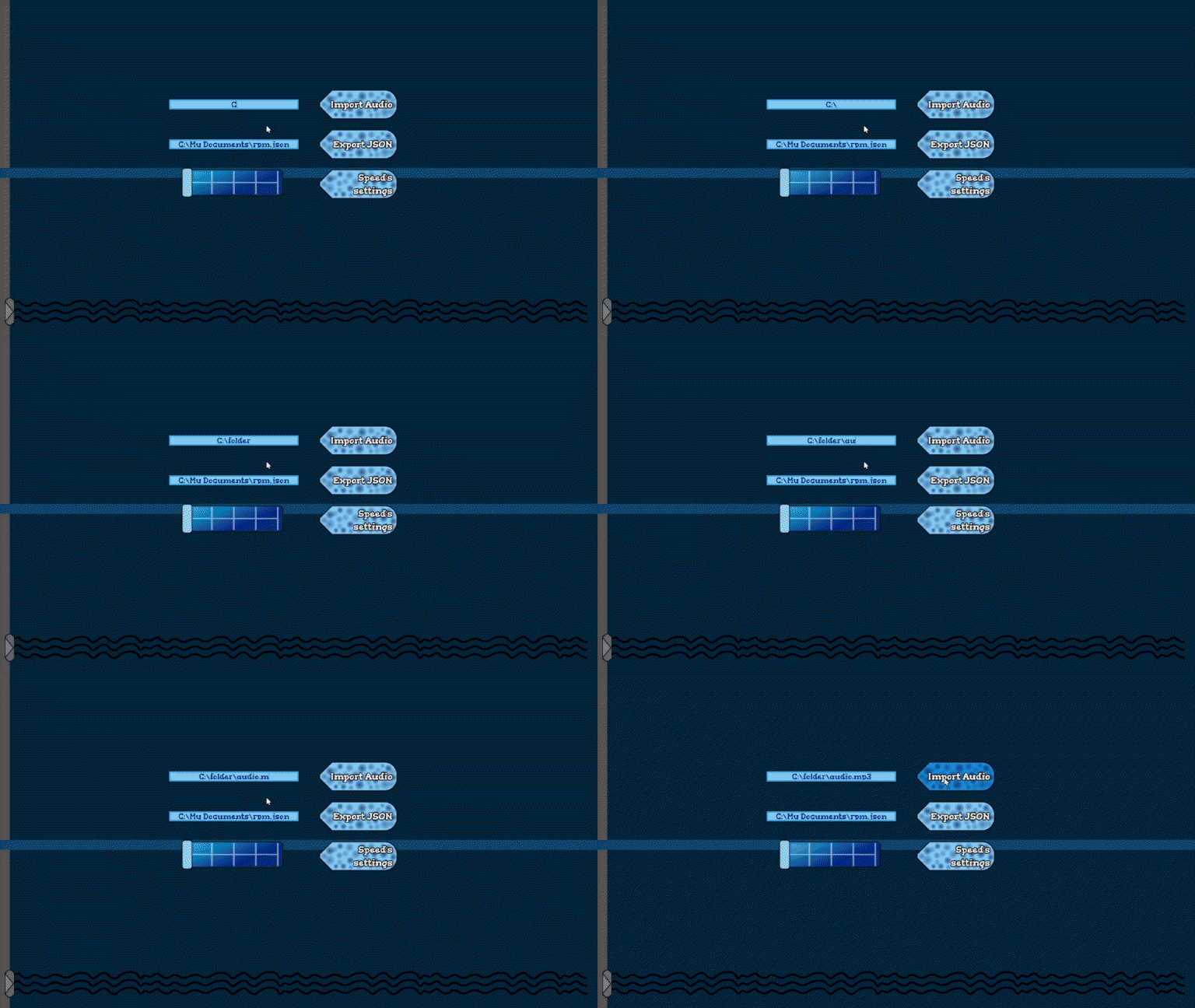
How it works?
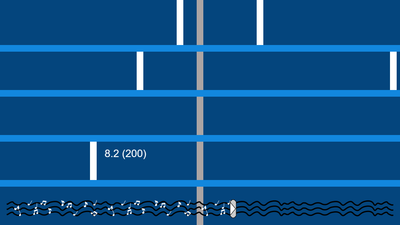
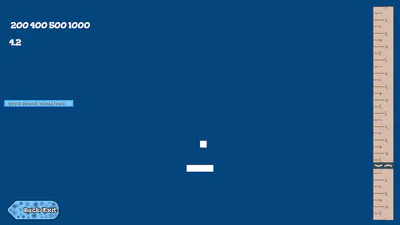
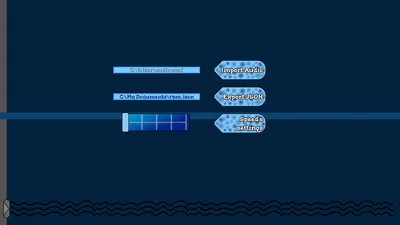
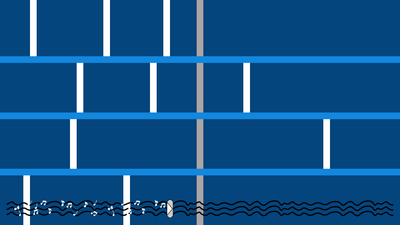
The program works as follows: you press a key, and a beat is created. It supports multiple tracks - from 2 up to 6, depending on your needs. Each track is mapped to number keys on the keyboard, ordered from top to bottom. When you press, for example, the “3” key at a specific moment in the track, a “Pop” is created. This Pop defines when the player should press a button. The program allows you to accurately calculate input timing in your game. For example, similar to Friday Night Funkin’, where arrows move from top to bottom and must be hit in sync with the music. Rhythm Pop Maker helps determine how long it takes for an object (such as an arrow) to travel from its spawn point to the input zone, allowing you to properly align the rhythm. Keep in mind that the behavior of these moving elements (such as speed, positioning, and logic) must be configured manually in programme. Once you’ve created your rhythm, press the Export button. The program quickly analyzes each track and then saves a JSON file to a folder of your choice. The file contains a set of variables:
{"1f":{"speed": [300, 300, ...],"timings":[1,1.1,2.6,...]}, "2f":{...}, ...
Note: speed is calculated in pixels per second (px/sec)
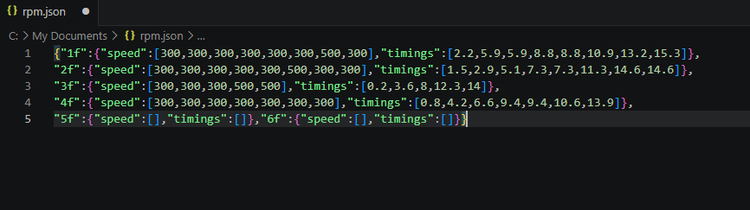
These variables (optionally adjusted to fit your project) must be implemented in your game. You will then need to create logic that reads the JSON file and performs the following operations:
			step.1f=0
step.2f=0
...
When track time=timing_pops.1f[step.1f] then:
  Create: POP.1f at position (X, Y)
  speed of POP.1f=speed_pops.1f[step.1f]
  step.1f=step.1f+1
When track time=timing_pops.2f[step.2f] then:
...
...
(And so on for all keys and variables)
step.1f=0 step.2f=0 ... When track time=timing_pops.1f[step.1f] then: Create: POP.1f at position (X, Y) speed of POP.1f=speed_pops.1f[step.1f] step.1f=step.1f+1 When track time=timing_pops.2f[step.2f] then: ... ... (And so on for all keys and variables)
Sorry that I can't provide code in a specific programming language. I hope the logic itself is clear. At least in The Tringle Show 3D, this is exactly how it worked. If anything is still unclear, you can check out the videos on the Pizberry Youtube channel or leave a comment in here
Controls
1, 2, 3, 4, 5, 6 - Create Pop at the first or another track
A, D, ←, → - Move slider at tracks
RBM - Delete Pop
Space - Play music
Esc - Open settingsBackspace/Del - Delete all speed's and timing's data (in speed settings)
Q/E - Change speed and timings for pop
GDevelop Integration
In the future, I plan to create a dedicated extension for GDevelop that will combine all the logic described above into a single command. For now, you can either use the logic explained above or watch the videos on the Pizberry YouTube channel. Keep in mind that this approach can also work in other game engines such as Construct, Buildbox, GameMaker, and others - as long as they support reading JSON files and storing the data in variables