
Comments

Called Evil
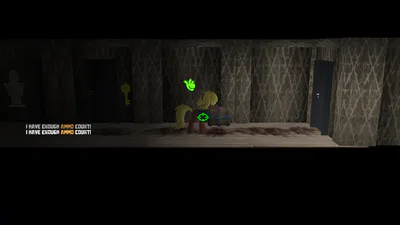
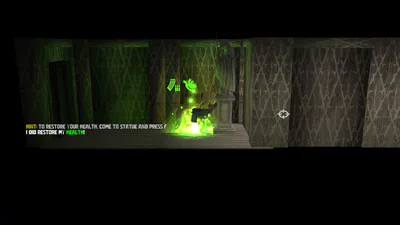
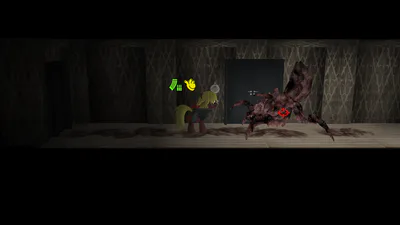
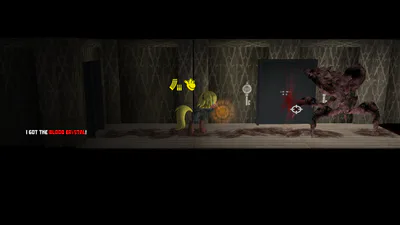
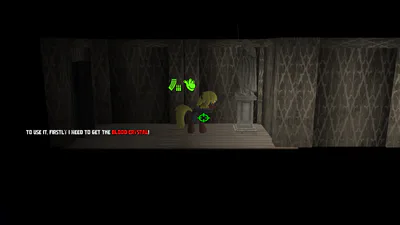
The 3D MLP Side-Scroller game in Survival Horror genre. #survivalhorror #fangame #indie #mlp #paiflixanimedia #sidescroller #horror
1. Unzip the game to non-system folder.
2. Run Code Evil Launcher.
3. Go to Options and press Code Evil Fix (This will write installation path of the game to reg)
4. Press New Game and go!
Important NOTES!
1. If your antivirus has removed something, we have added two ways to start the game. If one of them doesn't work, use the following.
2. Please! Do not skip installing DirectX, VC Redist (x32) or (x64), even if you already have them. They are required by the game itself! Make sure you install them!
3. Also, we strongly RECOMMEND to add the game folder to antivirus exceptions. (if you wish). This will avoid most of the problems! Especially for those who have Windows 10 (older than 1902 version) and Windows 11.
4. We have not tested the game on Windows 11. We can't guarantee that it will work on it, but you can still give it a try.
If you have questions, need help, or want to report bugs. Please write in the comments section!