
Comments (1)


This a really cool use of the Pygame module! Excellent work!
I feel like it may be good to put the tutorial in a separate menu that can be accessed before the game, as the pauses to explain sometimes caused me to mistype the space key
Free
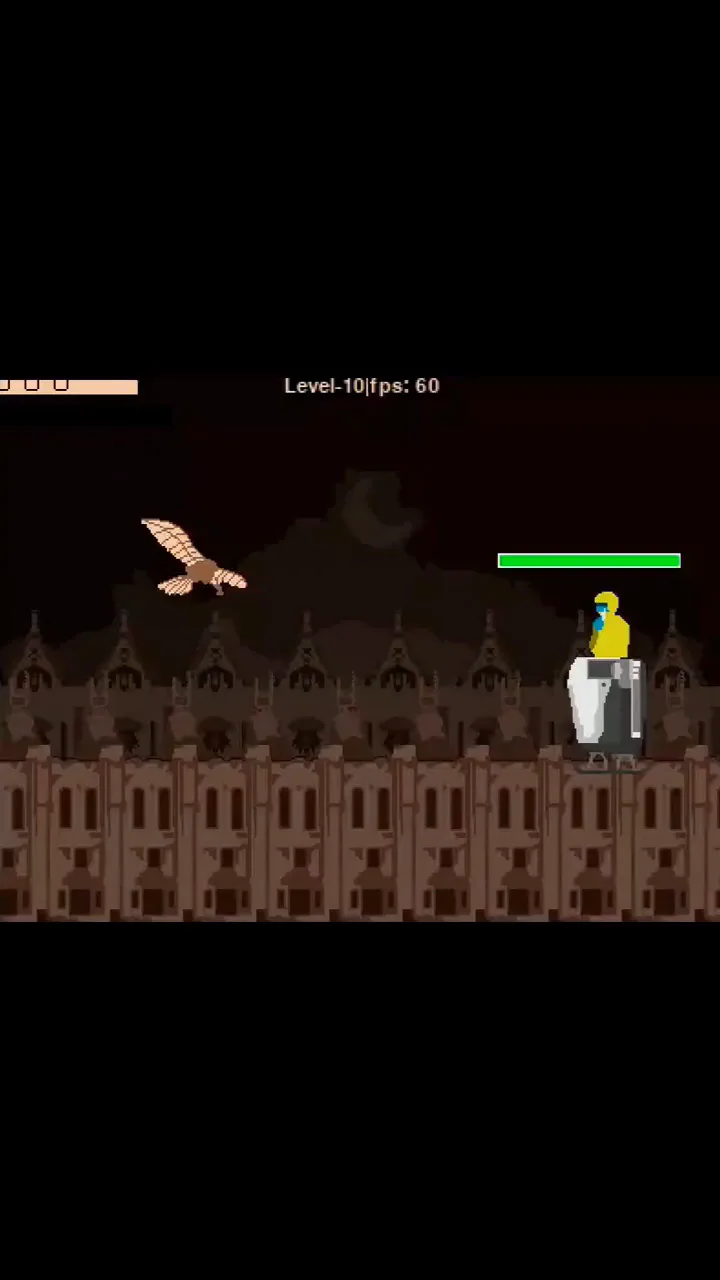
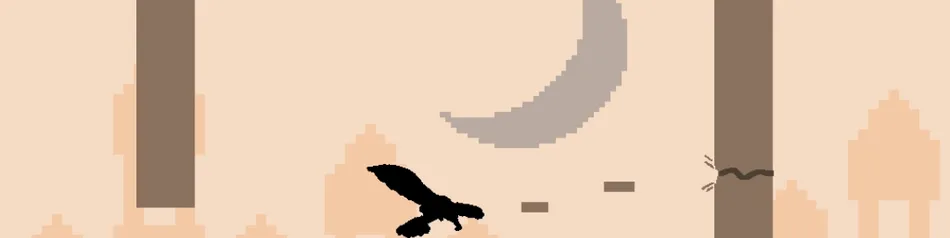
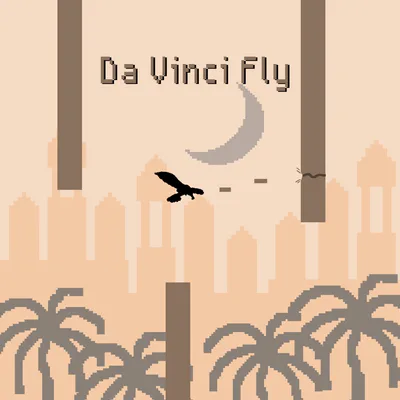
Da Vinci Fly
Control:
Touchscreen📱:
Thrust upward - Touch left side of display
Fire bullet - Touch right side of display
Mouse keyboard🖱️⌨️:
Thrust upward - SpaceBar
Fire bullet - Left mouse click
**This project is in active development & receives occasional update. I would love to hear your thoughts on the game.


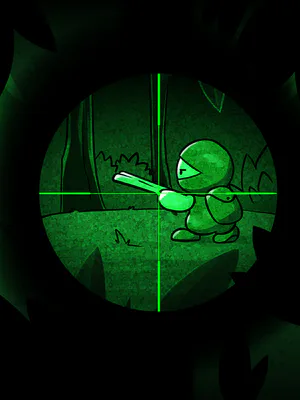
Mild Cartoon Violence