Comments (63)

I downloaded it and when i try to run it is says "Windows protected your PC
Microsoft Defender SmartScreen prevented an unrecognized app from starting. Running this app might put your PC at risk.
App: Slendrina PC.exe Publisher: Unknown publisher" is this normal
Why i can't download this?

Make the game in Android

well uhhh i cant play any of them bcuz of.. not having the.exe file for any of the games.... do i have to create one? (nvm i just have to launch the games on the games folder that is the trick if its not working for some of you)

DVloperCollection app or something doesn't launch games.
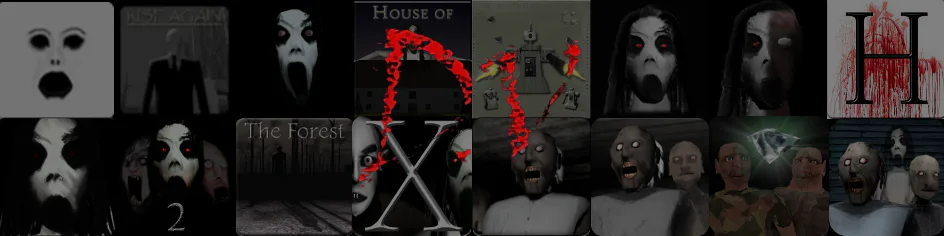
The DVloper Collection
This is a collection of DVloper games for PC, compiled into a one simple user interface for convenience.
All games work, just click the image of the game you want to play.
(THE GRANNY GAMES WILL ONLY OPEN IF YOU HAVE THEM BOUGHT AND INSTALLED ON STEAM)
If there are any bugs, please let me know so I can fix them.
Notes:
Editing/deleting the games.json file will most likely break the GUI.
Credits:
- Treme-CMD/@LetsPlayGuy  : Made The D.Vloper Collection.
- DVloper: Made all of the original games and icons, also made the Slendrina: The Cellar PC port.
- Kadir (https://gamejolt.com/@RGGAMER): Made the PC ports for Slenderman: Rise Again, Robot Hunt, and all of the Slendrina games (except for Slendrina: The Cellar).
- OmGi (https://gamejolt.com/@omgi_official): Made the Hotel Insanity PC port.
- ASActionMode (https://gamejolt.com/@ASActionMode): Reuploaded OmGi's Hotel Insanity PC port.
- Buttery Stancakes: Made The Twins PC port.