
Comments (17)

how i download this game ?? can somebody
help my?

Some practicing and a copyright thing later.. my video is up. Tough job getting the hats but I did get some unlocks. :) https://youtu.be/qpAah4InNU8

This game was fun, I really enjoyed it once I figured out hot to play properly. Great work!
https://www.youtube.com/watch?v=Rs8Y_QZ-qPg

It was so much funto play Planet Bash. I realy would like to see more!
It's really a hectic game and with those rockets behind me it was a great challenge.
Here is the link.^^
https://youtu.be/u2mzNdKZifI
love the game very fun and love the idea very cool like the art style to cant wait to see more!!
https://youtu.be/7swg3QI44Ek
DESCRIPTION
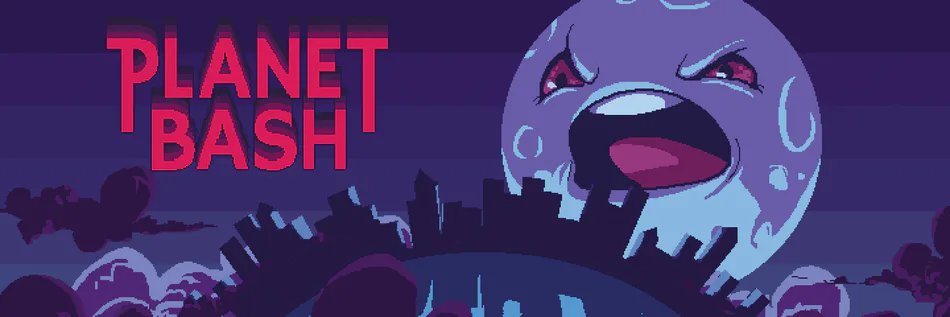
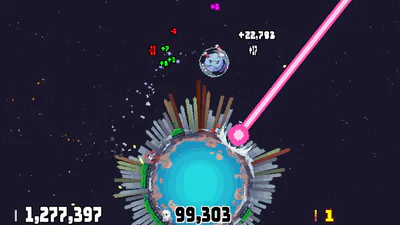
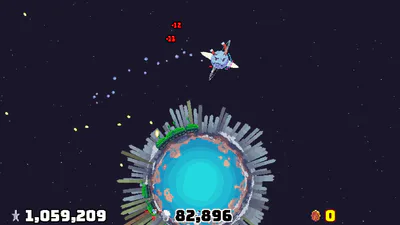
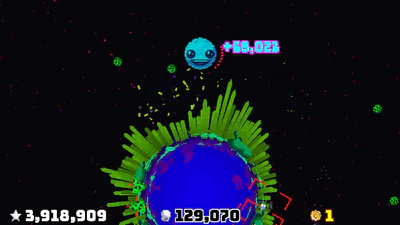
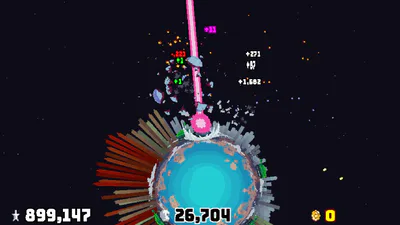
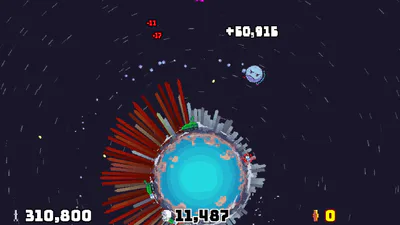
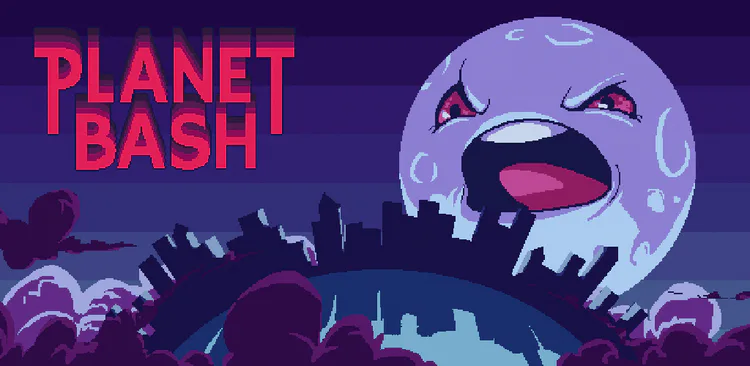
You are the moon of this blue planet and you hate the guys living there, and they hate you too for some reason. This is a little game where you bash the crap out of the planet and its people.
CONTROLS
PC KEYBOARD:
WASD and ARROW KEYS: Left and right movement, double tap quickly left or right to move faster in that direction, S or DOWN ARROW KEY to BASH, W or UP ARROW KEY to use any PowerUp you have picked up.
E or ENTER: Accept option.
ESC: While in game, brings up the pause menu, while in menus, cancels selection.
CONTROLLER:
DIRECTIONAL PAD: Left and right movement, double tap quickly left or right to move faster in that direction, DOWN to BASH, UP to use any PowerUp you have picked up.
A BUTTON: Sprint, use this if you don't like double tapping to go faster, just leave it pressed down when you want to sprint. It also is used to accept options in the menus.
X BUTTON: BASH.
Y BUTTON: Use any PowerUp you have picked up.
B BUTTON: Cancels selection in menus.
START BUTTON: Brings up the pause menu.
ANDROID DEVICE:
LEFT SIDE OF SCREEN: Movement.
RIGHT SIDE OF SCREEN: BASH!


Cartoon Violence
Comical Shenanigans