Comments

Welcome to the very first devlog for my new indie game made with Unity!
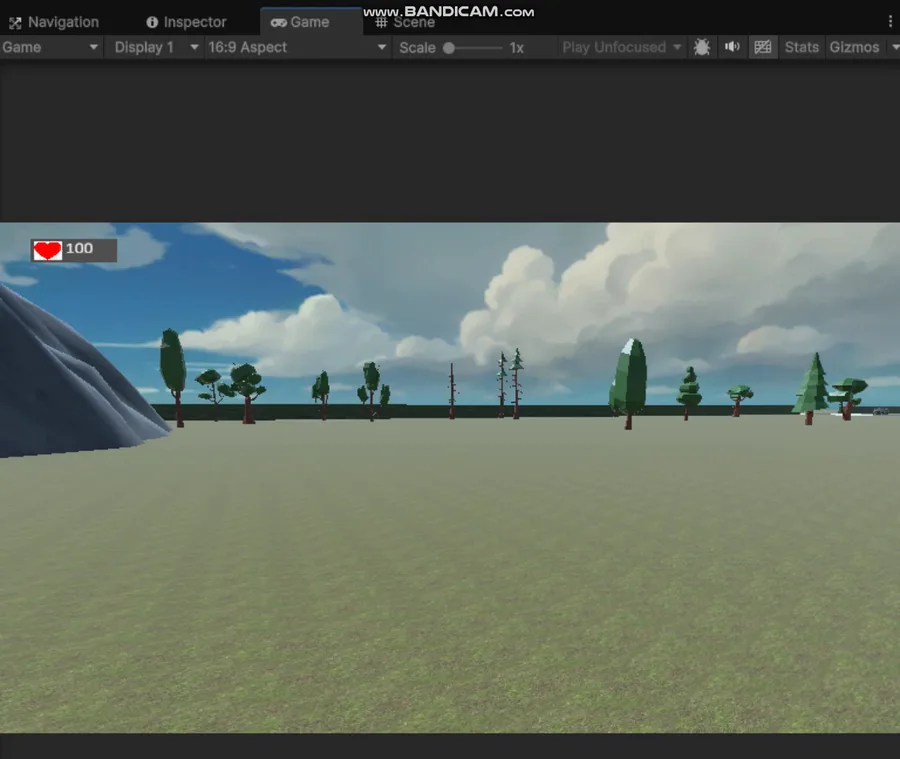
Here’s a sneak peek at the main interface I’ve worked on, based on the valuable feedback from previous players.
Mouse Sensitivity Adjustment
Many people told me the default sensitivity was either too slow or too fast. So now, the sensitivity slider is available right on the main menu, letting everyone adjust the controls to their liking. And don’t worry: you can still pause the game at any time and change the sensitivity while playing.
Save and Resume System
Previously, the main issue was the lack of a proper save system. Now you can save progress during key moments and resume exactly where you left off (Load button under Play). You can also delete old saves—sounds simple, but trust me, designing a reliable system for this takes serious work!
Design and Interface
Some folks will probably find the design quite basic or “rough.” I know! But my main goal was to have a functional base first. Improvements to visual style and assets will come in later updates.
Thanks for reading this first devlog!
Follow me for what’s next—coming up, I’ll present more immersive aspects of the game. See you in the next episode! #adventure #strategy #action #survival