
Comments (41)

Are you going to keep on working on this game or not?

Why can't I collect blocks!?!?!

Ooh, new update! Yay!
I just realized... the game is marked with the genre Action??? Where's the action in this game?? You should change it to Strategy/Sim or Other
When is the Mac Version going to be released? :/
Free
Tiles
Why Tiles is canceled
Tiles is canceled because Tiles is my first voxel type game, and I screwed some of the stuff. If I were to repair it it would feel like trying to use one hand to fix something while using the other to keep some other stuff together while trying to use your right foot to hold something else up and yeah, it would be pretty complicated. Therefore I have taken most of the stuff from Tiles that was working and integrated it into another voxel game I am working on right now, which right now actually doesn't look like a complete mess (Imagine making a car using duct tape and glue and just scrap materials found here and there).
Info
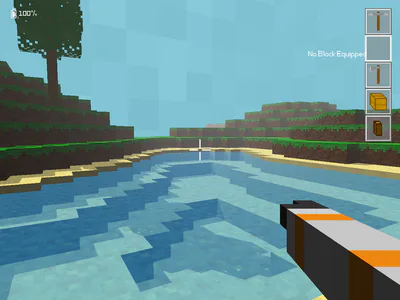
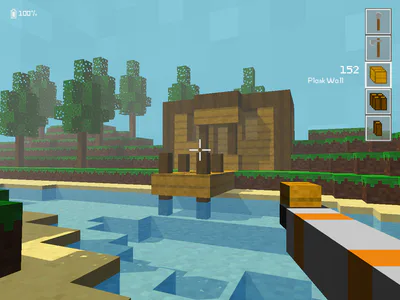
Tiles is a game about technology and creativity, it is currently under development. You can say it is like a more advanced version of Minecraft. You can build structures and machines. You can make programmable robots, computers, you can basically make a whole space station if you want to.
*To learn more about the game, see the homepage (http://tiles.emjada.com)
How to play
To move around, use W A S D.
To look around, use the mouse.
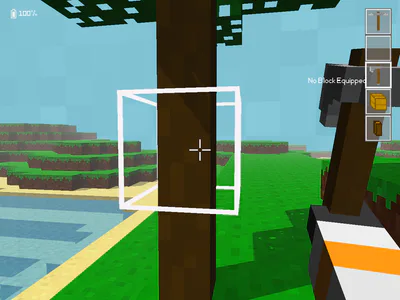
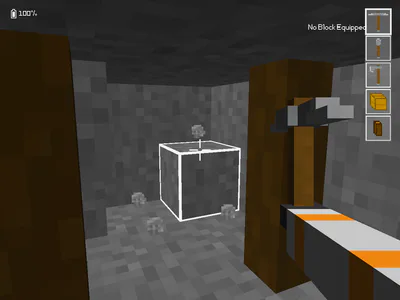
To break blocks, hold the left mouse button while looking at a block, while using the right tool (the Work Axe can be used to break all kinds of blocks)
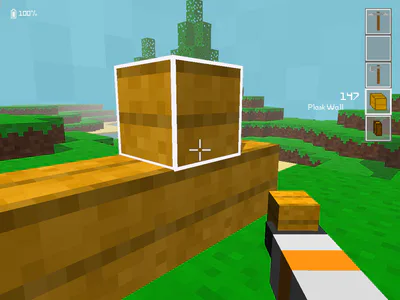
To place blocks, look at the position you want to place the block and right-click while holding the block you want to place.
When breaking blocks, they will drop as items. To pick them up, click the middle mouse button while looking at them.
To manage your inventory, click 'E'. From here you can move items around by clicking on them and clicking somewhere else. You can also merge stacks of the same item and split stacks by right-clicking.
You can also zoom in by holding 'Q'. This will also lower your mouse sensitivity to make it easier to aim where you want.
Most of these buttons can be re-binded by either clicking the gear icon in the upper right corner from the main menu, or in-game by pressing 'Escape' and clicking 'Settings'.
The Tilepedia
The Tilepedia is a small book which can be opened by pressing 'T'.
In here you will find crafting recipes for items and you can read about them.
If you are looking for a specific page, just search for it by using the search bar in the upper right corner. If an item is craftable, you will also see a small hammer icon right under the search bar. By clicking this you open the crafting recipe viewer.
Worlds
Worlds are by default saved where you run Tiles from in a folder named 'saves'. You can change which folder to use from the main menu by clicking on the gear icon in the upper right corner. When you switch world save location, your old worlds will not be moved to the new location, but they will not be deleted.
#other