
Comments (57)

hey when i try to launch the game it just a black screen and i go back to the home screen 

OMG THIS IS SO GOOD
also when will the 1000 psp port done? I also kinda need it for my spare psp

I´m using a PSP 1000 and upon launching the game it just kicks me back to the XMB without any error or anything. Is there a fix for that?
zamnn

PEAK
Undertale PSP (Butterscotch)
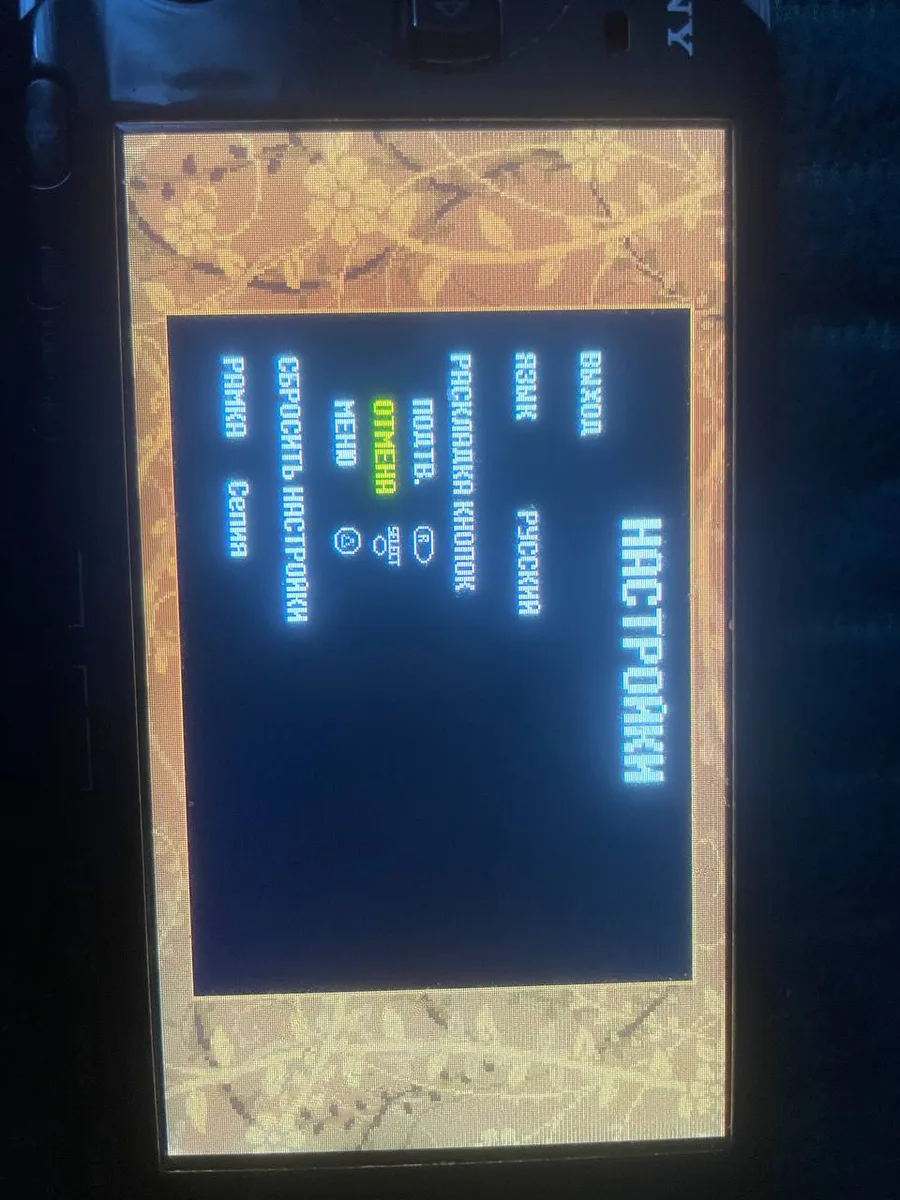
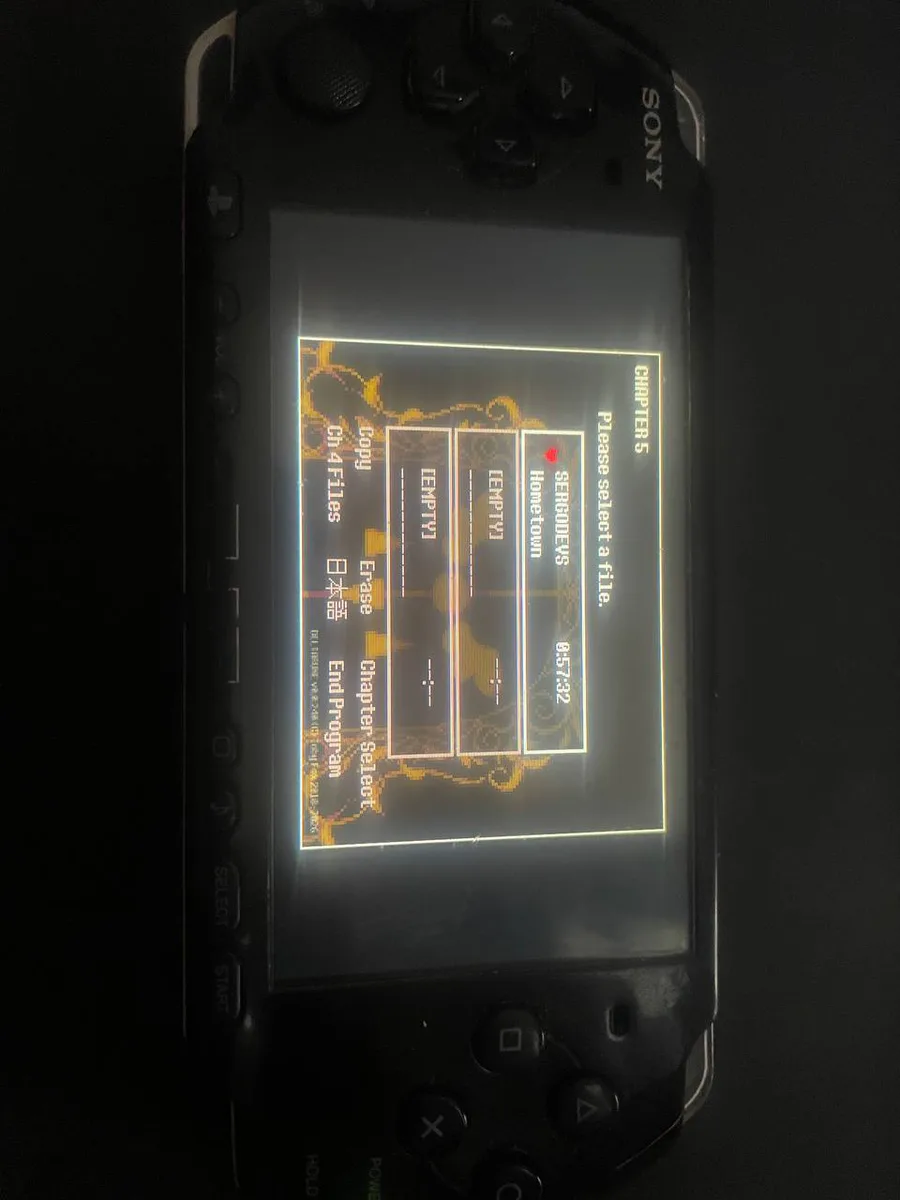
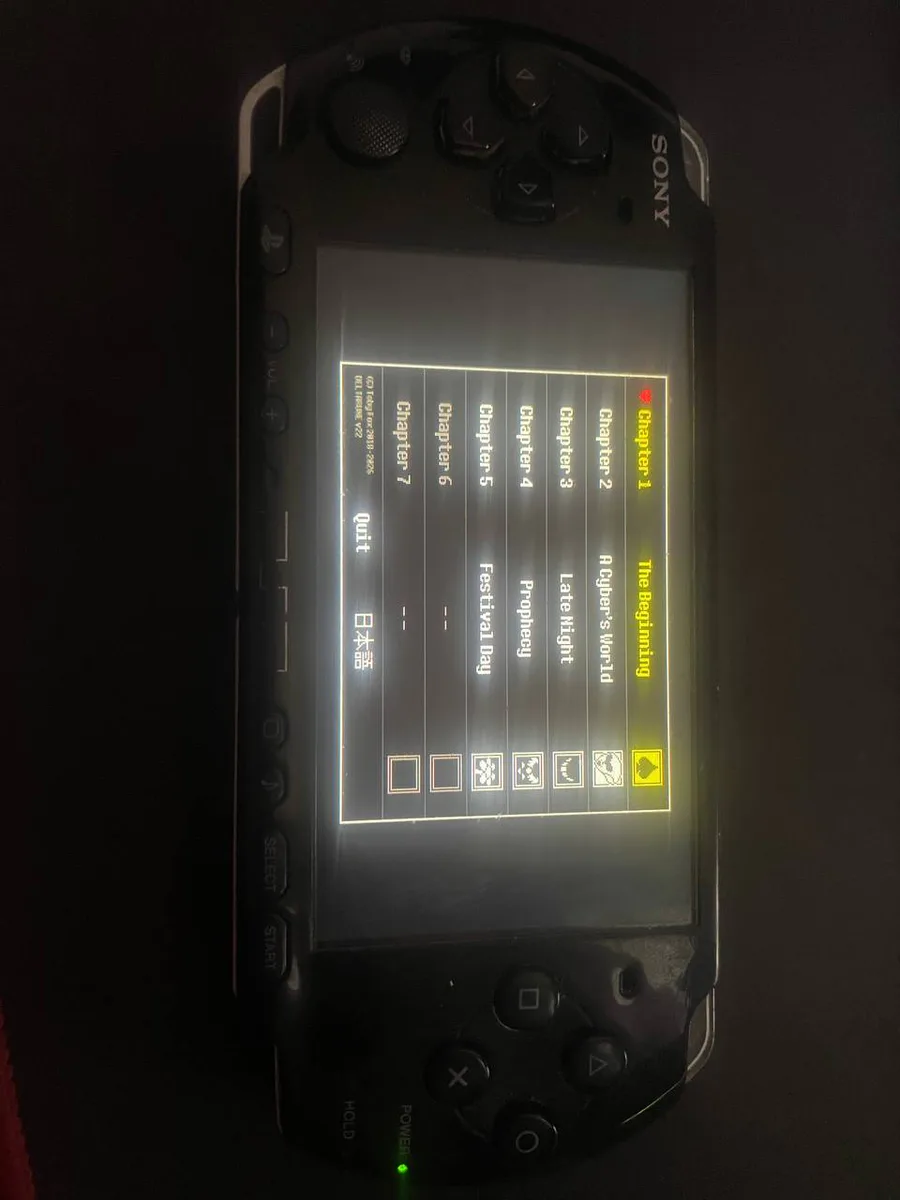
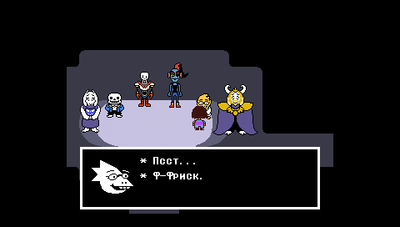
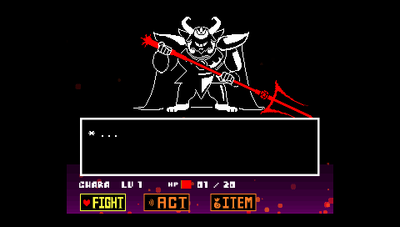
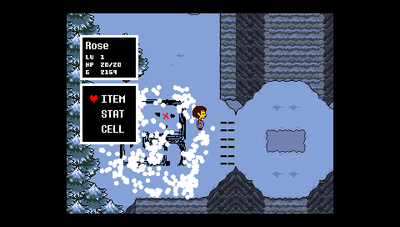
This is a complete port of the beloved and world-famous RPG game Undertale for PSP. The game can be played from start to finish.
This port is based on the runner Butterscotch, which I subsequently ported and optimized for PSP.
This page only contains the runner (EBOOT.PBP) and a preprocessor for converting resources into a format suitable for PSP. We do not support piracy! You will need a licensed copy of the game on Steam (version 1.08) to play this game on PSP!
It's worth noting that you can install a fan translation (Spanish or Russian) before patching your licensed copy of the game, as long as it doesn't violate the game's legality.
The game works with Russian, Japanese, and Spanish translations. Mods are NOT guaranteed to work!
===Installation instructions===
1. Connect your PSP to your PC via USB cable. In the "ms0:/PSP/GAME/" directory, create a separate folder (you can name it whatever you like, e.g., "UNDERTALE," so the full path to this folder will be "ms0:/PSP/GAME/UNDERTALE").
2. Download the UndertalePSP.zip archive and unzip it (You should see "EBOOT.PBP" file and "PSPreprocessor" folder). Move the resulting "EBOOT.PBP" file to the newly created folder on your PSP (See Step 1).
3. Run "Butterscotch Preprocessor.exe" inside of "PSPreprocessor" folder. In the window that appears, select your Steam folder containing your licensed copy of the game. (By clicking the Browse button, you can select the desired folder in File Explorer. Make sure this folder contains your licensed copy of the game (data.win) (e.g., "C:\Program Files (x86)\Steam\steamapps\common\Undertale")
4. Click the Process button and wait about 7 minutes, depending on the power of your device, while the Undertale game resources are converted.
5. Once the process is complete, a folder containing 10 files will automatically open on your desktop. These files must also be copied to the folder you created on your PSP (see step 1).
6. Make sure your newly created PSP folder contains the following 11 files:
1. ATLAS.BIN
2. CLUT4.BIN
3. CLUT8.BIN
4. CONFIG.JSN
5. credits.txt
6. data.win
7. linearfilter.txt
8. SOUNDBNK.BIN
9. SOUNDS.BIN
10. TEXTURES.BIN
11. EBOOT.PBP
7. Launch the game from XMB menu!
========================================================
#undertale #psp #butterscotch #gamemaker