Game
PolySettlement
8 years ago

1.2.1 Update Changelog


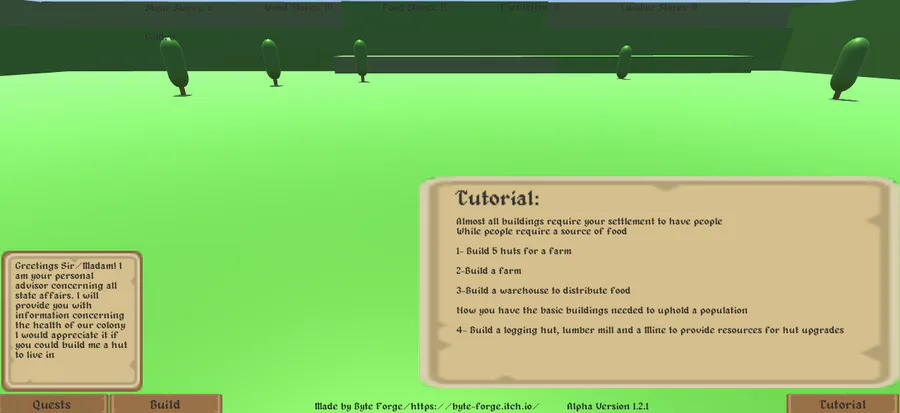
Added a few player recommendations to make the game easier to understand and play such as:

1- New UI for selecting buildings.
2-Text on what buildings do and how much they cost.
3-Modified the Day-Night cycle to be faster.
and
4-Placed the groundworks for Gold producing buildings.

I am planning to add some more basic UI elements and sound hopefully next update.


4 comments

Loading...

Next up

Hi everyone!

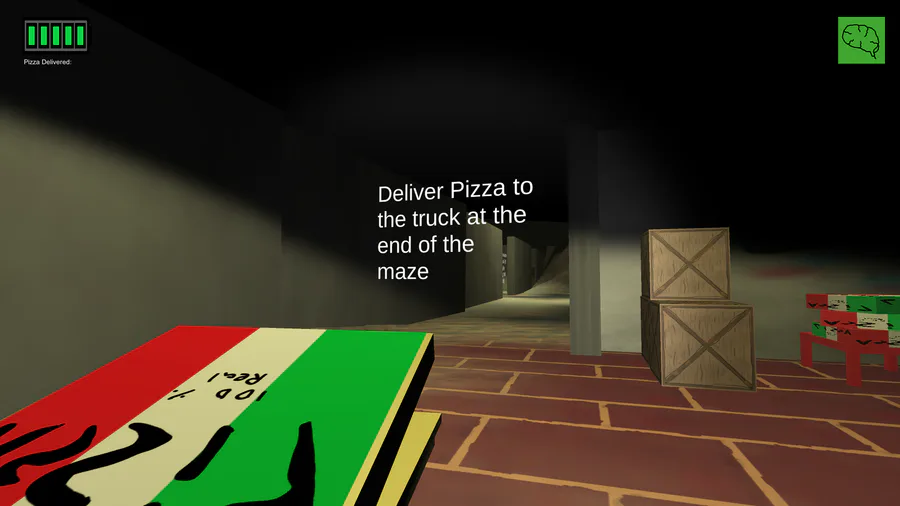
I just uploaded a new build (v0.1.2) some changes include:

Guides and floating text.

Better looking delivery truck and batteries at the end of the maze.

Changes to eye AI

Minor bug fixes

Better UI Currently working on a lot of new UI elements. Made a tutorial and even a simple quest system.

Spaaaace~

These are background sprites I've created for a game I'm working on at school ^w^ Click on the post to see how the sprites connect. You won't regret it! (personally, I think it's pretty heheh)

Drawn in Piskel using my mouse. Whaddya think?

I mostly build 3D First Person Shooter game mechanics in Unity, and in this I'm just showing C4 mechanics I made for a little side project I am working on! :)

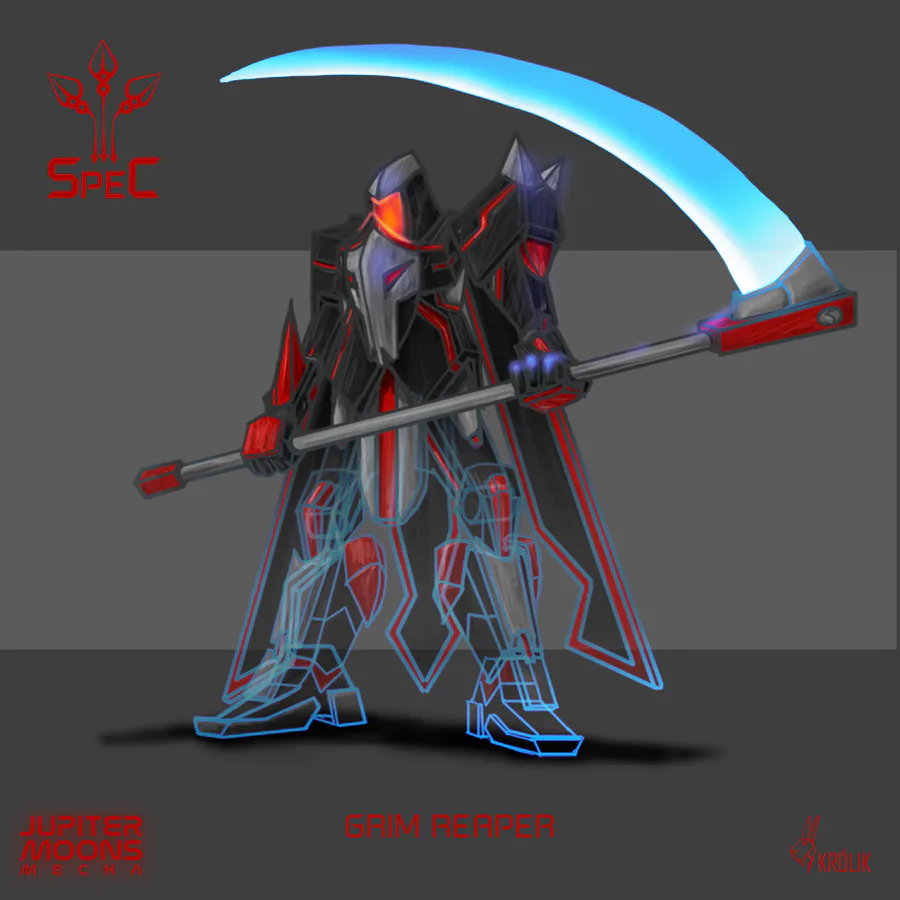
Only true badasses may pass! #conceptart #art #gamedesign

Path of Kami, running around the shrine area

Here's a Fredbear sprite i made in Aseprite! I'm pretty proud of this!

(Btw, sorry for the double post! I'll try to post less)

Hi all, Quick update with a bunch of fixes and changes.

Updated save system, optimisation and screen tear fixes, a new shoutout room and more sounds.

Don't forget to follow the kickstarter going live on the 20th! https://www.kickstarter.com/projects/9fingergames/zapling-bygone

Enjoy!

It's now possible to destroy some of the obstacles and gain access to new locations or create shortcuts. #gamedev #indiegame #rpg

Ladies & gentlemen.. The Blender logo factory! I had a ton of un making this animation. I'll be making a short tutorial on picking up/dropping object in Blender for animations next week! What do you think?