Game
Code your robot.

7 years ago

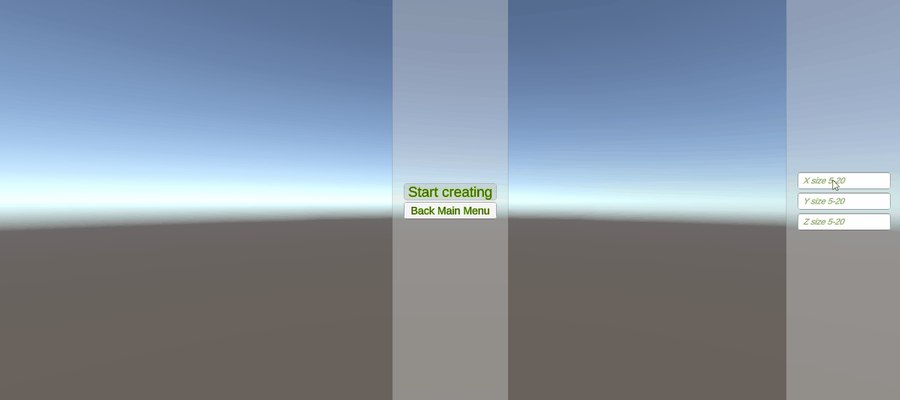
Base skeleton of level editor.


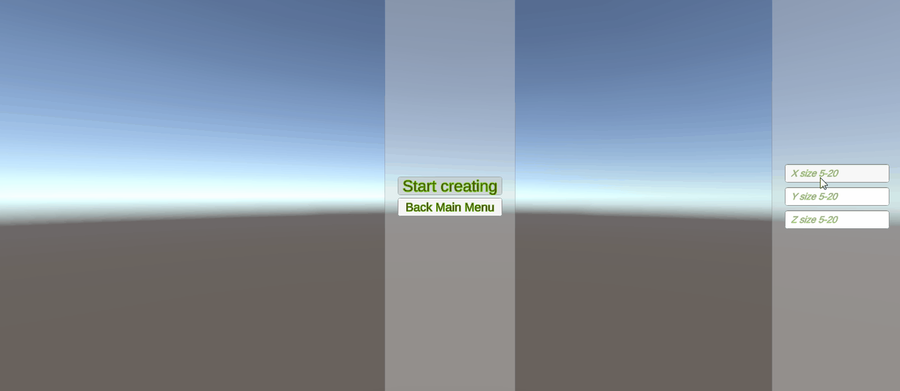
Ok, since the basic set of commands is ready, then it's time to take up the level editor!

The camera and the level size adjustment (the boundaries where changing blocks are available) were completed on the previous day.

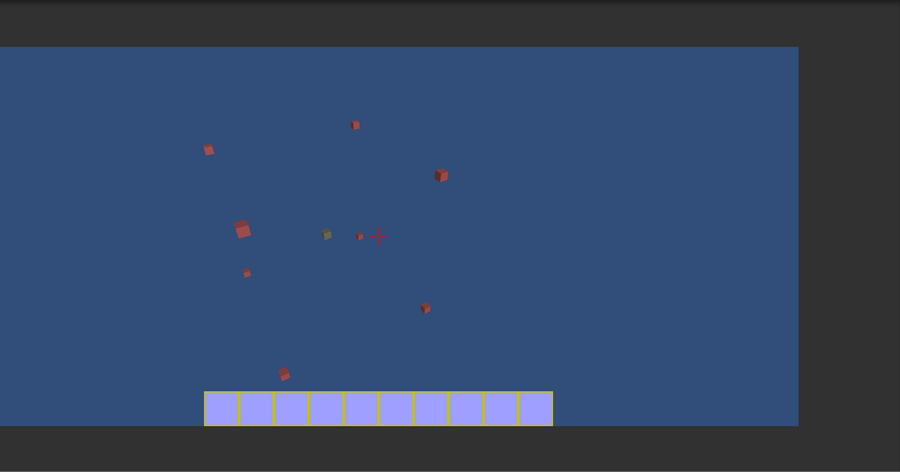
The camera has the following properties:

free movement in space

acceleration on hold (WSAD) / reset on release

forced acceleration (shift)

return to start position



0 comments

Loading...

Next up

Ability to create and destroy objects.

From now...

*Basic code editor

*3 Commands with parametres

*Animations

Start creating a level editor.

Save panel was created.

Okey basic "main menu" and level selecting components are completed.

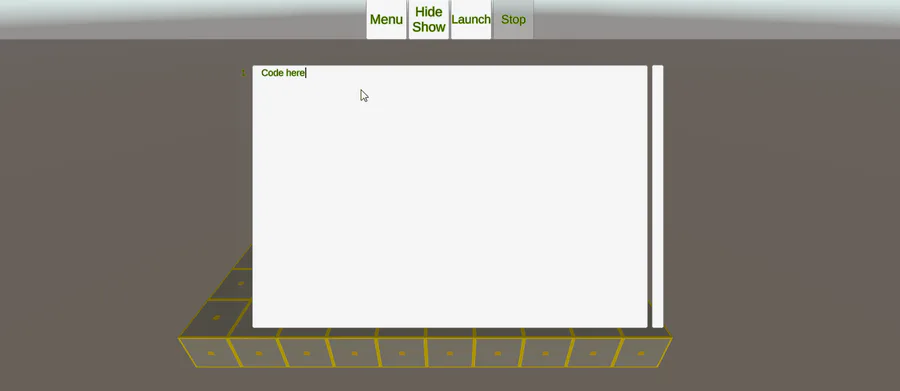
Also i have started code typing panel and code analizator and animations. Next day will be out of work so i think to beat this goal.

So

i may or may not make an full art of some person or i may just leave this like that-

Smile! Here, take some happy pills! ✨💊 #Blender #3DModelling #3DArt Buy me a Ko-fi: https://ko-fi.com/barbarafb_

🍒Did you like the game? A demo is available for free on Steam.

✌️ Thanks for playing IndieGameiacs!

⚙️ Free Demo: http://bit.ly/UniDuni

📺 Full Video: https://youtu.be/5qEbVXg7GaQ

#steam #uniduni #clops #screenshotsaturday

What do you think guys in my robot?Just a beginner in 3d modeling..

My instagram https://www.instagram.com/rojhonbb/

Sometimes the suction cup get sticky. Small animation I made in Blender after doing my tutorial on picking up/dropping objects in animations. Crate model by jQueary (https://sketchfab.com/3d-models/game-ready-sci-fi-crate-d98deca6…).