
18/12/2014 - I didn’t update the Logs yesterday, i was hard at it for pretty much most of the day trying to get a lot of changes and stuff done, so here’s an update on how things are coming a long:
the first thing that was really bugging me about my game was that the difficulty settings wouldn’t work or and wouldn’t change how fast or how frequent sweets were spawning, and i kept getting error message after error message
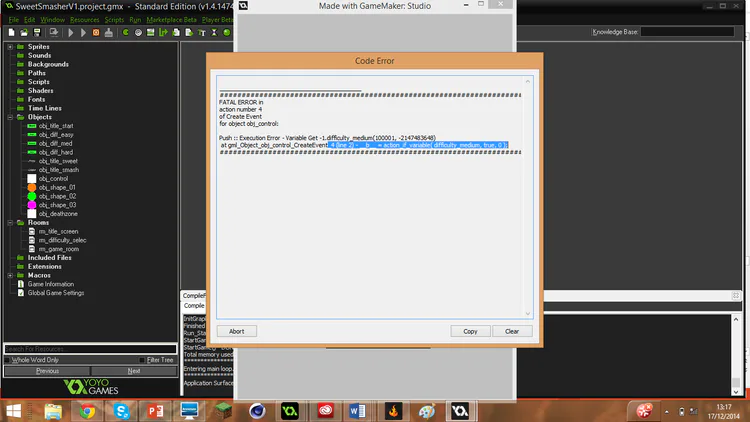
I was really stumped and really stuck, and about 4 hours of messing around trying different methods and trying to make different things work, i finally realiesed it was all becuause i mistyped “global.difficulty” as “global.difficult” in one line of the games code.
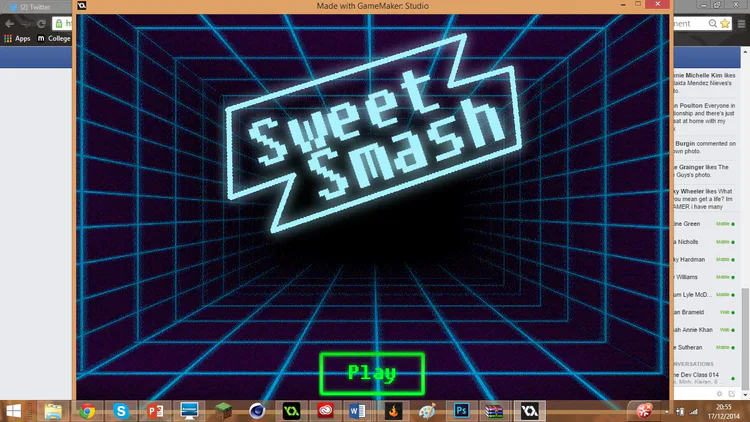
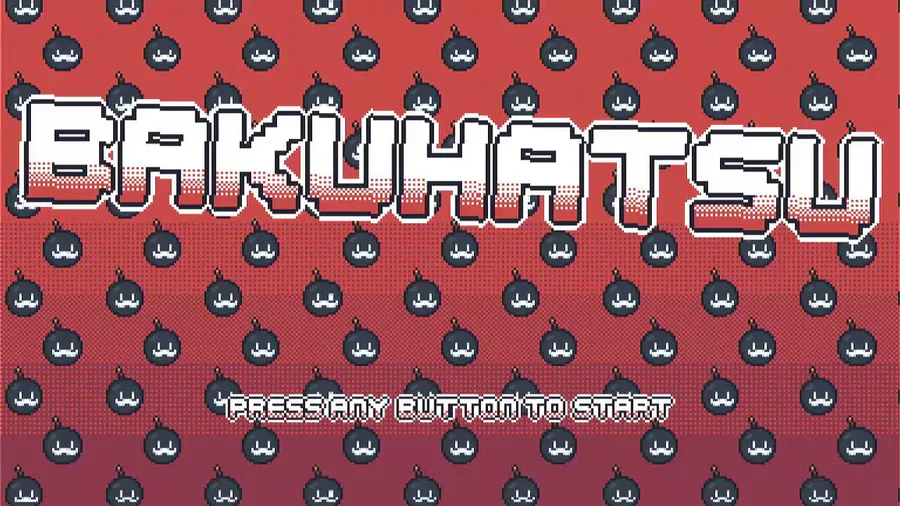
after i got this working i took another look at the menu screen and i felt it didn’t have the 80s feel to it that i was going for so the first thing i did was jump onto photoshop and fix that up.
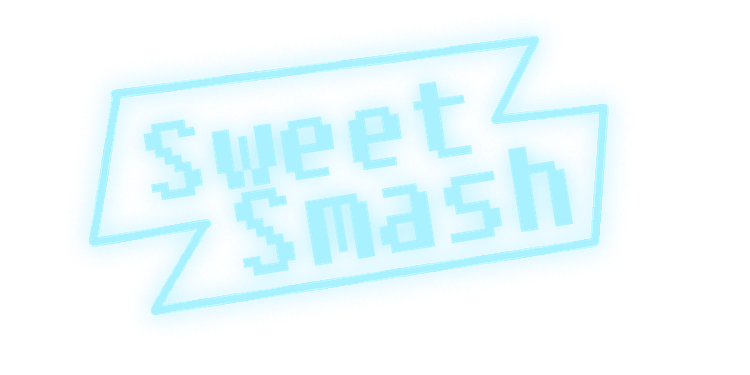
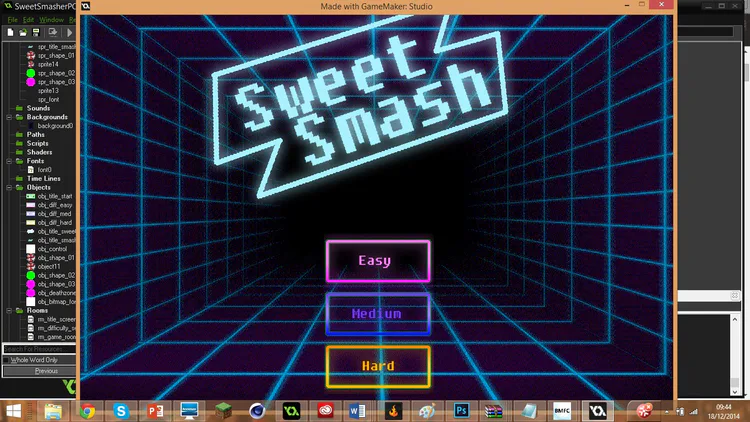
After i had done the Title screen i decided to go all out and totally redesign the menu buttons and to fit the 80s styled theme that i am going for:
The Play Button:

The Difficulty Buttons:



How the menus now look :
I started drawing one of the sweet designs, and went for a pretty generic design

And then when i decided that i was pretty happy with the sweet look and how it felt i then decided to animate it (won’t let me post gifs so check the images below)


after i had done all of this i then decided i wanted to create a mock up for me to work from so i know what i’m aiming for and this is how it turned out :
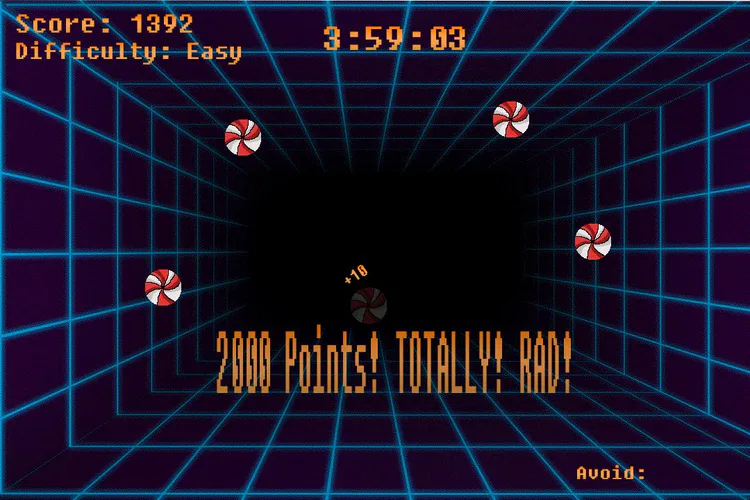
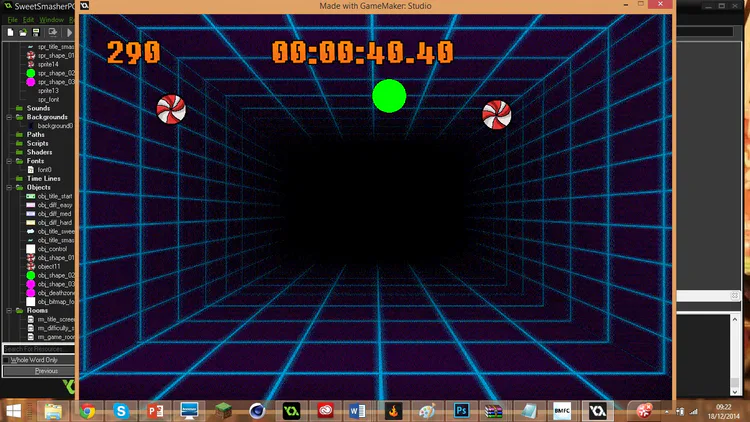
Soon as i created the mock up image of my game i then decided it’s time that i started to work from this image, and the first thing i did was work on the game clock in game maker (took me quite a while if i say so myself, quite ashamed to say so )
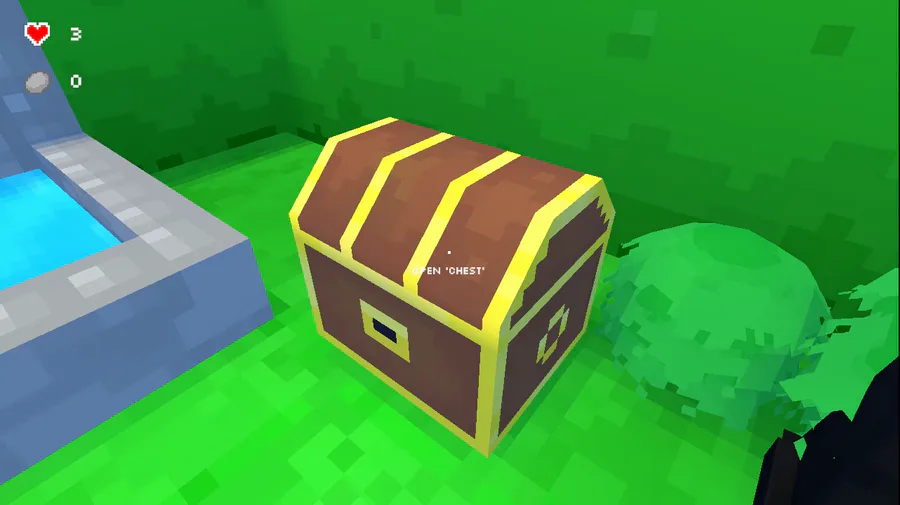
and this is how the game currently looks:
For anyone who would like to know how to make a timer in game maker here’s the code that i used:










0 comments