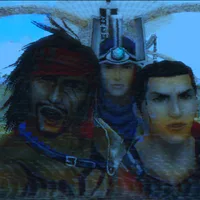
Game controls keyboard : WASD to move, p = pause, escape = menu, e = accept, backspace = cancel, spacebar = jump
Game controls controller : pretty much the same as other FF instead A for xbox or X for ps is accept and B for xbox and O for ps is cancel.
Next up
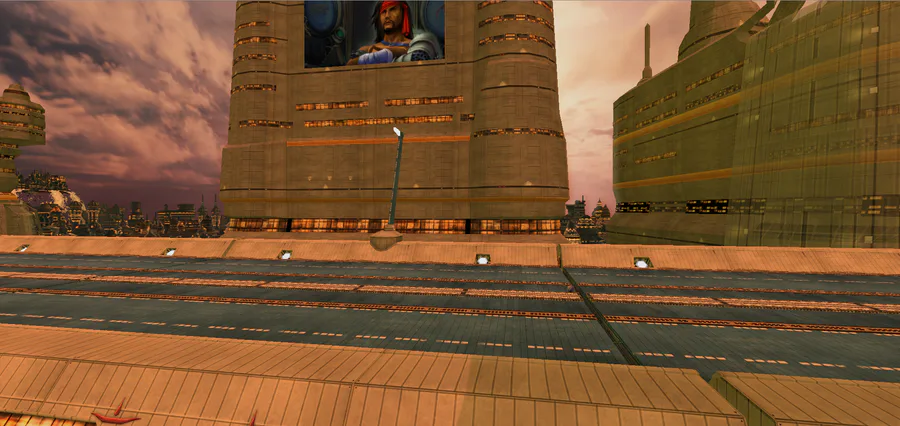
Hello guys, well i decided, when discovering my old project, to try to continue and fix the project, i will try to give you something before Christmas, i will, during this time, fix broken things and make more (pro) graphics and animations regards
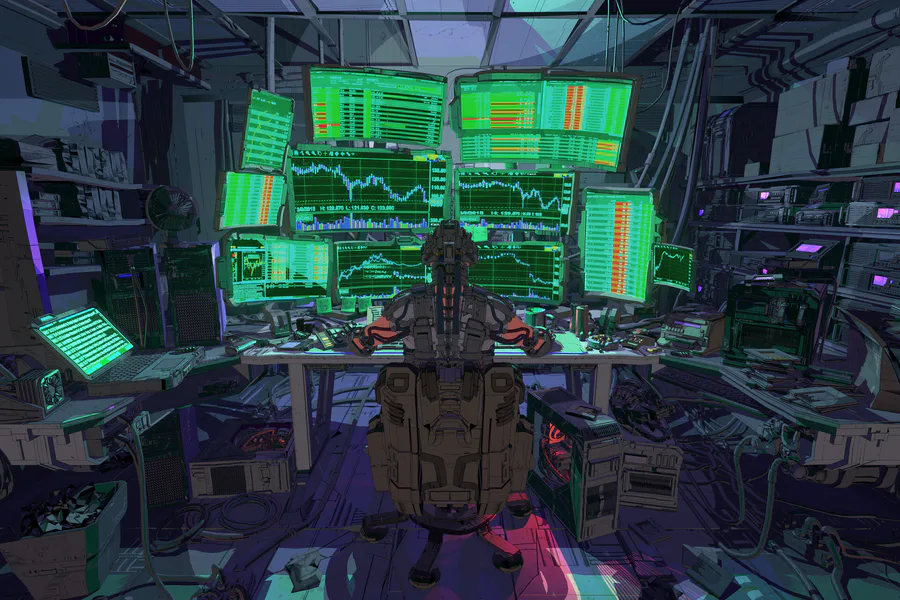
Check out this scifi scene by Jason Kwak!
https://www.artstation.com/artwork/681R05
#3dart #npbr #scifi #cyberpunk #environment #office #computers


"Thanks guys for endless hours of fun." 👍
(My first fan art. Read the article, please.)
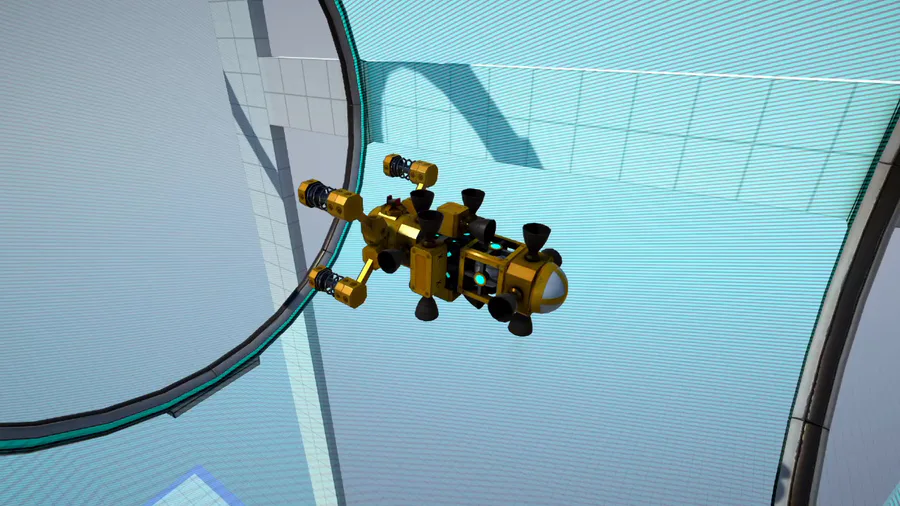


Heya there! I really wanted to show you all a little gameplay preview of the first boss fight i'm currently working on i hope you like it ^^


Today I was setting up the location of the first boss. His name is "Father" and he is the first of the Patagonians. His task is to guard the road to the House.🛡🗡 Bookmark pre-launch page🔖🔖🔖
https://www.kickstarter.com/projects/rdvindiegame/the-patagonian…
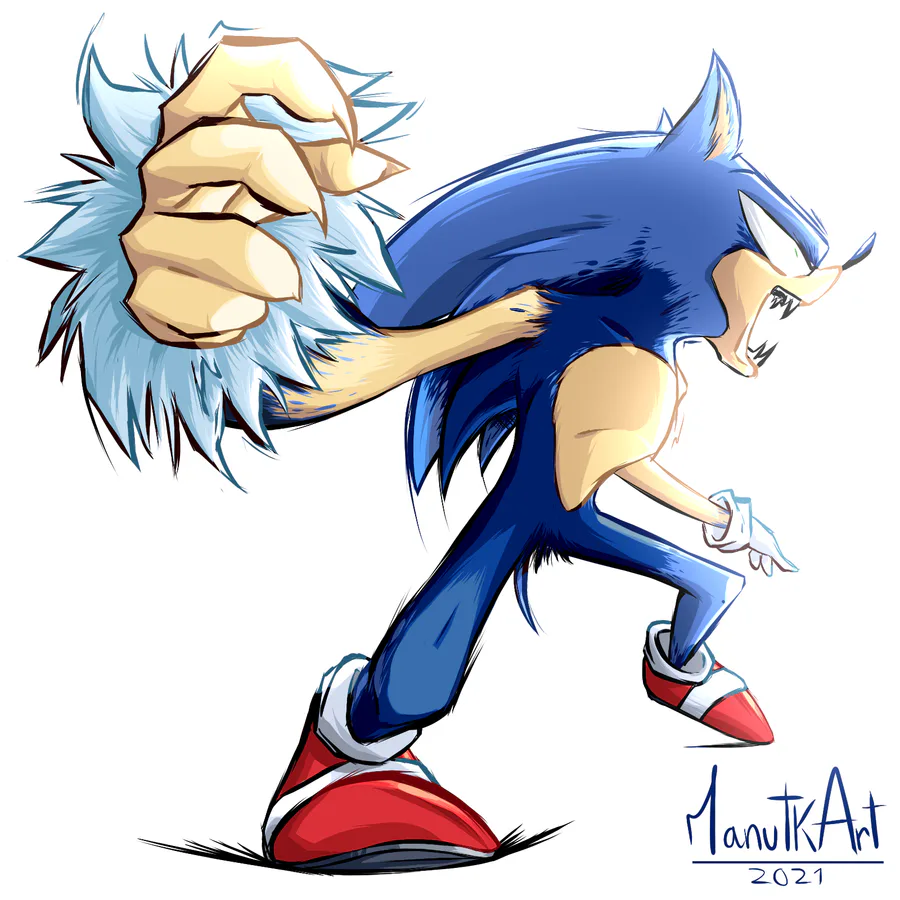
Werehog transformation process. #sonicunleashed


A Shiny Mega Gengar 🌟 For @ManutkArt 
 's #ThreeColorsChallenge!


Microsoft Windows XP Unprofessional (windows logo prototype)
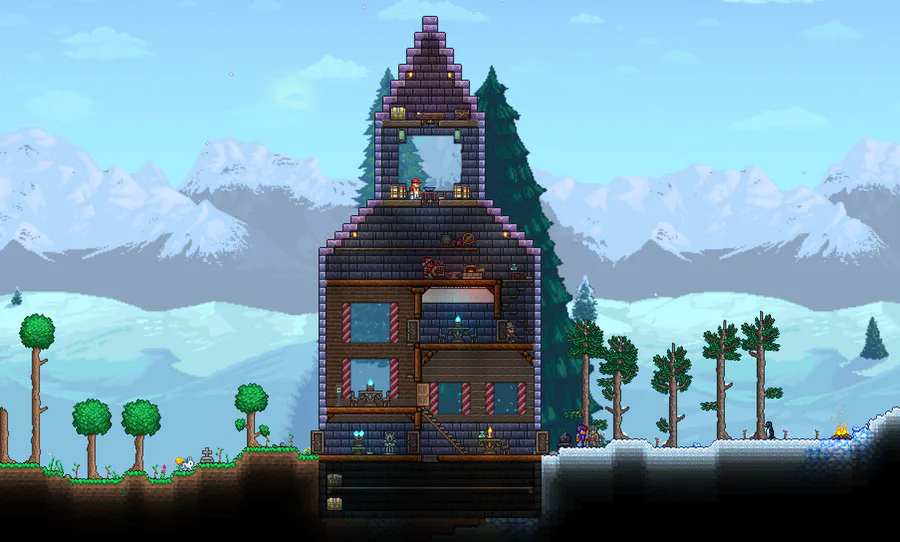

A house I've built a while ago. :)
It nicely separates the snowy biome from the grassy one.
It's built with painted Ebonstone.
1 comment