
 Loading...







 5
5 5
5 4
4 3
3 2
2 2
2 2
2 2
2 2
2 2
2 2
2 2
2 1
1 1
1 1
1 1
1 1
1 1
1 1
1 1
1 1
1 1
1 1
1 1
1 1
1 1
1 1
1





Next up
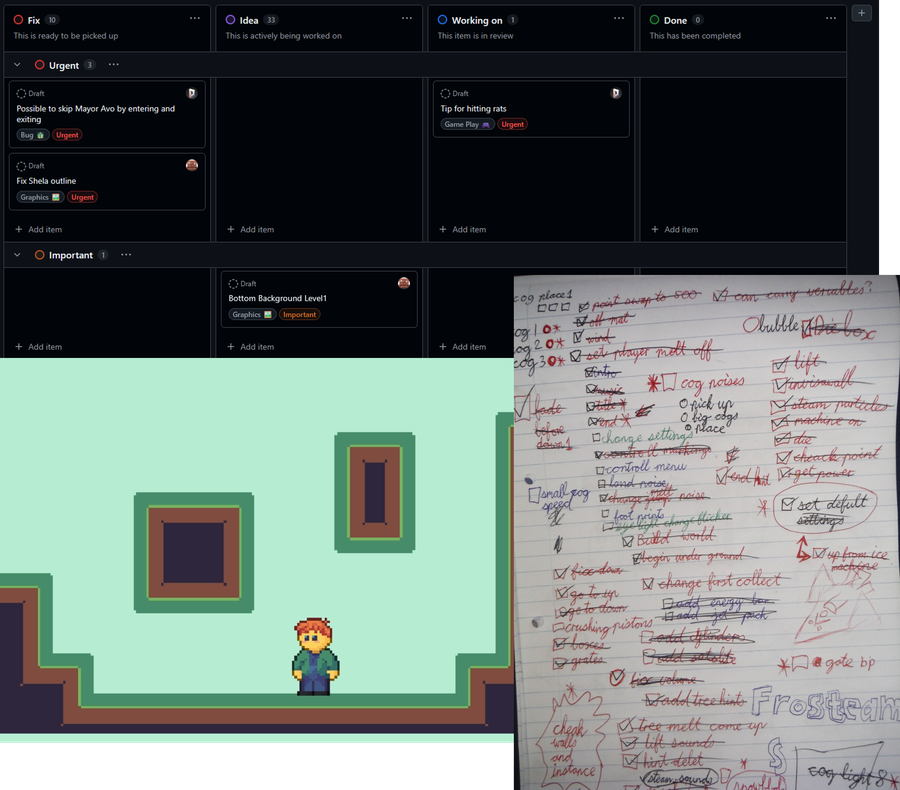
#Devruary Day 10: How do you usually plan a game dev project?
I often make checklists and sketches on physical paper and white boards, and I also prototype the game.
I also use the projects feature on GitHub to track tasks 
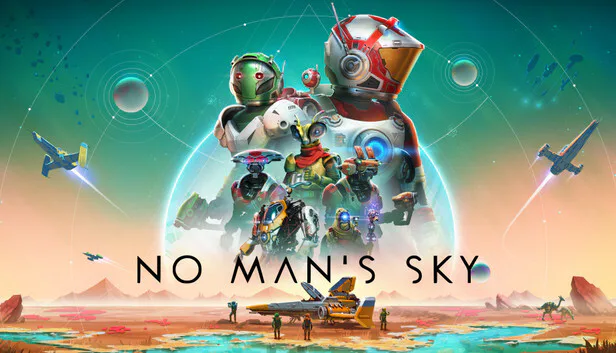
#Devruary Day 18: Which game dev inspires you most?
I'm really inspired by the developers behind No Man's Sky, Hello Games. They never gave up on their game after a failed launch, and made free updates for 10 years turning it into an amazing game today! 
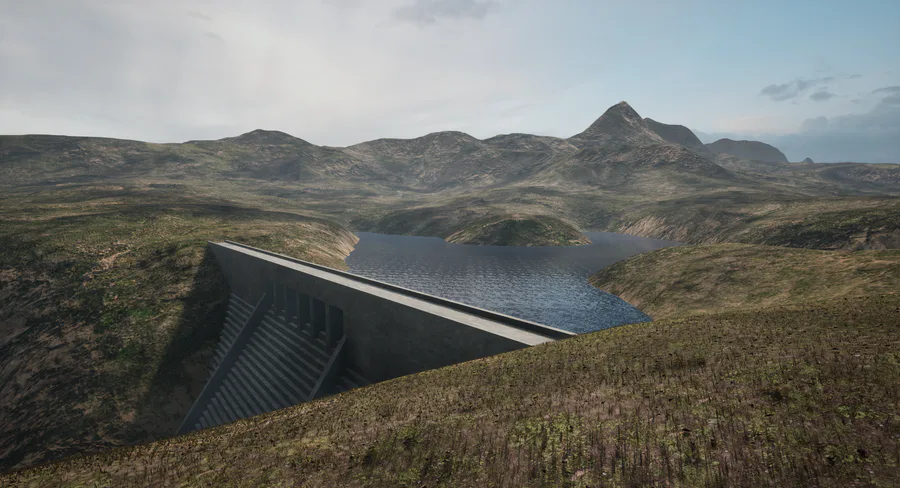
#Devruary Day 9: What's your favorite part of game dev? As I've mentioned before, I love being able to create my own worlds to explore!  I also really like sound design, it's a fun way to add a lot of detail to the experience.




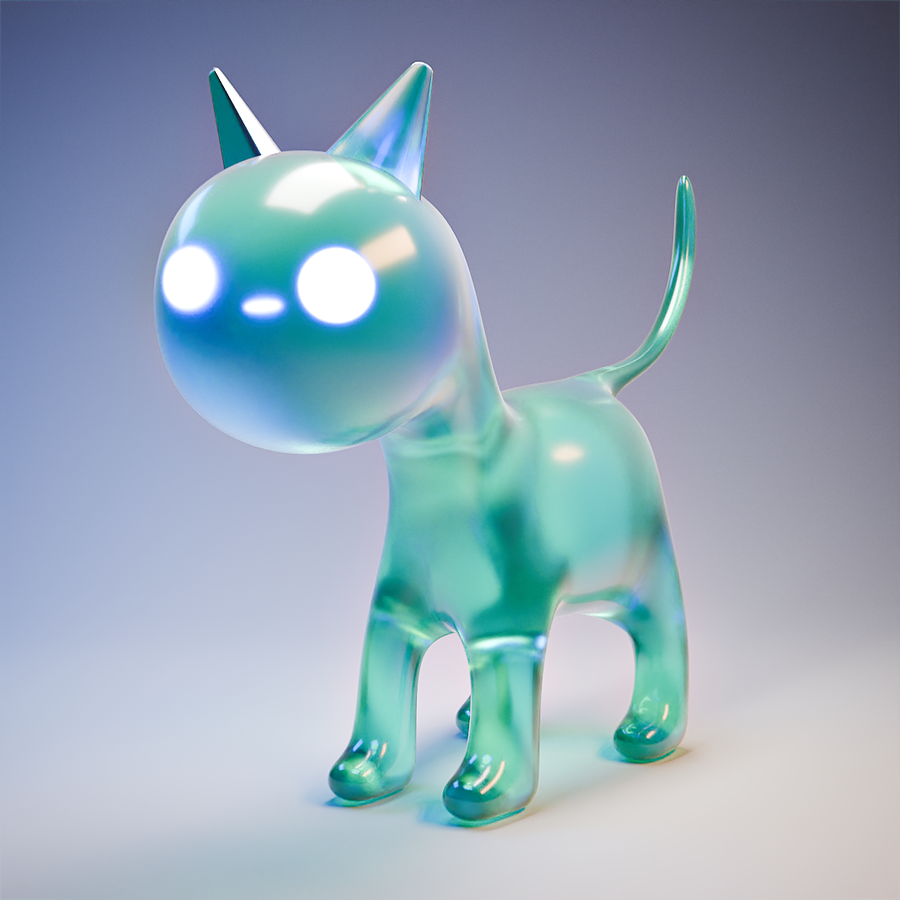
Not quite sure what I made with one of my students in #Blender today... But it's something 


Some renders I made a while ago.
Goodnight!
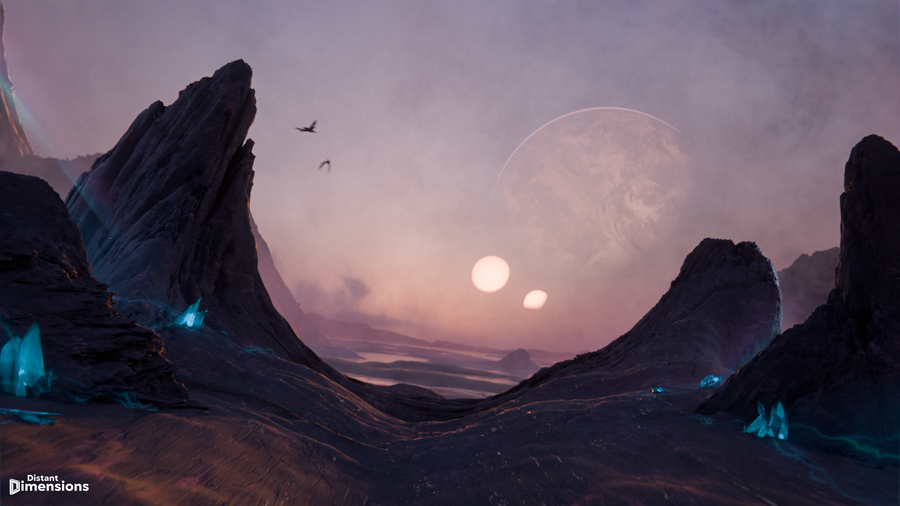
Made this other-world scene in #Blender yesterday to use as a background on my website I'm making! Somewhat inspired by No Mans Sky  I quite like the way it turned out, especially for only a few hours of work
  What do you think?
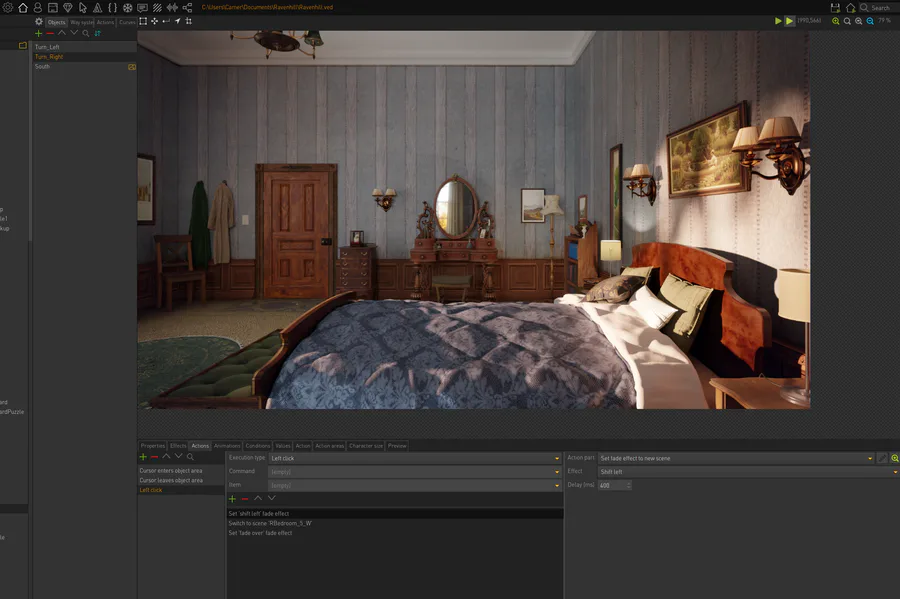
#Devruary Day 8: What engine are you using in your current game? I'm currently working on two different games, for my puzzle game What Was Found at Ravenhill I'm using Visionaire Studio. For the game "You're Not Welcome to Rennville I'm using Construct 2

Happy #WIPWednesday! Are you working on a game? Making some art? Practicing a song? Something else? Tell us in the comments!
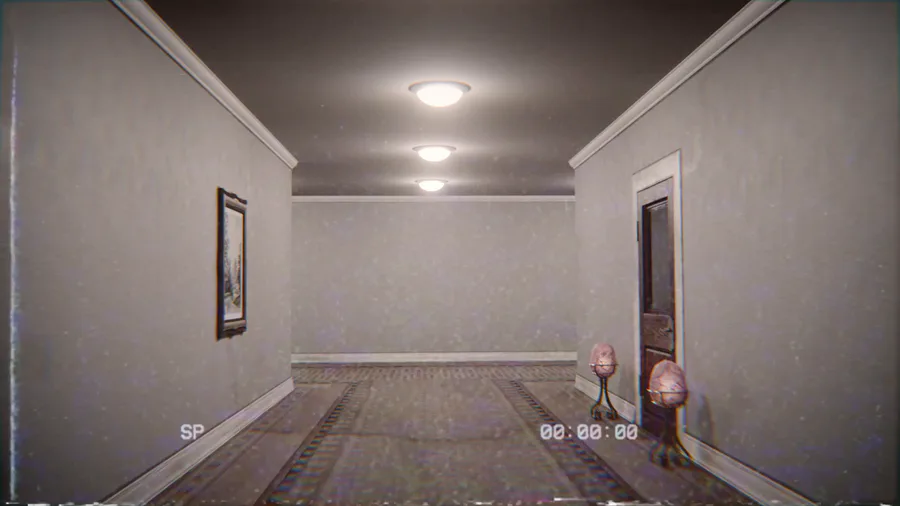
Made this found footage backrooms style animation in #Blender with one of my students... would you wander these halls? 
30 comments